Introduction
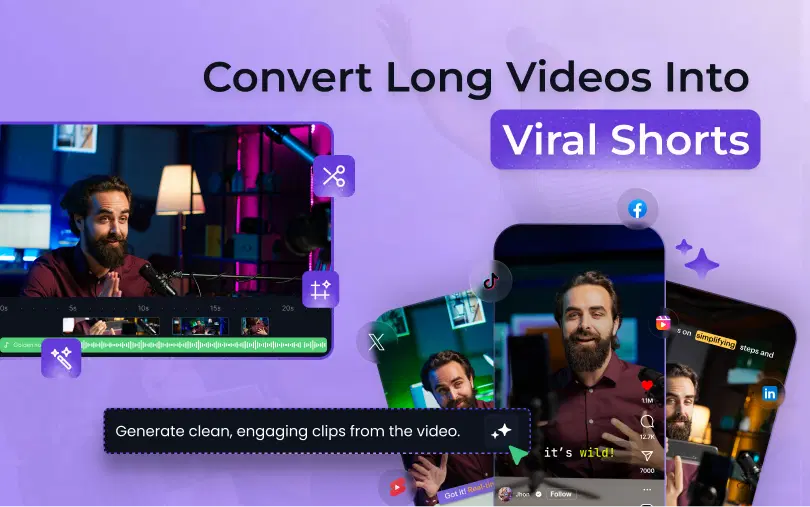
AI clip generation has changed the landscape of content creation. It automates the extraction of viral moments from long-form videos. These tools rely on advanced algorithms that analyze audio, video, and text to identify the most engaging content for creating LinkedIn, TikTok, Instagram Reel or YouTube Shorts. The key question here is: how does AI know what's "viral"? Let's break it down in this blog.
What is AI Clip Generation?
AI clip generation means that AI automatically selects and creates short clips from long videos by identifying the most relevant or engaging moments. Instead of you watching the entire video, AI analyzes it and highlights sections likely to perform well.
What Makes a Moment "Viral" on Shorts, Reels, and TikTok?
AI video clip generator first transcribes the spoken content to understand what is being said, including pauses and emphasis, and key phrases. Next, it analyzes segments based on signals such as emotional impact, message clarity, relevance, and overall engagement potential, identifying moments with strong reactions, memorable quotes, or sudden shifts in tone.
While doing so, it uses computer vision to detect visual changes, such as scene transitions, movement, and on-screen reactions. It then integrates these visual signals with transcript insights using Large Language Models (LLMs) to highlight moments that feel most dynamic, clear, and likely to be shared.
Also Read: AI for VFX: How Artificial Intelligence Is Changing Visual Effects
A "viral moment" is a moment that increases:
- Watch time
- Completion rate
- Replays/Loops
- Engagement (comments, shares)
Platforms favor content that retains viewers. In fact, some content creators spend a lot of time on the initial few seconds of videos because this determines whether to stay or swipe.
So, AI clip tools are essentially trying to answer this very important question: "Which 3 to 5 seconds will keep people hooked to this video?"
How does AI Identify Viral Moments in Your Videos?
Most AI clipping tools utilize a mix of computer vision (what's happening visually), audio analysis (what's happening in sound), and language understanding (what's being said).
Below are some of the primary indicators that AI looks for:
1. Visual Change and Motion Spikes
It highlights instances where clear visual patterns are present, like:
- An abrupt movement
- A quick camera change
- A scene cut
- A zoom, a gesture, a dramatic reaction
Such moments "feel" dynamic; perfect for short-form. Most of the AI clipping tools identify key moments by detecting movement, camera changes, and scene transitions in a video.
2. Facial Expressions and Emotion Cues
The main reason creators go viral is that humans connect with humans. AI detects:
- Smiles, Surprise, Shock
- Laughing reaction
- "Wait…What?" expressions
These are good signals for videos because they trigger curiosity. This is frequently cited as part of how the AI locates highlights (facial expressions + reactions).
3. Audio Peaks and Energy Moments
Additionally, AI listens:
- Laughter
- Applause/cheering
- Raised voice/excitement
- Dramatic pauses
- Fast back-and-forth conversations
It often detects "excitement" or emphasis in audio.
4. Transcript + keyword "hook" detection
Most AI video clip generators start the process by transcribing the video footage and searching for the following:
- Powerful one-liners
- Punchy statements
- Contrasts ("Most people do X… but actually Y…")
- Specific how-to steps
- Emotional/surprising claims
The reason interviews and podcasts are so popular is that they clip very well; namely, the best parts are almost always bite-sized.
5. Pattern Matching from What Already Works
This is the 'secret sauce'. AI tools are often designed through the patterns from high-performing short-form content, so they learn what tends to work:
- A strong hook in the beginning
- Clear payoff
- Tight pacing
- Minimal dead air
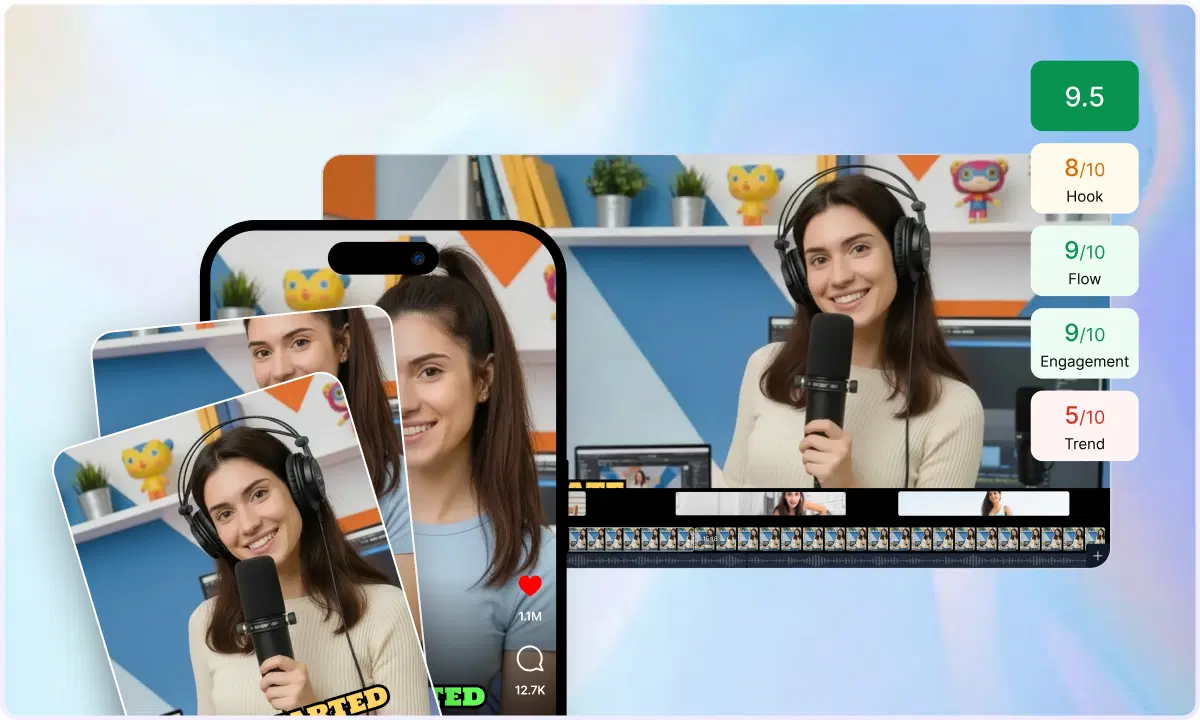
Some tools can also provide a "virality score". A virality score is a ranking system that helps determine which clips to prioritize for posting.
6. Platform Formatting Signals
Even a great moment that can go viral within minutes can flop if it looks bad in the feed. The typical AI clipping process involves:
- Auto reframing to 9:16
- Captions
- Removing filler words
- Keeping clips in a "short-friendly" length
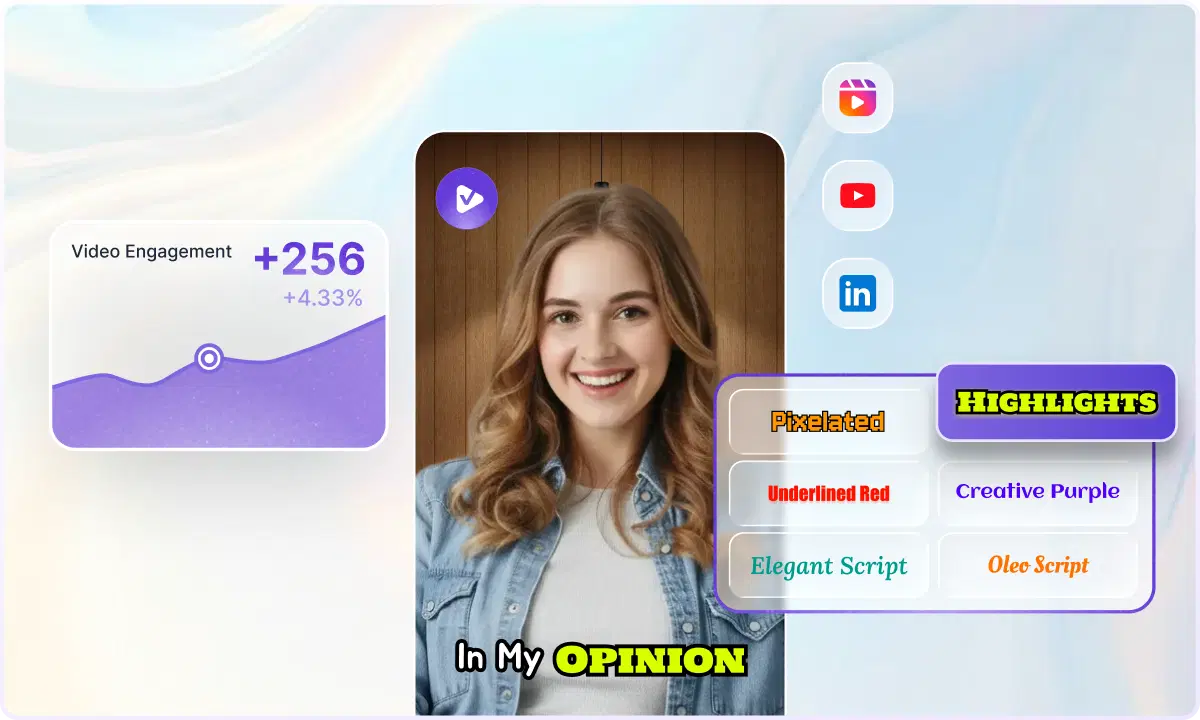
Many AI clip makers offer their product in this workflow: identify highlights → create captions → format for Shorts, Reels, TikTok, or any other platform.
A Simple AI Clipping Workflow
Below is what typically happens in an AI clip generation pipeline:
- Video ingestion (upload or link)
- Pre-processing (audio cleanup, filler word detection, optional enhancement)
- Scene detection (where the video changes)
- Audio analysis (peaks, pauses, emphasis, reactions)
- Transcription (speech to text)
- Moment scoring (ranking segments using multiple signals)
- Clip assembly (trim, pacing, hook placement)
- Short-form optimization (captions, smart reframing, platform-ready formats)
This is exactly why content creators find AI clipping so attractive: it removes the need to spend hours searching viral moments from long videos by providing a list of "best moments."

How to Get Better Clips From AI
AI is smart, but it works best when your content is "clippable". Make your hooks clear. For example, say:
- "Here's the real reason..."
- "Most people get this wrong…"
- "Do this instead…"
AI is also used in animation, helping with motion, lighting, and character movement; hence, the line between animation and visual effects is getting thinner.
Express in short but complete thoughts. Make "Chapter Moments". In longer videos, carefully craft these mini segments:
- Problems
- Quick example
- Takeaways
- Keep energy shifts
The short-form contrasts:
- Calm → Surprise
- Question → answer
- Mistake → fix
Where is AI Clip Generation Most Useful
AI clipping is especially powerful for:
- Podcasts (best soundbites)
- Webinars (key teaching points)
- Interviews (strong reactions)
- Courses (mini-lessons)
- Livestreams (highlight moments)
If your content is long-form, AI clipping helps you consistently produce short-form content with the relevant bites or clips.
Can AI Clip Generation Guarantee Virality?
Creating AI-generated video clips will not ensure their virality; any tool that claims it should be used with caution.
But what AI can do is identify moments with patterns typically effective in short-form videos. These include strong hooks, reaction-engaging content, takeaway messages, and fast-paced content. AI uses data signals, such as watch time, engagement patterns, and content structure, to rank clips.
However, virality can still rely on factors that aren't controlled by AI, which include:
- Audience timing
- Trends
- Distribution strategy
- Creator consistency
Consider AI clip creation as increasing your chances of being consistent rather than a guarantee of outcomes. AI clip creation eliminates the uncertainty, accelerates the decision-making process, and enables you to publish high-quality clips consistently, which is what the algorithm is rewarding you for. In short, AI does not create viral content, but it makes content creators faster, smarter, and more consistent.
The Role of VFX AI
If you're scaling short content, you typically require these two things:
- Clips (finding the best moments)
- Finishing (adding captions, reframing, visual finish, export)
This is where an AI video editing platform, such as VFX AI, can seamlessly integrate itself into your workflow: edit faster, refine faster, and post faster.
Benefits for Creators: VFX AI
VFX AI reduces editing time from hours to minutes, enabling daily posts that algorithms find ideal for steady growth. Focused on data-driven 'viral attributes,' creators break a single long-form video into multiple clips to maximize ROI. Improved subtitles and platform tweaks improve accessibility and SEO, driving higher watch times and shares.