Separate workspaces for every team
Create isolated workspaces for different teams, projects, or clients so content never overlaps or gets mixed.
Team Workspaces in VFX AI let teams create, edit, and publish content together with clear roles and permissions. Organize projects, manage access, and keep every workspace isolated to keep collaboration simple and secure.
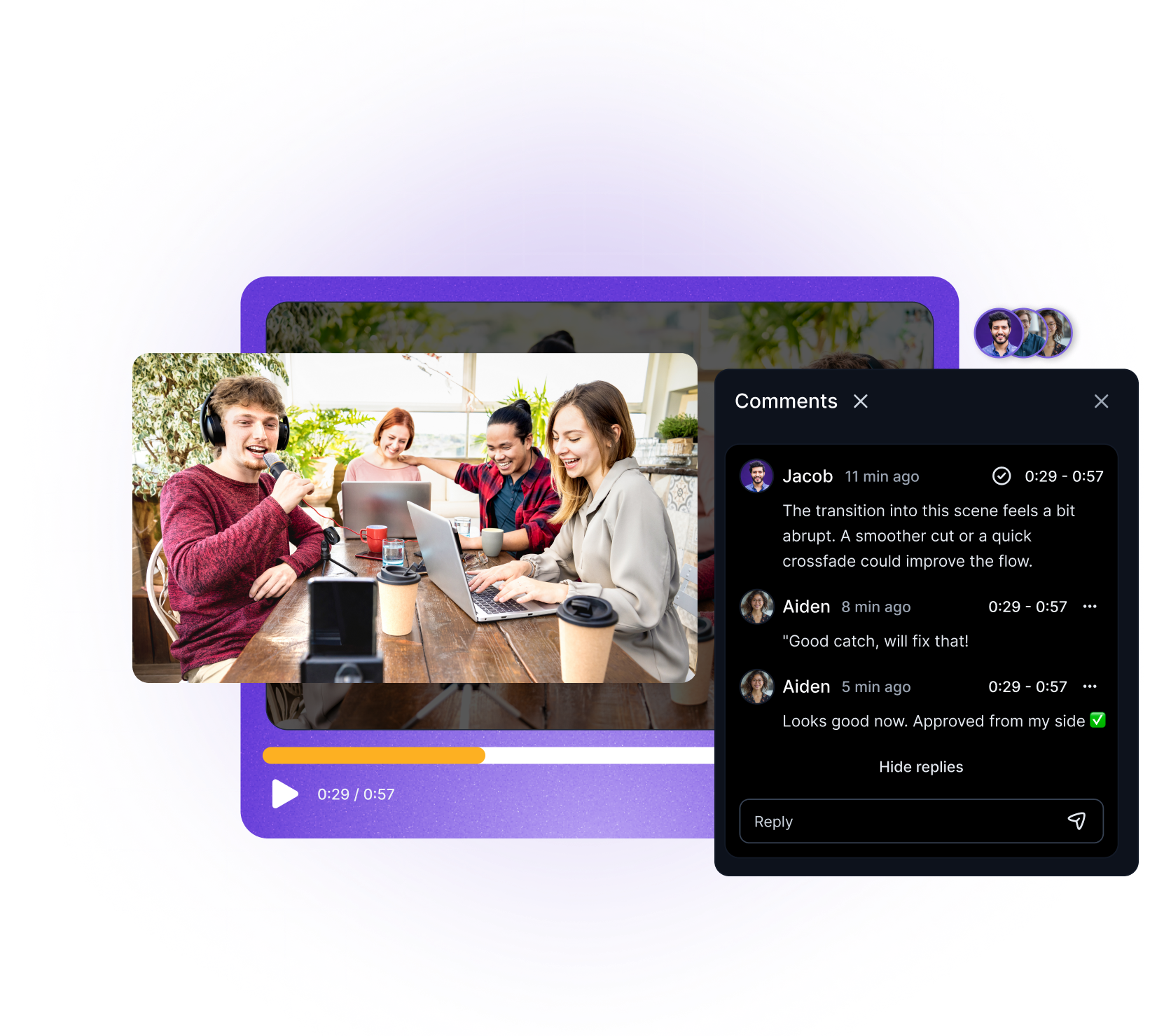
Built with world-class AI and cloud technology
As teams grow, shared folders and scattered permissions quickly become a problem. VFX AI Team Workspaces provide structure for collaboration, giving each team or client a dedicated space with clear ownership and access controls.

Create isolated workspaces for different teams, projects, or clients so content never overlaps or gets mixed.
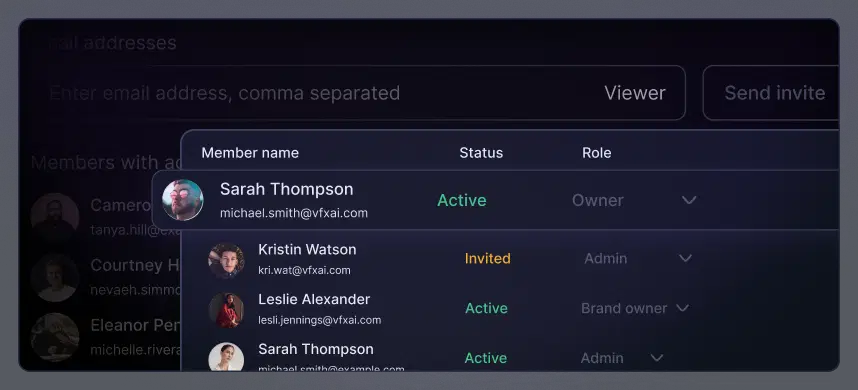
Assign roles to each member so everyone has the right level of access, nothing more, nothing less.
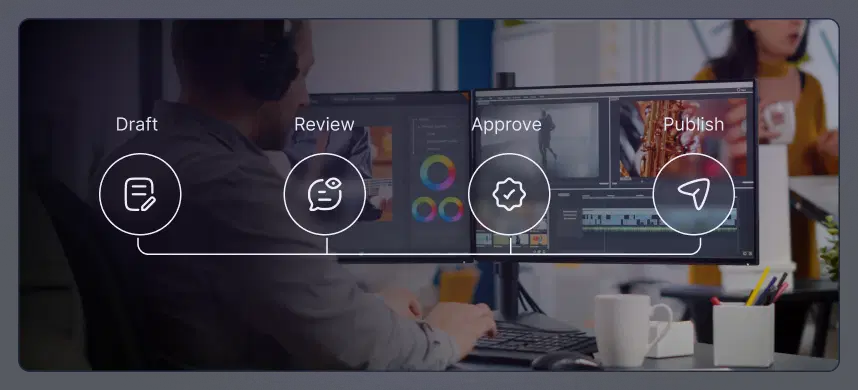
Organize folders, projects, brand assets, and schedules within each workspace to enable smooth collaboration.
Every action is scoped by account and workspace, keeping data isolated and access tightly controlled.
Team Workspaces in VFX AI are designed to support real collaboration, without slowing teams down or compromising security.
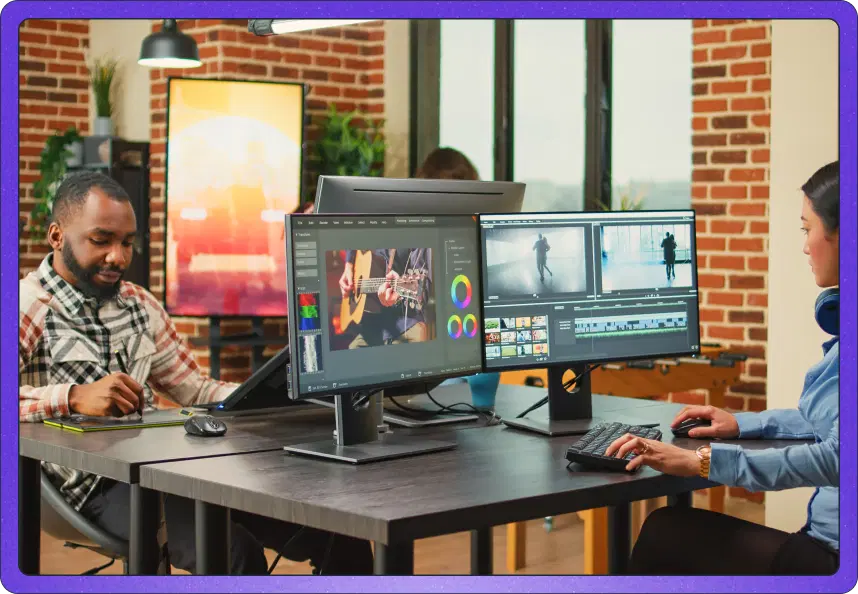
Each workspace operates independently, making it easy to manage multiple teams or clients within a single account.
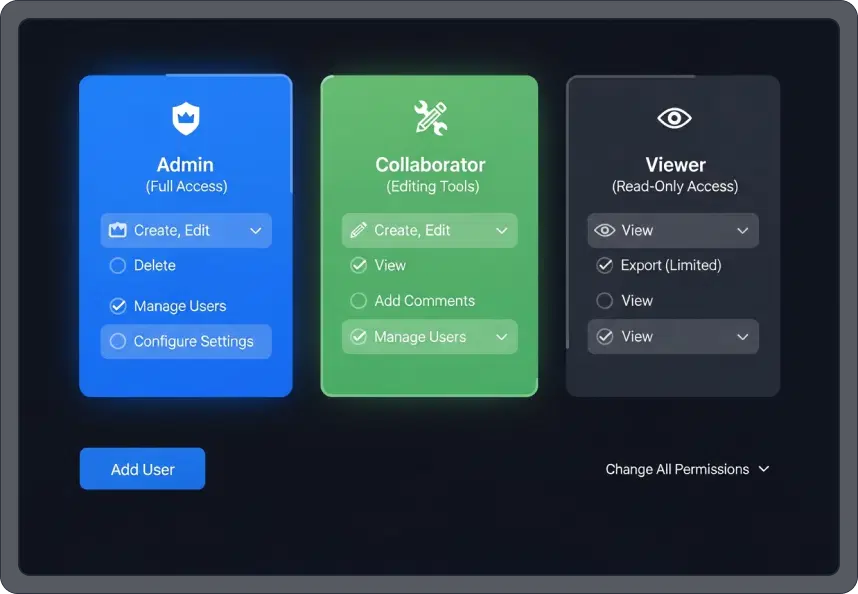
Assign roles like Admin, Member, Viewer, Collaborator, or Brand Editor to control what each user can access.
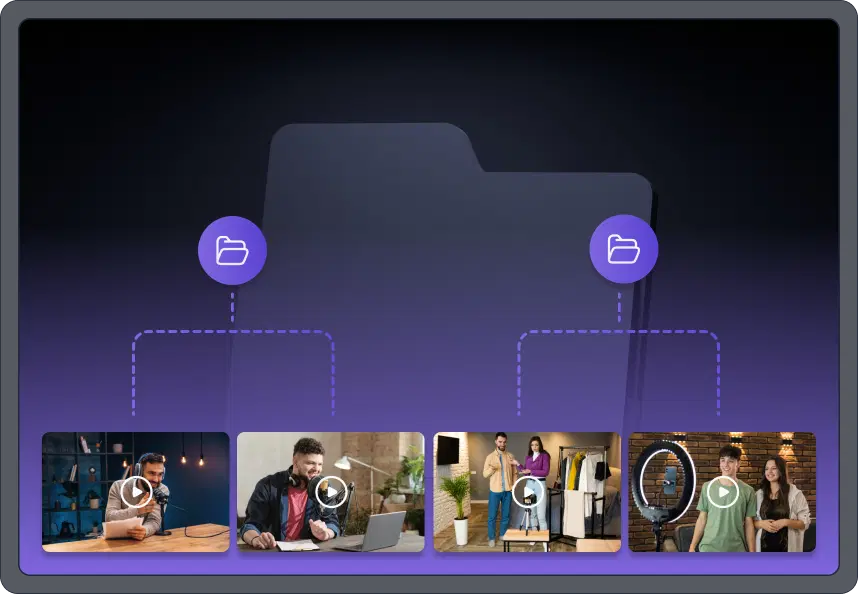
Keep folders, projects, and assets organized within each workspace for clear ownership and visibility.
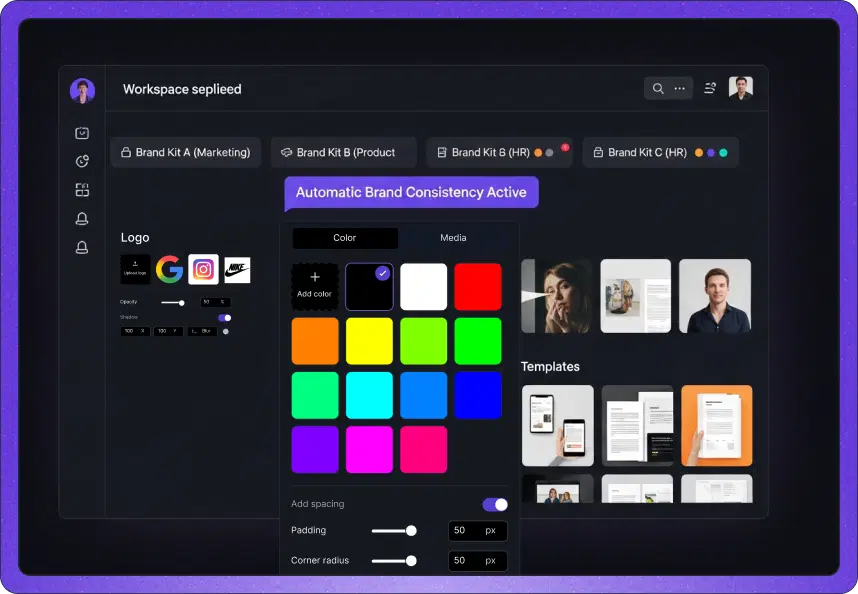
Apply unique Brand Kits per workspace so teams and clients always use the correct logos, colors, and templates.

Manage social media connections separately for each workspace to avoid cross-posting mistakes.
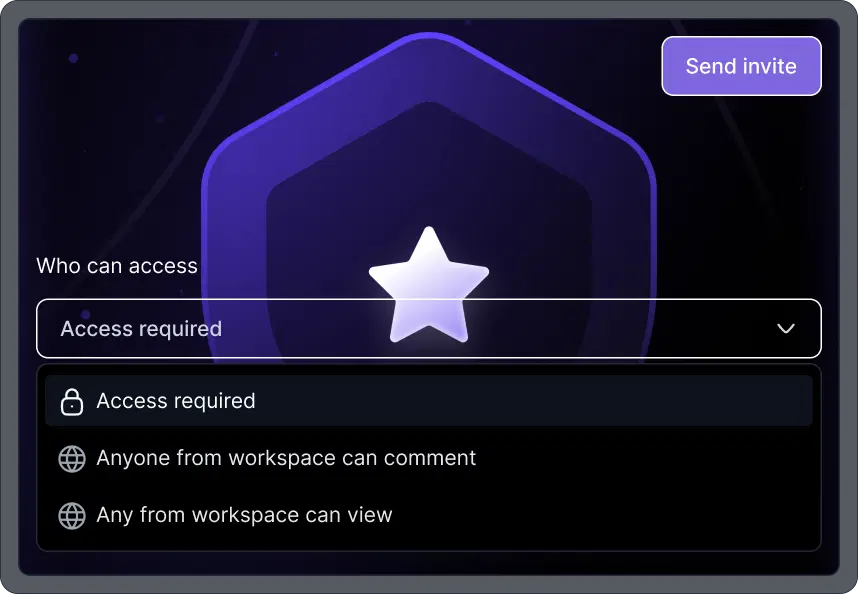
Invite users by email. Once accepted, access is granted automatically based on assigned roles.
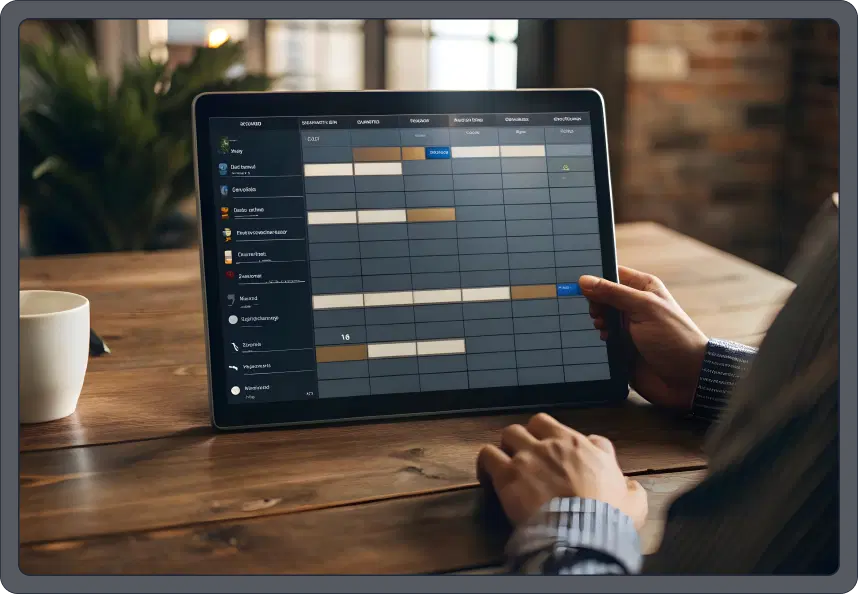
Track changes and actions within a workspace for accountability and operational clarity.
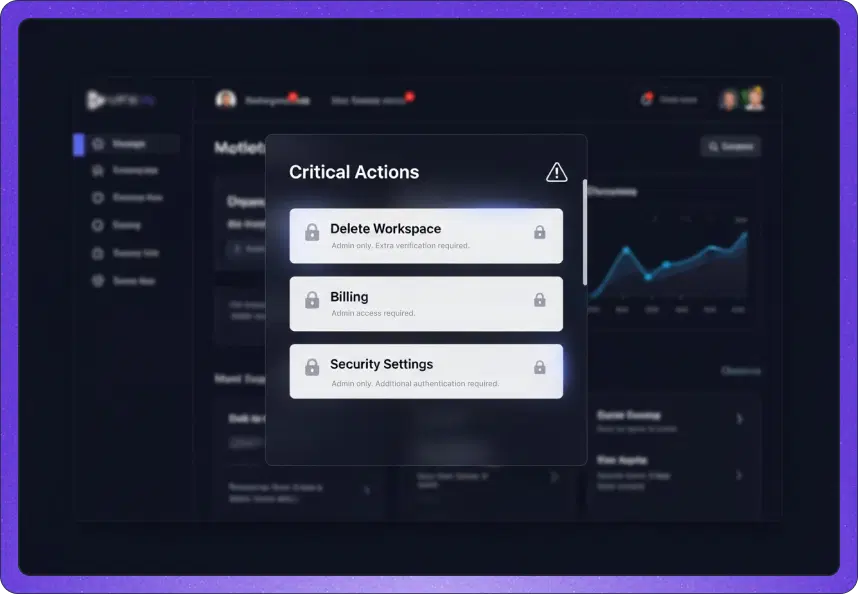
Sensitive operations are restricted to admins, keeping critical settings protected.
Everything you need to know about Team Workspace and collaborative content creation.

