VFX AI vs Canva
VFX AI and Canva are both powerful tools for creating video content, but they are built for very different workflows and outcomes. VFX AI focuses on automated cinematic video production and multi-platform distribution, while Canva centers on template-based design and quick social content creation.

Pick VFX AI if you:
- Create videos regularly for social media or marketing
- Want AI editing instead of template-based workflows
- Need automatic clipping, captions, and repurposing
- Run an agency, brand, or growing content team
- Want built-in publishing and scheduling
 Canva
CanvaPick Canva if you:
- Primarily create graphics and presentations
- Need quick social media videos using templates
- Prefer drag-and-drop editing
- Create occasional marketing videos
- Want a simple all-in-one design platform
Biggest Difference
VFX AI is built for AI video editing, production-grade visuals, and automation-first workflows, whereas Canva is designed as a general-purpose visual design tool with basic video capabilities.
VFX AI
CanvaWhat VFX AI Does Differently
VFX AI is designed specifically for video production, helping creators and businesses automate the entire editing workflow instead of relying on manual timeline editing.
AI Video Editing
VFX AI understands your video content to automatically generate polished edits, captions, transitions, and platform-ready outputs.
- AI clip generation
- Automatic captions
- Smart scene detection
- AI-driven timeline editing
Video Workflow Automation
Instead of using multiple tools, VFX AI combines editing, optimization, branding, and publishing into a single platform.
- AI editing workflows
- Built-in publishing
- Content Repurposing
- Multi-platform optimization
Content Repurposing
Turn one long-form video into multiple high-performing content formats for every major social media platform within minutes.
- YouTube Shorts
- Instagram Reels
- TikTok videos
- LinkedIn video content
Brand Consistency at Scale
Maintain the same visual identity across all videos using AI branding tools to ensure professional-looking content.
- Automatic logo placement
- Brand colors
- Fonts and typography
- Motion graphics consistency
Advanced AI Video Enhancement
Improve production quality automatically with AI and reduce production time while maintaining professional-quality results.
- Audio enhancement
- Video upscaling
- Background removal
- AI visual effects
What Canva Does Differently
Canva focuses on making graphic design and basic video creation accessible for everyone through templates and an intuitive drag-and-drop interface.
Template-Based Video Creation
Create videos quickly using thousands of customizable templates without requiring advanced editing skills or experience.
- Ready-made templates
- Drag-and-drop editing
- Stock assets
- Animated elements
Integrated Design Platform
Canva combines presentations, documents, graphics, and videos into a single workspace for seamless content creation using customizable templates.
- Social media graphics
- Presentations
- Marketing materials
- Print designs
AI Design Tools
Canva includes AI features that simplify graphic design and creative asset generation for faster everyday content creation.
- Magic Design
- Magic Media
- AI image generation
- Background remover
Beginner-Friendly Workflow
Designed for users with little or no editing experience, making content creation simple, fast, and accessible for everyone.
- Simple interface
- Minimal learning curve
- Fast content creation
- Collaborative editing
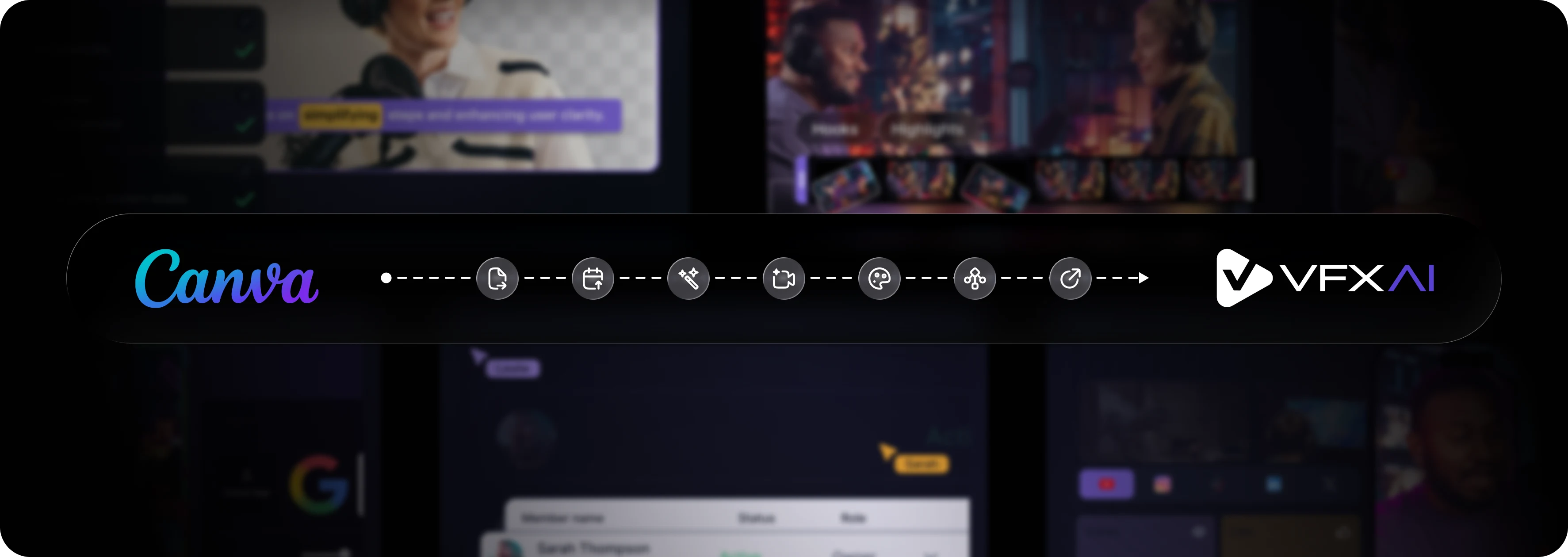
How to Switch from Canva to VFX AI
Moving from Canva to VFX AI is simple and gives you access to professional AI video editing, automation, and publishing workflows.
Upload your video
Import long-form videos, podcasts, webinars, interviews, or raw footage directly into VFX AI for AI editing and automation.
Configure your Brand Kit
Upload your logo, fonts, colors, and branding assets once. VFX AI automatically applies them across future videos.
Generate AI-driven edits
Automatically create captions, highlight clips, transitions, visual effects, and optimized social videos with minimal manual work.
Repurpose for every platform
Instantly generate versions for YouTube, Instagram, TikTok, Facebook, LinkedIn, and X for maximum engagement.
Publish from one platform
Schedule and publish videos across multiple social media platforms without exporting or switching between tools.
That's it.
No complex timelines. No layered editing. No platform-by-platform publishing.
Why Teams Switch from Canva to VFX AI
Need professional AI video editing
Want automated content repurposing
Consistent branding across every video
Require built-in publishing workflows
Frequently Asked Questions
Common questions about VFX AI vs Canva.
Is VFX AI better than Canva?

Can VFX AI replace Canva?

Which platform is better for content creators?
Does Canva use AI for video editing?
What is the biggest difference between VFX AI and Canva?