VFX AI vs Filmora
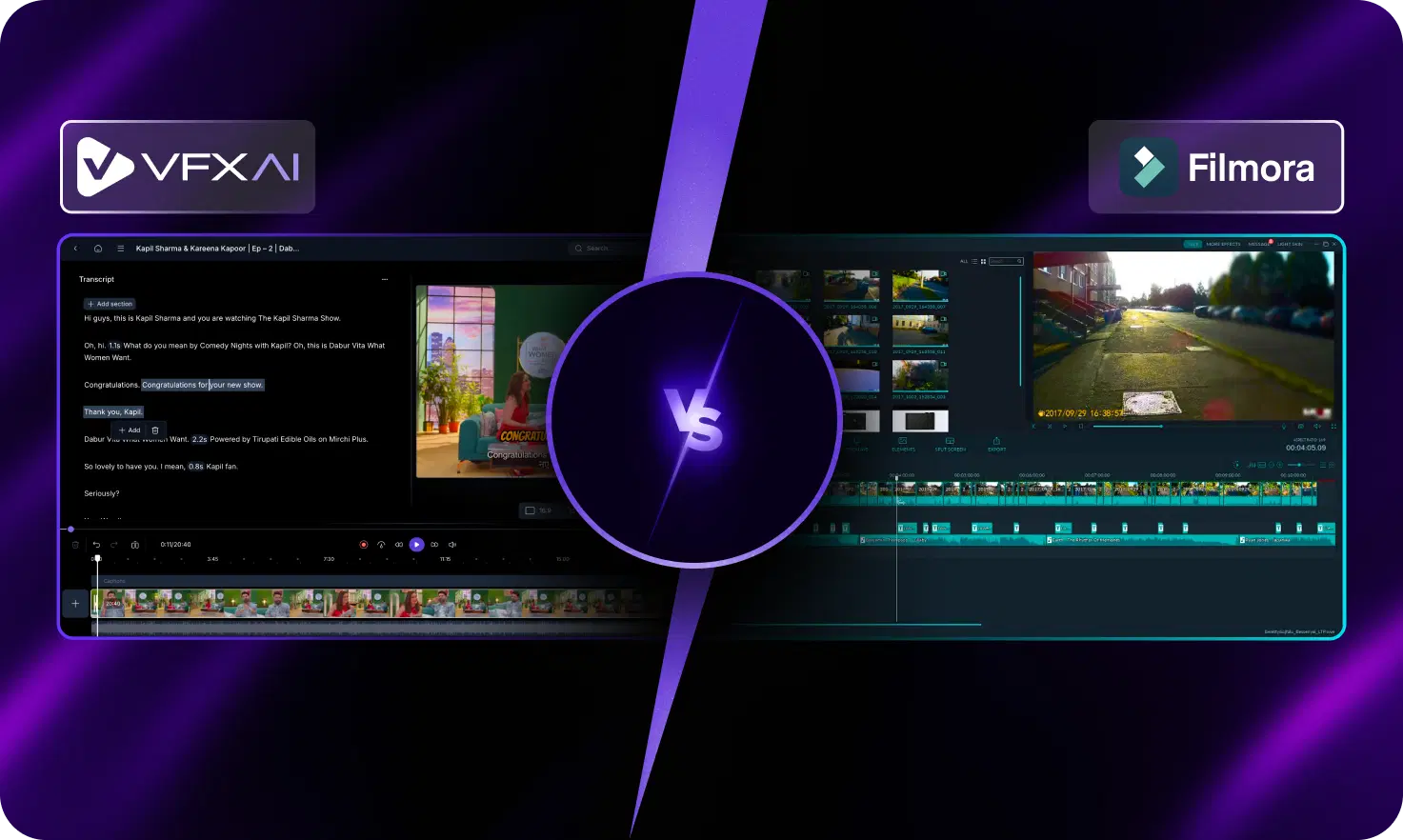
VFX AI and Filmora both help creators produce videos faster, but they approach video editing very differently. Filmora is a traditional video editor enhanced with AI features, while VFX AI is an automation-first AI video production platform built for creating, repurposing, publishing, and scaling content across multiple social platforms.

Pick VFX AI if you:
- Need end-to-end automation from creation to publishing.
- Want cinematic, scroll-stopping social videos.
- Repurpose one video into platform-specific clips.
- Need built-in scheduling and publishing.
- Create content at scale for multiple brands.

Pick Filmora if you:
- Want complete manual control over effects and transitions.
- Prefer traditional timeline-based editing.
- Edit YouTube videos, travel videos, or personal projects.
- Need beginner-friendly desktop editing software.
- Like customizing every scene manually.
Biggest Difference
The biggest difference between VFX AI and Filmora is that VFX AI automates the complete video production workflow from editing and repurposing to publishing, while Filmora focuses on manual timeline editing supported by AI-powered editing tools.
What VFX AI Does Differently
VFX AI is built as an AI-driven content production system instead of a conventional editing application. Rather than editing one video at a time, it automates the entire workflow from creation to publishing.
Built-In Automation
Unlike traditional editors, VFX AI includes social publishing directly in the platform for content distribution.
- Multi-platform publishing
- Automated content distribution
- Social-ready formatting
- No manual exporting
Automated Video Workflows
Instead of manually trimming clips and applying effects on a timeline, VFX AI automates the editing process.
- AI-generated captions
- Smart cuts and trims
- Automated transitions
- Visual enhancements
Scalable Brand Consistency
Maintain consistent branding across hundreds of videos without repeating manual work.
- Logo automation
- Typography controls
- Brand colors
- Saved templates
Multi-Platform Content Repurposing
Turn one long-form video into multiple optimized formats for every major platform quickly and efficiently.
- Instagram & TikTok Reels
- YouTube Shorts
- LinkedIn videos
- Video advertisements
Visual-First Content Creation
VFX AI is designed to generate platform-native content optimized for engagement.
- Motion design automation
- Platform-native formatting
- Cinematic editing
- Scroll-stopping creative outputs
What Filmora Does Differently
Filmora is a desktop-first video editor that combines traditional timeline editing with AI-powered editing features. It gives users more manual control while simplifying editing for beginners.
Traditional Timeline Editing
Filmora revolves around a familiar drag-and-drop timeline where creators manually arrange clips, effects, and text.
- Multi-track editing
- Manual scene control
- Flexible editing timeline
- Beginner-friendly interface
AI Editing Features
Filmora includes several AI-powered tools that speed up common editing tasks without replacing manual editing.
- AI Smart Cutout
- AI Audio Denoise
- AI Text-Based Editing
- AI Background Removal
Extensive Effects Library
One of Filmora's strengths is its collection of creative assets and effects for diverse video projects.
- Video effects and motion titles
- Transitions and filters
- Stickers
- Royalty-free music
Massive Stock Media Library
Filmora offers creators complete editing flexibility for longer-form content with advanced tools and customization options.
- Detailed timeline control
- Keyframe animations
- Audio mixing & color correction
- Motion tracking
How to Switch from Filmora to VFX AI
Switching from Filmora to VFX AI allows you to automate repetitive editing tasks, create more content in less time, and publish directly to social platforms.
Define your content goal
Choose whether you're creating Reels, Shorts, ads, campaigns, or social content. VFX AI automatically optimizes the workflow for your desired output.
Set your brand style
Upload your logos, fonts, colors, and brand guidelines once. Every generated video automatically follows your branding.
Upload your content
Import podcasts, webinars, interviews, or raw footage. VFX AI automatically identifies the best moments and creates platform-ready clips.
Generate polished videos
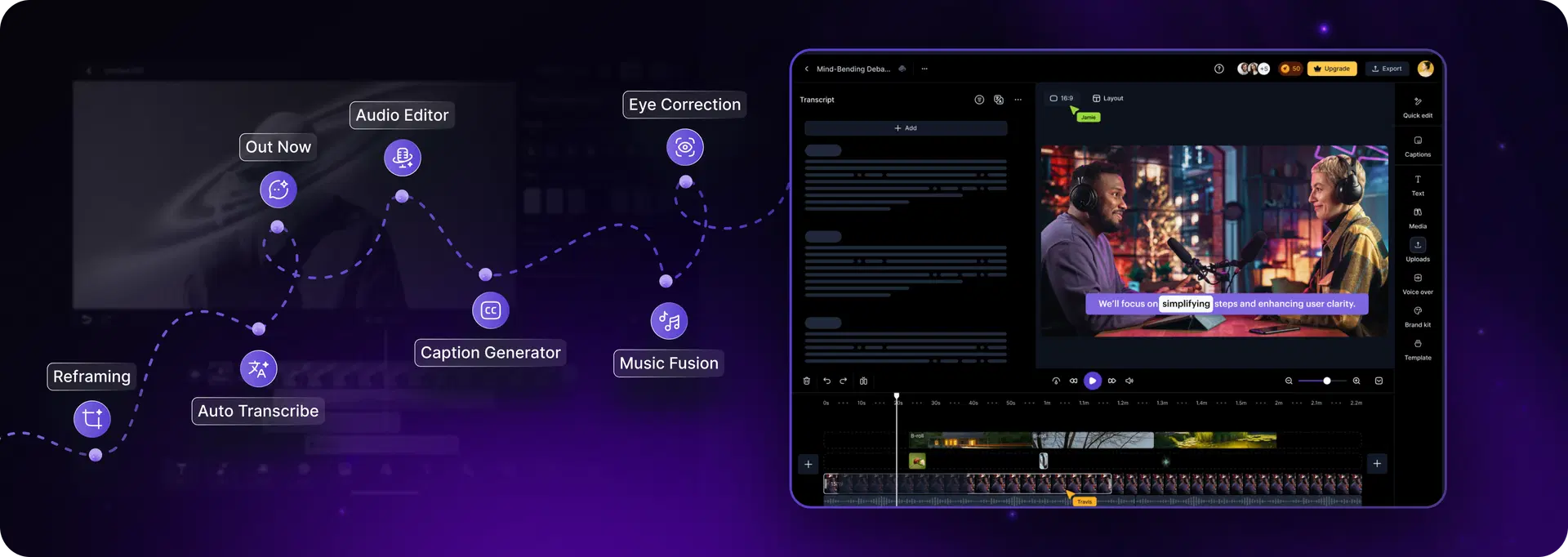
Instead of manually editing every scene, VFX AI automatically applies captions, transitions, reframing, visual enhancements, and AI editing.
Publish everywhere
Schedule and publish content directly to multiple social media platforms without exporting files or switching between tools.
That's it.
No complex timelines. No layered editing. No platform-by-platform publishing.
Why Teams Switch from Filmora to VFX AI
Need faster production than manual timeline editing
Want automated content repurposing
Require consistent branding across every video
Produce high-volume social media content
Frequently Asked Questions
Common questions about VFX AI vs Filmora.
Is VFX AI better than Filmora?

Is Filmora a good alternative to VFX AI?

Is VFX AI good for agencies and marketing teams?
What is the main difference between VFX AI and Filmora?
Which tool is better for Instagram Reels, TikTok, and YouTube Shorts?