VFX AI vs Premiere Pro
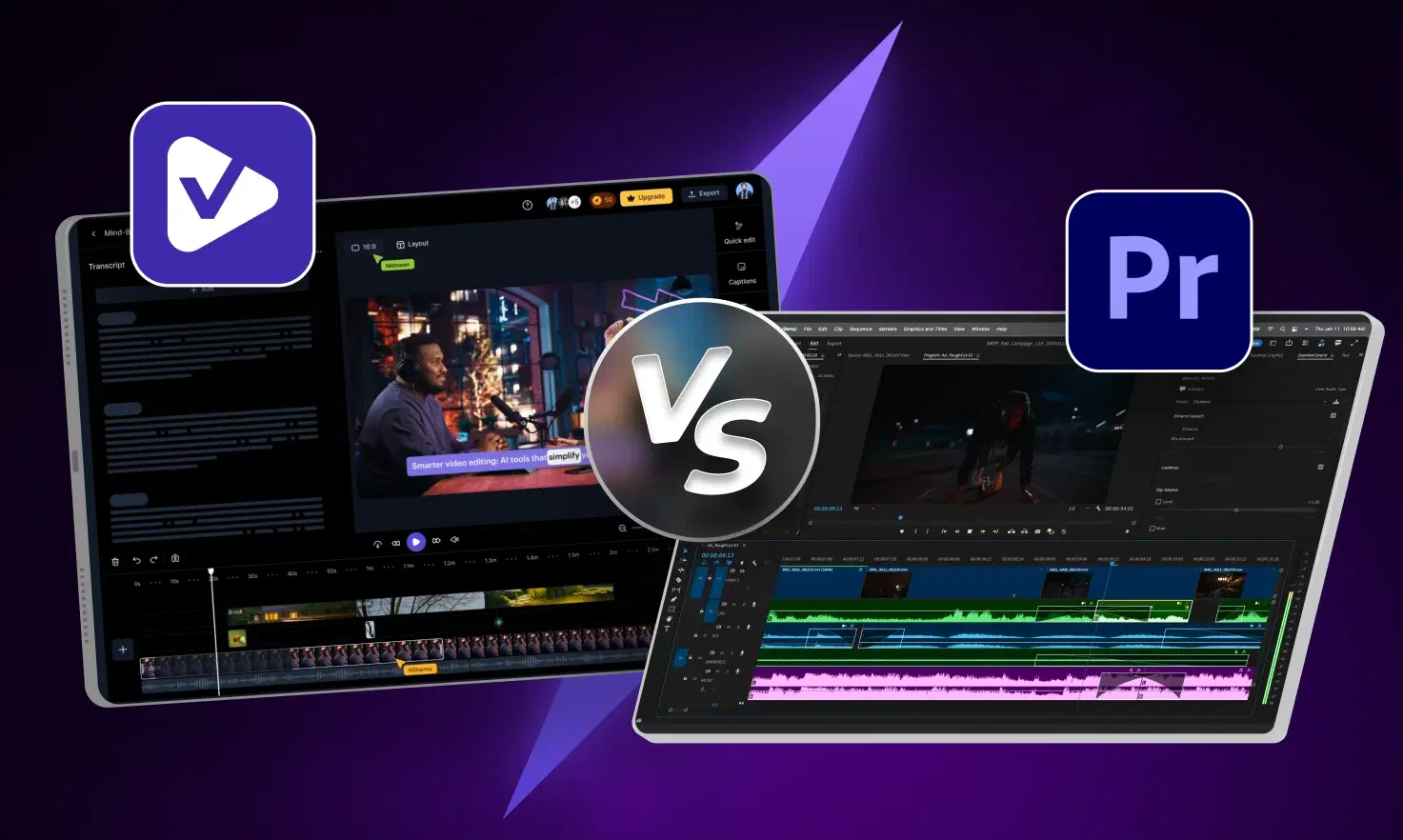
VFX AI and Adobe Premiere Pro are powerful video editing platforms, but they're built for different workflows. Premiere Pro is an industry-standard professional video editor designed for manual editing and advanced post-production. VFX AI is an AI-first video operating system built to automate editing, repurposing, publishing, and content production at scale.

Pick VFX AI if you:
- Want AI to automate editing, captions, clips etc
- Create high-volume content for all social media platforms
- Need end-to-end content workflows
- Manage multiple brands, clients, or marketing campaigns
- Want built-in scheduling, analytics, and collaboration

Pick Premiere Pro if you:
- Need frame-by-frame manual editing every time
- Produce films, commercials, documentaries, or broadcast content
- Require advanced color grading and timeline precision
- Use Creative Cloud applications like After Effects and Photoshop
- Prefer complete creative control over every edit
Biggest Difference
The biggest difference between VFX AI and Premiere Pro is that VFX AI automates the entire video production workflow from editing and clipping to publishing and analytics, while Premiere Pro is a professional timeline-based editor that gives users complete manual control with AI-assisted editing features.
VFX AI
Premiere ProWhat VFX AI Does Differently
VFX AI isn't just a video editor; it's a complete AI video operating system that automates repetitive production tasks, helping creators and businesses publish more content in less time.
Built-In Publishing
Unlike any other platform, VFX AI allows you to create, schedule, and publish content without switching between multiple platforms.
- Multi-platform publishing
- Built-in content scheduler
- Automated social distribution
- Platform-specific exports
Automated Video Editing
Instead of manually trimming timelines, editing scene by scene, and adjusting clips, VFX AI edits videos automatically, and saving time.
- AI Clip Generation
- Auto Captions & AI B-Roll
- AI Audio Enhancement
- Smart Reframing
Scalable Brand Consistency
Whether you're producing 10 videos or 500, VFX AI keeps every asset consistently on brand across all social media platforms.
- Logo automation
- Brand colors
- Brand templates
- Shared workspaces
End-to-End Content Workflow
Everything happens inside one platform, reducing manual work and streamlining your complete content workflow.
- Generate short clips
- Resize for every platform
- Publish automatically
- Track performance
Multi-Platform Repurposing
Turn one long-form video into dozens of optimized assets without doing anything manually optimized for each platform.
- Instagram Reels
- TikTok and Shorts
- LinkedIn Videos
- Facebook and X Videos
What Premiere Pro Does Differently
Premiere Pro is built for professional editors who need maximum creative flexibility and detailed control over every aspect of a video project.
Professional Timeline Editing
Premiere Pro provides one of the industry's most advanced timeline editing environments for complex post-production workflows.
- Multi-track editing
- Precision trimming
- Advanced sequencing
- Frame-by-frame control
Advanced Color Grading
Advanced color grading features help editors produce cinematic, professional-quality videos with complete creative control.
- HDR workflows
- Color matching
- LUT support
- Broadcast color correction
Adobe Creative Cloud Integration
Premiere Pro integrates seamlessly with Adobe's creative ecosystem. This makes it ideal for large creative teams already using Adobe tools.
- After Effects
- Photoshop
- Illustrator
- Adobe Stock
Professional Post-Production
It delivers the flexibility and precision required for professional video editing, filmmaking, and commercial production.
- Feature films
- Commercial production
- Television & Music videos
- Documentaries
How to Switch from Premiere Pro to VFX AI
Switching from Premiere Pro to VFX AI reduces repetitive editing work while helping teams create and publish content faster.
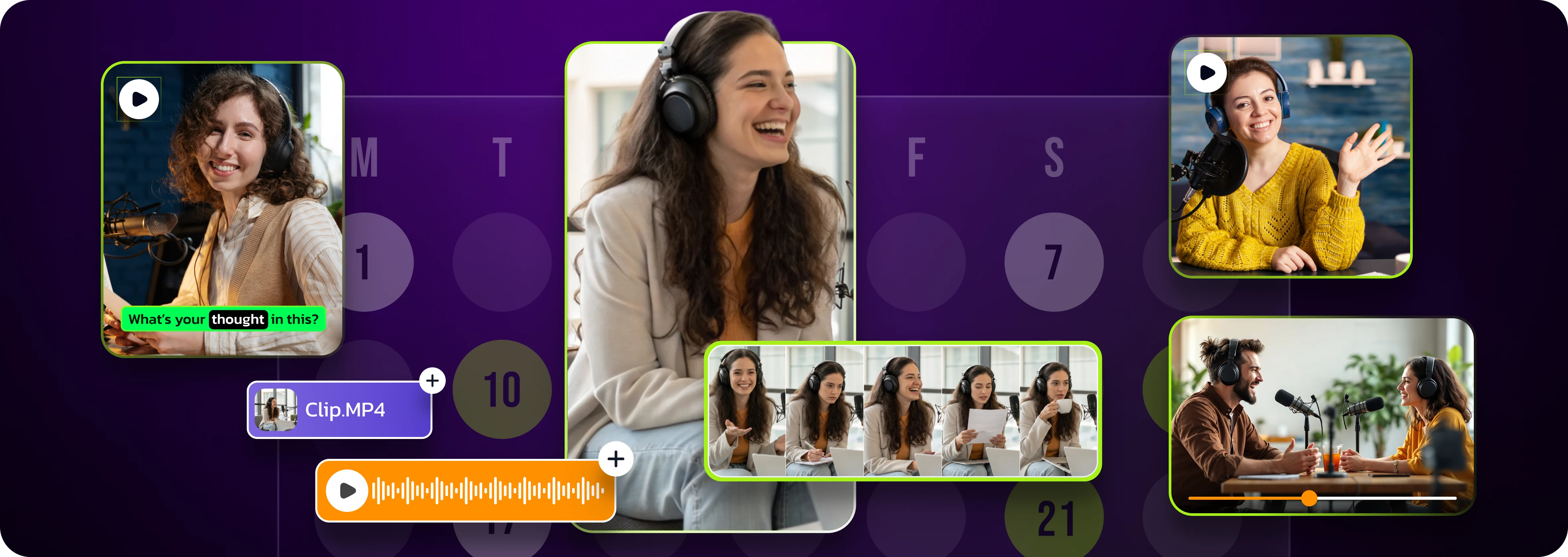
Upload your content
Import podcasts, webinars, interviews, tutorials, product demos, or raw footage into VFX AI to instantly begin AI video creation.
Set your brand system
Configure your logo, fonts, colors, and templates once. Every video automatically follows your brand guidelines.
Let AI Edit
VFX AI automatically identifies key moments, removes awkward pauses, generates accurate captions, creates short-form clips, enhances audio quality, and resizes videos for every social media platform.
Generate Multi-Platform Content
Create platform-ready videos for YouTube Shorts, Instagram Reels, TikTok, LinkedIn, and Facebook, all from a single upload.
Publish everywhere
Use the built-in scheduling system to push content to all your social media channels. No exporting, re-uploading, or juggling within tools.
That's it.
No complex timelines. No layered editing. No platform-by-platform publishing.
Why Teams Switch from Premiere Pro to VFX AI
Spend less time on manual editing
Repurpose long-form videos automatically
Replace multiple tools with one AI-powered workflow
Publish content directly from one platform
Frequently Asked Questions
Common questions about VFX AI vs Premiere Pro.
Is VFX AI better than Premiere Pro?

Is VFX AI a good alternative to Premiere Pro?

Is VFX AI good for marketing teams?
What is the main difference between VFX AI and Premiere Pro?
Which tool is better for YouTube Shorts, Instagram Reels, and TikTok?