VFX AI vs Runway
VFX AI and Runway are both powerful AI video tools, but they're built for very different workflows. This side-by-side breakdown shows where VFX AI is the stronger Runway alternative for teams that care about branded content, automation, and multi-platform publishing.

Pick VFX AI if you:
- You want cinematic, campaign-ready edits without managing prompts, keyframes, or timelines.
- You're an agency, brand, or marketing team that needs reusable AI workflows and collaboration.
- You want an all-in-one Runway alternative that even publishes with a built-in multi-platform scheduler.
- You prefer streamlined production workflows instead of renders, and generation limits manually.

Pick Runway if you:
- You primarily need text-to-video or image-to-video generation for short clips or experimental content.
- You want granular control over AI generations using tools like masking, motion tracking, and rotoscoping.
- You enjoy experimenting with AI visuals and prefer hands-on creative control over automated workflows.
- You do not need native multi-platform scheduling and are exporting and uploading to platforms manually.
Biggest Difference
VFX AI is an automation‑first AI video platform that turns clips and brand kits into ready‑to‑publish videos and a built‑in multi‑platform scheduler. Runway focuses on generative models like text‑to‑video and image‑to‑video, giving creators more low‑level control over AI.
What VFX AI Does Differently
VFX AI is designed around automation-first video production, so teams can go from idea to finished content without worrying about complex timelines, or manual distribution.
One-Setup Cinematic Workflows
You start by choosing a visual style or template and then customize brand, pacing, and visuals in a single guided flow. Once this workflow is set, you can reuse it across clients and campaigns, so each new video becomes a repeatable blueprint.
Built For Teams, Not Just Individuals
VFX AI includes shared workspaces, permissions, and project-level collaboration so editors, marketers, and stakeholders stay in one system. Instead of juggling multiple tools, teams keep everything inside a consistent pipeline.
Platform-Aware Subtitles And Speech
Subtitle and speech tools in VFX AI are optimized per format (shorts, reels, long-form, carousels) so you don't have to tweak timing and line breaks manually for each channel. This helps keep content legible and native to each platform.
Native Multi-Platform Scheduler
Unlike Runway, VFX AI ships with a multi-platform scheduler so you can create, approve, and publish to multiple social channels from the same place. For teams posting across different channels, this closes the gap between content creation and distribution.
No Timeline Editing Required
You don’t have to learn editing techniques or multitrack timelines. Non‑editors can produce professional‑grade visuals by answering guided questions and picking from visual systems, while editors get their time back for higher‑value creative work.
What Runway does differently
Runway (Runway ML) is best known for its generative models, especially text-to-video and a suite of AI-powered editing tools. It behaves more like a creative laboratory for AI video, giving users fine-grained control when they want to experiment with concepts, styles, and visual effects.
Advanced Generative Video Models
Runway's flagship features include text-to-video, image-to-video, and video-to-video transformations, powered by newer generations. This is ideal for experimental visuals, or storyboards when you want to generate footage from scratch.
Precision AI Editing Tools
Runway offers professional-grade tools such as masking, rotoscoping, inpainting, motion tracking, and stylized effects. These tools help you surgically remove or replace elements, track objects, and build complex composites in a browser-based environment.
Great For Experimentation
If your goal is to explore AI visuals and push creative boundaries, Runway is a strong choice. But when you factor in credits, exports, manual scheduling, and separate brand management, it behaves more like one piece in a larger stack than an end-to-end content engine.
Creator-First Workflow Design
Runway is designed primarily for creators, filmmakers, and experimental visual artists who want hands-on control over the creative process. Rather than automating end-to-end, it emphasizes iterative editing workflows where users can manually refine outputs frame by frame.
How to Switch from Runway to VFX AI
Moving from Runway to VFX AI doesn't require deep editing knowledge, and you don't have to rebuild your entire process. Most teams treat VFX AI as their production and publishing hub, while using generative tools only when truly needed.
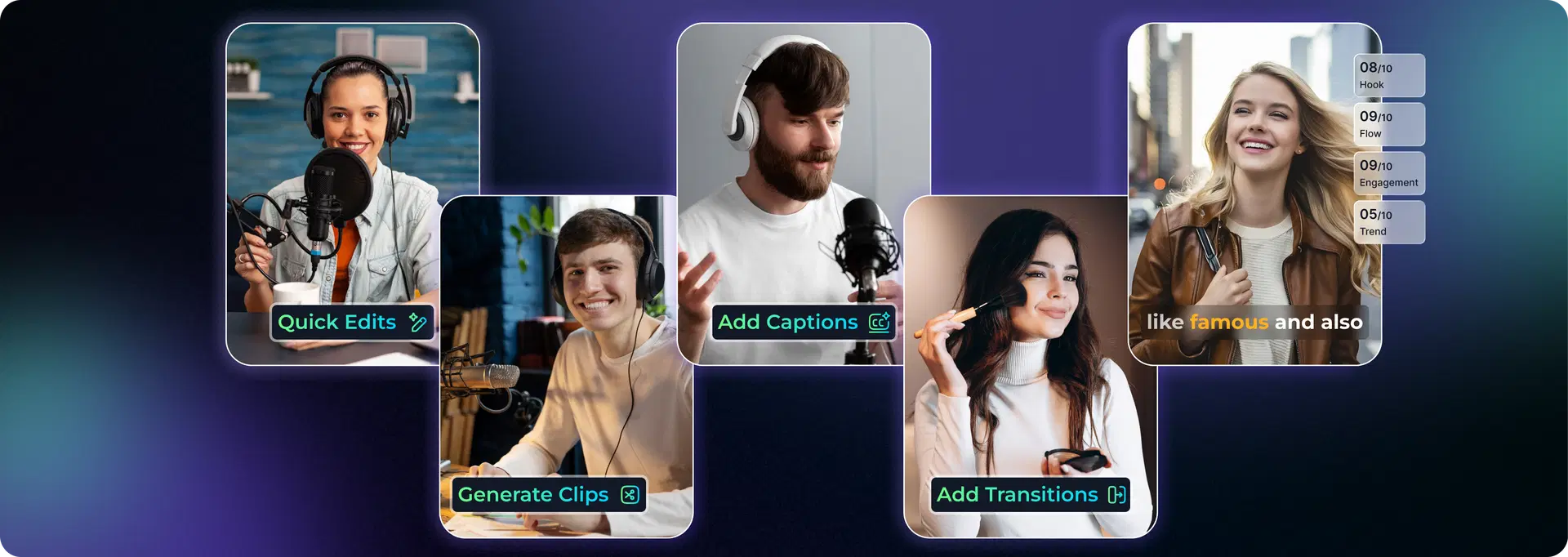
Choose your visual style
Pick from cinematic intros, branded ads, social cuts, or motion visuals that match your campaign goals. Think of this as selecting a reusable template that captures your brand's "look."
Set up brand and automation rules
Connect your brand kit, logos, colors, fonts and define how aggressive you want motion, transitions, and subtitles to be. Once configured, these settings become reusable AI workflows.
Add your scripts and assets
Upload raw clips, UGC, product shot, and let VFX AI handle cuts, overlays, subtitles, and visual pacing. This replaces much of the manual timeline work you would do after exporting from Runway.
Review and refine
Preview your video, adjust scenes, copy, or overlays where necessary, and lock in your final version. Because the system is blueprint-driven, small changes don't require rebuilding the entire edit.
Schedule and publish everywhere
Use the built-in multi-platform scheduler to publish to all your core channels in one step. Your content calendar, analytics, and creative workflows stay connected inside a single platform.
That's it.
No complex timelines. No layered editing. No platform-by-platform publishing.
Why Teams Switch from Runway to VFX AI
End-to-End Creative Automation
Consistent Brand Identity at Scale
Multi-Platform Content Production
Faster Creative Iteration
Frequently Asked Questions
Common questions about VFX AI vs Runway.
Is VFX AI a good Runway alternative?

Does VFX AI support text-to-video like Runway?

Is VFX AI better for social media content?
Can I use both VFX AI and Runway together?