Introduction
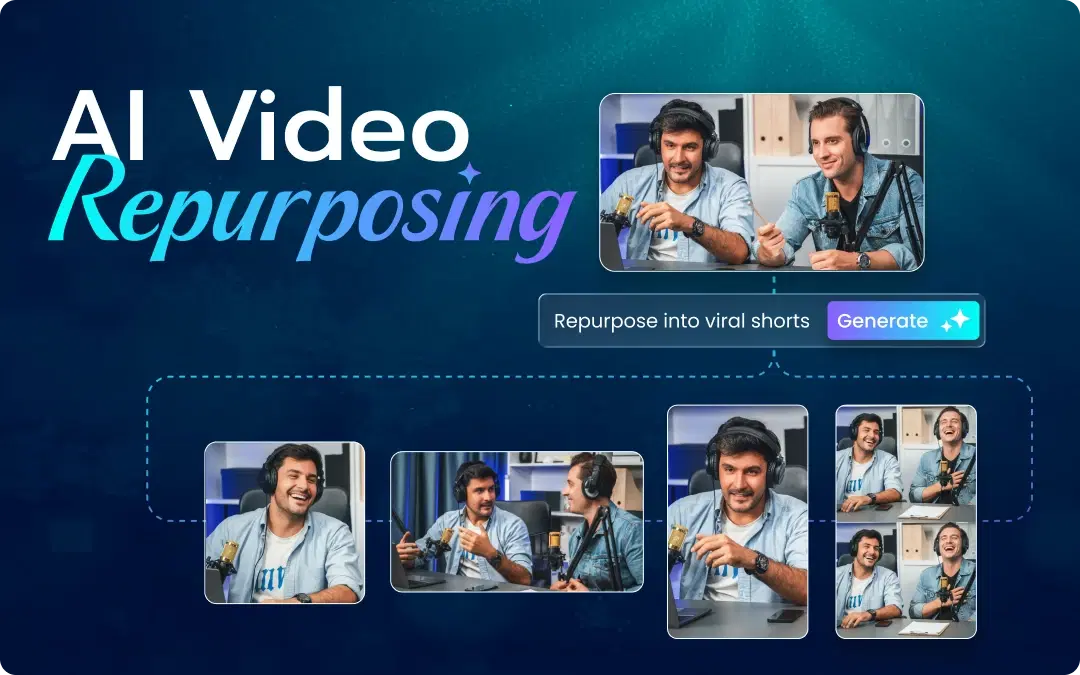
AI clip generators are solutions that automatically extract the best moments from your content. Forget manually going through timelines. No more guessing which segments will perform. Looking for an AI video editor that's actually free? This blog will cover everything you need to know. Learn about how these AI tools operate, discover the best options available to you, and see how to create viral videos in minutes with ai video editor without the fuss.
What is an AI Clip Generator?
AI clip generators are software that use artificial intelligence to identify and extract highlightable segments from longer video clips. Basically, it is an intelligent assistant that watches your video and makes highlight clips for you.
Real-world use cases include:
- Podcasters transforming two-hour podcasts into 15 shareable clips
- Educators generating lesson highlights from their webinar recordings
- Live streamers making highlight clips from their live streams
- Marketing teams recycling long videos on different platforms
- Content creators leveraging one video into multiple pieces
This means that there is no need to go through the time-consuming process of watching the entire video yourself. You simply upload the video, and it generates clips for you.
How Do AI Clip Generators Work?
Understanding the technology helps you choose the right tool. Modern AI short video generators analyze multiple signals:
Speech Pattern Recognition: The AI generates captions from the video and identifies sections that contain powerful statements or emotional high points.
Engagement Signal Detection: Some advanced systems detect visual signals, such as facial expressions, gestures, and changes in the scene that draw attention.
Keywords Recognition: In some cases, you can identify certain keywords. The AI will generate clips based on when the subject comes up.
Virality Prediction: Some software uses machine learning algorithms to predict which parts of a video are likely to go viral, based on data collected from millions of clips.
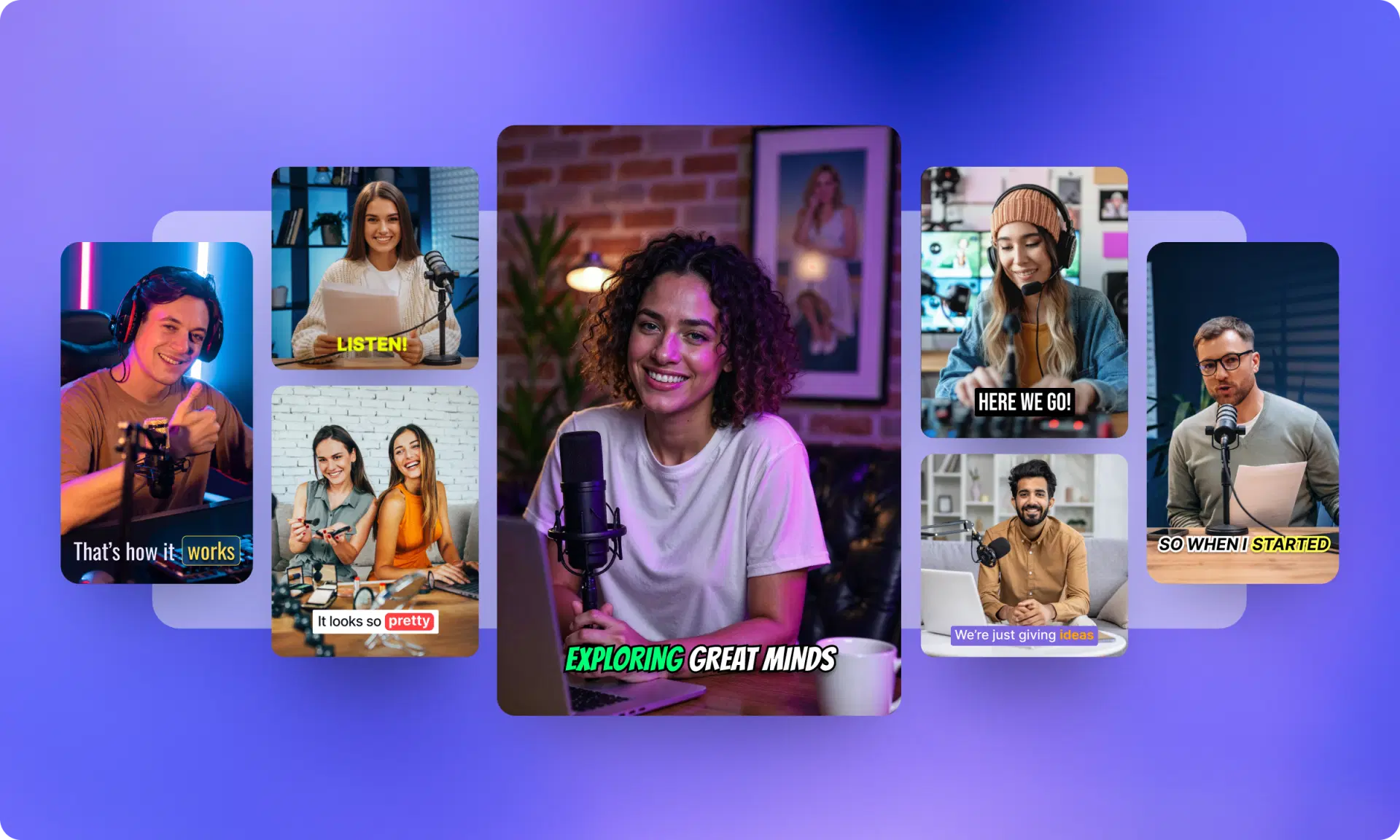
All this is done automatically. Simply upload the video, wait for a few minutes, and get several clips. This is what a video clip generator is all about.
Best AI Clip Generator Tools in 2026
Below is the truth about the best AI clip generator tools to use this year. Each serves different needs and budgets.
1. VFX AI - The Top Free AI Video Editor
VFX AI by vfxai.com is a unique online AI video editor for all your video editing needs. It is fast, watermark-free, and even works for beginners.
Key Features Include:
- Automatic clipping and highlights generation
- AI-generated captions for the videos
- Auto crop for vertical formats
- No watermark after exporting the video
- Browser-based; no software installation required
- AI virality score
Pros:
- Comes with free plans for professional users
- Great for creators of YouTube, TikTok, Reels, and Shorts videos
- Clean interface and fast rendering
Drawbacks: Works via the Internet for processing AI
Ideal For: Anyone who needs a free online video editor to generate clips quickly.
2. OpusClip
A popular AI short video generator that converts long videos into multiple small clips using AI.
Key Features:
- AI Virality Score
- Automatic captions and framing
- Publishing to social media platforms
Pros: Accurate AI suggestions
Drawbacks: No exports in the free version
Ideal For: Content creators testing viral potential for YouTube Shorts.
3. Pictory AI
Famous for its ability to create visual content from text or long videos.
Features:
- Automatic summary creation
- Use of stock visuals
- Add voiceovers and captions
Ideal For: Businesses and social media professionals who need to repurpose webinars.
4. Wisecut
Wisecut is an editing tool using AI to detect audio.
Features:
- Auto silence removal
- Background music suggestions
- Facial recognition technology for framing shots
Ideal For: Talking head videos and educational videos.
5. Descript Overdub & Clip Exporter
Descript merges audio and video editing powered by AI.
Features:
- Text-based editing process
- Instant clip export for social media
- Collaboration options
Ideal For: Podcasting and remote teams.
6. Zubtitle
Popular AI video clipping software for auto-captions and trimming.
Features:
- Customized captions and animations
- Social media optimization
Ideal For: Social media creators adding captions to videos.
What is the Best AI Clip Generator for YouTube?
VFX AI is the best AI clip maker for YouTube, with no compromise on long-to-short video transitions, watermark-free, and built-in analytics, ideal for any growing YouTube channel using shorts. VFX AI tops, followed by OpusClips, Descript, and more.
Why VFX AI is the Smartest Choice for Creators
Among available options, VFX AI delivers the best balance of features, accessibility, and value for most creators.
True Free AI Video Editor
Unlike tools that advertise "free" but restrict exports or add watermarks, VFX AI provides a genuine free video editor experience. Create and download without branding on your content.
Complete Workflow in One Platform
While VFX AI is certainly an AI highlights generator, it is more of an all-around editing tool. Once the AI has selected your clips, you can:
- Apply transitions and effects to them
- Edit your captions and text overlays
- Change their colors and audio
- Scale them to fit any platform
No Technical Expertise Needed
This application was designed under the assumption that you're focused on making content, rather than spending hours figuring out how to use new technology. Upload, click, edit, and save. Easy as that.
Browser-Based Editing Platform
Being an AI video editor online platform, VFX AI requires no downloading or installation. You can simply log in using any device and browser and begin editing.
Efficient Processing Time
All editing will be completed in minutes. When trending topics emerge, you can create and post clips while they're still relevant.
How to Generate Short Clips from Long Videos Using AI
Below is a quick guide on how to use VFX AI, though the process is similar across most AI clip generator platforms:
Step 1: Import Your Video: Drag your long-form video into the platform. It accepts all common formats, and you can also paste your YouTube link directly.
Step 2: Let AI Analyze Your Video: This is when the AI analyzes your video and identifies potential clips. This may take around 2 to 5 minutes.
Step 3: Review AI-Suggested Clips: You will receive a list of suggested clips along with their time codes. In VFX AI, you will know the reasons why a particular clip was suggested, including emotional peak, impactful message, and subject relevance.
Step 4: Customize Your Clip: Use this step to further edit your clips by adjusting their length, adding captions using AI caption generator, and incorporating your branding. This is when VFX AI allows full video editing online for free.
Step 5: Export Your Video: Download your edited video in your desired resolution. There is no watermark, so you are now ready to publish it on your social media.
Benefits of Using AI Clip Generators
Why are creators switching to AI-powered clipping? The reasons are:
Time-Saving: It reduces the time required to create clips from 4 hours to 20 minutes.
Higher Efficiency: Generate 10 times more content from one source.
Consistency: Consistent content creation becomes possible.
Higher Engagement: AI identifies moments audiences actually want to watch
Saving Costs: The editing team is no longer required.
Multi-Tasking Ability: Manage multiple tasks at once.
As a creator working alone, using an AI clip generator for your reels and shorts makes you equally competitive.
Is AI Video Editing Better Than Manual Editing?
Let's compare honestly:
| Factor | AI Editing | Manual Editing |
|---|---|---|
| Speed | Minutes | Hours |
| Cost | Low/Free | High (time or money) |
| Consistency | High | Variable |
| Creative Control | Moderate | Complete |
| Learning Curve | Minimal | Steep |
Verdict: AI video editing isn't taking jobs from the industry; it's eliminating the boring tasks. Automate AI to clip and cut videos first, then apply creativity manually to add personal touches to your unique ideas.
If you need 90 percent of the social media content done, get yourself a free ai video editor.
Check Out: VFX AI Ad Generator
Which AI Tool is Best for Reels and Shorts?
It depends on which platform you primarily use:
- Shorts (YouTube): VFX AI and Vizard (great formatting)
- Reels (Instagram): VFX AI (caption styling, formatting)
- Short videos (TikTok): VFX AI and Opus Clip (AI clipping trends)
For multi-platform creators, VFX AI offers the most flexibility as a complete online video editor AI that handles all formats in one place.
Can AI Automatically Create Viral Clips?
Can AI Automatically Create Viral Clips?
While AI dramatically boosts your chances, it doesn't promise virality. This is what AI will do:
- Spot opportunities for virality
- Assure quality production (correct composition, good sound)
- Optimize for platform algorithms
- Speed up testing multiple clip variations
Pro Tips to Create Viral Clips Using AI:
Hook in the first 2 seconds: AI can identify strong openings
Never forget the captions: 85% of social video consumption is without sound
Limit clips between 15-60 seconds: The perfect range for maximum engagement
Align with platform specifications: Vertical videos for mobile, specific aspect ratios
Post consistently: Volume increases your chances
Are There Free AI Video Editors Without Watermark?
Yes, but they're rare. Most "free" software comes with watermarks, encouraging upgrades. VFX AI is among the few providing an actual free ai video editor without watermark exports.
When evaluating options, check:
- Limitations on export capabilities
- Restrictions on resolution
- Watermark guidelines
- Availability of features for the free version
The media landscape of 2026 favors fast, consistent production. The traditional editing process just won't meet the demands. An AI clip generator automatically converts a single video into multiple platform-specific clips.
No matter your niche, podcasts, teaching, live streaming, or marketing, AI-generated clipping will save you hours per week. When paired with an efficient AI video editor free like VFX AI, you'll have a full production pipeline.
Why waste precious hours scrolling through videos? Use AI for the heavy work while you focus on producing high-quality content.