Introduction
This is where free AI tools for automatic video editing have come in demand. What was once considered experimental technology is now the foundation of video content. This technology is now the core infrastructure of content creation, enabling creators to produce more content in less time with minimal manual effort.
Core Technologies Defining the 2026 Automated Workflow
The technological advantage of video editing software in 2026 is based on three fundamental principles: semantic neural engines, B-roll integrations, and multimodal conversational interfaces. These three principles enable an automated video editor to perform tasks that were previously feasible only for senior video editors.
Semantic AI & Computer Vision
The capabilities of AI include:
- Detect scenes and subjects
- Automate the reframing of videos for vertical screens
- Track objects without the need for manual keyframing
This enables features like auto-cutting, smart reframing, and subject tracking.
Prompt-Based Editing (VideoGPT)
Instead of a timeline, the user can now edit the video with commands such as:
"Remove filler words, add captions, and generate B-roll."
This changes the editing process from a technical one to a command-based process, which greatly saves time.
Generative AI (B-Roll & Effects)
With the help of the AI, the following can be done:
- Generate missing visuals
- Create background scenes
- Enhance videos without external assets
This removes dependency on stock footage and speeds up production.
Best Free AI Tools to Edit Videos Automatically
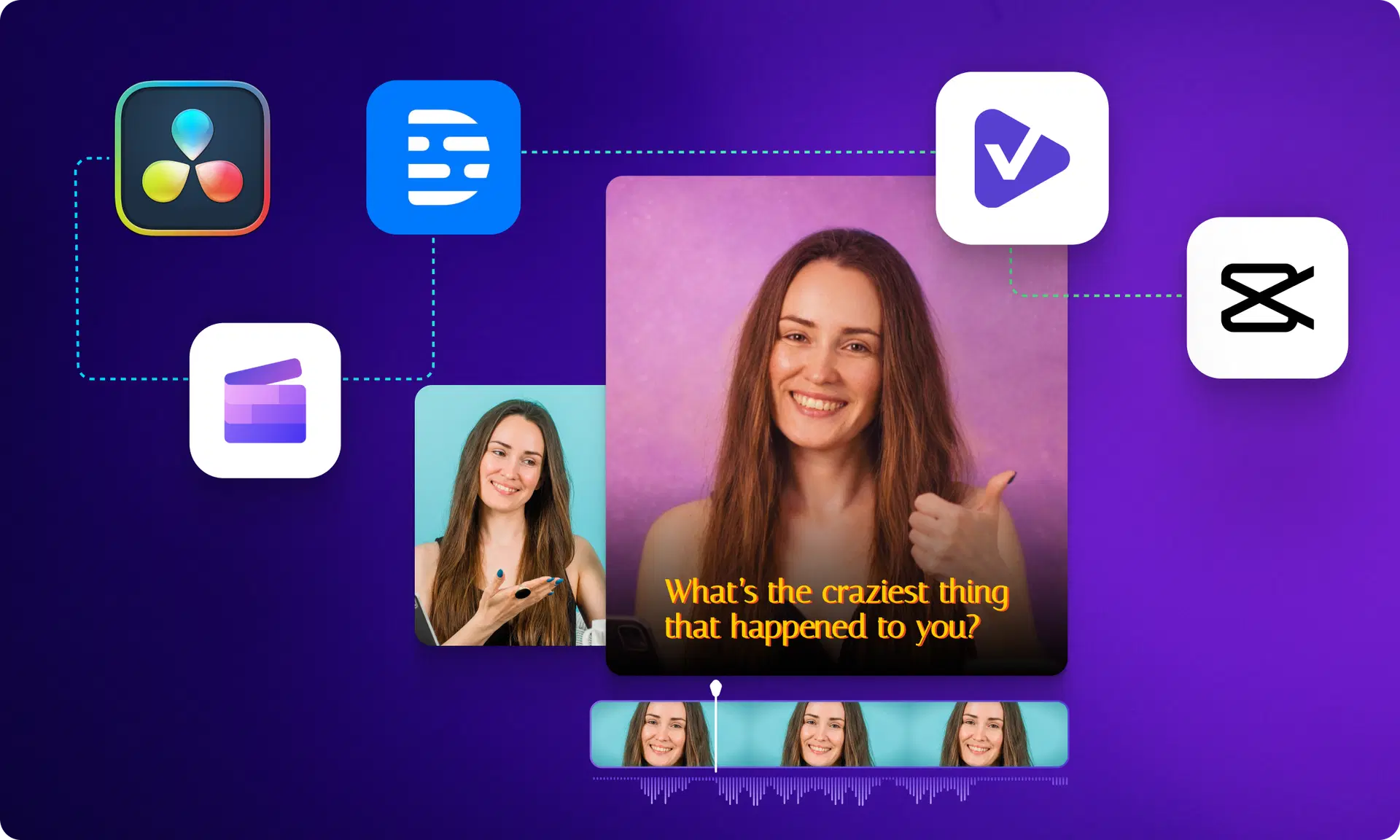
The 2026 market offers a wide range of video-editing tools. Each tool is designed for a specific part of the content creation process. Free AI video editors can be chosen based on the need for precise frame-rate control for cinematic videos or for quick social media video creation.
VFX AI (Best All-in-One AI Video Editor)
- Full workflow automation (cutting, captions, reframing)
- Prompt-based editing
- Converts long videos into short clips
Best for: End-to-end automation
CapCut (Best for Beginners)
- Easy UI + templates
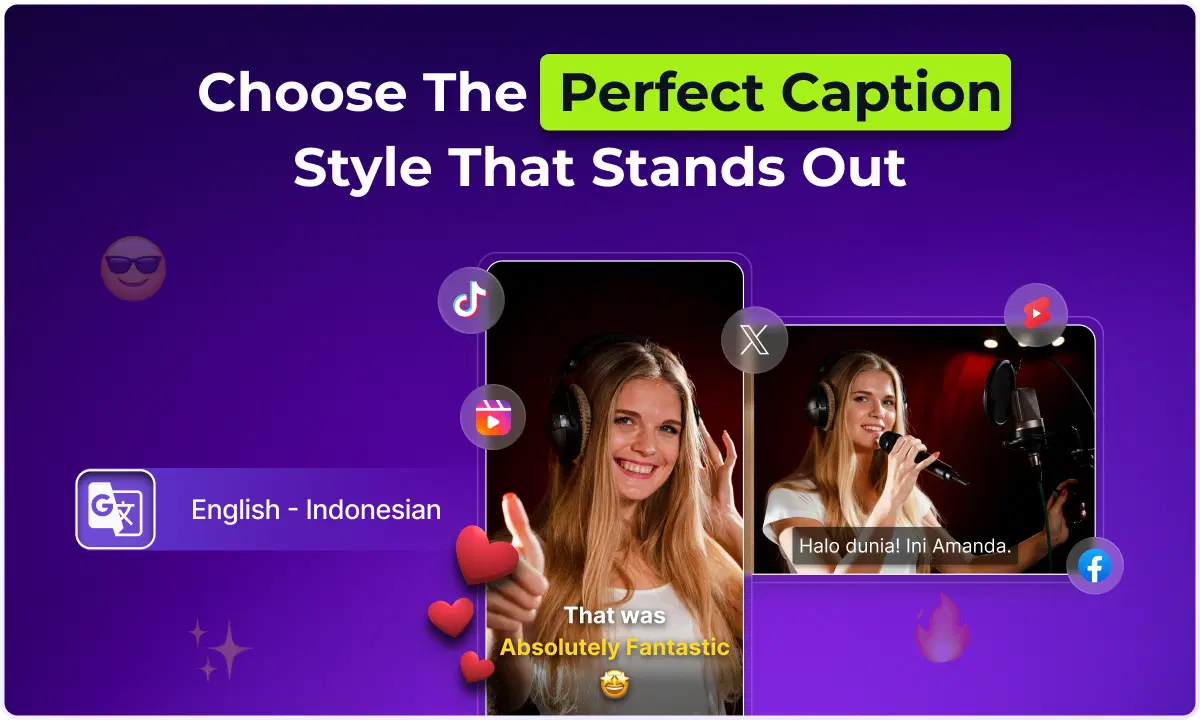
- Auto captions and effects
Best for: Quick social media edits
Descript (Best for Text-Based Editing)
- Edit videos like documents
- Removes filler words
Best for: Podcasts & talking videos
DaVinci Resolve (Best for Professionals)
- Advanced color grading
- AI tracking tools
Best for: High-end editing
Clipchamp (Best Free Simple Editor)
- Browser-based editing
- Text-to-speech + auto cuts
Best for: Basic editing
Also Read: How to Create a Brand Kit with AI in 2026
Quick Comparison:
| Tool | Export Quality | Watermark | Key Strength |
|---|---|---|---|
| VFX AI | Up to 4K | None | Full automation |
| CapCut | 1080p | Optional | Templates & ease |
| Clipchamp | 1080p | None | Simplicity |
| DaVinci Resolve | 4K/8K | None | Pro editing |
| Descript | 720p | Yes | Text editing |
To achieve the "5x faster" speed promised by today's platforms, creators must use AI across multiple stages of the editorial workflow.
Automated Video Workflow
To achieve the "5x faster" speed promised by today's platforms, creators must use AI across multiple stages of the editorial workflow.
Text-Based Editing: The Narrative Document Model
With text-based editing, the video file is treated as a text document. When a user deletes a word or sentence from the generated transcript, the corresponding video frames are instantly removed from the timeline.
- Implication: This reduces rough cut time by 60% to 70% for spoken-word content such as podcasts and interviews.
- Case Study: A 90-minute raw interview can be "skimmed" at reading speed. Verbal "fillers" such as "um" and "uh" can be removed with a single click using AI agents.
Automated Clipping and Platform Optimization
For media production companies and SaaS marketing teams, the objective is "content distribution," not cinematic art. Tools such as Clip Maker on vfxai.com scan long-form content to locate "viral moments," or critical pieces of information, humor, or emotion.
- The Mechanism: The AI system scans audio spikes, applies stylish captions with word-level timing, and resizes the subject to 9:16.
- The Outcome: What was once a single webinar becomes dozens of top-performing assets, ready to go on LinkedIn, YouTube Shorts, and TikTok, generating "views into revenue."
AI Color Grading and Visual Enhancements
he last step of the automated process is the "professional polish." AI-powered color grading analyzes a shot's color range and attempts to match skin tones to create a consistent "film look" without a dedicated colorist.
Also Check: Clean Up Speech in Any Video Instantly
Where AI Video Tools Are Used
Majorly, AI video editing tools are used by:
SaaS & Marketing
- Turn product demos into short clips
- Improve onboarding and engagement
Content Creators
- Convert long videos into viral shorts
- Automate editing workflows
Media & Entertainment
- Speed up post-production
- Maintain consistent publishing
The "Reality Gap": Limitations and User Pain Points
Despite the revolutionary pace of AI video editing, professional editors warn that the "15-minute perfect edit" is more of a marketing gimmick than a reality. There exists a notable "reality gap" between the former and the latter
Pacing, Emphasis, and Creative Judgment
AI excels at the "grunt work" of editing, such as removing silence, adding captions, and resizing images. However, it struggles with the "parts you actually get hired for."
- The Problem: AI-generated suggestions are based on aggregate data and therefore can lead to a "flattening" of creative judgment.
- The Nuance: AI may know where a highlight is, but it doesn't know why a reaction shot needs to be there for another half-second to make an emotional response.
Technical Constraints and Jargon
Automated transcription services face difficulties in:
- Technical Jargon: Certain technical jargon and industry-related product names may require manual editing.
- Multilingual Fluency: Although tools like Flonnect claim high accuracy, multilingual content creators report that AI fails to recognize local pronunciations and nuances.
- Stability: Large 4K video files may cause cloud-based video editing software to experience "spinning wheel" issues, especially for users with unreliable internet connections.
Free vs Paid: The Reality
Most “free” AI tools operate on freemium models:
- Limited exports or resolution
- Credit-based usage systems
- Paid upgrades for advanced features
Strategy: Use "free" tools for testing and drafts; upgrade only when necessary.
Also Check: Generate Captions for any Video
The Human-AI Collaboration Model: 2026 Best Practices
The most successful creators in 2026 don't try to fully automate. Instead, they use AI as "a time-saver, not a decision-maker." This model ensures that the content created is unique and of high quality while leveraging AI for efficiency.
What to Automate vs. What to Control
- Always Automate (Grunt Work): "ums" removed, subtitles added, resizing for different platforms, and initial color balancing.
- Always Control (Creative Heart): The "Why" of the story, emotional highs, story structure, and final tone of the brand.
Collaborative AI Protocols
Today's teams use "agentic" tools that enable iterative refinement. A creator might instruct the AI model, such as VideoGPT, to "make the colors more moody" or "make the speaker's eyes more prominent," enabling the human to act as a director rather than a technician. Sites such as vfxai.com help reinforce this concept through their "ViralCuts" and "Smart Editing" tools, which can handle the "mechanical" work and allow the human to remain "in the loop" for the "creative sign off."
Future Outlook: The Road to 2027 and Beyond
As we enter the latter part of 2026, the "wow factor" of AI video has given way to "strategic application." The future of "free" AI tools for video editing is looking to integrate "more deeply" and "cinematographic understanding."
Character Consistency as Infrastructure: The new generation of video creation tools will enable creators to ensure consistency in their brand’s character or spokesperson in hundreds of scenes, effectively creating "digital cast databases."
Cinematic Narrative Control: The new generation of AI video will no longer be restricted to single shots. Instead, creators will be able to "direct" multi-poly rotoscoping and dolly/crane shots using actual cinematography language.
Real-Time AI on Set: AI will perform real-time quality control, alerting creators to continuity errors or out-of-focus shots, preventing costly reshoots.
The biggest barrier to content creation has been removed with AI video editing. The winners in 2026 will not be the best video editors, but the fastest publishers. And with VFX AI, the entire video editing process is no longer manual, but automated, scalable, and optimized for today’s content creation landscape.