Introduction
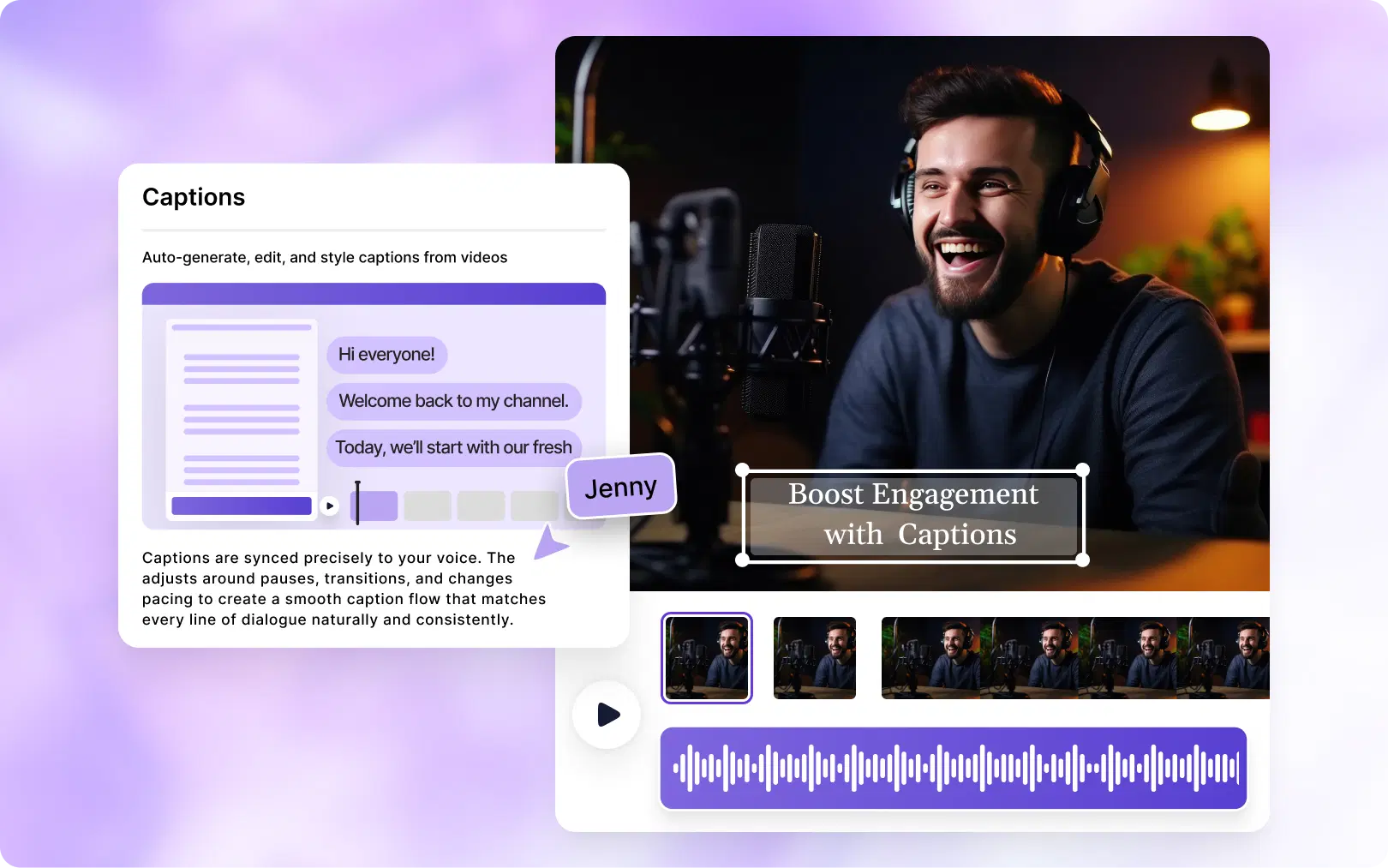
Thanks to AI subtitle generators, you can automatically add captions automatically add captions to any video in minutes, no transcription, no manual syncing, no headaches. In this guide, you'll learn exactly how to add subtitles to a video automatically, why it matters more than ever, and how tools like VFX AI make the entire process effortless.
Why Subtitles Are Essential for Modern Video Content
Subtitles aren't just an accessibility feature anymore; they're a growth strategy.
- Accessibility: Subtitles make your content accessible to viewers who are deaf or hard of hearing and to non-native speakers, who follow along more easily with text support.
- Higher Watch Time: Videos with captions hold viewers' attention significantly longer. When people can follow along visually, they're less likely to drop off, especially in noisy or silent environments.
- Better Engagement: Subtitles encourage viewers to keep watching even when they can't use audio. More watch time signals quality to platform algorithms, which then pushes your content to more people.
- Social Media Performance: Platforms like Instagram, TikTok, and LinkedIn auto-play videos on mute. Without subtitles, most viewers never hear your message. With captions, your content communicates instantly.
- SEO Benefits: Search engines can't watch videos, but they can read. Subtitles create indexable text that improves discoverability on YouTube, Google, and beyond.
What is an AI Subtitle Generator?
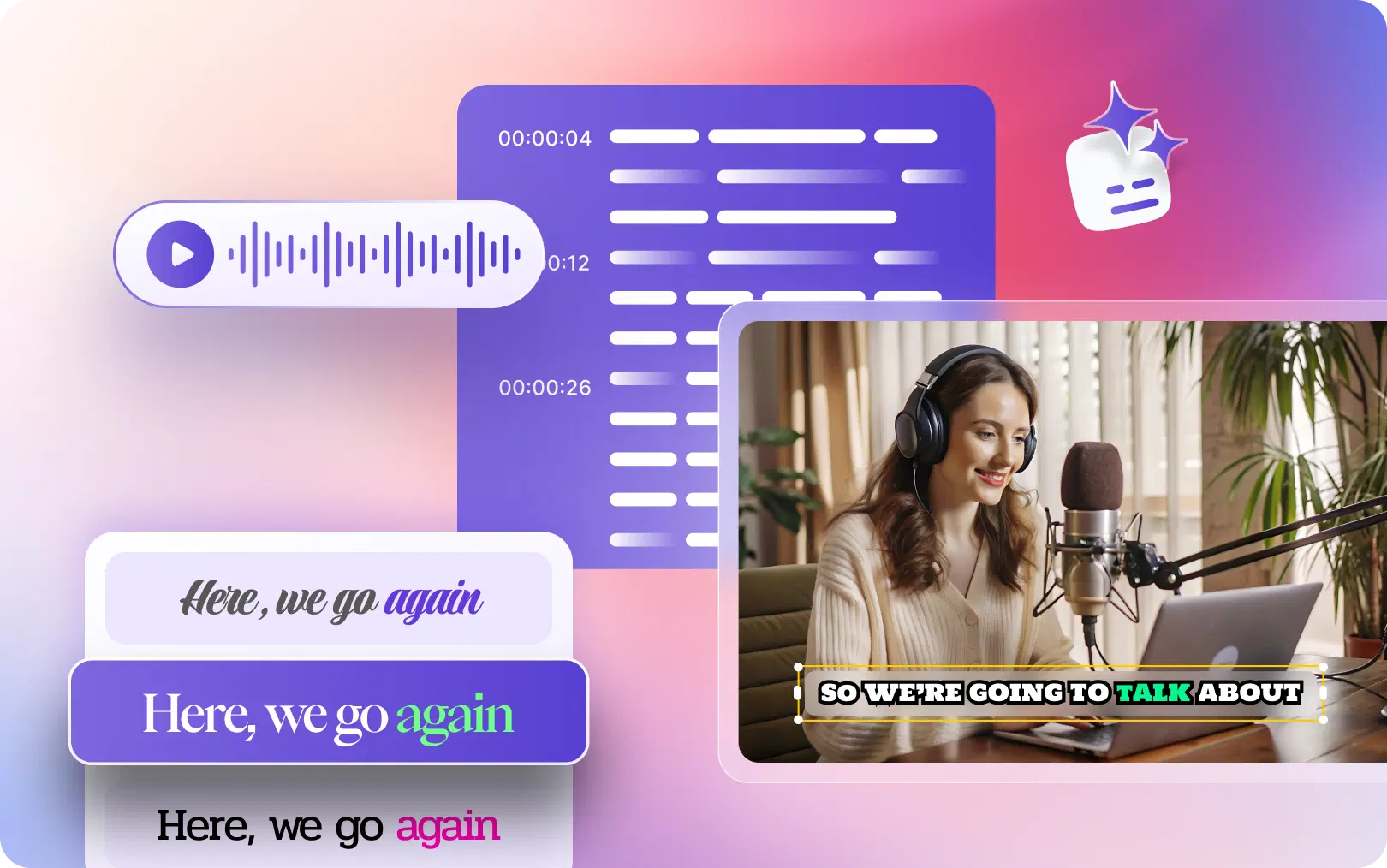
An AI subtitle generator uses speech recognition technology to automatically transcribe spoken audio from a video, then syncs the text to the correct timestamps, producing ready-to-use captions in seconds.
How Automatic Subtitle Generation Works
Here's what happens behind the scenes when an AI generates subtitles:
- Audio Extraction: The AI isolates the audio track from your video file.
- Speech Recognition: Advanced machine learning models (similar to what powers voice assistants) convert speech to text with high accuracy.
- Timestamp Syncing: The AI maps each word or phrase to the exact moment it was spoken in the video.
- Caption Formatting: Text is broken into readable chunks and formatted as subtitle lines.
- Translation (Optional): Many AI subtitle generators can also auto-translate captions into multiple languages, expanding your global reach instantly.
The entire process, which used to take hours manually, now takes seconds.
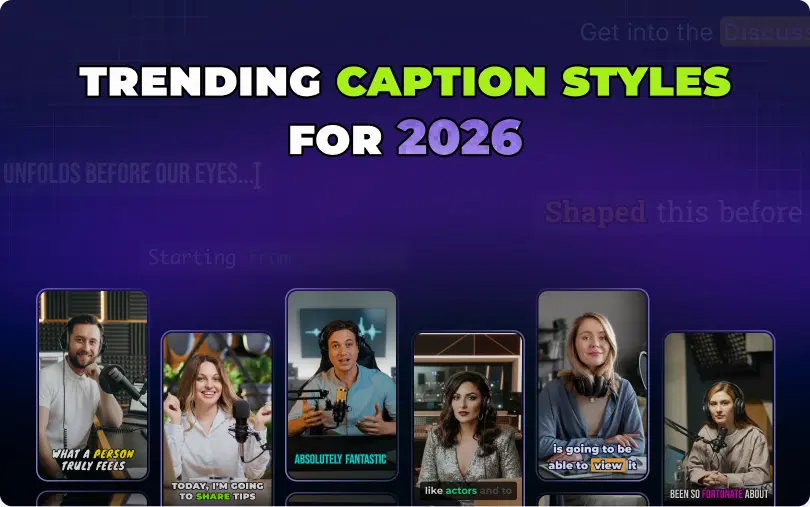
Also Read: Trending Caption Styles for 2026
How to Add Subtitles to a Video Automatically Using VFX AI
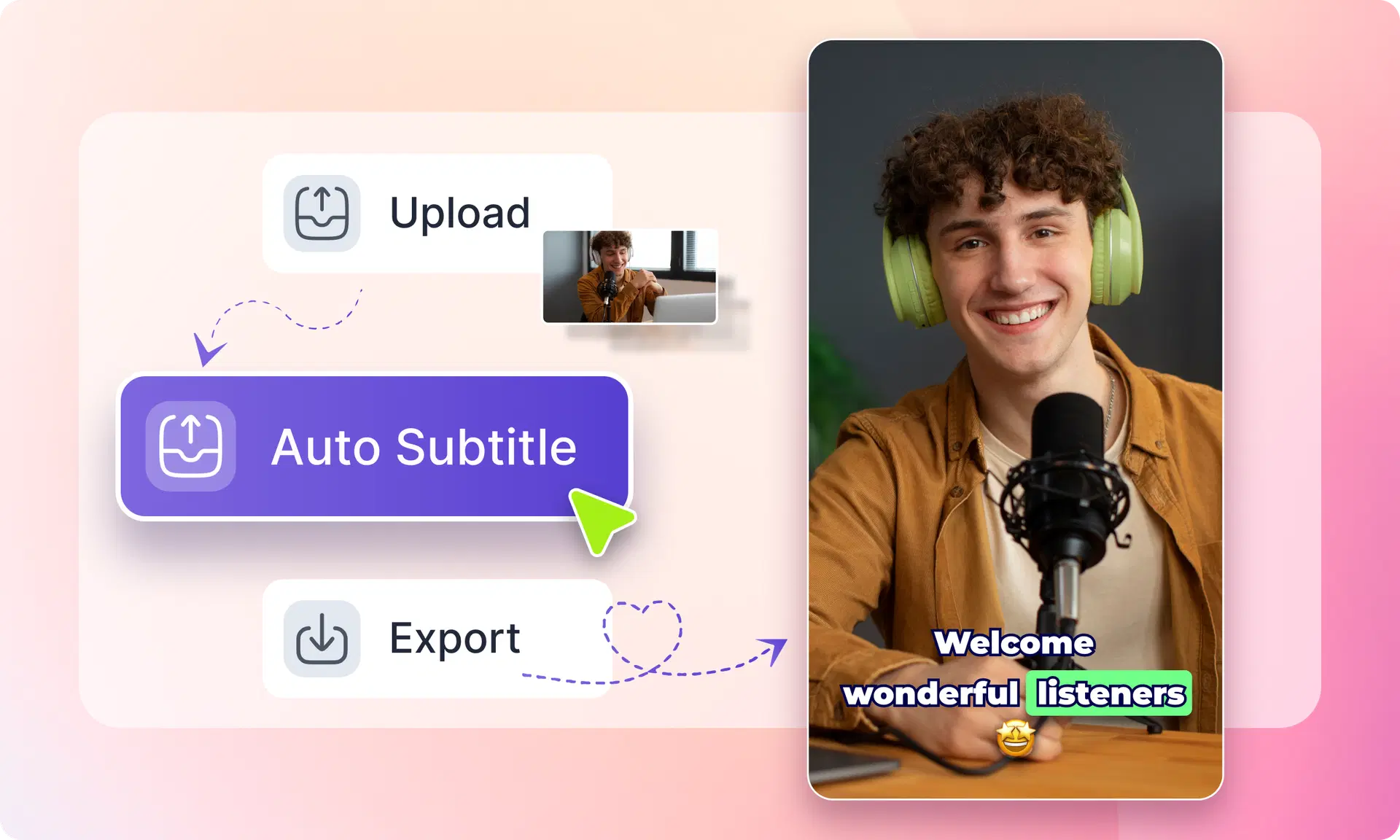
VFX AI is an AI-driven video editor that generates subtitles, captions, reels, and edited clips automatically. Here's how to use it:
Step 1: Upload Your Video
Head to vfxai.com and upload your video file. VFX AI supports common formats, including MP4, MOV, and more. You can upload directly from your device or paste a link.
Step 2: Let AI Analyze the Audio
Once uploaded, VFX AI's AI engine automatically analyzes the audio track of your video. No settings to configure, it detects speech, language, and pacing on its own.
Step 3: Generate Automatic Subtitles
The VFX AI software will transcribe your audio files and generate accurate subtitles in just a few minutes. The software is smart enough to handle different speech patterns, multiple speakers, and even noisy backgrounds with precision. The captions can be reviewed directly in the editor.
Step 4: Customize Caption Styles
Here lies the difference between the VFX AI tool and ordinary subtitles. Some of the customization features available include:
- Option of choosing from various caption fonts and font sizes
- Choice of background color for readability
- Placement of the captions (bottom, top or dynamic)
- Animated text styles suitable for making reels on social media
- Editing of any caption lines that require corrections
Step 5: Export and Publish
Choose the required output format and resolution. Then export and publish your subtitled videos on any platform you choose, such as YouTube, TikTok, Instagram, or even LinkedIn.
Benefits of Using an AI Subtitle Generator
The use of subtitles enables you to retain audience attention even when sound is off, signals quality to social network algorithms, and makes your content accessible to larger audiences.
Beyond the basics, here's what makes AI subtitle generators a game-changer:
- Saves hours of editing: Manual transcription of a 10-minute video can take 1–2 hours. AI does it in under 2 minutes.
- Higher accuracy than manual captioning: Modern AI transcription regularly achieves 95%+ accuracy on clear audio.
- Multiple language support: Reach international audiences by generating subtitles in Spanish, French, Portuguese, Hindi, and dozens of other languages automatically.
- Better audience retention: Captioned videos see up to 40% longer average watch times.
- Faster content production: Post more consistently without getting bogged down in editing.
Also Read: Best AI Video Editor for YouTube in 2026
VFX AI Is More Than a Subtitle Generator
VFX AI doesn't stop at subtitles. It's a complete AI video editor editor built for the modern creator.
Here's what else you can do inside VFX AI:
AI Clip Generator automatically identifies the most engaging moments from long-form videos and turns them into short clips ready for social media.
Instagram Reel Maker creates scroll-stopping Reels optimized for Instagram's format, aspect ratio, and captioning style without touching a timeline.
Content Repurposing Tool automatically turns one podcast episode or YouTube video into multiple clips, reels, and short-form content pieces.
Online Video Editor edits videos directly in your browser, no downloads, no heavy software, no learning curve.
Real creator use cases:
- A YouTuber uploads a 45-minute video, and VFX AI automatically extracts 8 short clips with captions for Instagram and TikTok.
- A podcaster adds subtitles to their episode audiogram in under 5 minutes.
- A small business owner creates a product video with professional captions, no editor needed.
Whether you need an AI clip generator, a video reel maker, or a full social media video editor, VFX AI handles it all in one place.
Also Check: AI Caption Generator
Best Practices for Creating Effective Video Subtitles
Getting subtitles right is as important as having them. Follow these guidelines:
- Keep subtitles readable: Use fonts that are large enough to read on a phone screen.
- Use proper contrast: White text on a dark background (or vice versa) works best. Avoid low-contrast color combinations.
- Limit words per line: Aim for 5–7 words per subtitle line maximum to prevent cognitive overload.
- Sync accurately: Captions should appear slightly before the spoken word and disappear just after. VFX AI handles this automatically.
- Optimize for mobile viewing: Most social media is consumed on phones. Preview subtitles at mobile scale before exporting.
Subtitles are no longer optional; they're essential for any creator serious about growing their audience in 2026 and beyond. They boost accessibility, improve engagement, extend watch time, and help your content reach more people on every platform.
The best part? You don't need hours of editing or professional captioning software to make it happen.
VFX AI takes the hard work out of subtitle generation. Upload your video, let the AI transcribe and sync your captions automatically, customize the style, and export a publish-ready file, all in a few minutes.
And when you're ready to do more, VFX AI's AI clip generator, reel maker, and social media editor tools are right there to help you repurpose and multiply your content effortlessly.