Introduction
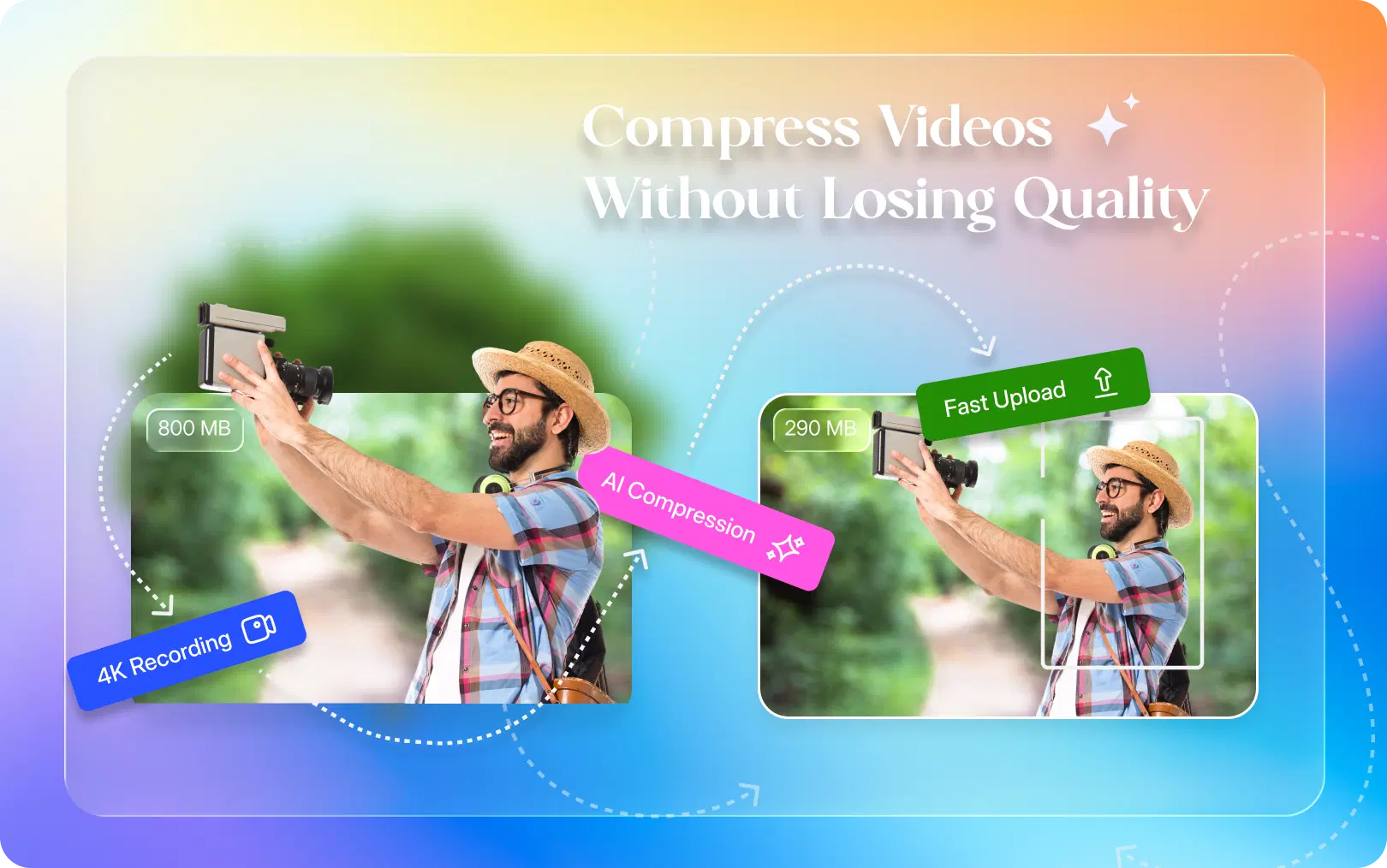
There is, and it doesn't involve the compression tools you grew up dreading. If you've ever compressed a video the old-fashioned way, you know the tradeoff: smaller file, uglier video. Faces smear, skies turn into blotchy gradients, and fast motion looks like it's viewed through a dirty window.
AI has quietly rewritten that rule. Modern AI video compressors don't strip data evenly across a file the way traditional encoders do, they analyze the video, scene by scene, and make smarter decisions about where quality actually matters to the human eye. This guide breaks down how that works and how to compress a video without losing quality using an AI video editor like VFX AI, no technical background required.
Why Large Video Files Are a Bigger Problem Than You Think
A large video file is more than just something that takes up space on your computer; it can slow down your entire workflow. A few minutes of 4K footage recorded on a modern smartphone can easily occupy several gigabytes, leading to longer upload times and slower publishing. If you're managing dozens or even hundreds of videos, those oversized files also drive up storage and cloud hosting costs. They can affect your audience too. Studies on mobile performance have shown that more than half of users leave if a page takes longer than three seconds to load, and every extra second reduces engagement. If your website includes an uncompressed video, it can slow down the entire page, creating a poor user experience and even impacting your search engine rankings.
None of that means you have to accept lower quality just to fix these problems. It means you need a smarter way to compress.
Also Read: The Ultimate Guide to AI Video Repurposing for 2026
What Is Video Compression?
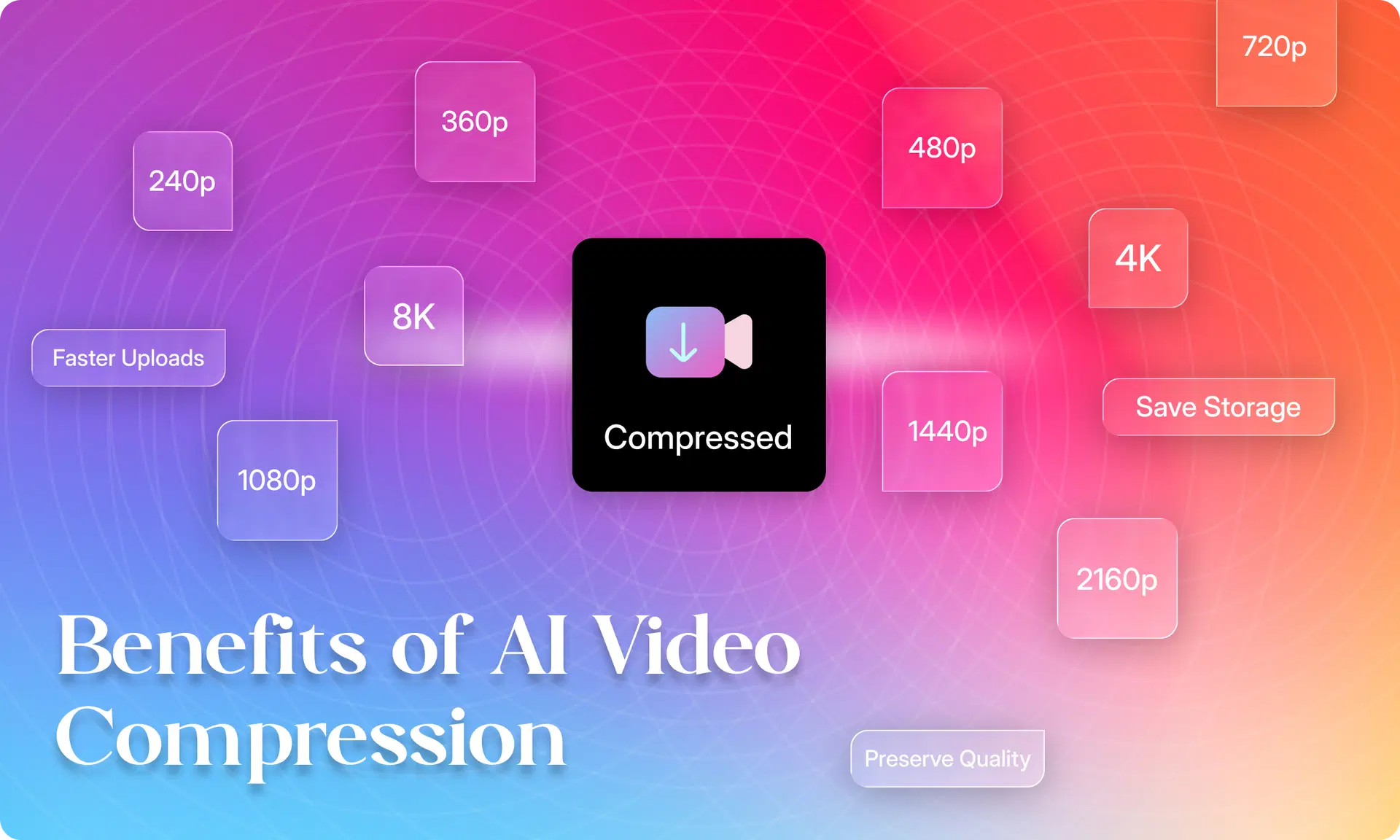
Four terms come up constantly, and confusing them is where most compression mistakes start. File size is the amount of storage space the video takes up. Resolution is the number of pixels (e.g., 1080p or 4K); more pixels mean more detail but a larger file size. Bitrate is the "detail budget": how much data is used per second of video, which usually trades off quality against file size. Codec is the method used to encode the data, such as H.264 or H.265; different codecs produce very different file sizes at the same visual quality.
Compression reduces bitrate, adjusts resolution, or applies a smarter codec so the file takes up less space, ideally without the viewer noticing a difference.
Why Traditional Compression Reduces Quality
Most basic compression tools lower the bitrate uniformly across the entire video, regardless of what's happening on screen. That causes predictable problems: bitrate reduction strips detail evenly, even from busy scenes that need more data; re-encoding the same footage multiple times compounds quality loss; outdated codecs can't store detail as efficiently as modern ones; and the resulting artifacts, blocky patches, color banding, blurred edges, tend to show up exactly where viewers notice most: faces, text, and motion.
The core issue is that traditional tools treat every frame the same, whether it's a static talking-head shot or a fast-moving action sequence.
How AI Compresses Videos Better
AI-driven compression works very differently. Instead of applying the same compression settings to every frame, it first looks at what's actually happening in the video. It can detect scene changes, identify fast-moving and static shots, recognize faces, and understand which parts of the frame contain important details like text, textures, or graphics. Areas that viewers are likely to notice get more attention, while less important backgrounds can be compressed more aggressively without affecting how the video looks.
Once the video has been analyzed, the AI decides where each bit of data should go. Fast action sequences and detailed scenes receive a higher bitrate, while simpler shots use less. This smarter distribution makes the encoder far more efficient, resulting in significantly smaller file sizes without an obvious drop in visual quality. In most cases, the compression is so effective that viewers won't notice any difference at all.
Benefits of AI Video Compression
The shift to AI-driven compression isn't just a technical upgrade, it changes how creators and teams actually work Faster uploads to YouTube, Instagram, TikTok, or your website Reduced storage and cloud costs, Smoother streaming with fewer dropped frames, Lower bandwidth usage for viewers on mobile data, Faster review and approval cycles since files move quicker through editing tools, Faster sharing with clients who don't want to download multi-gigabyte files
Also Read: The 30-Day Content Calendar: How to Publish Clips Daily Using AI
How Businesses Use AI Compression
Video has become a default communication format across almost every industry. Marketing agencies deliver polished campaign assets to clients without bloated transfers. Ecommerce brands compress product demos so pages load quickly. Real estate, healthcare, and education teams distribute walkthroughs, patient content, and course videos that stream smoothly on any connection. Corporate teams send training videos without overwhelming servers, and sales teams attach demos directly to emails without hitting attachment limits.
How Creators Use AI Compression
Individual creators feel the file-size problem even more directly, since much of their work happens on personal devices and mobile connections. YouTubers compress long-form content for faster uploads without losing detail. Instagram and TikTok creators optimize reels for quick posting, podcasters compress video episodes for distribution, and course creators shrink lessons so students don't struggle with slow streaming. Travel and gaming creators,freelancers, and wedding filmmakers all rely on it to manage large volumes of footage without sacrificing the polish clients expect.
Step-by-Step: How to Compress a Video Using AI
Compressing a video without losing quality doesn't need to be complicated:
- Upload your video. Drag your file into VFX AI, no format conversion needed beforehand.
- Let the AI analyze your footage. VFX AI scans scenes, motion, faces, and textures to find where detail matters most.
- Choose your output. Pick the platform. YouTube, Reels, TikTok, website, or email, and ideal settings apply automatically.
- AI optimizes the file. Smart bitrate allocation and encoding compress the video while preserving perceived quality.
- Download your compressed video. Get a smaller, faster-loading file that still looks like your original edit.
Why Choose VFX AI
Compression works best as part of a complete editing process, not a disconnected step. Alongside AI-driven compression, VFX AI includes AI video editing and scene detection, AI reel generation and clipping for short-form content, Automatic subtitles and captions, Smart resizing for different platforms, Content repurposing tools, Fast cloud-based processing, A beginner-friendly interface, so editing, optimizing, compressing, and exporting all happen in one place instead of across three separate tools
Traditional Compression vs. AI Compression
| Factor | Traditional Compression | AI Compression |
|---|---|---|
| Quality retention | Often visibly reduced | Visually lossless in most cases |
| Speed | Manual trial and error | Automated and fast |
| File size reduction | Inconsistent | Optimized based on content |
| Automation | Minimal | High — AI handles decisions |
| Editing workflow | Separate step | Integrated into editing |
| Batch processing | Limited | Supported for multiple files |
| Business use | Requires technical staff | Accessible to any team member |
| Content creators | Steep learning curve | Beginner-friendly |
| Cloud workflow | Often local-only | Built for cloud collaboration |
Compressing a video no longer means choosing between a manageable file size and the quality you worked hard to create. AI-powered compression makes that tradeoff largely obsolete by understanding your footage instead of just shrinking it. Whether you're a creator posting daily reels or a business managing hundreds of marketing assets, a smarter compression process saves time, storage, and headaches.
Ready to compress, edit, and optimize your videos without sacrificing quality? Try VFX AI and see how much faster your workflow can move without your footage ever looking compressed.