Introduction
How do creators post daily without burning out? This is the question that keeps creators, coaches, podcasters, and brand managers awake at night. However, we want to emphasize that this issue can be resolved with a simple trick: turning one long video into several short clips using AI technology. VFX AI, an AI-driven video editor and clip generator, turns a single 30–60 minute recording into a month's worth of reels, shorts, and TikToks automatically, saving time and protecting creative energy. That's exactly what this guide is about.
Why Posting Daily Actually Matters in 2026
But before diving in, let's discuss why consistency isn't an option anymore.
The Instagram algorithm favors Reels posted consistently rather than those posted only for a while. YouTube Shorts rewards creators for posting content consistently. TikTok's algorithm favors those who post several times throughout the day.
If you stop posting for even a week, your reach drops. Your audience moves on. And the next time you post, you're essentially starting from scratch.
But here's the thing, content fatigue is real. Showing up daily feels impossible when every post requires filming, editing, captioning, and scheduling. That's not a content problem. That's a workflow problem.
The solution? Stop thinking that every single post must be an elaborate production. Start treating your long-form content as a source to generate multiple clips.
The Old Way vs. The AI Way
The old workflow looked like this:
- Record a 60-minute interview or webinar
- Scrub through the entire video manually
- Identify "good moments" by memory or rewatching
- Cut clips in Premiere or Final Cut
- Add subtitles manually (or pay someone)
- Resize for vertical
- Export 15 to 20 individual clips
- Write captions for each platform
- Upload one by one
- Repeat next week
Time spent: 12–20 hours per video. Minimum.
The AI-driven workflow looks like this:- Record one video
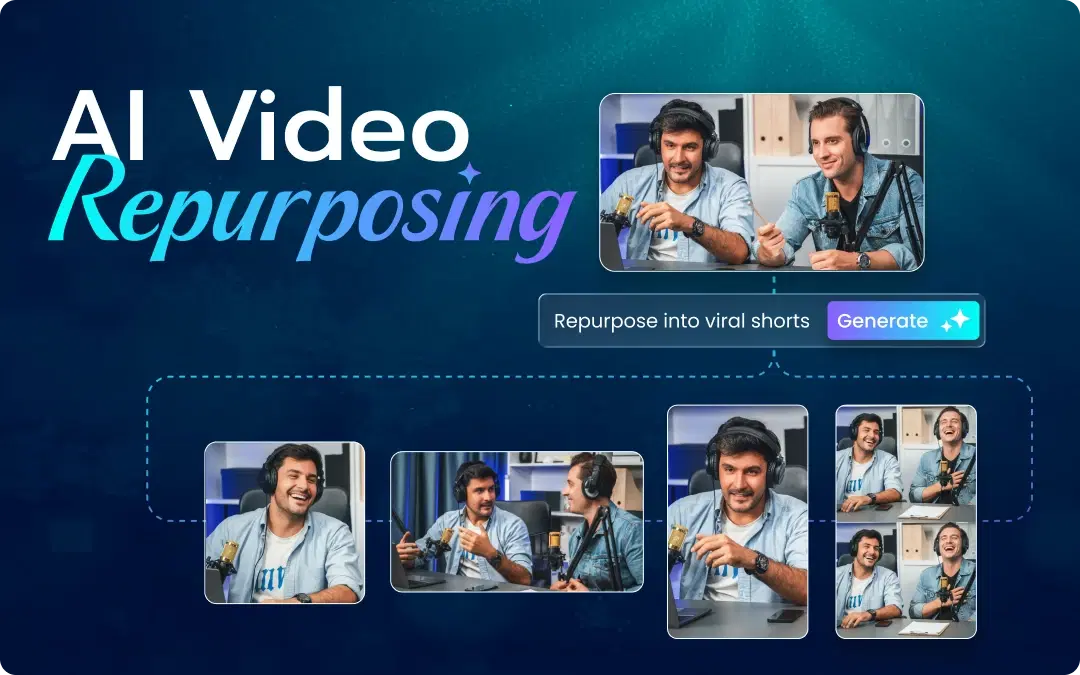
- Upload to VFX AI
- Let the AI detect viral moments, generate captions, and create vertical reels automatically
- Review, approve, export
- Schedule 30 clips across Instagram, TikTok, and YouTube Shorts
Time spent: 1–2 hours. Total.
That's not an exaggeration. That's what AI video editing software does when it's actually built for creators, agencies, brands and more.
Also Read: Best AI Video Editor for YouTube in 2026
Step-by-Step: Build a 30-Day Content Calendar From One Video
Here's the exact workflow for turning one raw recording into a full month of content.
Step 1: Record One Long-Form Video (60–90 Minutes)
It does not have to be perfect. It has to be genuine. Interview videos, podcast clips, webinars, tutorials, anything where you talk about your niche at length. Do it in good lighting, with a good microphone, and record it.
Step 2: Upload to VFX AI
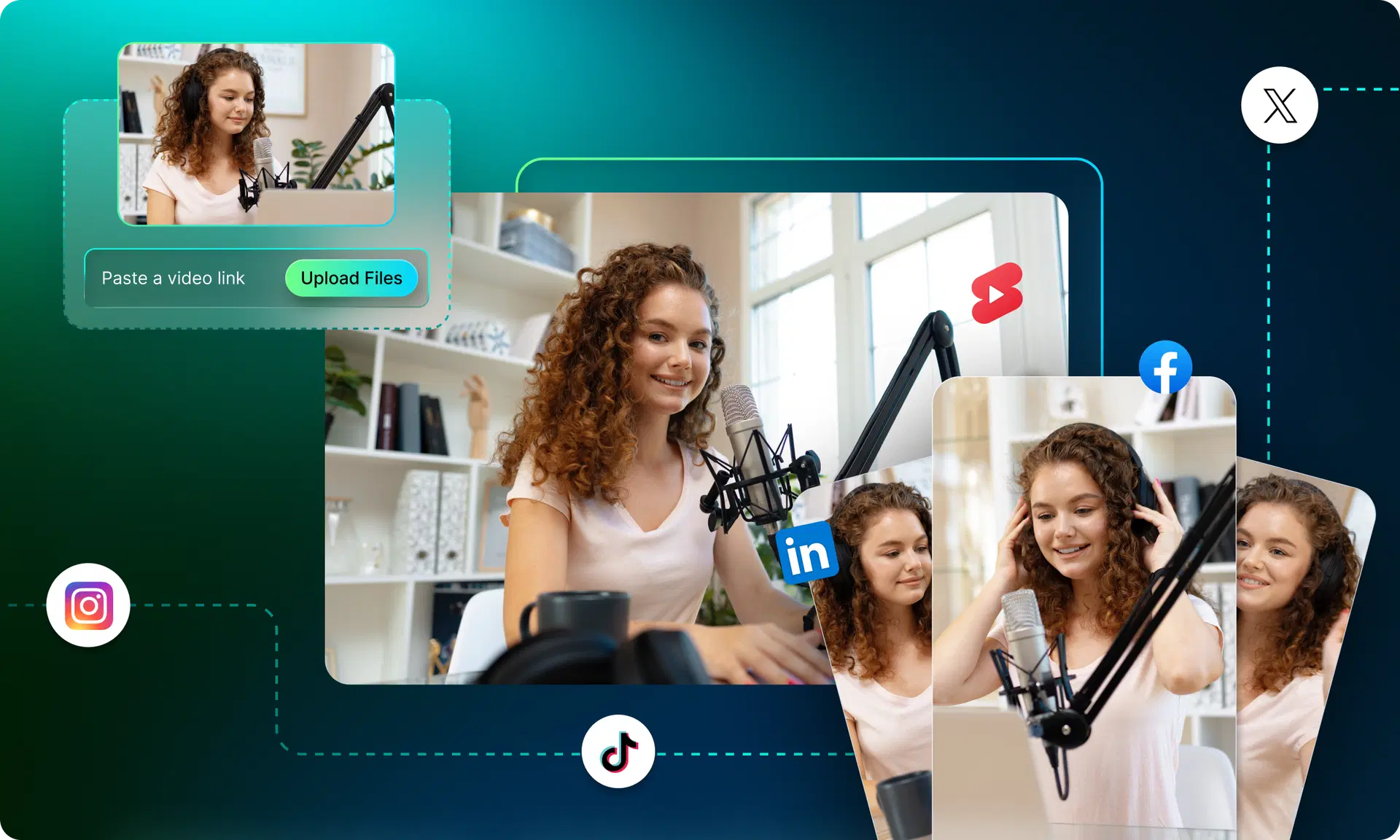
Go to vfxai.com and upload your video. This platform accepts videos in any popular format and converts them for you using cloud computing resources, without requiring any heavy desktop software, downloads, or waiting for rendering on your computer.
Step 3: Let AI Detect Your Best Moments
This is the exciting part. Using VFX AI's AI clip generator, it analyzes your video for high-energy clips, memorable quotes, relevant keywords, and hook structure. It doesn't just trim randomly, it finds the parts that are most likely to hold attention.
Step 4: Auto-Generate Captions
Each piece of footage is automatically captioned. Styled and timed perfectly to ensure your viewers get all the information they need. This is a feature that many people overlook, but it's important as 85% of social media videos are watched silently.
Step 5: Auto-Reformat for Vertical (9:16)
VFX AI's smart reframing converts your horizontal footage into vertical Reels, Shorts, and TikToks automatically. Speaker detection keeps the right person in frame even as they move.
Step 6: Generate Multiple Hook Variations
This step goes beyond just creating different versions of your videos; the AI will generate various hooks for A/B testing to find which ones catch your viewers' attention.
Step 7: Export for Every Platform
From here on, just hit a few buttons and you'll have 20 to 30 clips prepared for posting on Instagram Reels, YouTube Shorts, and TikTok videos. Each one is sized correctly, captioned, and packaged for upload.
Step 8: Schedule Across 30 Days
Schedule your clips across the month. Post 1–2 a day. Let the algorithm do its job while you move on to your next recording.
Best Types of Long Videos to Repurpose
Not every video format translates the same way. Here are the ones that generate the most short-form content:
- Podcasts & interview recordings: naturally full of quotable, shareable moments
- Webinars & live streams: high-value education that you can slice into micro-lessons
- YouTube tutorials: each major step becomes its own standalone clip
- Online course content: one module = multiple reels
- Founder talks & brand stories: great for personal brand building
- Product demos: show the outcome in 30 seconds, let curiosity do the rest
- Client Q&A sessions: every question is a content prompt for a new clip
If you're recording any of these and not repurposing them, you're leaving weeks of content on the table every single time.
How AI Clip Generators Save 20+ Hours Every Week
Let's break down exactly where the time goes and where AI helps.
| Task | Manual Time | With VFX AI |
|---|---|---|
| Watching full video for clipping | 60–90 min | 0 min (AI scans it) |
| Cutting individual clips | 3–5 hours | ~10 min review |
| Adding & syncing captions | 2–4 hours | Automatic |
| Reformatting for vertical | 1–2 hours | Automatic |
| Writing hooks & captions | 1–2 hours | AI-generated drafts |
| Exporting & organizing files | 1–2 hours | ~15 min |
| Total | 10–18 hours | ~1–2 hours |
That's not just time saved. That's a week of creative energy redirected toward actually creating, instead of drowning in the technical grind of editing.
Why VFX AI Is Built Differently
A lot of AI video editing tools are designed for enterprise teams or require a steep learning curve. VFX AI is designed specifically for creators, coaches, marketers, and founders who need results fast without hiring an editor or learning Premiere Pro.
Here's what sets it apart:
- True AI clip detection: not just cut-by-silence, but context-aware viral moment identification
- Auto captions that are actually accurate: no awkward manual corrections
- Vertical video reframing built in: speaker tracking that actually works
- Cloud-based: edit from any device, anywhere, nothing to install
- Beginner-friendly UI: if you can upload a file and click a button, you can use VFX AI
- Free AI video editor option available: get started without a credit card
- Optimized output for every major platform: Instagram, TikTok, YouTube Shorts, LinkedIn
Whether you're a solo creator repurposing your weekly podcast or a marketing team turning product demos into 30 daily clips, VFX AI handles the pipeline from raw footage to publish-ready content.
30-Day Content Calendar: Sample Repurposing Plan
Here's what a single 60-minute podcast episode can realistically generate across one month:
| Week | Content Type | Platform |
|---|---|---|
| Week 1 | 5 key insight clips (30–60 sec) | Instagram Reels, TikTok |
| Week 1 | 2 long-form quotes as audiograms | LinkedIn, Twitter/X |
| Week 2 | 5 "hot take" moments | TikTok, YouTube Shorts, Instagram |
| Week 2 | 2 behind-the-scenes clips | Instagram Stories |
| Week 3 | 5 tutorial micro-clips | YouTube Shorts, Instagram |
| Week 3 | 3 "question + answer" clips | TikTok, Reels |
| Week 4 | 5 "best of" compilation moments | All platforms |
| Week 4 | 3 "unpopular opinion" clips | All platforms |
Total: 30 pieces of content. One source video. One AI tool.
Common Mistakes That Keep Creators Stuck
If your content strategy isn't working, it's probably one of these:
1. Editing everything manually: You'll always fall behind. AI video editing software exists for a reason. Use it.
2. Posting inconsistently: Three posts one week, zero the next. Algorithms notice this. Audiences lose trust.
3. Ignoring hooks: The first 2–3 seconds of every reel either stops the scroll or loses the viewer forever. Don't bury the lead.
4. No captions: A captionless video is a quiet video. Most people scroll in silence. Captions aren't optional in 2026.
5. Treating long-form content as a one-and-done: Your best content is already recorded. It's sitting in your hard drive. Repurpose it.
6. Waiting for "perfect" clips: Raw, real, punchy beats show up every time on short-form platforms.
The Future of AI Video Editing
A shift has occurred in the creator economy. In 2022, if you were going to post daily, you either hired an editor or gave up your weekend. In 2025, AI changed that equation. By 2026, every serious creator is running some version of an AI-driven content pipeline.
What's next? Fully personalized AI short video creation where the software will adapt your style, niche, tone, and voice over time. Automated editing is getting better and better with each clip created. Platforms like VFX AI are already moving in this direction.
Those who will succeed in the coming few years aren't going to be the most talented in front of the camera. They will be those who have mastered the art of turning each long-form clip into a content-creation powerhouse without wasting 20 hours editing each clip manually.
The tools are here. The only question is whether you'll use them.
You don't need a new recording. You need a new workflow. Pick up your last podcast episode, webinar, or tutorial video. Upload it to VFX AI. Let the AI find your best moments, caption your clips, and format them for every platform.