
AI Noise Reduction

Remove background noise, hum, and distractions from audio and video using AI. Instantly enhance voice clarity and create clean, professional-quality sound without manual editing. Achieve studio-grade audio quality with advanced AI noise reduction that isolates speech and eliminates unwanted ambient sounds in seconds.

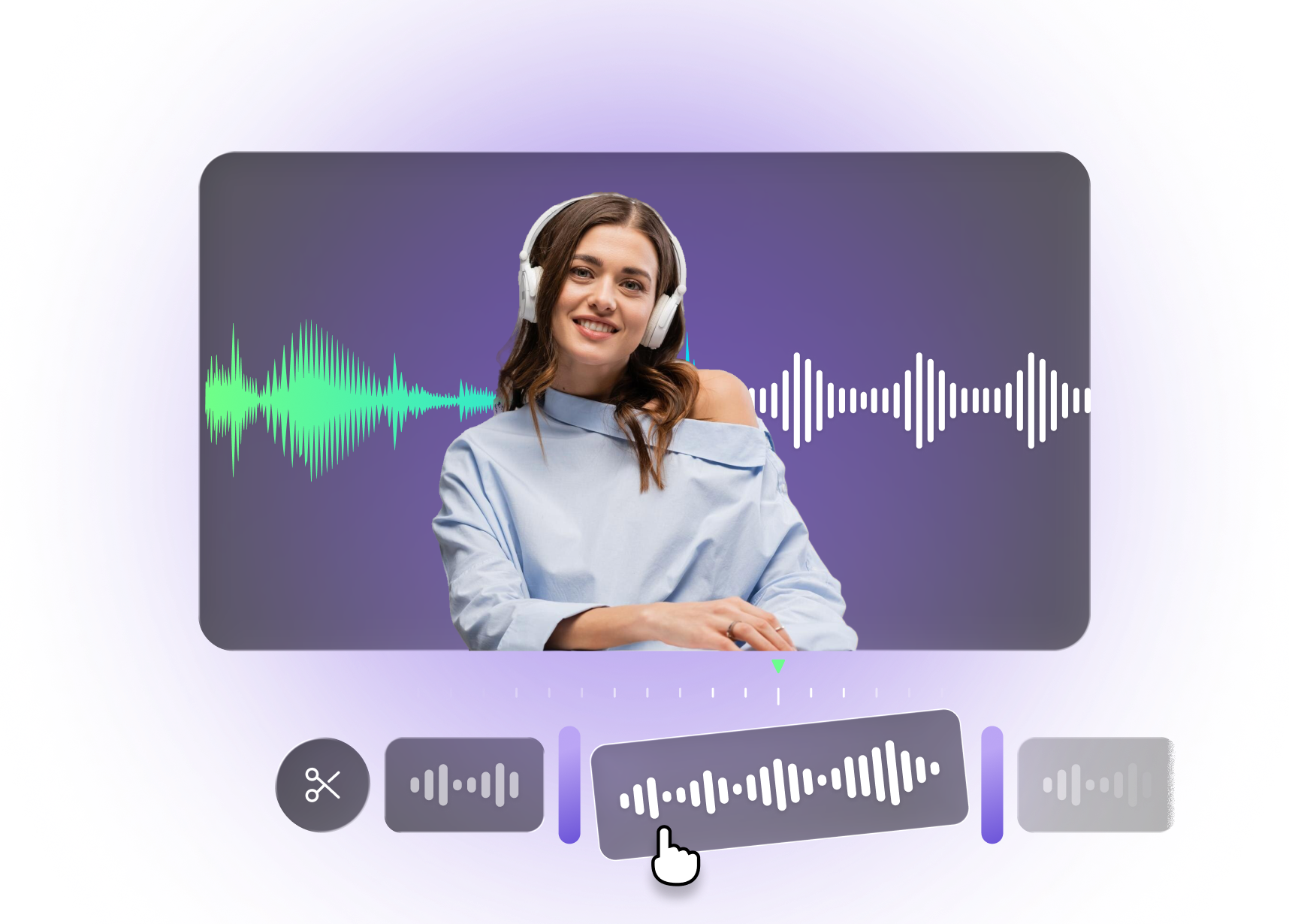
AI Noise Reduction — clean audio and waveform preview

Built with world-class AI and cloud technology

Create Clean, Distraction-Free Audio

Background noise like hiss, hum, wind, or room echo can make recordings hard to listen to and reduce content quality. VFX AI automatically detects and removes unwanted noise so your audio sounds clear, focused, and professional.

Removes background noise automatically — waveform and cleanup preview

Removes Background Noise Automatically

VFX AI analyzes audio signals, identifies noise patterns, and removes unwanted sounds while preserving speech quality. Delivers precise AI noise reduction with intelligent filtering for consistently clean and balanced audio output.
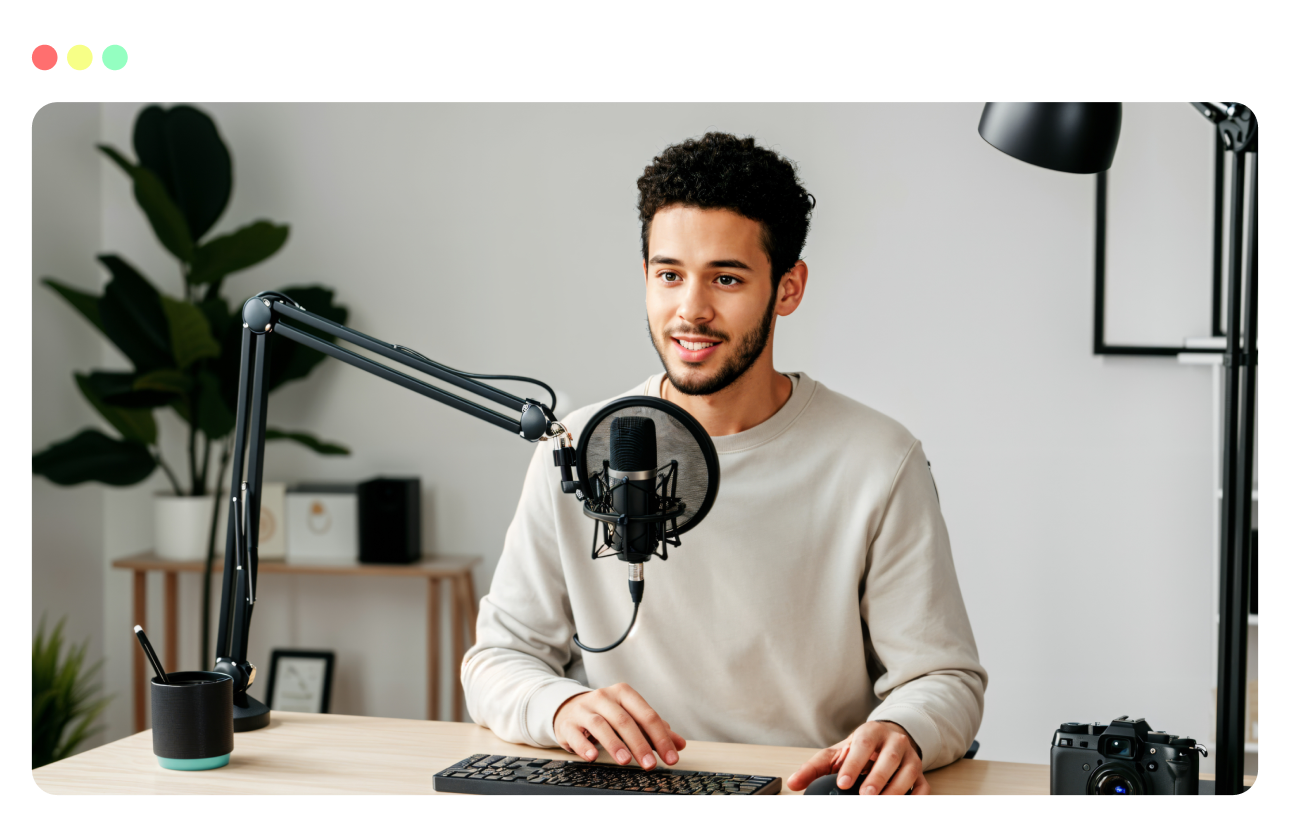

Enhances voice clarity instantly — isolated speech preview

Enhances Voice Clarity Instantly

Boost speech clarity by isolating voices from background distractions, making your content easier to understand and more engaging. Enhances vocal presence and intelligibility for clear, professional-quality audio across any recording.

Preserves natural sound quality — balanced audio preview

Preserves Natural Sound Quality

AI removes noise without distorting voice tone or making audio sound artificial, ensuring a natural listening experience. Maintains authentic voice texture while delivering clean, balanced, and professional-grade audio output.

Works across audio and video files — multi-format cleanup

Works Across Audio And Video Files

Upload podcasts, videos, interviews, calls, or recordings. VFX AI cleans the audio track while keeping everything perfectly intact. Supports advanced noise reduction across multiple formats for consistently clear and professional sound.

Clean Audio In 3 Simple Steps

Learn how to clean your audio using an AI workflow built for speed and consistency.

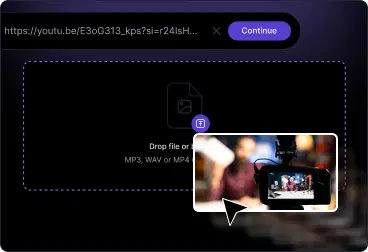
Upload your recording
1

Upload Your Recording

Upload audio or video files from your device, recording setup, or editing workflow. VFX AI prepares the file for noise reduction.

AI removes noise
2

AI Removes Noise

AI detects background noise such as hiss, hum, or environmental sounds and removes them while keeping speech clear in the video.

Export and publish
3

Export and Publish

Export your cleaned audio or video instantly, ready for publishing or further editing. Optimized for fast workflows and consistent output quality.

What You Can Create With Noise Reduction

Turn noisy recordings into clear, professional-quality content.

Podcasts & Audio Shows

Remove background noise and distractions to produce clean, studio-like podcast audio.

YouTube & Video Content

Eliminate unwanted sounds and improve overall audio clarity for better viewer retention.

Interviews & Voice Recordings

Clean up real-world recordings and make voices stand out clearly so that the audio is clear.

Webinars, Courses & Calls

Improve clarity in recordings so listeners can focus on the message without distractions.

Noise Reduction core capabilities — waveform and enhancement controls

Core Capabilities Built For Clean Audio

Everything needed to create clean audio with minimal effort.

AI-based background noise detection and removal

Voice isolation and enhancement

Works for audio-only and video files

Preserves natural tone and sound quality

Editable output for further refinement

AI Audio Editor for Every Platform

Create once, and let AI tailor your audio for every major channel, so you stay on-brand while matching each platform's formats and attention spans.