Removes Awkward Pauses Automatically
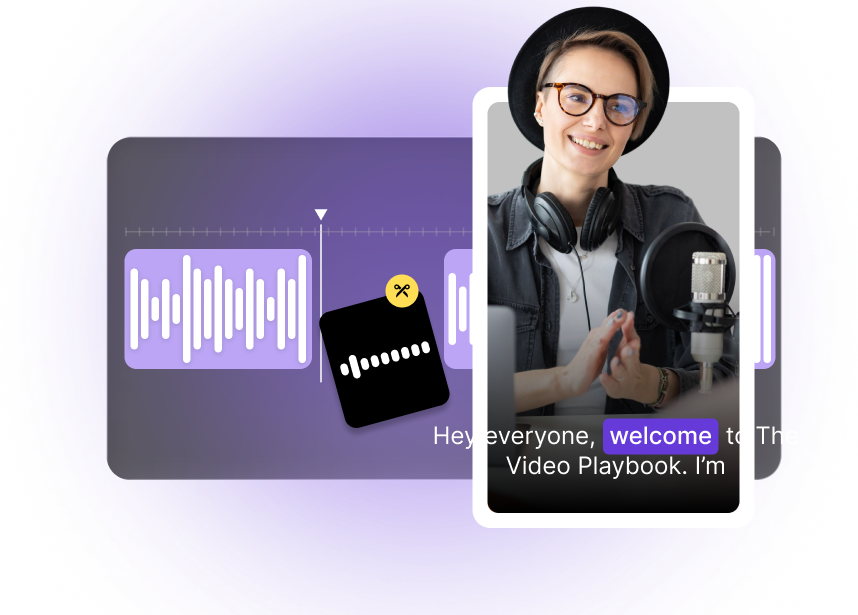
VFX AI analyzes the waveform, voice activity, and background noise to detect silences and low-energy segments, then cuts them out in a single pass for smoother pacing and better viewer retention.
Remove awkward pauses and dead air from audio and video automatically using AI. Instantly tighten pacing, clean up recordings, and get studio-style sound without manual editing or reshooting the entire audio.
Built with world-class AI and cloud technology
Silence, long pauses, and dead air breaks make content feel unpolished and hard to watch or listen to. VFX AI automatically detects non-speech segments and removes them so your audio and video feel tight, engaging, and ready to publish.
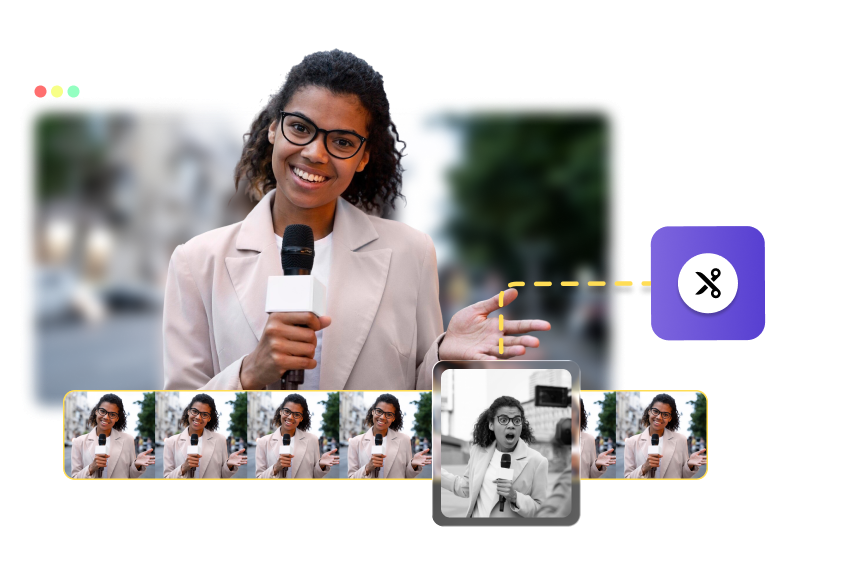
VFX AI analyzes the waveform, voice activity, and background noise to detect silences and low-energy segments, then cuts them out in a single pass for smoother pacing and better viewer retention.
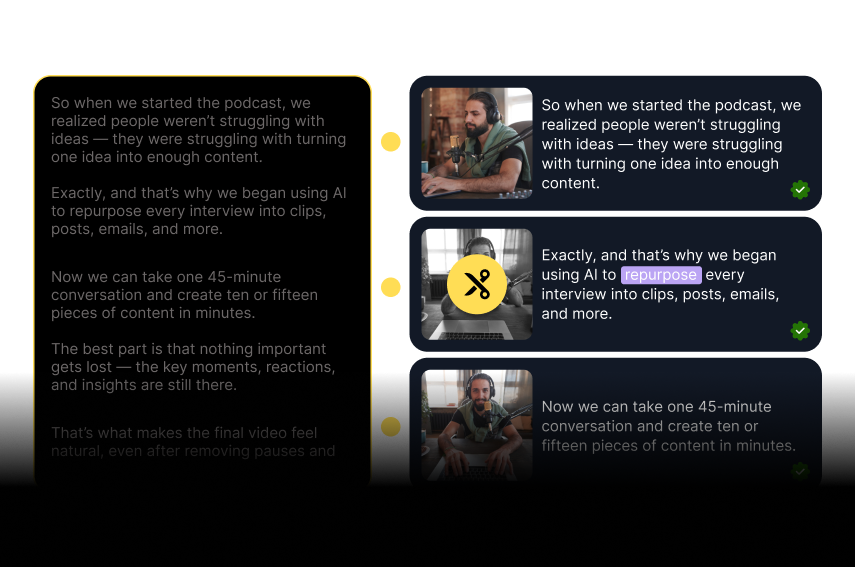
Keep the important words, reactions, and beats, and trim out empty gaps so conversations still feel natural and easy to follow in the complete video while maintaining clarity and overall storytelling flow.
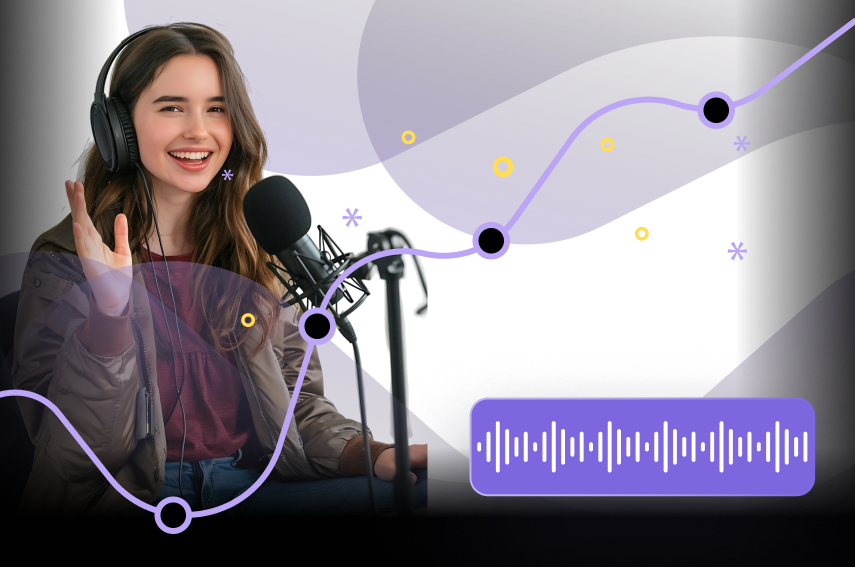
Use Silence Remover for podcasts, YouTube videos, webinars, sales calls, training content, and more, anywhere you want clean, uninterrupted audio with consistent pacing and professional listening quality.

Upload standalone audio files or full video recordings. VFX AI automatically edits the timeline, so your export is ready to share or further refine in the VFX AI editor without any manual editing steps required.
Learn how to remove silences and dead air using an AI workflow built for speed and consistency.
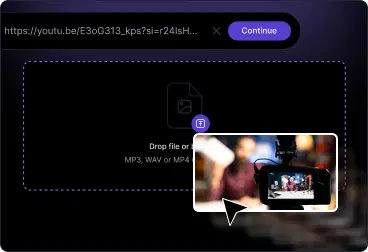
Upload raw recordings from your mic, camera, or meeting platform, podcasts, screen recordings, interviews, coaching calls, and more. VFX AI automatically analyzes the audio track.
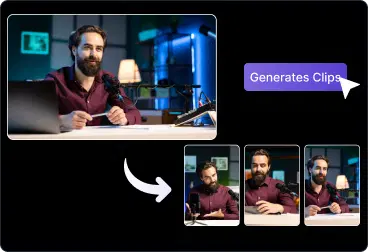
AI detects gaps, long pauses, and low-energy sections, then removes them from the timeline while preserving speech and natural breathing. Review the auto-edited track or fine-tune cuts.

Export clean audio or video in a few clicks, then publish to your podcast host, YouTube, LinkedIn, or social media channels, or import directly into other VFX AI tools for further editing.
Turn raw, unedited recordings into polished content with consistent pacing.
Remove dead air, long pauses, and filler gaps to make episodes sound professionally produced and easier to binge.
Tighten A‑roll, remove thinking pauses and restarts, and keep viewers engaged from the first second to the last.
Clean up live recordings, and internal trainings so teams can replay the important parts without waiting through silence.
Share concise, focused call recordings or meeting recordings by automatically trimming silent and idle segments.
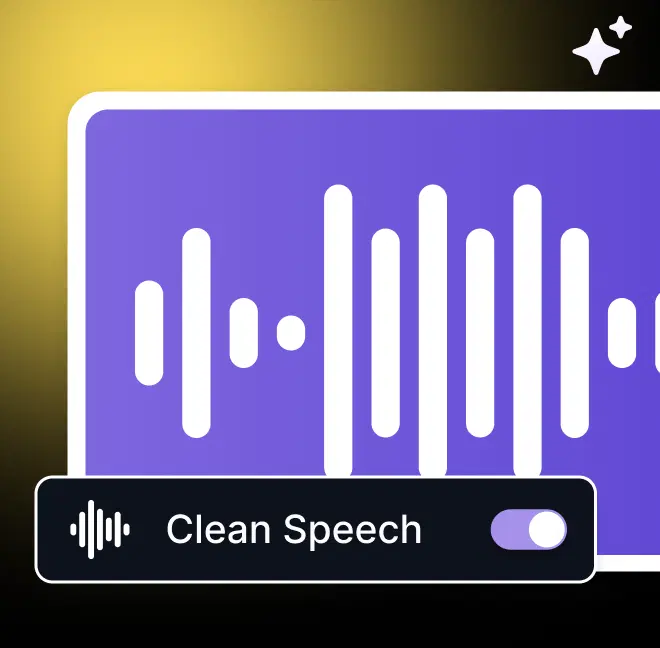
Everything needed to create tight, professional-sounding recordings with minimal effort.
AI-based silence and dead-air detection
Automatic removal of pauses and gaps
Works for both audio-only and video files
Review timeline and tweak after AI edits
Designed for podcasts, calls, tutorials, and more
Everything you need to know about Silence Remover and AI-powered silence detection.

