Introduction
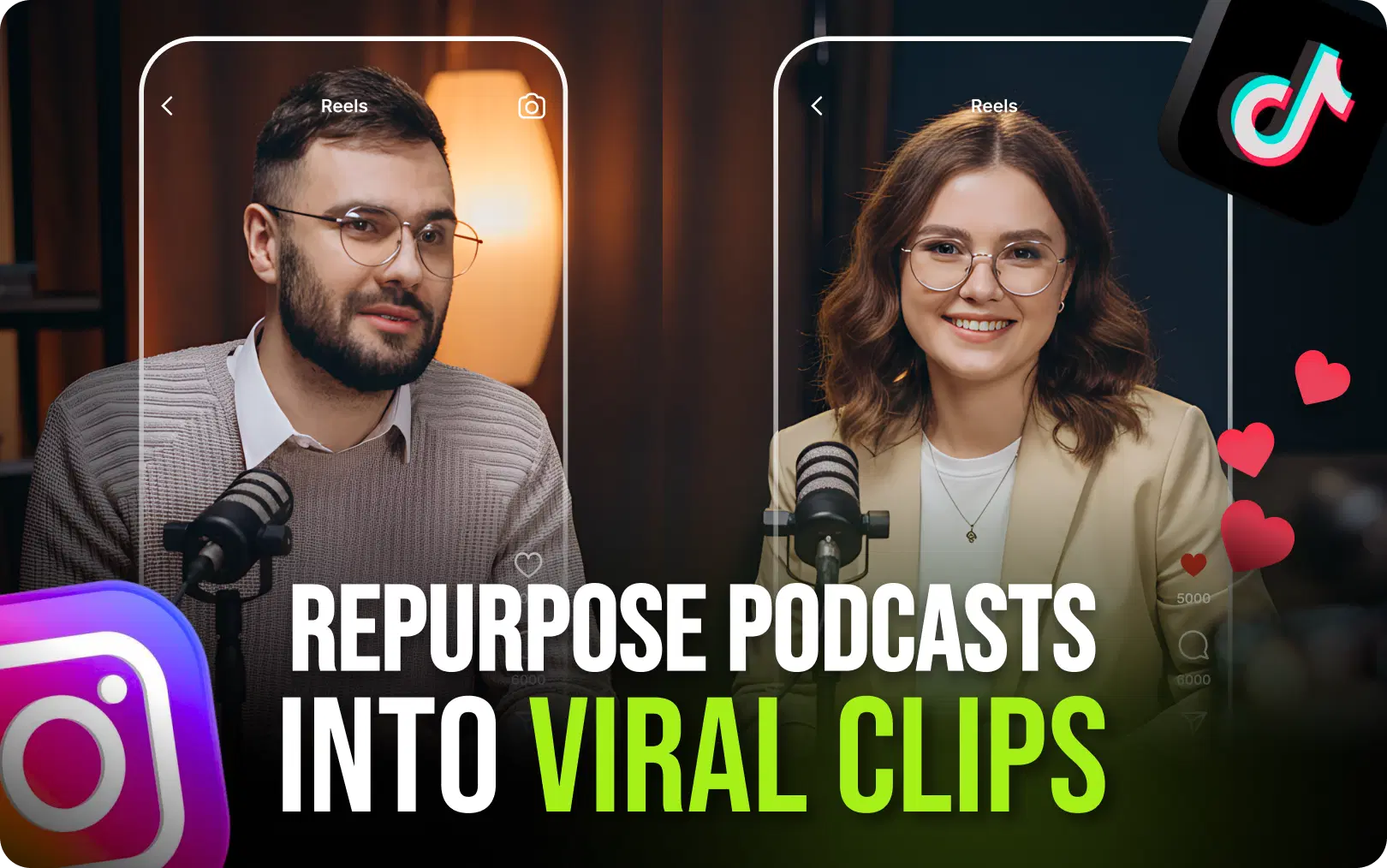
People scroll through Instagram Reels while having lunch. They watch YouTube Shorts when commuting. They binge on TikTok before bedtime. The short video format is not only winning. It's dominating. Those creators who realize this fact do not have to choose between long-format videos and short clips. They produce both using their podcasts as content goldmines and an AI clip generator to extract the gems.
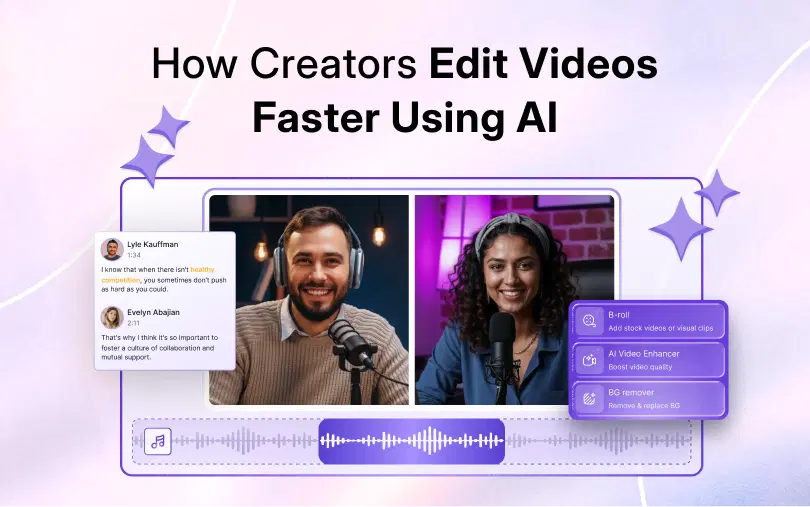
If you've ever thought, “I wish I could turn my podcast into 30 pieces of social content without spending 30 hours editing,” you're in the right place. It's possible with tools like VFX AI. As a podcaster, YouTuber, or content creator, you know you have to work smarter, not harder. Here's exactly how it can be done.
Why Repurposing Podcasts Into Clips Matters
Imagine you've done all that research, planning, recording, and even editing. What happens when you've spent all those hours on a single podcast episode? Instead, what if you took that same episode and turned it into:
- 15-20 clips for Instagram Reels
- 10-15 vertical videos for TikTok
- 5-10 highlight reels for YouTube Shorts
- 3-5 high-quality clips for LinkedIn
- Quotes to post on Twitter
- An audiogram to post in your story
Suddenly, one episode becomes a month's worth of social media content. That's not just efficiency; it's a complete content strategy.
The Discovery Problem Every Podcaster Faces
One thing that many podcasters might not understand: there's a problem with podcast discovery.
People don't randomly stumble onto new podcasts the way they discover creators on TikTok or Instagram. The algorithm doesn't push your podcast episode to millions of potential listeners.
However, a short clip? It gets found almost all the time.
For example, a 45-second clip can connect someone who's never listened to your show with your most compelling content, prompting them to watch your full podcast episode.
Also Read: AI Video Automation Workflows
The Math That Changes Everything
Let's do some quick math:
Average podcast: 5,000 downloads per episode
Average Reel reach for an influencer with 10K followers: 50,000-200,000 viewers
Viral video: 500,000+ viewers
A single viral clip can expose your podcast to 100x as many people as the episode itself. You could potentially make dozens of those videos from just one episode.
The influencers doing well currently aren't necessarily the best podcasters. They're the best at converting episodes into clips.
What Is an AI Clip Generator
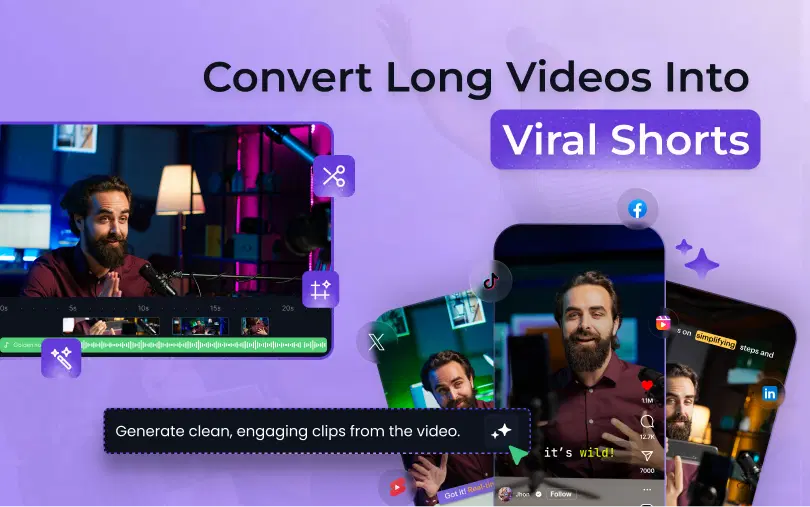
An AI clip generator is software that uses artificial intelligence to identify the most effective highlights in your long-form video content.
Rather than going through a 2-hour-long podcast trying to find quotes, let the AI do all the work for you, analyzing your video content, finding the most engaging highlights, and preparing video clips for you in just a few minutes.
Here's what modern AI video editing tools can do:
Automatic Highlight Detection
The AI observes your content and recognizes the following elements in it:
- Emotional peaks
- Laughs or reactions
- Powerful statements
- Quote-worthy highlights
- Story arc structure
This is basically like hiring a video editor who has analyzed thousands of successful viral videos.
AI Subtitles and Captions
Social media platforms encourage videos with captions. People watch 80% of videos without volume. The AI subtitle tool in a video editor automatically generates subtitles to keep viewers engaged, even without sound.
Speaker Detection and Tracking
When you produce an interview podcast, the AI recognizes who is speaking and tracks the speaker's movements to create a shot framing their face. No more awkward static shots of someone listening while the other person makes the point.
Silence and Filler Removal
Filler words and unnecessary silences make viewers zone out. Automatic editing tools remove such elements from videos, ensuring a tight production that maintains viewer interest.
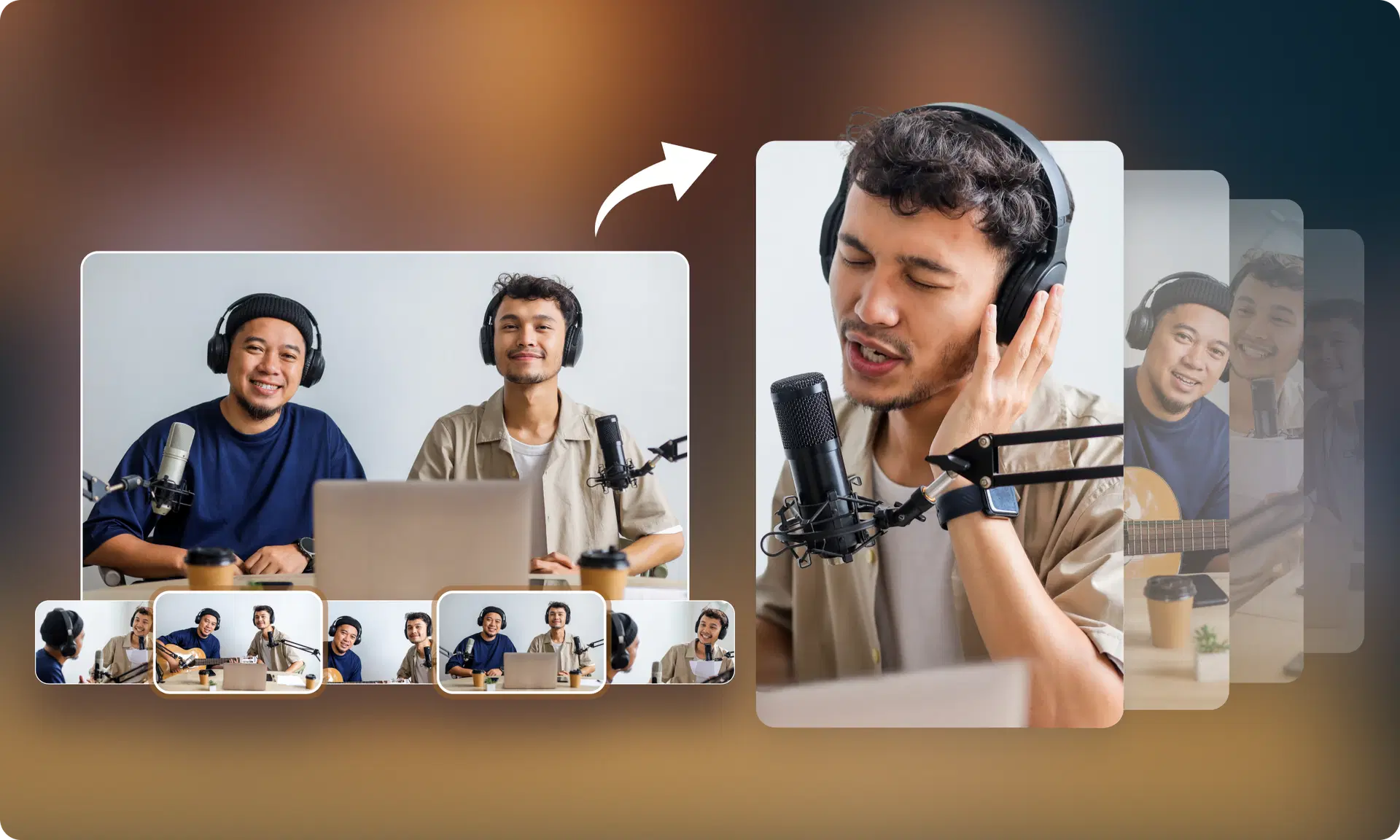
Auto Reframing for Vertical Video
Podcasts are typically filmed horizontally. However, Reels, Shorts, and TikTok require vertical videos. An automated video clip generator automatically reframes the video content, ensuring speakers are always centered.
Hook Detection
The algorithm detects the most suitable parts that could be used as an opening hook, the critical 3 seconds where everything hinges on whether people decide to watch further or scroll down.
This is how platforms like VFX AI streamline all of the above into an automatic process that turns a day's worth of editing into a mere half-hour job.
Also Check: VFX AI Caption Generator
How to Convert Podcasts Into Viral Clips Using VFX AI
Let's walk through the whole process of making your podcast go viral using an automatic reel generator.
Step 1: Upload Your Podcast
Start by uploading your full podcast episode. Most AI video editors accept common formats, MP4, MOV, or even direct links from YouTube or cloud storage.
The duration isn't an issue since the AI handles clips of any length, whether 20 minutes or 3 hours.
Step 2: Let AI Detect Engaging Moments
This is where the magic occurs. The AI examines your entire episode to find:
- Segments that are high energy
- Statements that can be quoted
- Emotional responses
- Natural breaks
- Content that can go viral
In minutes, you will have a list of suggested clips ranked by engagement value.
Step 3: Generate Subtitles Automatically
After you select your clips, the AI automatically generates accurate captions. Usually, there are several styles available:
- Animated text
- Traditional subtitle style
- Highlighting each word
- Using custom fonts
Subtitles are not only helpful for accessibility, but they also increase watch time by 40%+.
Step 4: Convert to Vertical Format
Your horizontal podcast video is cropped intelligently into 9:16 format. The AI shorts generator tracks your facial movements and keeps them centered, so your forehead doesn't get cropped awkwardly.
Step 5: Add Templates and Branding
Almost all free online video editors that offer AI features come with templates for various platforms. Incorporate your brand logo, consistent colors, and call-to-action overlays to ensure brand recognition across all videos.
Step 6: Export for Each Platform
Different platforms have different requirements:
- Instagram Reels: up to 90 seconds, 9:16
- TikTok: up to 10 minutes, 9:16
- YouTube Shorts: up to 60 seconds, 9:16
- LinkedIn: horizontal or square often works better
A reliable AI social media video maker will allow you to export optimized versions for each platform in one batch.
Step 7: Publish and Track
Make sure you schedule your clips throughout the week. Don't upload everything at once; schedule your clips to get the most exposure.
With VFX AI, this entire workflow, which previously took 8-10 hours, can now be completed in an hour. It's not an exaggeration; it's just the way things work with AI video editing technology today.
Features Creators Should Look for in an AI Video Editor
Not all AI video editors are created equally. This is why these features make them stand out from the rest:
Must-Have Features
| Features | Why It Matters |
|---|---|
| Auto Captions | 80% of social videos watched on mute |
| Speaker Tracking | Keeps interviews dynamic and watchable |
| AI Clipping | Saves hours of manual editing |
| Templates | Consistent branding across all clips |
| One-Click Reels | Speed matters when you're scaling content |
| No Watermarks | Professional clips require clean exports |
Nice-to-Have Features
- Collaboration tools for teams
- Direct publishing to social platforms
- Analytics integration
- Custom aspect ratios
- B-roll suggestions
- Music library access
What Makes VFX AI Stand Out
VFX AI is tailored for those who want to create volume while retaining high-quality video. It is not regular video-editing software powered by AI. Instead, it's designed from the ground up for the podcast-to-reels AI workflow.
Whether you are working alone or managing content creation for many clients at once, the platform will accommodate your needs.
Best Use Cases for Podcast Clips
Who benefits most from AI content repurposing? Pretty much anyone creating long-form content:
Coaches and Consultants
Every coaching podcast is packed with advice your audience would pay for. Turn your best insights into clips that establish expertise and drive leads.
Educators and Course Creators
Educational content works extremely well in short form. A 2-minute breakdown of something complicated might do better than hours of marketing.
Finance and Business Creators
The market moves fast, and so is finance content. Market takes and business insights work very well in Reels and Shorts formats.
Interview Podcasters
Guest interviews are clip goldmines. Your guests bring their audience, and clips let you tap into that.
Startup Founders
Building in public? Podcast clips showing your journey create authenticity that polished marketing never can.
Marketing Agencies
Handling content for several clients? An AI clip generator is a must-have tool for scaling without exhausting your team.
Influencers and YouTubers
A cross-platform presence is no longer a luxury. Clips make sure your content reaches the people on each platform without having to create from scratch on each one.
The connecting point? Clips generate traffic towards long-form content. They do not compete with your podcast; they promote it.
Also Read: Beyond Viral Clips
Why AI Video Editing Is the Future of Content Repurposing
We're at an inflection point in the creator economy.
The difference between creators who use AI tools and those who don't is becoming increasingly evident each month. Here's how:
Speed Matters Most
The algorithm favors consistency. Publishing 30 videos monthly, compared to 4, is not just a matter of numbers; it's 7 times the chances of being discovered.
With an AI video editor, you can sustain this pace easily.
Quality at Scale
AI doesn't get tired. It doesn't have off days. It applies the same intelligent editing to clip #100 as it did to clip #1.
The Economics Make Sense
Video editors cost $30-$100+ per hour. Plus, you have to add the software subscriptions. Also, your time matters.
A free AI video editor or affordable subscription pays for itself after a few hours of saved editing time.
The Creator Economy Demands It
There are more than 200 million creators out there. You need to work smart. AI is not replacing creativity; it is getting rid of all the nonsense so you can concentrate on what's important: creating amazing content.
Start Creating Viral Clips Today
Here's the reality: your podcast is already full of viral moments.
It's just a matter of whether you extract them yourself (by investing 10+ hours per episode), pay editors (hundreds of dollars), or use an AI clip maker (in minutes).
The math is simple. The technology is ready. All that is left is for you to act.
VFX AI is designed for you, a creator with amazing content who needs a smart way to reach more people.
Stop letting your best moments get buried in hour-long episodes that most people won't discover.
Transform one podcast into 30 videos. Transform those videos into thousands of new subscribers. Transform those subscribers into a flourishing creator business.
Your content is worthy of being discovered. AI makes sure it is.
Ready to revolutionize your podcast production process? Try VFX AI and make your first viral video in minutes.