Introduction
For any creator who wishes to embrace the new trend in video editing, there’s no need to search further. Just imagine how exciting it can be to describe the edit you have in mind using plain English, and watch as an artificial intelligence makes it happen for you within minutes. Here’s how.
What Are AI Video Editing Prompts?
AI video editing prompts are textual instructions for telling AI-powered tools how to manipulate, modify, enhance, or transform your video clips.
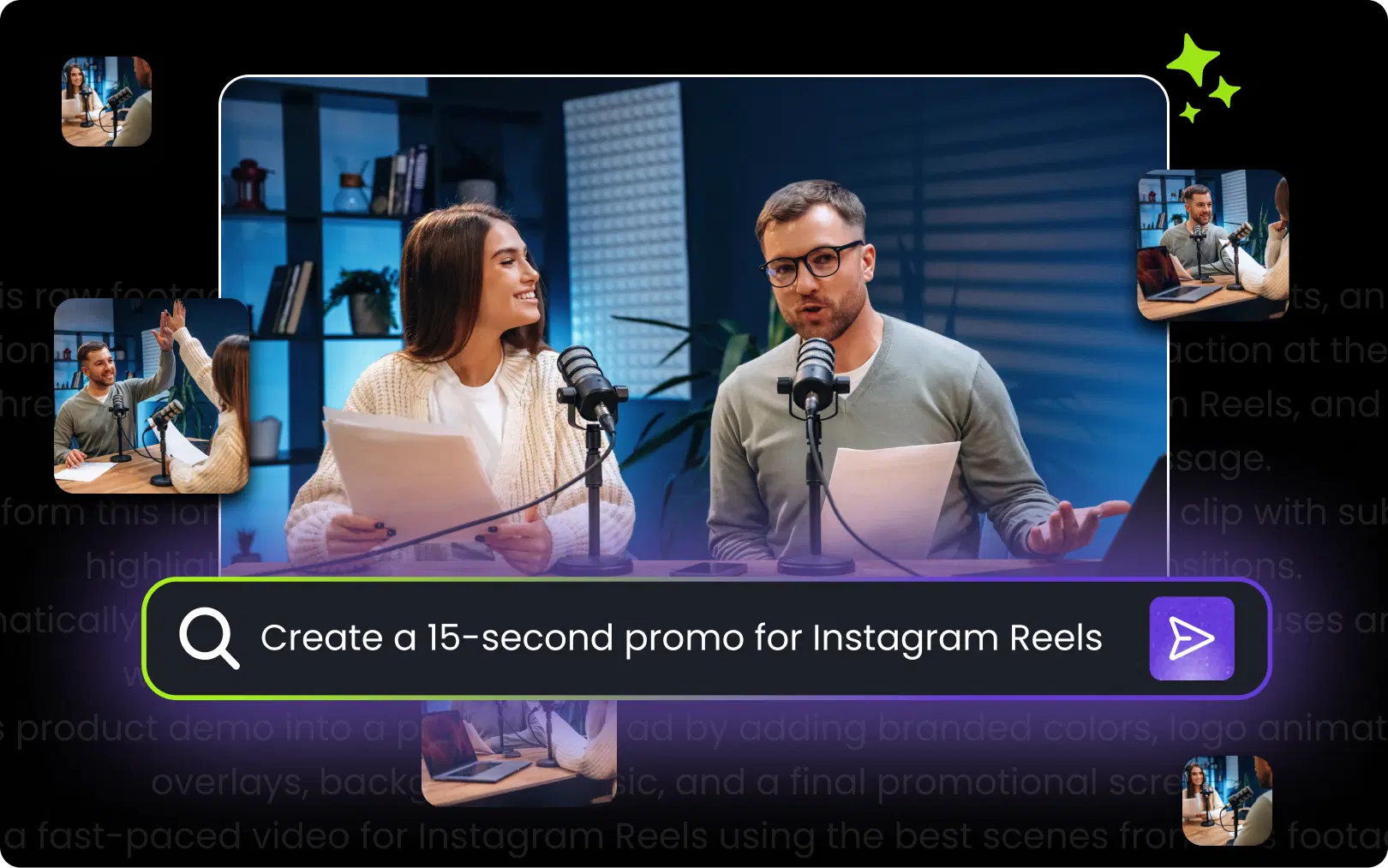
Rather than adjusting settings by hand, you simply instruct the tool as you would if speaking to it, using lines such as "Remove background noise and apply cinematic color correction" or "take this 10-minute video clip and produce a 60-second highlight reel." The AI interprets your words and executes the edits automatically.
Some features of AI video editing prompts:
- Natural language instructions (plain English)
- Clear parameters specified (duration, style, mood)
- Context about your video
- Output format specified
Think of prompts as dialogue with the editing tool; the clearer you communicate, the better your results.
Also Read: The Role of AI in Post-Production Workflows
How to Edit Videos Using AI Prompts (Step-by-Step Guide)
The process of prompt-based AI video editing is quite straightforward. Although all tools have their unique user interfaces, the core concept remains the same.
Here’s how AI video editing works in practice:
Pick Your AI Video Editing Platform: Find an app that allows for prompt-based video editing.
Upload Source Content: Import your video clips, pictures, and soundtracks to the media library.
Make the Initial Assembly Prompt: Use a general statement to generate a basic version. For example: “Generate a 2-minute highlight reel from my videos related to the hiking trip. Concentrate on mountain landscapes and smiling faces.”
Enhancing with Specific Prompts: In the next step, refine the video according to your specific prompts. For example, you could prompt the AI: “Make the cuts faster in the first 30 seconds,” or “Replace the shot at 1:15 with another shot of the waterfall.”
Applying Effects and Color Grading: Apply effects and color grading as specified in the prompts. These prompts could be: “Apply a dramatic color grade with cooler blues,” or “Apply a zoom effect to all interview clips.”
Adding Audio and Subtitles: The final step is to incorporate audio tracks and subtitles into the video. You can provide the following prompts: “Include an uplifting orchestral track,” or “Create and insert accurate subtitles to the whole video.”
Reviewing and Exporting Video: Watch the final video. If necessary, make further tweaks with the final prompts. After that, export the video in its desired form.
Why AI Prompts Are Changing Video Editing Forever
This shift to prompt-based video editing isn't just a novelty; it's a fundamental improvement to the entire production pipeline. It addresses some of the biggest pain points creators face.
How do AI prompts improve video editing?
Unmatched Speed: Tasks that used to take hours, such as selecting the right takes from an extensive interview or making a social media cutdown, are now completed within minutes.
More Time for Creativity: Rather than being tied up in the technical aspects of editing, you can concentrate on the bigger picture. AI figures out how to do it while you come up with new creative concepts quickly. Stuck somewhere? Have the AI come up with three distinctive editing styles.
Editing for Everyone: There is no longer any need to be tech-savvy to edit like a pro. With just some description, you can now make your edits. This democratizes high-quality video production.
Branding Consistency: Simply develop a list of guidelines for your brand's style (e.g., color grade, transitions, etc.) and apply them consistently across all your video material.
Money Saving: With video production, AI significantly reduces editing time, you can produce much more content than before, utilizing the same budget.
Also Read: Beyond Viral Clips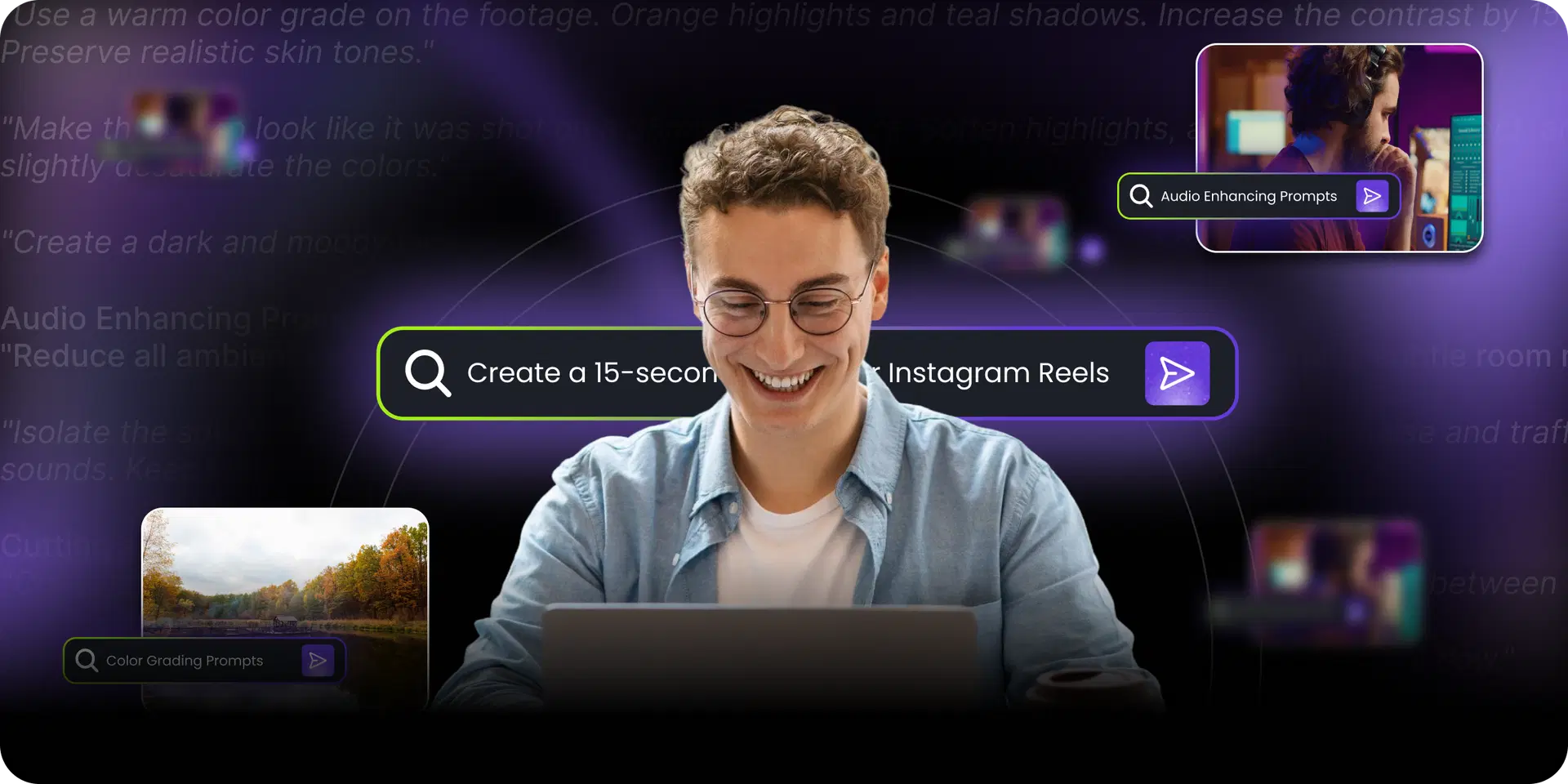
Best AI Video Editing Prompts You Can Use Today
This is your copy-and-paste template collection. Feel free to tweak them based on your projects.
Color Grading Prompts"Use a warm color grade on the footage. Orange highlights and teal shadows. Increase the contrast by 15%. Preserve realistic skin tones."
"Make this video look like it was shot on a 35mm film camera. Soften highlights, add subtle grain effect, and slightly desaturate the colors."
"Create a dark and moody look with crushed blacks, blue tones, and increased contrast."
Audio Enhancing Prompts"Reduce all ambient noises but maintain voice quality intact. Set audio levels at -6dB. Apply subtle room reverb."
"Isolate the speaker's voice only and eliminate any other background sound, including wind noise and traffic sounds. Keep volume consistent throughout."
Cutting and Pacing Prompts"Compile a short clip out of the full-length interview. Include only the best parts. Add transitions between cuts."
"Eliminate all silences longer than 0.5 seconds. Improve the pace without losing a conversational flow."
"Produce a 60-second preview clip out of this 20-minute-long video. Capture only energetic parts. Make use of quick cuts and beat-synchronized transitions."
Captions and Subtitles Prompts"Provide captions in English. The captions should be accurate. Bold the text with white color. Outline the text using black. Place at bottom center. Show maximum two lines at one time."
"Animate the captions one word after another. Modernize your sans-serif font for a better reading experience. Highlight the present word in yellow color. Optimize for mobile device viewing."
Prompts for Visual Effects"Insert smooth slow motion whenever the subject jumps or performs sudden movements. The speed would be set to 50%, and motion interpolation will be used."
"Implement zoom-in effect during important speaking points. Zoom in 5% within 2 seconds with smooth easing. Apply subtle effect."
"Replace the green screen background with a modern office setting. Adjust lighting and shadowing."
Prompts for Specific Platforms Tiktok/Reels:"Edit the horizontal video format into a 9:16 vertical format. Focus on maintaining the subject's central position. Incorporate trending style captions with reaction emojis."
YouTube:"Develop chapter markers according to the change in topics. Design thumbnail still frame. Insert subscription animation at the bottom-right corner after 30 seconds."
LinkedIn:"Produce a high-quality professional edit. Add clean transitions. Incorporate lower-third titles. Integrate the company logo watermark."
Also Read: How We Converted a 90-Minute Video into 8-10 Shorts InstantlyHow to Write Better AI Video Editing Prompts
What sets good AI edits apart from bad AI edits? Your prompt writing skills.
Five rules for effective AI prompts:
Be clear: "Make it better" fails. Try "increase saturation by 20% and sharpen by 15%".
Provide context: Let your AI know what kind of content this is (vlog, tutorial, ad, etc.).
Mention styles: "In the style of a Christopher Nolan movie" means much more than "cinematic."
Define boundaries: Talk about time constraints, format considerations, and upload platforms.
Chunk big edits into smaller steps: Two small prompts may be better than one giant prompt.
Prompt formula that works:[Action] + [Specific parameters] + [Style reference] + [Constraints]
Example: "Color grade [action] with a warm color tone and increase the contrast by 20% [parameters] like a Wes Anderson film [style] without exceeding the size of 500MB [constraints]."Can AI Edit Videos Automatically?
Sure, AI can do a lot of video editing, but it’s not a total replacement for human creativity (yet). AI is an excellent copilot, but not an autopilot.
What AI Is Great at:Drafting: Making a first cut based on a script or idea.
Repetitive Tasks: Cutting down silent scenes, applying color correction, adding subtitles, and re-sizing for sharing.
Objective-Based: Finding all clips where a person is smiling or a car is present.
Where the Human Touch is Still Crucial:Story and Emotion: AI is bad at understanding why a story's pacing works. It fails to see why a particular silence adds weight to the narration, or why an imperfect shot adds authenticity.
Creative Choices: AI does a good job in applying a style, but only humans can envision what that style should be.
The Final Step: The last 10% of the edit, those small tweaks that turn a good video into an exceptional one, can only be done by humans.
How to Create Viral Content Using AI Prompts
Viral possibilities emerge when AI efficiency is integrated with the right content strategy.
High-performing prompt strategies:
Pick out the 3 most surprising scenes in this video based on the voice changes and visual activities. Produce short clips with less than 15 seconds each and add captions with hook-like descriptions."
"Incorporate a pattern interrupt once every 8 seconds. Alternate between zoom, cut, or text overlay effects. Synchronize with the speed of popular videos on TikTok."
"Design at least 5 unique thumbnails with varying faces, text overlays, and vibrant colors."
Viral recipe: Use AI to handle volume and variations. Test multiple versions. Let data guide which prompts to reuse.
AI video editing prompts are more than an innovative tool; they are a new creative relationship. By learning how to craft prompts, you are no longer dictating instructions to software but engaging in dialogue with a highly competent creative assistant.
This innovative technology removes all technical obstacles, automates the boring aspects of content creation, and leaves you free to focus on what really matters: storytelling.