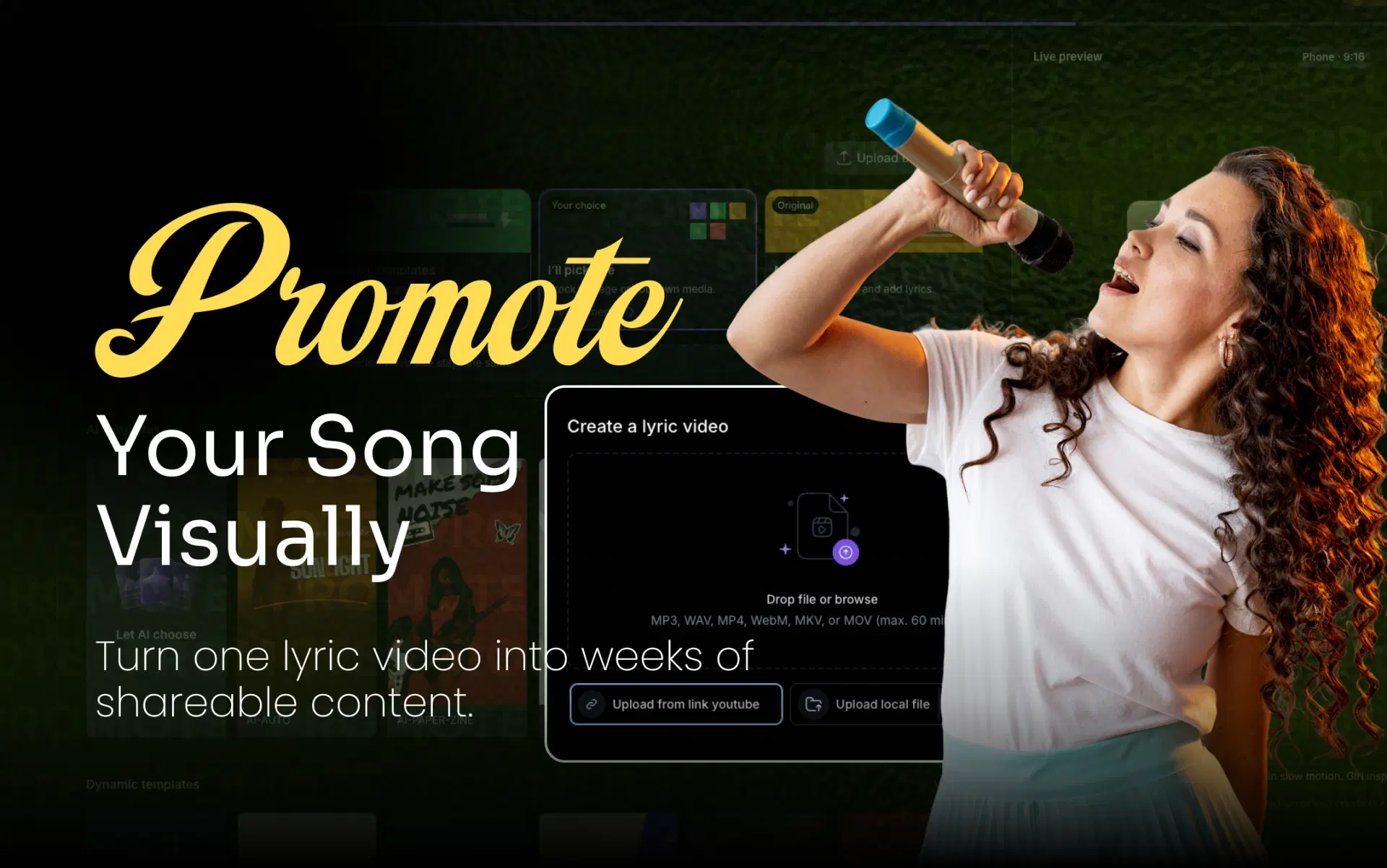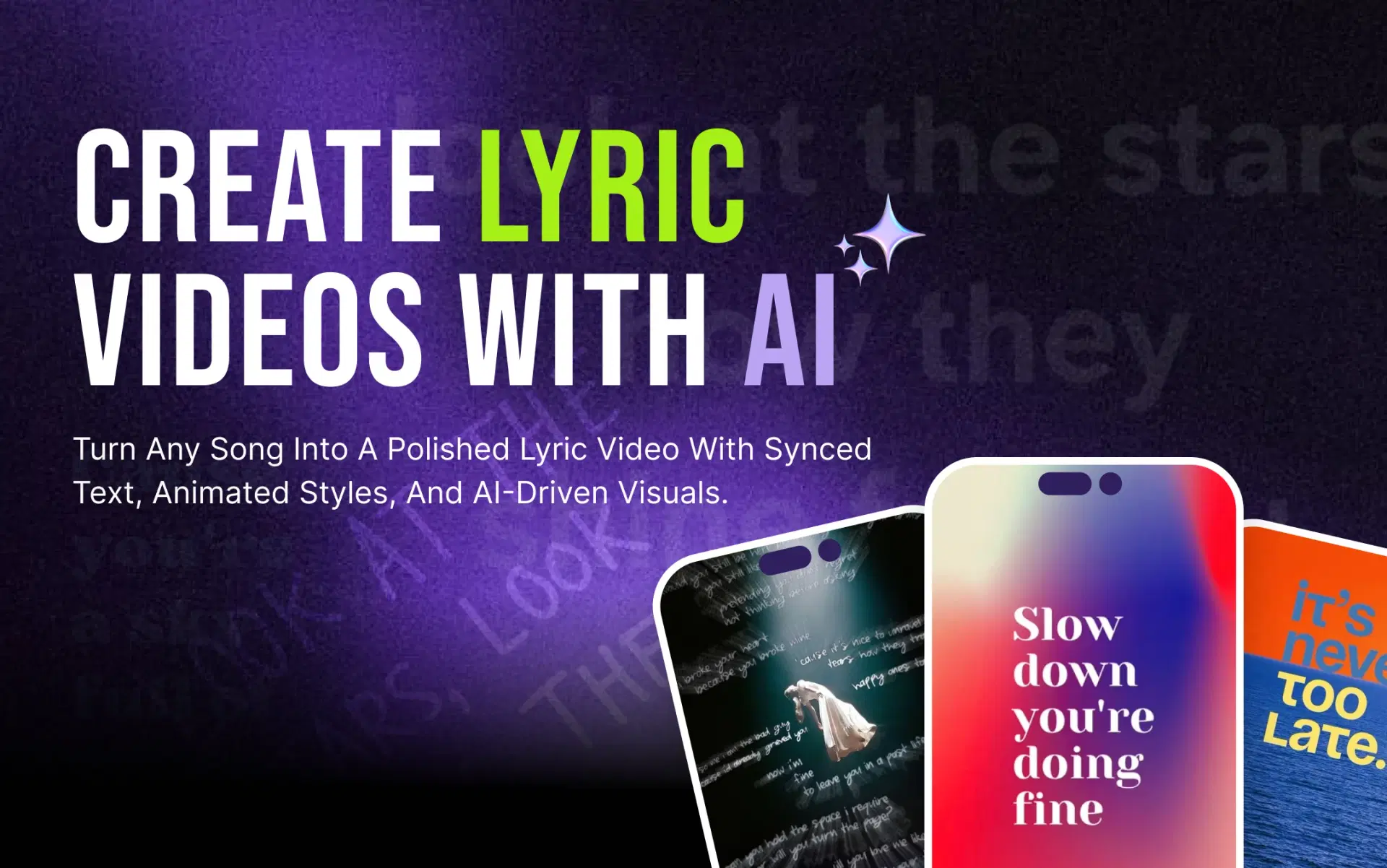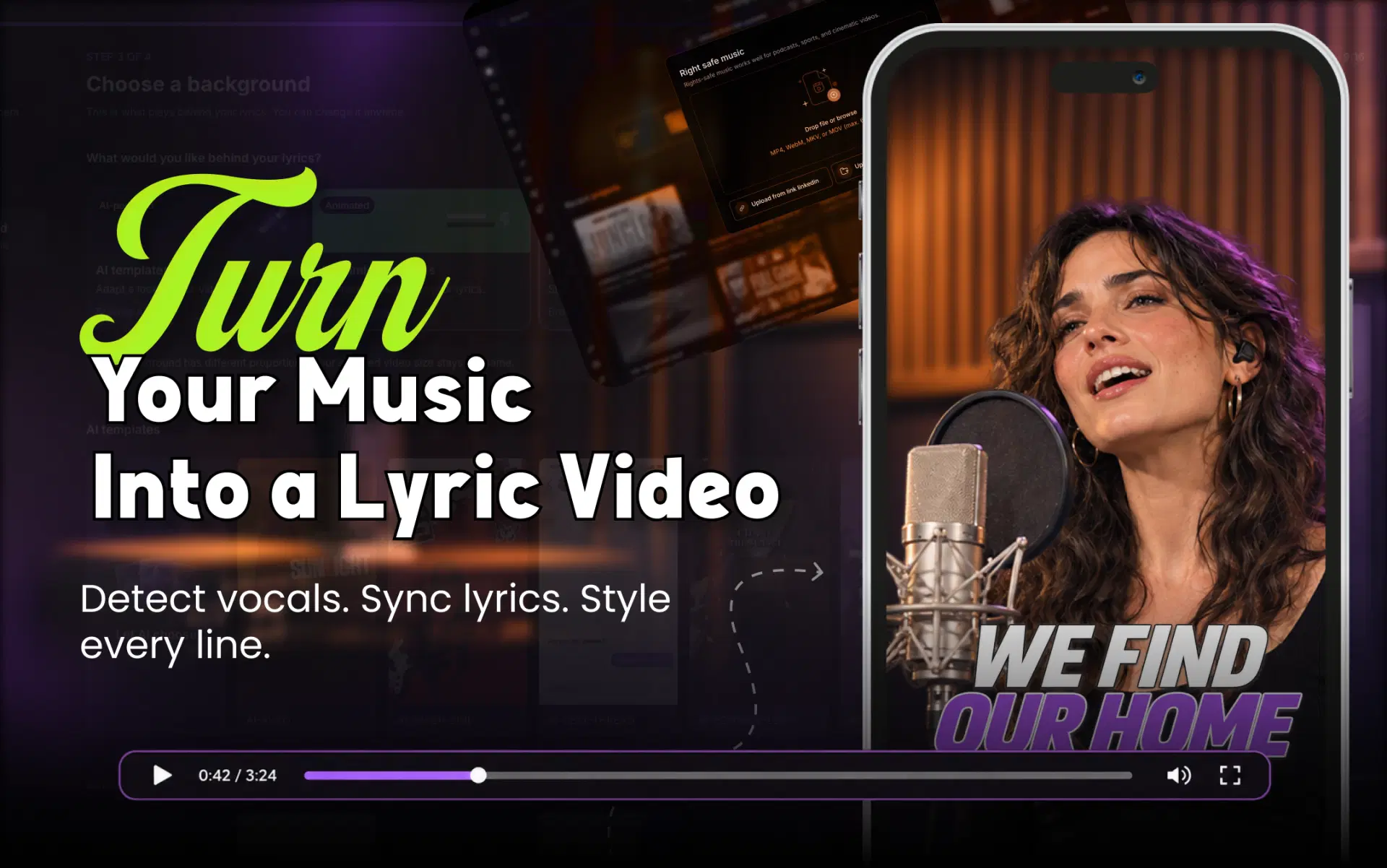
If you're working out how to add lyrics to a music video without losing an evening to that, AI now handles most of it. It detects the vocals, transcribes the words, times each line to when it's sung and animates the text. This guide walks through that workflow with the VFX AI Lyric Video Maker, then shows you how to check and fix the timing so the result looks professional.
Why Add Lyrics to an Existing Music Video?
- New listeners can follow along, even through dense verses or strong accents.
- It works with the sound off. In feeds where videos can start muted, lyrics still carry the song.
- You get a second release asset from the same footage. A lyric version is one of the simplest ways to promote your song with a lyric video.
- Chorus clips are quicker to cut once the lyrics are already synced.
Ready to try it on your next hook? Create a TikTok lyric clip with VFX AI.
Text Overlays, Subtitles, Lyric Sync or Animated Lyrics?
"Adding lyrics" can mean four different things:
| Approach | How it works | Best for | Drawback |
|---|---|---|---|
| Manual text overlays | You type and time each line in an editor | A title card or one hook | Slow for a full song |
| Automatic subtitles | General speech-to-text creates caption blocks | Spoken intros, interviews | Built for speech, not singing |
| AI lyric sync | Each line is matched to the moment it's sung | Full songs | Needs proofreading |
| Animated lyric overlays | Synced lines get typography and motion | Release-ready lyric videos | Must stay readable |
For a full song, you want the last two together: sync for accuracy and animation for presentation.
How Does AI Sync Lyrics to Music Automatically?
- Vocal detection: finds where singing happens.
- Lyric transcription: turns sung words into text.
- Timestamp matching: gives each word a start and end time.
- Synchronisation: groups words into timed on-screen lines.
- Animated typography: applies font, position and motion.
- Compositing: places lyrics over the visuals.
Singing is harder to transcribe than speech. Harmonies, ad-libs, slang, accents and overlapping singers all cause errors, so treat the result as a strong first draft.
For more background, see how AI lyric video makers work.
How to Add Lyrics to a Music Video Automatically Using AI
Step 1: Prepare Your Music Video or Song
Use your best source: the final MP4 export or the mastered track. Cleaner audio gives the AI a clearer vocal. Keep the correct lyrics open for proofreading, especially for names, slang and words you've invented.
Step 2: Choose an AI Lyric Video Tool
A lyric-specific workflow handles vocal detection, line timing and animation in one pass. The VFX AI Lyric Video Maker is built for this, with control over backing vocals, editable timing and multiple aspect ratios. The tool page currently shows a request-access option, so check availability before planning a release around it.
Step 3: Upload Your Track or Add a Supported Music Link
Upload your song file or paste a supported music or video link. With a finished music video, the AI reads its audio to detect the vocals and lyrics. If a link won't load, upload the file directly.
Step 4: Let AI Detect Vocals and Synchronise Lyrics
Choose between two vocal modes:
- Lead Vocals syncs the main performance only, which suits most tracks.
- Full Lyrics also captures background vocals and harmonies. Use it for call-and-response choruses or a hook sung behind the lead.
If unsure, start with Lead Vocals. Adding one missing line beats deleting dozens of stray ones.
Step 5: Choose Your Lyric Animation and Background Style
- Font: bold sans-serif fonts stay readable on phones. Save decorative scripts for short hooks.
- Position: keep lyrics clear of faces and key action in your footage.
- Animation: gentle fades suit ballads, while punchier reveals suit uptempo tracks.
- Auto Mode selects or generates visuals from the song's mood, tone, pacing and lyrics.
- Manual Mode hands you the visual direction, with presets such as cinematic, gradient and abstract, to match brand colours or a campaign look.
Step 6: Generate and Review Your Music Video
Generate the draft, then check spelling, timing and line breaks against your lyric sheet. Fixes don't mean starting over: you can open the project in the VFX AI Video Editor to adjust line timing, edit text, add transitions and branding, and prepare platform versions.
Step 7: Export and Prepare Your Video for Different Platforms
- 16:9 for standard YouTube music videos
- 9:16 for Instagram Reels, TikTok and YouTube Shorts
- 1:1 for square social posts
Choose the frame at the start, because text placement depends on it. Build each format as its own version rather than cropping the widescreen export, then recheck every line for text hidden under platform buttons.
TikTok's vertical video and safe-zone recommendations are a useful reference, and you can also create lyric videos for YouTube Shorts with a dedicated workflow.
How to Sync Lyrics to a Song Accurately: Fixing Common Timing Problems
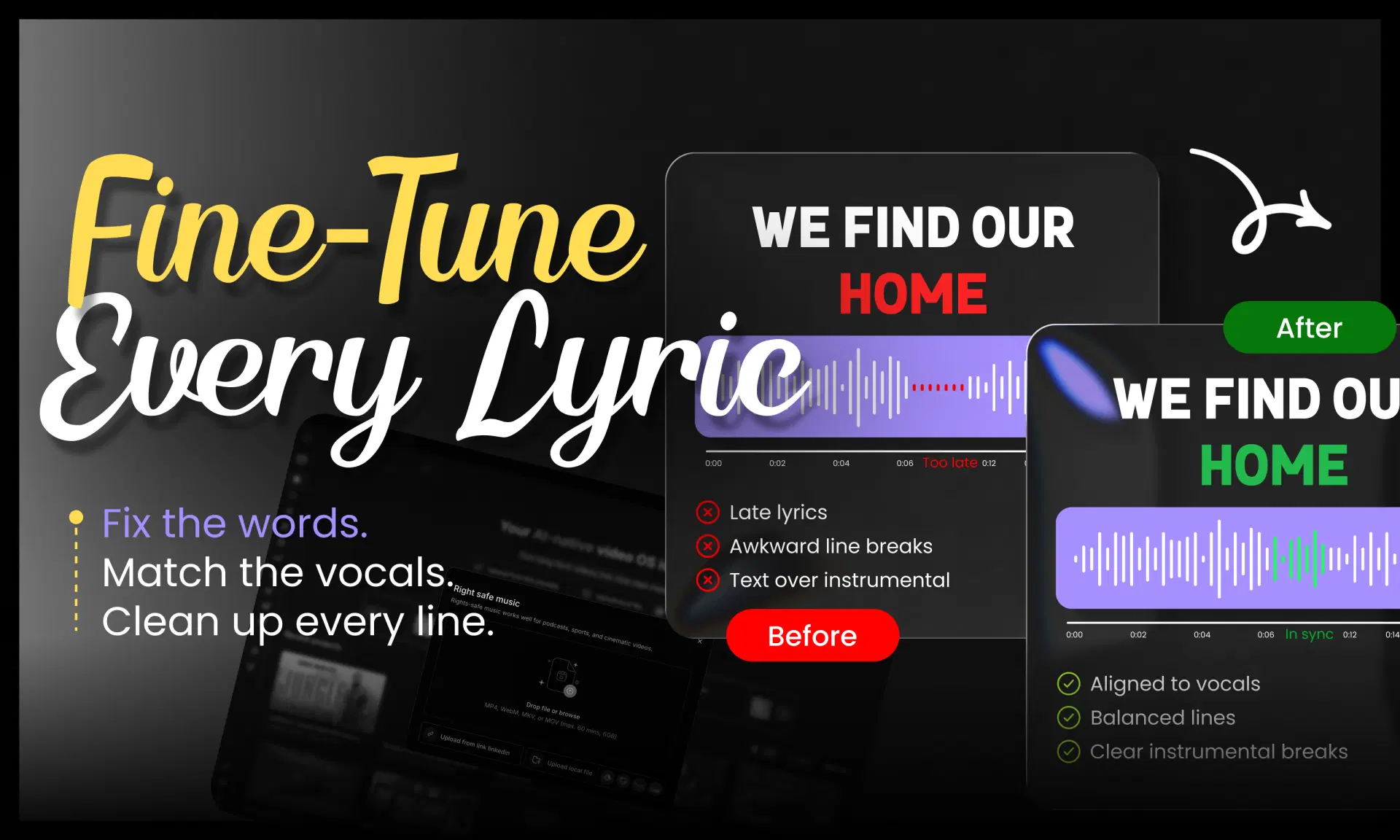
Being able to sync lyrics to music automatically removes the tedious work, but the review makes a video release-ready. Look for:
- Misheard words: watch for homophones ("your" and "you're"), names and slang.
- Background singers: stray captions mean backing vocals were picked up, so switch to Lead Vocals. For a missing call-and-response line, use Full Lyrics.
- Rap and fast vocals: split dense bars into shorter lines, or use word-by-word lyric sync.
- Repeated choruses: AI may transcribe each one differently, so make every repeat match.
- Instrumental breaks: the last line before a solo should clear the screen.
- Early or late lines: move each line so it appears on the first syllable, or just before it.
- Awkward line breaks: break at natural pauses, and never leave one word alone on a second line.
Review in three passes. First, read the text against your lyric sheet. Second, watch at full speed with headphones. Third, watch on your phone at actual size.
Tips for Professional-Looking Lyric Videos
- Use a clean, heavy font, with no more than two lines on screen, animated to suit the song's mood.
- Add a subtle shadow or outline over busy footage.
- Keep lyrics inside mobile safe zones and away from platform buttons.
- Check the final export on a phone, and confirm the sync before you upload.
A note on copyright: an AI tool adding lyrics doesn't give you the right to use a song or its lyrics. If you don't control the recording and composition, get permission or a licence first. YouTube's copyright-safe music guidelines explain how Content ID checks uploads for music.
Knowing how to add lyrics to a music video used to mean hours of typing, timing and keyframing. AI now handles the repetitive part: it detects the vocals, syncs each line and animates the text. It doesn't know your song as well as you do, though, so proofreading the spellings, line breaks and timing is still what makes the result look professional.
If you have a finished track or music video waiting for its lyrics, turn it into a synchronised lyric video with the VFX AI Lyric Video Maker.