Introduction
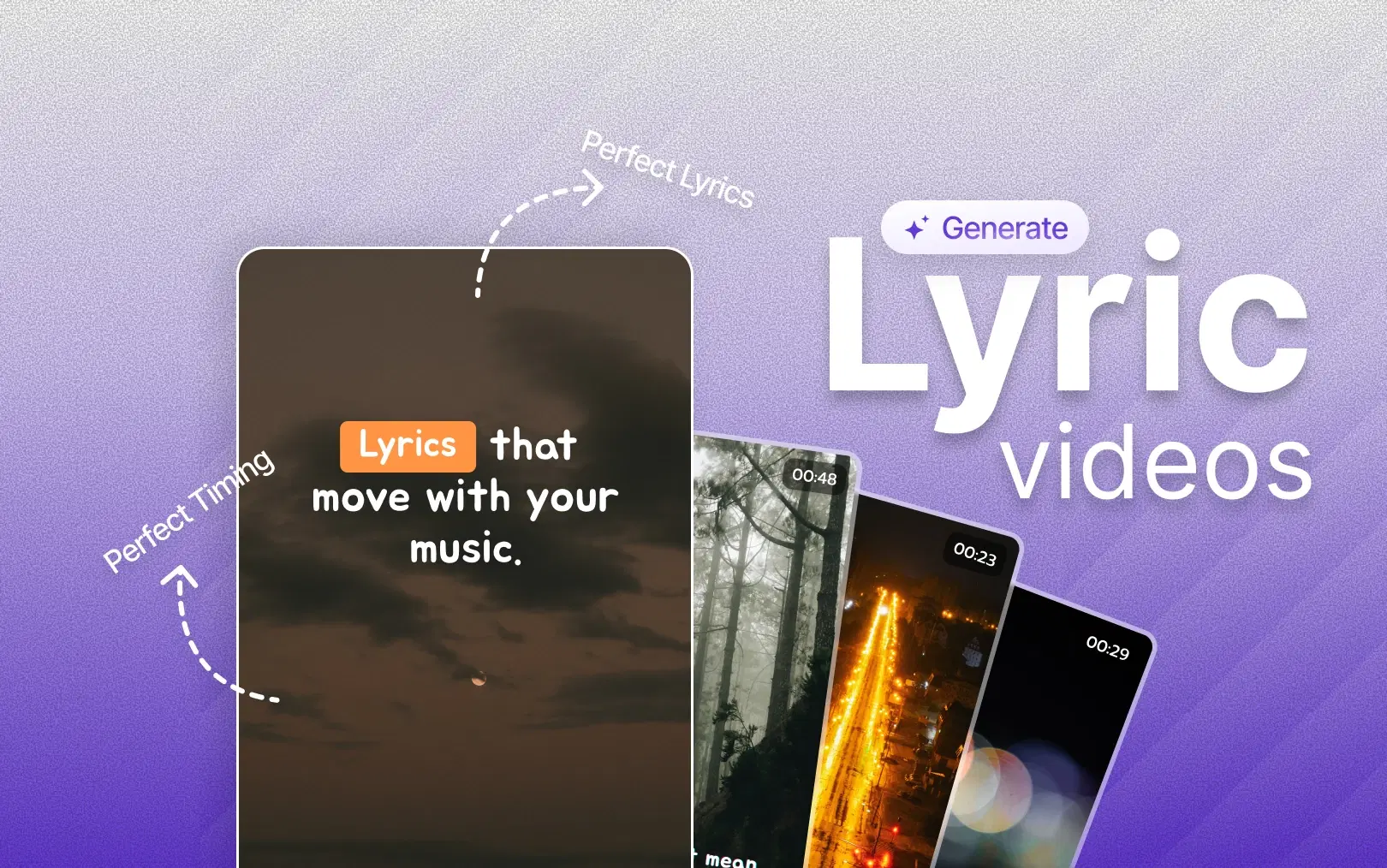
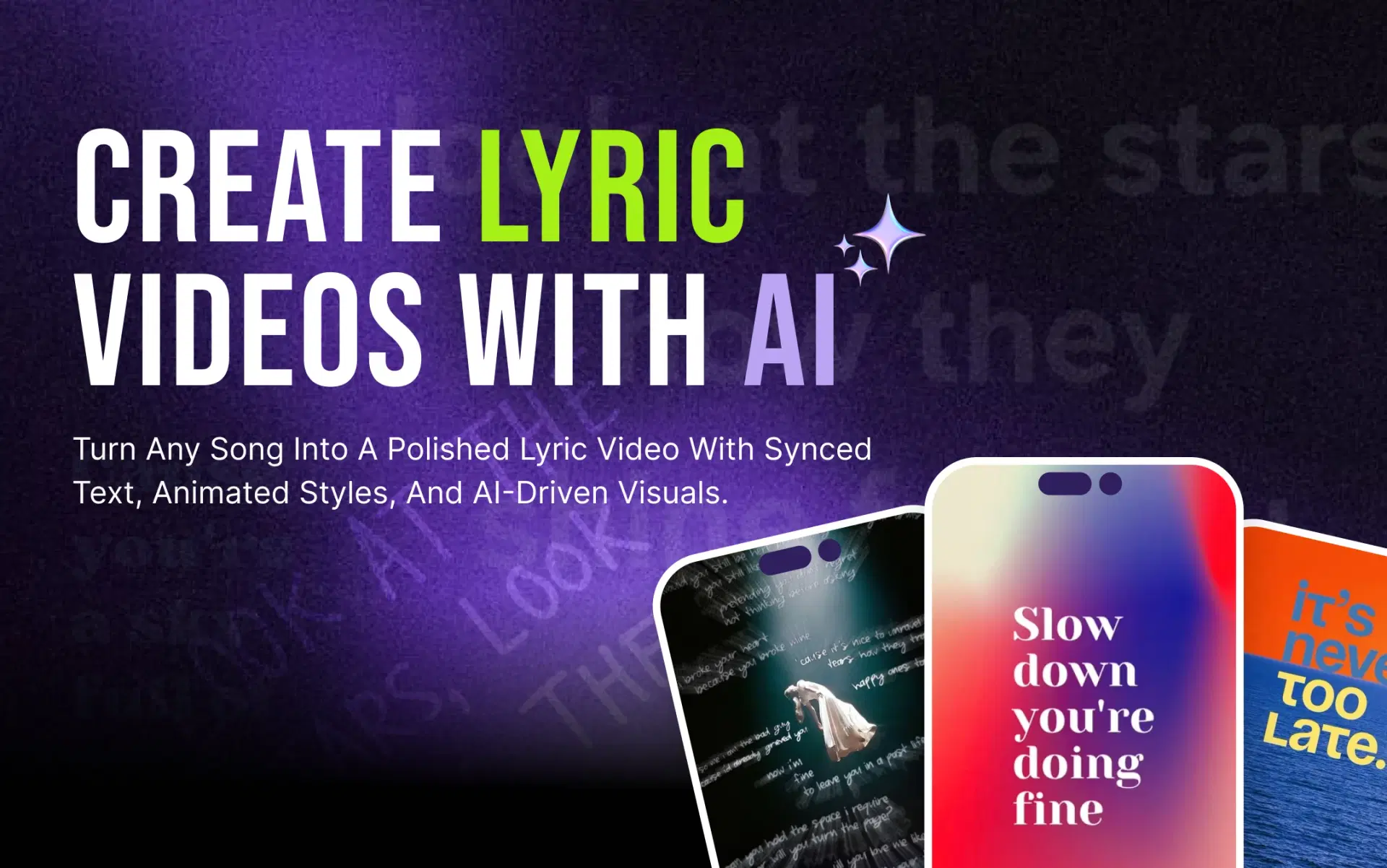
AI lyric video makers change the math. Instead of building everything from a blank timeline, you start with your song, let the AI handle the repetitive parts: syncing lyrics, applying text animation, laying in visuals, and then adjust the result to match your taste. VFX AI simplifies this into a short sequence of choices: paste a music link, pick your format and style, generate, then fine-tune. This guide walks through exactly how that process works, step by step.
In short: to make a lyric video with AI, add your song or a supported music link, choose your aspect ratio and lyric style, select a vocal mode and background approach, then generate. The AI syncs the lyrics to the track and applies your visual choices, and you can refine the result in a video editor before publishing.
What is an AI Lyric Video Maker?
An AI lyric video maker automates the technical parts of building a lyric video. Instead of manually typing lyrics into a timeline and nudging each line frame by frame until it lines up with the vocals, the AI analyzes the track, detects vocal timing, and automatically matches text to the music.
Depending on the tool, this can include:
- Analyzing the song's structure and vocal patterns
- Identifying or transcribing lyrics
- Synchronizing lyric text with the audio
- Animating the text on screen
- Selecting or generating background visuals
- Assembling everything into a platform-ready video
The core difference from traditional lyric-video work is where your time goes. In a manual workflow, you spend most of your time setting up, typing, timing, and doing basic animation. In an AI-assisted workflow, AI handles that setup automatically, and your time shifts to creative decisions: which style fits the song, which visuals match the mood, and what needs polishing before you publish.
Also Read: What is an AI Lyric Video Maker? Everything You Need to Know
Why Use AI to Make a Lyric Video?
The practical case for AI-assisted lyric videos comes down to time and accessibility.
- Faster production: a process that could take hours by hand can be compressed into a much shorter session
- Automatic lyric synchronization: no manual line-by-line timing
- Less manual timeline work: the first draft is built for you
- No motion-design background required: text animation is applied automatically
- Easier repurposing: the same song can be adapted across formats
- Consistent visual branding: styles can be reused across a release cycle
- Multiple aspect ratios without starting over: useful when you need both a YouTube and a Shorts version
This is useful for independent musicians, songwriters, and producers releasing new tracks, as well as labels, content creators, and agencies managing music content for clients. It's not limited to musicians, either; lyric-style videos can work well for branded music, campaigns, and podcast clips built around a memorable quote, though not every business needs one.
How to Make a Lyric Video With AI
With VFX AI, the workflow follows a consistent sequence: paste your music link, choose your aspect ratio, choose your lyric style, choose your vocal mode, decide between an automatic or manual background, generate the video, then refine it in the editor. Here's what each step actually involves.
1. Paste Your Music Link
Instead of starting from a blank canvas, you begin by pasting a supported music or video link into VFX AI's AI lyric video maker. The AI analyzes the source to pull the audio and vocal information it needs. This lets you create a lyric video online without manually uploading and prepping separate audio and text files, replacing what used to be the most tedious part of the process.
2. Choose Your Aspect Ratio
Aspect ratio determines where your video will actually look right, so decide it early rather than as an afterthought:
- 16:9 for YouTube and widescreen viewing
- 9:16 for TikTok, Instagram Reels, and YouTube Shorts
- 1:1 for square social posts
Text placement, font size, and composition must fit within the chosen frame. A layout designed for a wide YouTube video won't translate cleanly to a vertical Reel. If you'll need both a lyric video for YouTube and a version for TikTok or Instagram, plan for both formats from the start rather than forcing one to fit everywhere. For official size, duration, and package rules, see TikTok video specifications.
3. Choose a Lyric Style
Typography is arguably the most important visual element in a lyric video; it's what people are actually reading. This step covers font choice, placement, animation, timing, contrast, and visual hierarchy. Avoid overly decorative fonts that slow reading, make sure the text contrasts with the background, and match animation energy to the song. A ballad and a high-energy track call for different pacing. The current line should always be the most visually dominant thing on screen, and the overall style should reflect the song's genre and mood rather than a generic default.
4. Choose Your Vocal Mode
VFX AI's lyric video maker offers two vocal modes: Lead Vocals, which focuses on the primary vocal performance, and Full Lyrics, which can capture additional or background vocal content for songs with layered harmonies or call-and-response sections. A simple verse-chorus track usually works well with Lead Vocals; a track with heavier background vocals or a duet-style structure often benefits from Full Lyrics.
5. Choose an Automatic or Manual Background
Auto Mode lets the AI select or generate a visual treatment based on the song's mood, tone, pacing, and lyrics, designed to match the general feel of the track. It is not meant to interpret the song perfectly, but it is a fast, usable starting point. Manual Mode puts you in control of the visual direction, which is worth using when you need to match brand colors, maintain an artist's established visual identity, lean into a specific genre aesthetic, or follow a campaign's existing creative direction. Manual Mode suits a planned release; Auto Mode suits moving quickly or experimenting.
6. Create the Lyric Video
Once your settings are in place, generating the video brings everything together: lyrics sync to the track, text matches your chosen look, visuals are applied, and the full video is assembled. You skip the repetitive manual timing work that used to eat up most of the production process, and you get a complete first draft to react to instead of a blank timeline.
7. Edit the Result in the VFX AI Video Editor
Generating the video isn't the final step; it's the first draft. From here, move into the VFX AI Video Editor to handle finishing work: adjust timing on specific lines, trim clips, refine text, add transitions, add branding, and prepare separate versions for different platforms.
This is what separates a simple generator from a full workflow: the AI handles the repetitive first draft, and the editor gives you creative control over the final result.
Check Out: AI Lyric Video Maker
Tips for Making a Better AI Lyric Video
A few of the tips for making a better AI lyric video are as follows:
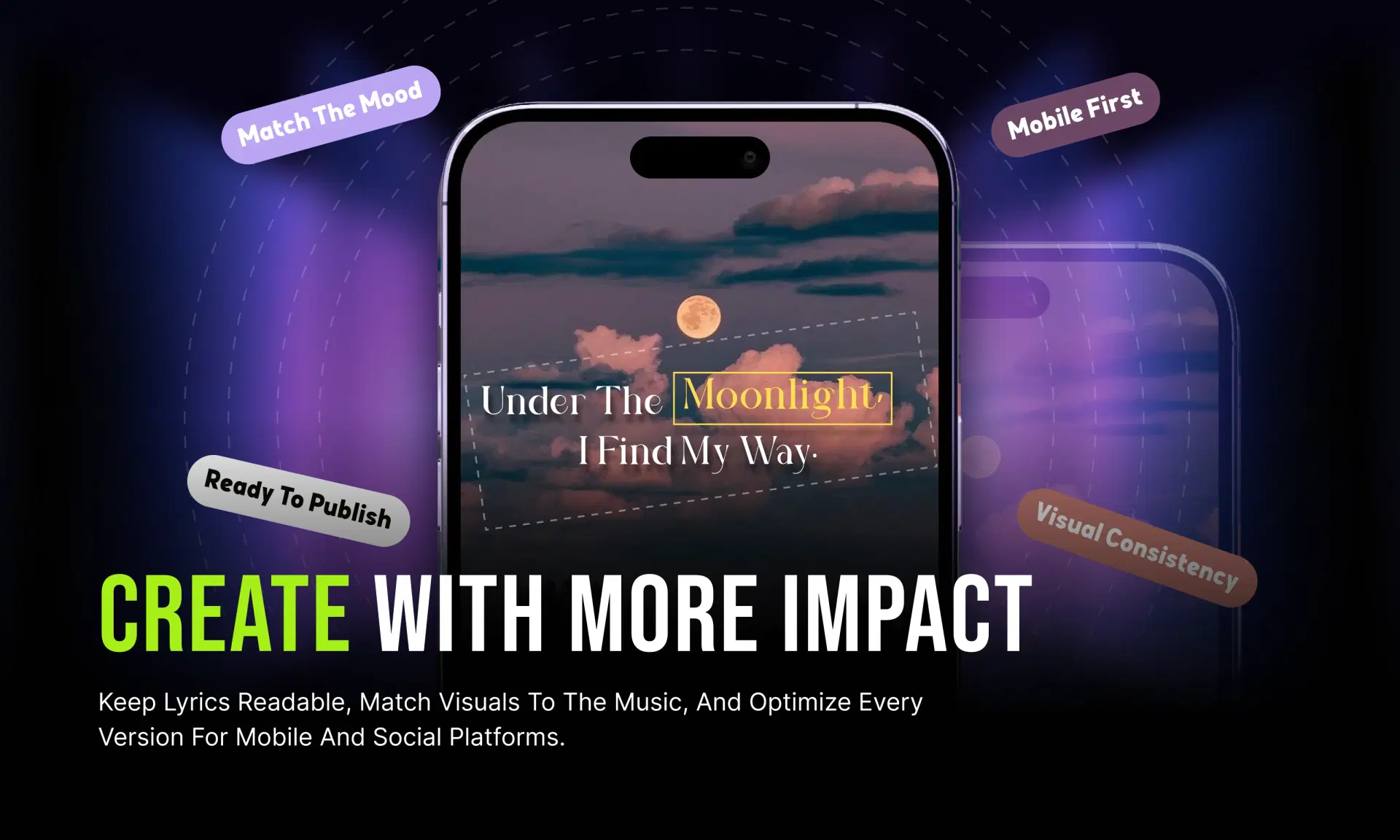
- Keep lyrics easy to read. Prioritize readability over flashy effects; if viewers have to pause to read a line, it's not working.
- Match visuals to the song. Backgrounds and motion should complement the track, not compete with it.
- Time lyrics carefully. Automated sync is a strong starting point, but for an important release, review it line by line before publishing.
- Design for mobile first. Most social viewers will encounter your lyric content on a phone screen.
- Maintain brand consistency. Reuse the same fonts, colors, and visual language across releases.
- Create multiple versions. Produce a YouTube version alongside vertical cuts for Shorts, Reels, and TikTok from the same source video.
- Review before publishing. Double-check spelling, lyric accuracy, timing, and safe zones; automation speeds up production, but a final human pass still catches things AI can miss. If you're uploading to YouTube, review YouTube copyright information.
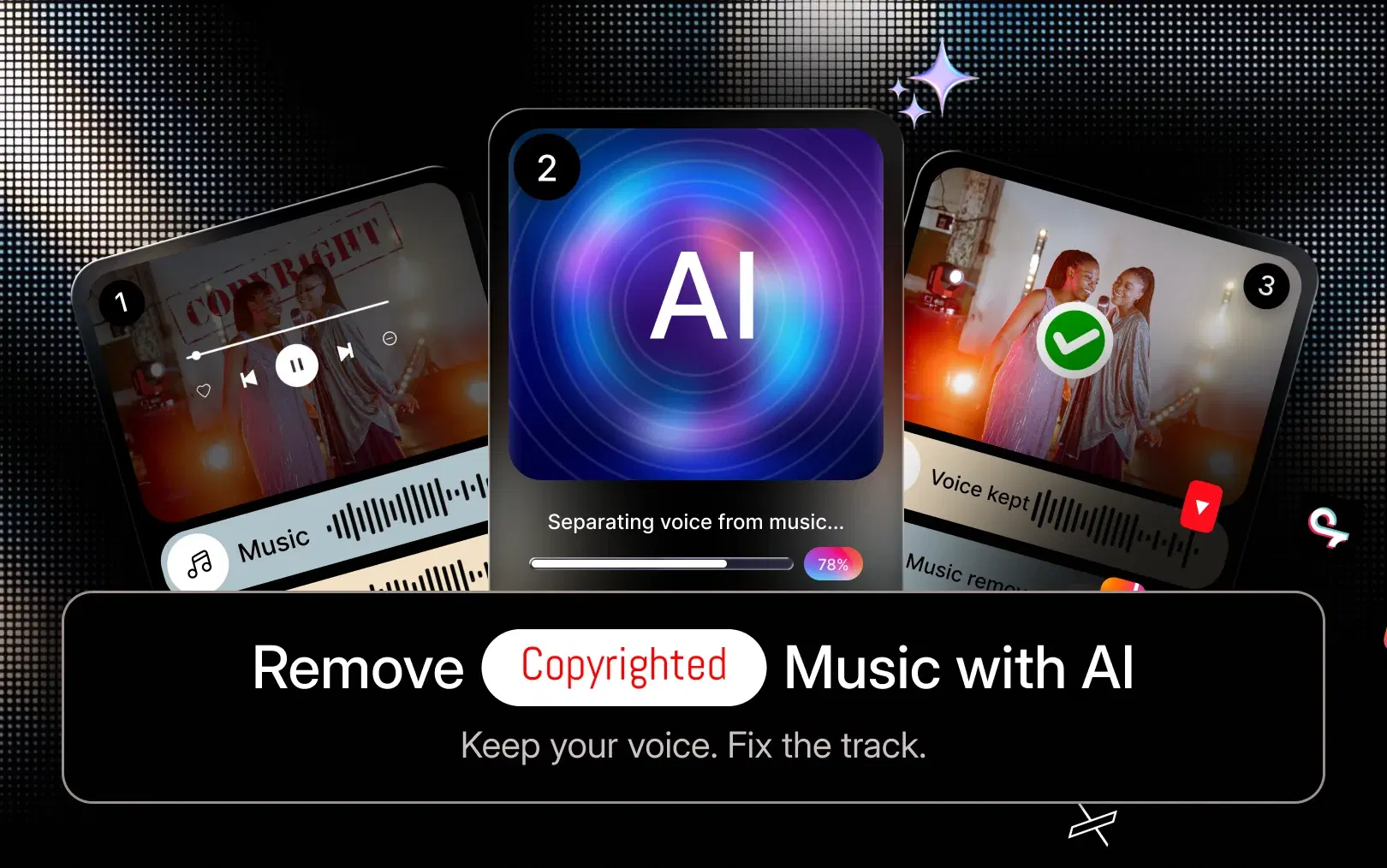
Also Read: How to Remove Copyrighted Music from a Video with AI
Who Can Use an AI Lyric Video Maker?
An independent artist can create a lyric video for a new single without hiring a motion designer. A label can produce multiple promotional versions of a release across formats without expanding its production team. A social media manager can turn music-led content into vertical videos for Reels and Shorts. Agencies can standardize lyric-video production across client accounts, content creators can add lyric visuals to covers or remixes, and podcasters can turn a memorable spoken quote into a lyric-style clip. Businesses can use the same approach for branded music or campaign audio when it fits creatively, though not every business needs this format.
AI Lyric Video Maker vs. Traditional Video Editing
| Factor | AI Lyric Video Maker | Traditional Editing |
|---|---|---|
| Lyric synchronization | Automated first pass | Manual, line-by-line |
| Text animation | Applied automatically | Built manually |
| Background selection | Auto or manual options | Fully manual |
| Editing time | Significantly reduced | Hours per video |
| Technical skill required | Low to start | Motion design knowledge helpful |
| Platform formats | Selectable up front | Rebuilt per format |
| Creative control | Available in the editing stage | Full control from the start |
| Ability to refine final video | Yes, via a full editor | Yes, but more time-intensive |
AI doesn't remove the need for creative judgment; you still decide on style, visuals, and final polish. It removes the repetitive setup work that used to sit between an idea and a finished video.
Get Started with VFX AI Lyric Video Maker For Free
Making a lyric video with AI follows a clear path: start with your music link, choose your format, pick a lyric style, select a vocal mode, decide on your background approach, generate the video, then refine and publish. What used to take hours of manual timing and animation can now start from a finished first draft, leaving you time for the creative decisions that shape how the video feels.
Creating a vertical cut? Follow the Shorts-specific steps in our guide to making a lyric video for YouTube Shorts.
VFX AI is built around this exact workflow: automation for the repetitive first pass, and a full editor for the creative control that comes after. Ready to turn your next song into a lyric video? Try VFX AI's Lyric Video Maker and refine the result in the VFX AI Video Editor.