Introduction:
VFX AI's AI lyric video maker handles syncing and styling, so you can focus on picking the right moment and reviewing the result. This guide covers the Shorts-specific workflow. For the general process, see how to make a lyric video with AI.
What Is a Lyric Video for YouTube Shorts?
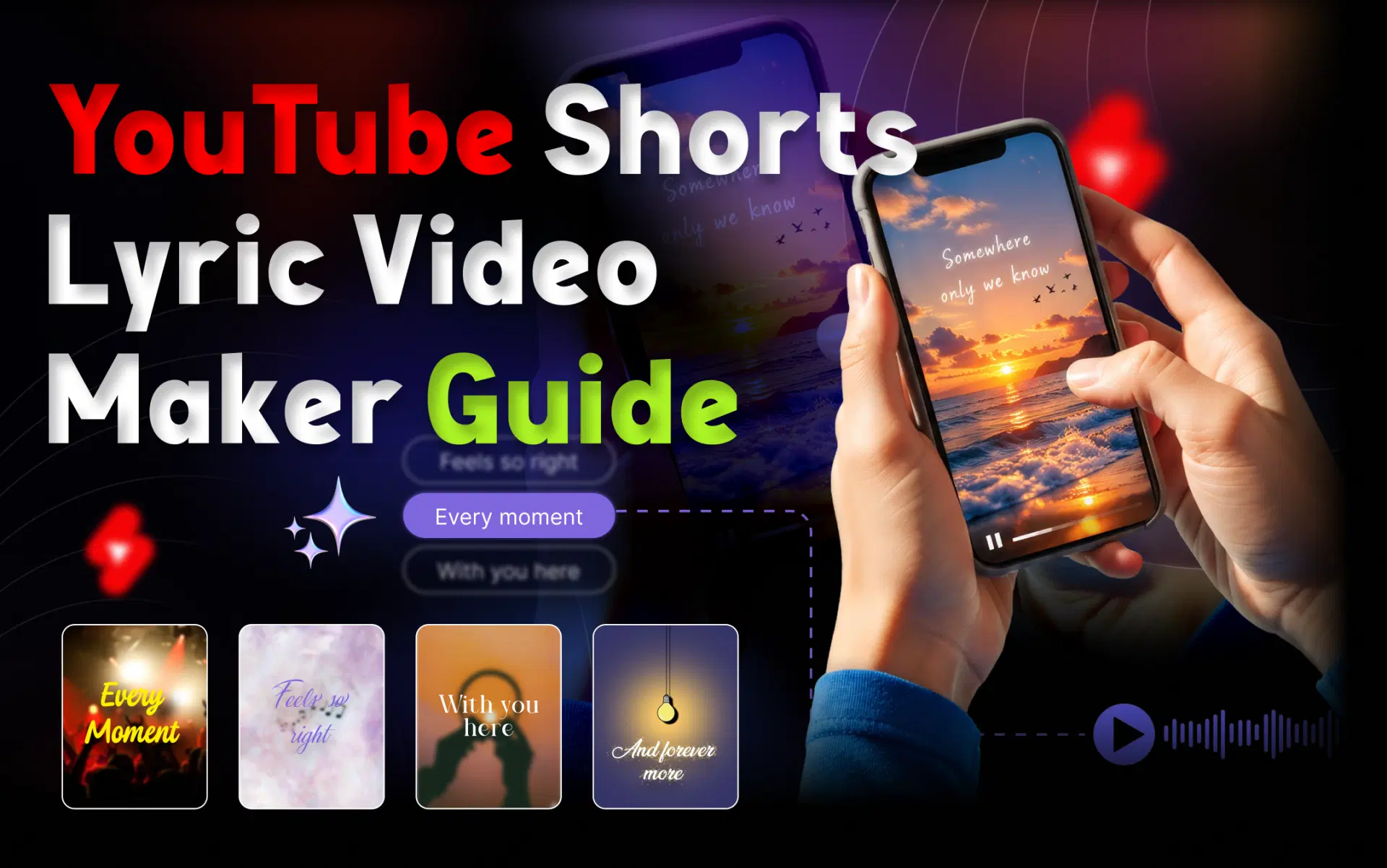
A lyric video for YouTube Shorts is a vertical or square video, up to three minutes long, that shows a song's words in time with the vocals.
Traditional lyric videos usually run the full song at 16:9. A Shorts version typically focuses on one section, such as the chorus, with larger lines for the narrow frame. Synchronized lyrics matter more here because a late line is obvious when text is the main thing on screen. Animated lyrics that pop or highlight as they're sung give the eye something to follow on a phone.
What You Need to Make a Lyric Video for YouTube Shorts
- A song file or supported link
- The lyrics, or an AI tool that detects them
- A background visual
- An AI lyric video generator or editor
- A vertical 9:16 or square output
- Permission to use the music and lyrics
Software lets you make the video. It doesn't give you the right to publish the song. If it's someone else's track, you need permission or a license.
Also read: What Is an AI Lyric Video Maker?
How to Make a Lyric Video for YouTube Shorts With AI
Choose a song you're allowed to use, add it to an AI lyric video maker, let it detect the vocals and sync the lyrics, pick a 9:16 vertical format, style the text and background, check every line for accuracy and timing, then export and upload it as a Short.
- Choose the song and the section. Use a track you own or are authorized to use, then pick the chorus or most quotable line. A 20-to-45-second clip around one hook is easier to follow than a verse and chorus squeezed together. If the song has several hooks, plan several Shorts.
- Choose an AI lyric video maker. An AI lyric sync tool listens to the vocals and builds the first timing pass for you. VFX AI produces Shorts-ready formats. You can also compare AI lyric video makers or read our guide to a free AI lyric video maker.
- Upload the song or paste a supported link. In VFX AI, upload your song or paste a YouTube or video link. The tool detects the audio, lyrics, and vocal structure. A link is only a source; it does not change who owns the song.
- Let AI detect the vocals and sync the lyrics. The AI identifies the vocals, works out what's sung, and times each line to the performance. VFX AI can caption the lead vocals only or include background vocals. Lead-only keeps a hook clean; background vocals can crowd a vertical frame.
- Choose the vertical format. Set the aspect ratio before styling because text placement depends on it. YouTube says square or vertical videos up to three minutes are categorized as Shorts when they meet its upload-date rules. VFX AI also offers square, portrait, and widescreen formats.
- Customize the lyric text and animation. Use a clean, bold typeface, short lines, and strong contrast. Keep lyrics away from the bottom and right edges where YouTube places interface controls. Use quick pops for upbeat tracks and slow fades for ballads.
- Choose a background and visual style. Auto Mode lets VFX AI match backgrounds and pacing to the song's tempo and tone. Manual Mode lets you choose cinematic, gradient, or abstract presets. If you cannot read a line instantly, the background is too busy.
- Review the lyric timing. Watch the full clip with sound. Check slang and names, early or late lines, awkward line breaks, unexpected background vocals, spelling, and readability on a phone. Fix text and timing in the VFX AI Video Editor.
- Export and upload. Export vertically and confirm the clip is under three minutes. Upload through the YouTube app or YouTube Studio. Name the song and artist, add credits and streaming links, and choose a cover frame that shows a complete lyric line.
YouTube explains the current classification in its three-minute Shorts guide and covers the upload flow in its Shorts upload guide.
What Size Should a Lyric Video Be for YouTube Shorts?
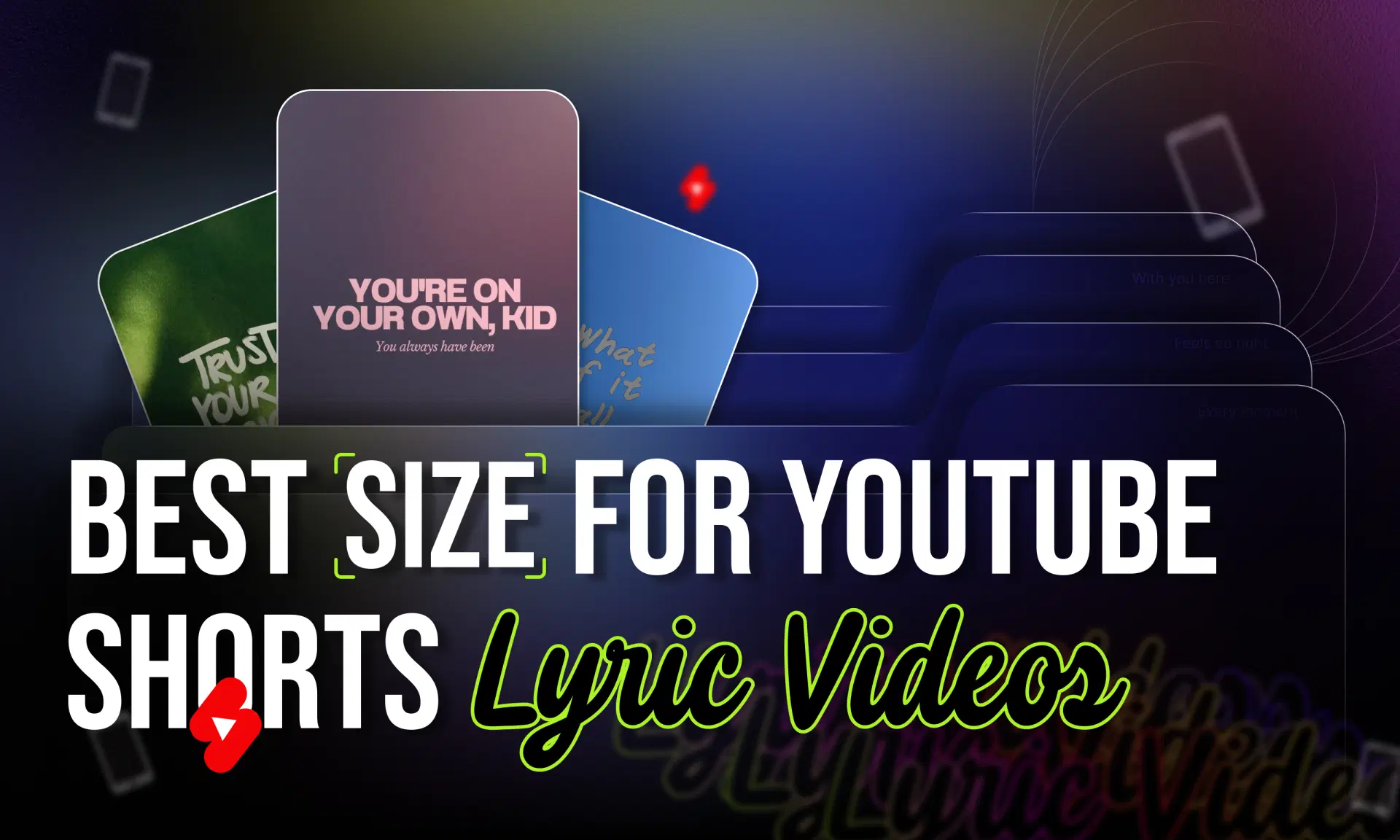
Use a 9:16 vertical aspect ratio. The most widely used resolution for that shape is 1080 × 1920 pixels. Square videos also count as Shorts, but vertical video fills the phone screen.
Aspect ratio is the shape; resolution is the pixel count. A 720 × 1280 video is also 9:16, just less detailed. YouTube's aspect ratio guidance advises against adding black bars or padding.
How to Make Lyric Videos More Engaging on YouTube Shorts
None of these choices guarantee views, but they make a lyric Short easier to watch:
- Open on the hook, not the instrumental intro.
- Highlight key words. Word-synced lyrics pull attention to the lines that matter.
- Move with the beat. Time motion to the rhythm so animated lyrics feel intentional.
- Hold back on effects. Heavy glow and shake hurt readability.
- Cut several Shorts from one track. Use the chorus, bridge, and standout verse for music promotion.
Can You Make a Lyric Video for YouTube Shorts Without Editing Experience?
Yes. AI removes most of the technical work, but not the judgment.
Traditional workflow: type lyrics, create text layers, sync each line by hand, animate, build a background, resize, and export.
AI-assisted workflow: add the song, let AI detect vocals and sync lyrics, pick a style and format, review, and export.
VFX AI is built around the second workflow. You still choose the section, check the lyrics, and confirm your rights.
What About Copyright When Making a Lyric Video for YouTube Shorts?
Making a lyric video and having permission to publish it are separate. An AI tool cannot grant rights to a song, which may involve the sound recording, the composition and lyrics, and synchronization rights for pairing music with visuals.
YouTube's Content ID matches uploads against rights holders' reference files. A rights holder can block, monetize, or track a matched video. YouTube says that, from September 24, 2026, new Shorts longer than one minute but under three minutes with an active Content ID claim are no longer automatically blocked and may remain playable. The policy for Shorts under one minute did not change.
YouTube also says songs added through the Shorts Audio Library may cover up to 90 seconds, depending on the track, and royalty-free YouTube Audio Library music will not receive a Content ID claim. A lyric video made elsewhere with an uploaded song is a different case, so check the current music eligibility rules for Shorts before publishing.
This is not legal advice. For practical steps, read how to avoid music copyright claims on YouTube and where to find copyright-safe music for videos.
Why Use VFX AI to Make Lyric Videos for YouTube Shorts?
VFX AI moves the repetitive timing and styling work off the manual editing timeline so you can focus on creative direction.
- Upload your song or paste a supported link
- Let AI detect the vocals and sync the lyrics
- Choose the vertical format
- Select lyric style and position
- Choose Auto or Manual Mode
- Review, then export for your platform
Start with a song you have rights to and your strongest hook. Let AI handle the first timing and styling pass, then check every word before you export.