Introduction
Here's what's changing everything: AI video editing is revolutionizing content creation. Editing that used to take hours now only takes minutes. What's even better: you do not need specialized software or even hire someone. Free AI video editor applications, including the free AI video editor without watermark, are putting professional-grade capabilities in everyone's hands. This guide will show you the complete process of creating videos through AI in an easy-to-follow format.
What is an AI Video Workflow?
An AI video workflow uses artificial intelligence to automate repetitive editing tasks without compromising creative freedom.
Traditional workflow:
- Import footage manually
- Watching complete footage to select the best shots
- Cutting clips frame by frame
- Inserting transitions one-by-one
- Writing down captions manually
- Sound balancing
- Rendering and waiting
AI-enhanced workflow:
- Footage upload
- Automatic detection of scenes and cut suggestion
- Auto-caption generation
- Smart transitions applied
- Audio balancing
- Export optimized for platforms
Key takeaway? Traditional workflow is time-consuming. What makes AI video editing unique is its capability to perform the boring 80%, leaving the creative 20% for you.
It's not about replacing your creative vision. It's about eliminating the obstacles that stand between you and your creative vision.
Step-by-Step AI Video Workflow for YouTubers
Knowing the AI video editing process will help you use it effectively. This is the process used by modern creators:
Step 1: Idea and Script Generation
In addition to making videos, modern AI technology allows you to generate video ideas based on the latest trends, your specific topic or niche, and audience preferences. Specifically, you can generate:
- Generate title variations
- Create outline structures
- Draft entire scripts based on pointers
Thus, you get a clear idea of what to do before shooting a thing.
Step 2: Voiceover & Content Creation
AI voice tools are another area that modern AI makes easier; however, creators often want to record the narration themselves. The AI will be able to help you out by providing:
- Script to speech for initial drafts
- Help with pronunciation
- Pacing suggestions
Step 3: Footage Import & Auto Scene Detection
This is when AI tools for YouTube creators excel. Rather than spending hours watching videos to spot changes, AI automatically:
- Detects scene transitions
- Speakers' segments
- Best shots based on sound quality and composition
- Removes dead air and mistakes
Step 4: AI Editing (Cuts, Transitions, Captions, Effects)
The actual process of editing becomes extremely fast:
- Smart cuts: AI cuts out unnecessary words, pauses, and mistakes
- Automated captions: Accurate transcription with time synchronization
- Transitions: Scene connections based on context awareness
- Effects: Style-matched color grading and filters
VFX AI automates multiple stages of editing with a single tool, eliminating the need to jump between tools.
Step 5: Music & Sound Optimization
Based on your video's emotional tone and rhythm, AI will:
- Recommend royalty-free tracks
- Adjust music volume when there's voiceover narration
- Balance audio levels in each clip
- Eliminate background noise
Step 6: Export & Publishing
The final optimization phase involves:
- Platform-specific formatting (Shorts, Reels and more)
- Compression without quality loss
- Thumbnail generation
- Metadata optimization
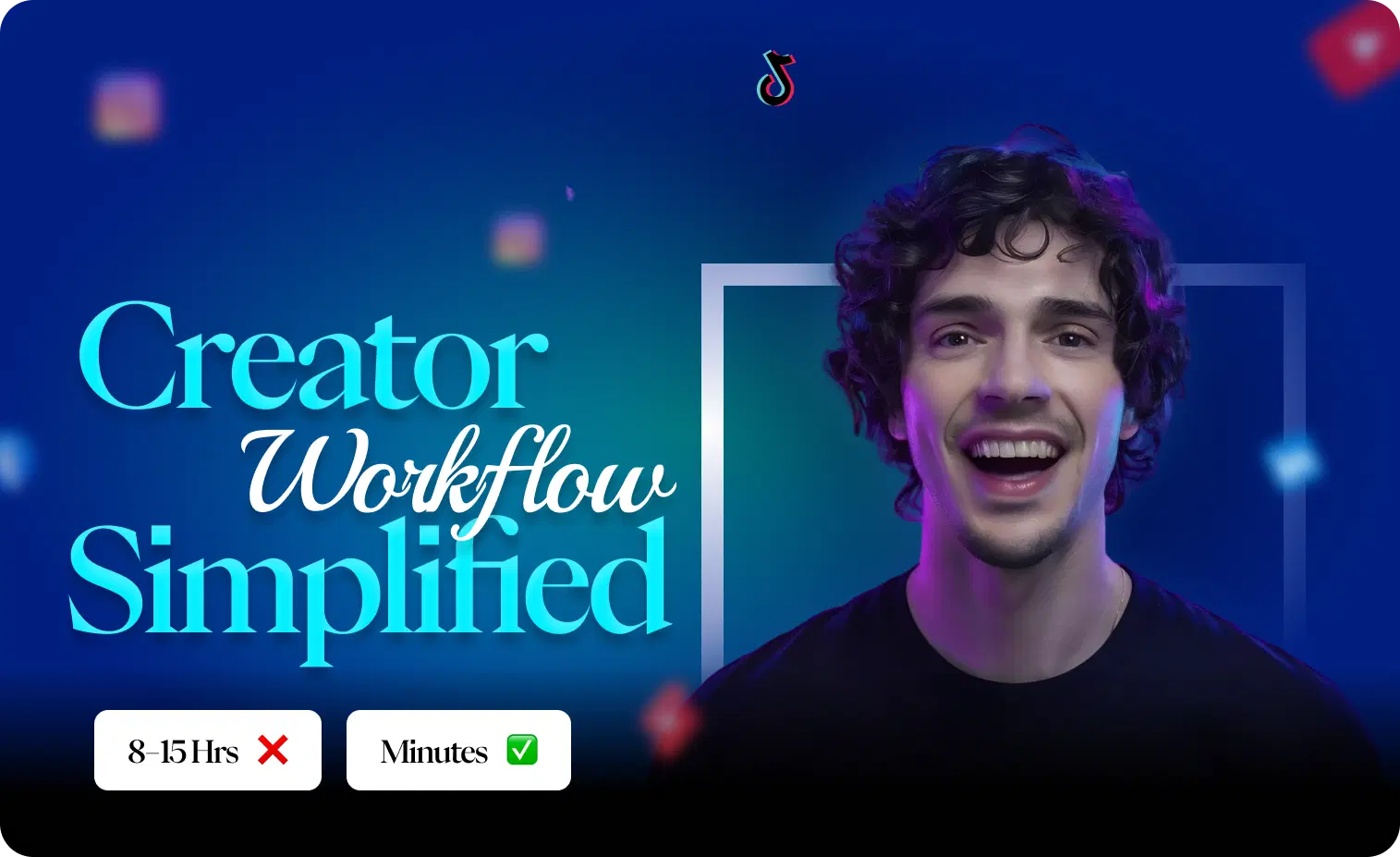
The result: An editing process that usually takes 8+ hours can be completed in less than an hour.
Also Check: VFX AI Clip Maker
Why YouTubers Are Switching to AI Video Editors
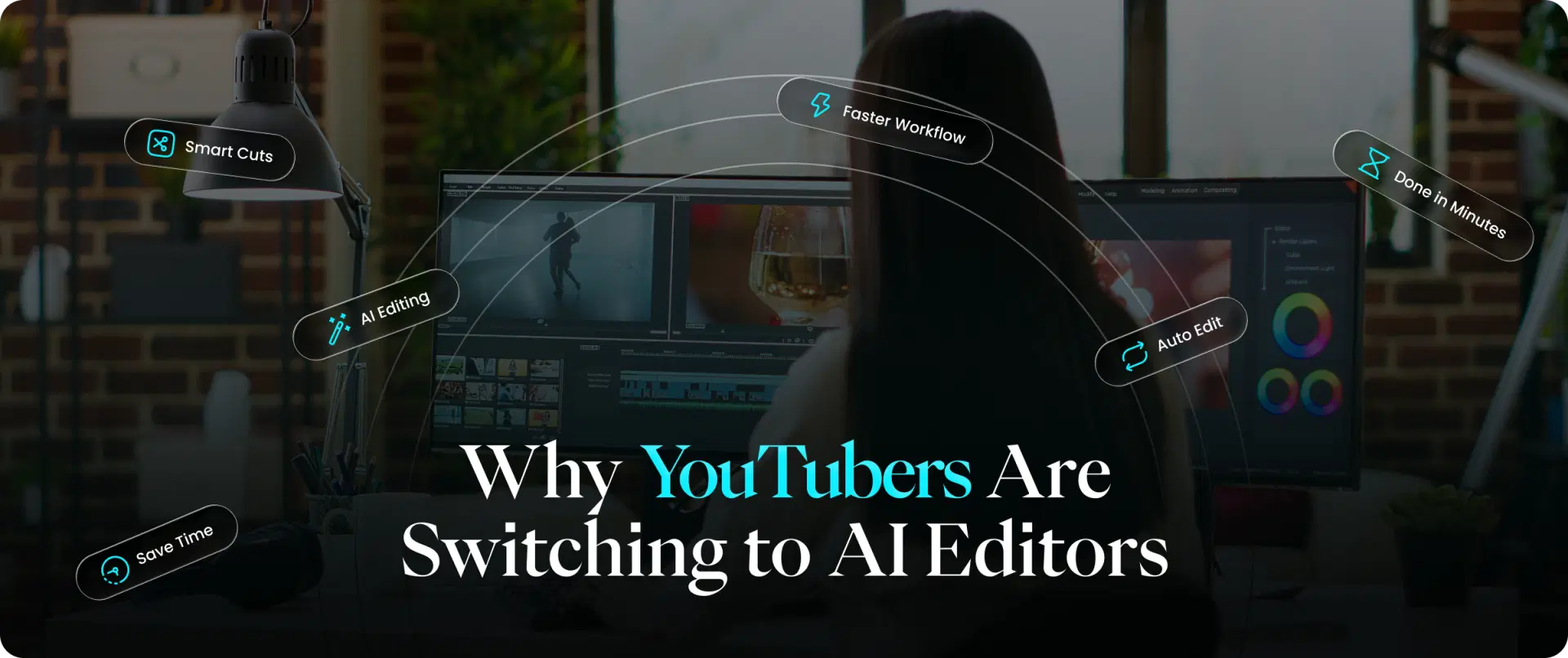
It's not about the buzz; it's real. Here are some reasons why content creators specifically look for how to automate video editing:
Speed: 10x Faster Production
Where a task takes 4 hours, AI cuts it to 25 minutes, saving 15+ hours per month for those who publish weekly.
Cost Savings
Editors cost $25-$100+ per hour of video. A video editor free solution eliminates this barrier entirely, especially for newer creators building their channels.
Consistent Output
AI doesn't have an off day. The captioning will be accurate. Cuts will be perfect. Your channel maintains quality even when you're exhausted.
Scalability
Ready to scale from one video weekly to three? It allows you to tackle the question of how to produce YouTube videos faster without hiring more staff.
Also Read: Beyond Viral Clips
Features to Look for in the Best AI Video Editor
Not all AI editing tools are equal. Consider the following features when choosing the top AI video editor:
Auto-Cut & Smart Trimming
- Silence detection and removal
- Recognition of filler words like "um," "uh," "like"
- Recommended clip duration
AI Captions
- Auto-generate subtitles
- Multiple languages supported
- Customizable appearance
- Burned in or as a separate file
Scene Detection
- Automatic scene separation
- Suggestions for B-roll footage placement
- Pacing analysis
Music Synchronization
- Beats-synced cuts
- Ducking music during dialogue
- Mood-based suggestions
Cloud-Based Video Editor
- No software installation required
- Access from any device
- Automated saving of projects
Additionally, when searching for a free AI video editor, also confirm:
- Export restrictions
- Storage capacity
- Free AI video editor without watermark (very important for professional use)
VFX AI: The Smartest Choice for Creators
VFX AI is best described as an AI free video editor for modern content creators.
Reasons for Choosing VFX AI:
User-Friendly Interface: No prior knowledge of video editing? Don't worry. The platform guides you through every process with AI-based controls and suggestions.
Quick Processing: By using cloud storage to process videos, you won't have to worry about draining your laptop's processing power when rendering professional-grade videos.
No Watermark: One of the advantages of VFX AI over other free video editor platforms is that VFX AI doesn't stamp any watermark on your videos.
Online Editor: As an AI video editor online tool, VFX AI is easily accessible anytime, anywhere, allowing users to simply upload videos and create professional-looking videos.
All-in-One Platform: Instead of using different editors for various purposes, all these free video editor functions are integrated into this VFX AI video editor.
To those looking for a reliable answer to "Is there any good video editor online free?" VFX AI is one such choice.
AI vs Traditional Editing: Which is Better?
However, whether AI can replace video editors is another question that deserves a more subtle response.
What AI Is Good At:
- Repetitive work (adding captions, trimming silence, and more)
- Speed and consistency
- Technical perfection
- First draft assembly
What Humans Are Better At:
- Creative storytelling decisions
- Emotional pacing
- Making brand-specific artistic choices
- Complex narrative editing
The Verdict: AI will never replace skilled editors; instead, it will enhance them. The most effective combination for YouTubers is to combine both: use AI to do the technical groundwork, apply human judgment to make creative choices.
A creator who efficiently uses AI will be able to generate more content than a YouTuber who works without any AI assistance. A skilled editor who uses AI will perform better than both. In the future, it's not about AI or humans. It's about AI and humans.
Pro Tips to Maximize Your AI Video Workflow
Combine AI + Human Creativity
Use AI for initial attempts. But always take another look. Personalize the message, adjust pace for effect, and maintain your own voice.
Use Prompts Effectively
AI programs are driven by prompts. Instead of vague requests, specify target video length, pacing style (fast/energetic vs. calm/thoughtful), and caption positioning preferences.
Batch Content Creation
Leverage AI efficiency. Shoot several videos at once. Then process all at once using your AI workflow. You might edit a week's content in one afternoon.
Build Templates
Capture your ideal settings, caption formats, transition types, and volume levels. Automatically apply those templates to consistent branding.
Review AI Suggestions
AI uses logic. It can guess, but your expertise determines results. Focus on creative editing.
The difference between top YouTubers and struggling creators is not only in talent but also in their workflows. AI video editing is not something you may expect to happen in the future. Every hour saved on technical editing is an hour available for:
- Better content ideas
- Connecting with your audience
- Planning your growth
- Actually enjoying the creative process
All these tools exist. The free AI video editor without watermark options, like VFX AI, eliminates cost barriers. All that is left is to take the opportunity to use the technology that will help you produce more, stress less, and grow faster.
Ready to make your workflow faster and smarter?
Sign up to use VFX AI today. Upload your footage. Experience the difference when AI handles the tedious work, and you focus on what matters, creating content your audience loves. The future of YouTube belongs to creators who work smarter. Try its capabilities to understand how much time you may save using AI instead of doing everything manually.