Introduction
Everyone from solo YouTubers to marketing teams wants the same thing: fewer tools, faster output, and no desktop software to babysit. The tricky part is that almost every editor now claims to be free and AI-driven, and the reality behind those claims varies wildly.
This guide cuts through it. We'll look at why browser-based AI editing took over, what actually separates a useful editor from a demo, and which tools genuinely earn a spot in your workflow in 2026 with honest notes on watermarks, free-plan limits, and who each one suits best.
What Makes an AI Video Editor Genuinely Useful
Plenty of tools sprinkle "AI" onto their feature lists. Fewer deliver something you'd actually rely on every week. When you're comparing options, judge them on the capabilities that save real hours:
- AI clip detection that automatically finds the strongest moments in long footage, instead of you having to scrub a timeline.
- Long-form to shorts conversion: one webinar or podcast becoming ten publishable clips.
- Accurate auto captions and subtitles, ideally in multiple languages, since social video is watched on mute the overwhelming majority of the time.
- Smart reframing that turns a horizontal recording into a clean 9:16 vertical without cropping off someone's forehead.
- A free plan you can publish from, meaning no watermark stamped across your finished video.
- Cloud rendering so exports don't tie up your machine.
Keep one honest thing in mind: even the best AI captions sit around 92–99% accuracy on clear speech and slip on names, jargon, and accents. Treat auto-generated captions as a strong first draft that deserves a quick human review, not a finished product.
How Businesses and Creators Benefit Differently
The same tool can solve two very different problems depending on who's holding it.
For creators and solo YouTubers, the win is content velocity. One recording session becomes a week of posts. A podcaster can upload an episode and get back a batch of captioned, vertical clips ready for TikTok, Reels, and Shorts, the kind of repurposing that used to require a dedicated editor. This is exactly the workflow VFX AI was built around: turn a single long video into 5 to 10 reels with one pass, captions included.
For businesses, agencies, and marketers, the win is scale and consistency. An agency managing five clients can't hand-edit every asset. Batch editing and automated clipping let a small team produce dozens of on-brand variations from a single shoot, then test different hooks and lengths without re-editing from scratch. VFX AI's batch and content-repurposing features are aimed squarely at this: producing marketing and social video in volume while keeping a consistent look across every clip.
The underlying pattern is the same: AI removes repetitive production work so that humans can focus on judgment, messaging, and creativity.
Also Check: AI Clip Maker
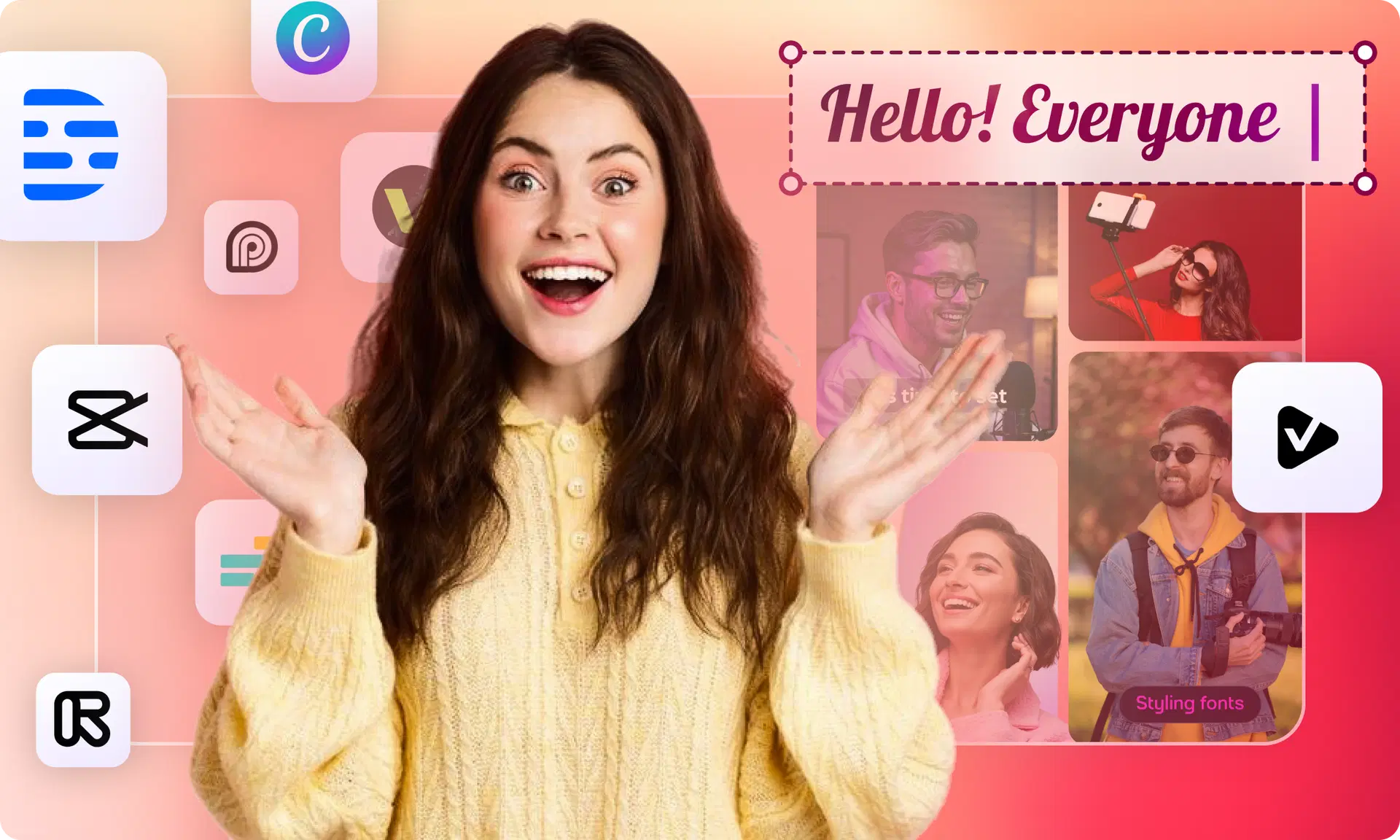
The Best Free Web-Based AI Video Editors in 2026
Here are the tools worth your attention this year, with a clear-eyed take on strengths, limits, and who each one fits. Match the tool to the job rather than hunting for one perfect editor.
VFX AI: Best all-in-one for social and repurposing
VFX AI is a browser-based editor built around the workflow most creators actually repeat: take one long recording and turn it into a batch of captioned, platform-ready clips. Its AI clip detection finds the strongest moments, smart reframing converts horizontal footage to clean 9:16, and auto captions are available in 30+ languages, all rendered in the cloud, so nothing installs on your machine. The standout for free users is that exports are watermark-free, so what you publish is genuinely finished. Best for: creators, marketers, and agencies who want clipping, captions, reels, and repurposing in a single tool instead of three subscriptions. (Limitation: as a newer platform, its advanced-effects library is still growing.)
Also Read: The 30-Day Content Calendar: How to Publish Clips Daily Using AI
CapCut: Best free manual editor
CapCut's free tier remains the benchmark for no-cost editing: a full suite of templates, transitions, and effects with clean 1080p exports and no watermark (as long as you avoid Pro-locked templates). The catch is that its clip selection is manual: it doesn't automatically detect highlights in long footage. Best for: fast, template-driven short-form editing where you're happy to pick moments yourself.
Descript: Best for podcasts and talking-head video
Descript's text-based editing is genuinely different: edit the transcript, and the video follows. Filler-word removal and audio cleanup are excellent for spoken-word content. Best for: podcasters and long-form YouTubers editing dialogue-heavy content. (Limitation: it's not built for the discovery-to-publish short-form workflow.)
Opus Clip: Best dedicated long-to-short clipper
Opus Clip specializes in one job, turning long recordings into ranked short clips, and does it well. The free plan offers roughly 60 minutes a month with watermarks, and removing them means moving to paid tiers (from about $9–15/month). Best for: creators who only need automated clipping and don't mind paying to publish clean.
VEED: Best browser suite for teams (paid)
VEED is a polished browser editor with strong auto-subtitles and screen recording. But its free tier is effectively a trial; exports are watermarked and capped (around 10 minutes). Best for: teams ready to pay for a clean browser-based suite; less ideal for free publishing.
Comparison Table: Free AI Video Editors at a Glance
| Tool | Browser- Based | Free Plan | AI Editing | AI Captions | AI Reel Generator | Long → Shorts | Businesses | Creators | Watermark (Free) | Best For |
|---|---|---|---|---|---|---|---|---|---|---|
| VFX AI | ✅ | ✅ | ✅ | ✅ | ✅ | ✅ | ✅ | ✅ | ❌ None | All-in-one social & repurposing |
| CapCut | Partial (app + web) | ✅ | Limited | ✅ | ❌ | ❌ | ✅ | ✅ | ❌ None | Manual short-form editing |
| Descript | ✅ (+desktop) | ✅ (~60 min) | ✅ | ✅ | Partial | Partial | ✅ | ✅ | ✅ Yes | Podcasts, talking-head |
| Opus Clip | ✅ | ✅ (~60 min) | ✅ | ✅ | ✅ | ✅ | ✅ | ✅ | ✅ Yes | Dedicated clipping |
| VEED | ✅ | Trial | ✅ | ✅ | Partial | Partial | ✅ | ✅ | ✅ Yes | Paid browser suite |
Why VFX AI Stands Out in 2026
Most tools above do one part of the job well. The friction shows up when you need several of them: clip, caption, reframe, repurpose, and end up juggling three subscriptions to ship one week of content.
VFX AI is built to collapse that stack into a single browser-based workflow. It's an online AI video editor with no heavy install, running its rendering in the cloud so your machine stays free. The features that matter for social-first creators and teams live in one place:
- AI video editing and AI trimming with scene detection that removes dead air and tightens pacing automatically.
- AI Reel Generator and AI Clip Generator that pull the strongest moments from long footage and produce platform-ready clips.
- Long-form to Shorts; hand it a webinar or YouTube video and it auto-clips the best segments into TikTok, Reels, and Shorts formats.
- AI captions and auto subtitles with high accuracy, plus multi-language support to reach global audiences.
- Smart reframing that keeps subjects centered when converting horizontal video to 9:16.
- Fast cloud rendering, batch editing, and content repurposing built for producing marketing and business video at volume.
- A beginner-friendly interface and a free plan without a watermark so what you export is genuinely ready to publish.
If your real goal is the modern creator's actual challenge, publishing more content across more platforms without a bigger team or a stack of subscriptions, VFX AI covers the entire loop in one browser tab: AI editing, automatic clipping, reel generation, long-form-to-shorts, auto captions, cloud rendering, and batch repurposing, with a genuinely watermark-free free plan. It's a practical long-term home for creators, businesses, and agencies who want to move at the speed of social without the overhead of desktop software.
Ready to turn one recording into a week of content? Try VFX AI free, upload a video and watch it become captioned, platform-ready clips in minutes.