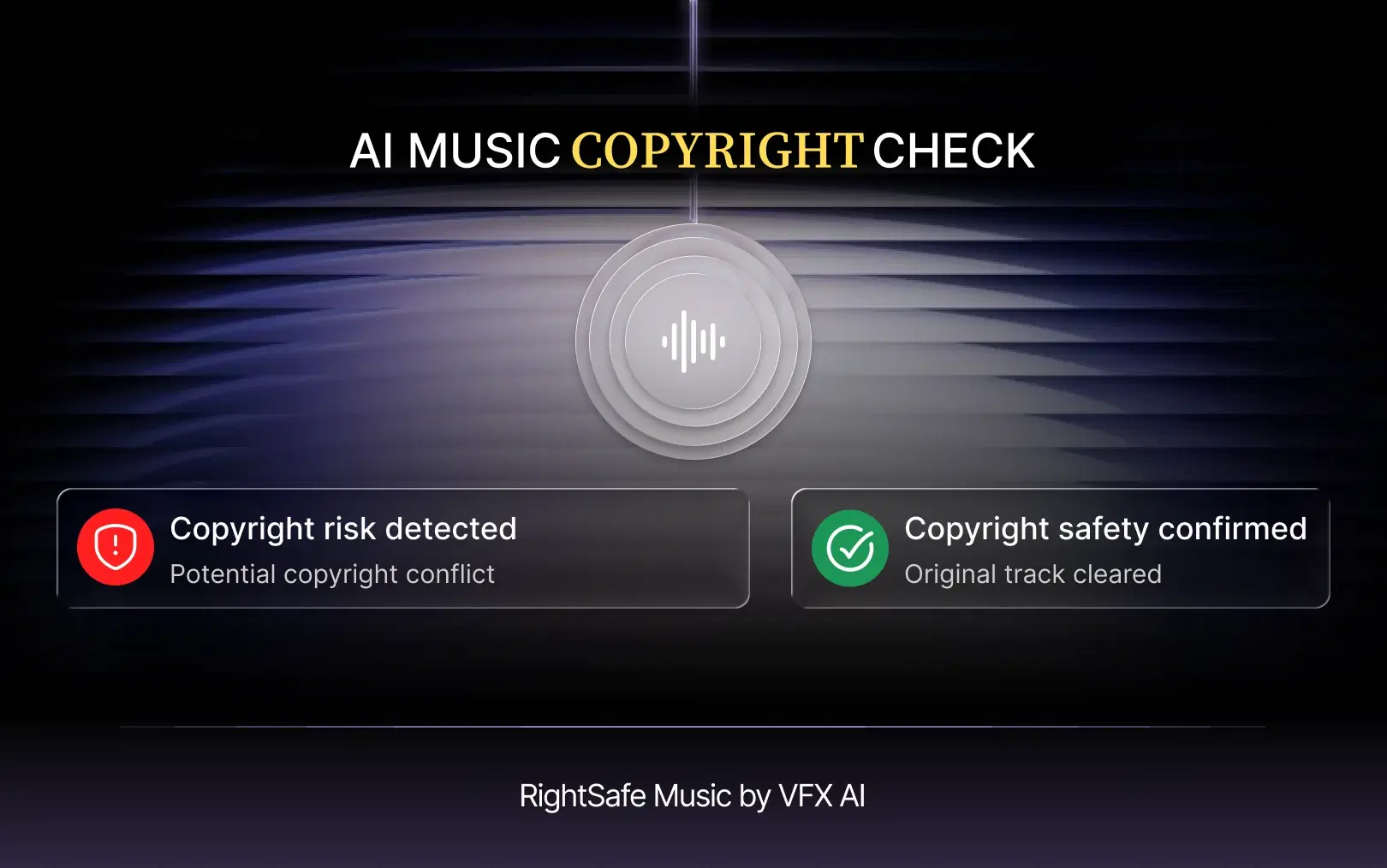
Introduction:
This guide covers:
- What copyright-safe music actually means, and how it differs from "copyright-free" and "royalty-free" music
- Where to find it for YouTube, Instagram Reels, and TikTok
- How to verify usage rights before you publish, with a 10-point checklist
- What to do if a video already has copyrighted music, without re-editing from scratch
- How AI music replacement can swap a problem track while keeping the rest of your edit
What Is Copyright-Safe Music for Videos?
Copyright-safe music is music you have the right to use for your specific video. Either it is in the public domain, you own it, or the copyright owner has given you permission through a license that covers your platform and your use case. YouTube's own guide on how to find copyright-safe music uses essentially the same definition.
The label does not decide it. A track marked "free," "no copyright," or "royalty-free" can still be copyrighted, and can still trigger a claim if whoever shared it never had the right to. What matters is the license.
Copyright-Safe vs Copyright-Free vs Royalty-Free Music
| Term | What it generally means | What creators should check |
|---|---|---|
| Copyright-safe music | Music you have appropriate rights or permission to use | License terms, platform coverage, commercial rights |
| Copyright-free | Often an informal marketing term | Actual ownership and licensing behind the claim |
| Royalty-free | No ongoing royalties under the applicable license | Usage restrictions in that license |
| Public domain | Works not protected by copyright, or where rights have expired | Status of both the composition and the specific recording |
| Creative Commons | Music offered under a specific CC license | Attribution and commercial-use restrictions (e.g. NC, ND) |
Why the terms mislead: "royalty-free" describes a payment model, not a rights status. And public domain applies separately to a composition and a recording. A Beethoven symphony is public domain; a recent orchestra's recording of it usually is not.
Also Read: How to Remove Copyrighted Music from a Video with AI
Is Royalty-Free Music Copyright Safe?
Not automatically. Royalty-free music is usually still copyrighted; the license simply lets you use it without paying ongoing royalties, within its terms. Whether it is safe for your video depends on what those terms allow.
Before using a royalty-free track, confirm the license covers commercial and monetized use, every platform you publish to, client work and advertising, attribution, geographic limits, license duration (including after a subscription ends), and redistribution.
Where Can You Get Copyright-Safe Music?
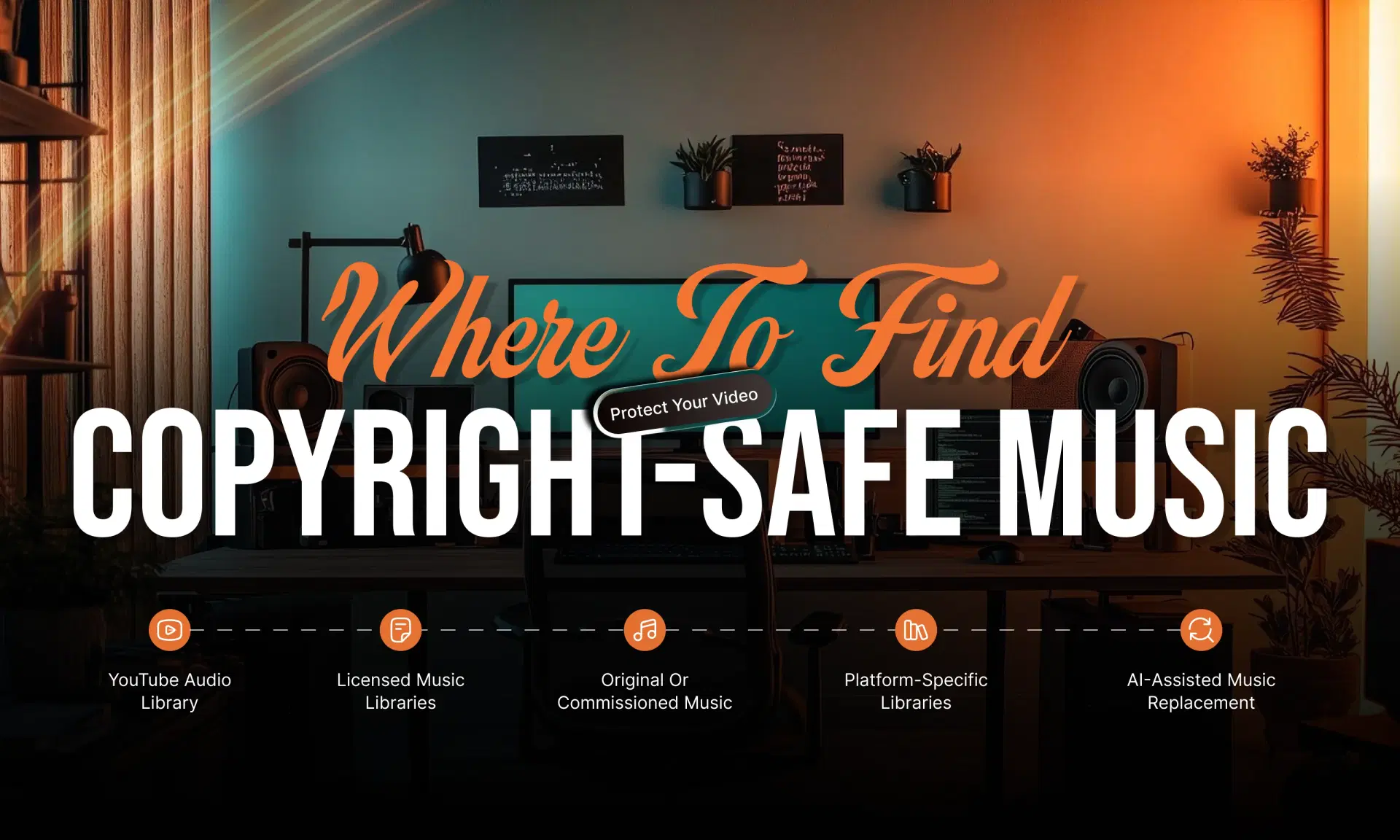
You can access copyright-safe music from the following:
1. YouTube Audio Library
Free music and sound effects in YouTube Studio that YouTube describes as copyright-safe for YouTube videos. Some tracks require attribution, so check each track's license note before using or reusing it.
2. Licensed Music Libraries
Every provider writes its own license. Some cover all platforms and client work; others exclude ads or use after you cancel. Keep the license certificate for every track.
3. Original or Commissioned Music
Music you create, or commission under a written agreement that spells out your rights, avoids most licensing ambiguity.
4. Platform-Specific Libraries
Instagram and TikTok offer built-in catalogs, but those licenses are generally tied to that platform. A track cleared inside one app is not automatically cleared for YouTube or a client's website.
5. AI-Assisted Music Replacement
When a finished video already has risky music, replacing the track is often faster than re-editing. More on that below.
Copyright-Safe Music on YouTube, Instagram Reels, and TikTok
YouTube
YouTube uses Content ID to match uploads against music registered by rights holders. A Content ID claim is not the same as a copyright strike. Per YouTube's page on restrictions on claimed music, the rights holder's policy decides the outcome: ads that pay the rights holder, muting, or blocking in some or all countries. Policies can change after you publish.
- Crediting the artist or writing "no copyright intended" does not stop a match.
- There is no safe number of seconds. Short clips can be matched too.
- Music safe in a Short under 60 seconds may not be safe in a longer video.
- Creator Music is available to U.S. YouTube Partner Program creators. From August 2026 it is phasing out paid licenses in favor of no-cost and revenue-sharing tracks.
- YouTube's copyright overview notes that no source, including the Audio Library, guarantees you'll avoid every claim.
For a step-by-step prevention workflow, see how to avoid music copyright claims on YouTube.
Instagram Reels
Copyright-safe music for Instagram Reels depends on whether the post is personal or commercial. In-app music access varies by account type and region, and branded content shouldn't assume a popular track is cleared for promotion. The Meta Sound Collection license covers commercial and non-commercial use, but only within Meta's products.
TikTok
For brands, copyright-safe music for TikTok usually means the Commercial Music Library, a pre-cleared catalog of roughly one million tracks that TikTok says businesses should use for commercial activity instead of the general sound library. Availability inside TikTok does not clear the same track for reuse on other platforms.
How to Check if Music Is Safe to Use
Run every track through this checklist before you publish, especially for client, agency, or brand work:
- Who owns the music?
- Where did it come from? An official library, or a re-upload?
- Do you have a valid license? A download link isn't one.
- Does it allow commercial use?
- Does it cover monetized videos?
- Does it cover YouTube?
- Does it cover Instagram and TikTok?
- Is attribution required, and have you added it correctly?
- Are there geographic restrictions?
- Have you saved proof of the license? Store it with the project files.
If you can't answer most of these confidently, treat the track as a risk.
What If You Already Used Copyrighted Music?
- Remove or mute the music, if the video works without it
- Trim the affected section
- Replace the track with properly licensed music
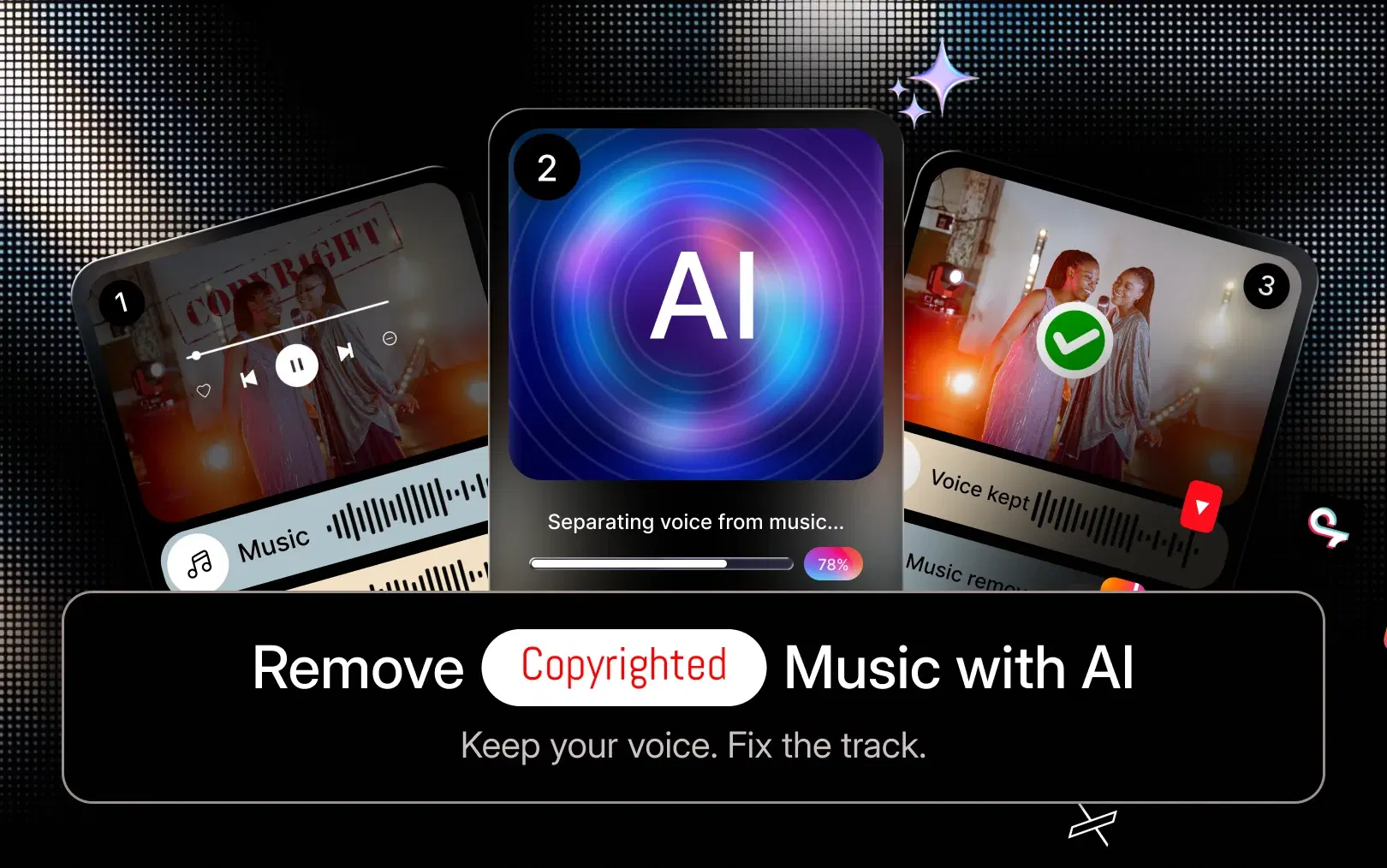
- Preserve voice and dialogue by separating music from speech instead of muting everything
- Review the claim in YouTube Studio or the relevant platform
- Dispute only with a legitimate basis, such as a valid license. Disputing without rights can escalate the problem.
For detailed methods, read how to remove copyrighted music from a video with AI, or how to remove background music while keeping the voice.
How AI Can Replace Copyrighted Music in a Video
Manual replacement means stripping the old track, auditioning new ones, re-syncing, and rebalancing levels. VFX AI RightSafe Music shortens that loop with AI-assisted music replacement:
- Upload the video
- The existing audio is analyzed
- Background music likely to cause problems is identified
- The music is separated from voice and removed
- A rights-safe replacement is suggested, matched to the original mood and tempo
- The pacing and feel of the edit are preserved
- You review and adjust the result
- Export the final video
It helps reduce copyright risk and saves rebuilding the edit by hand. It doesn't guarantee a video will never be claimed or replace checking your final track's license. Because it sits inside VFX AI's AI video editor, music cleanup shares a workflow with captions, reframing, and platform formatting.
Get Started with VFX AI RightSafe Music For Free
If a finished video already has problematic background music, you don't need to rebuild it. RightSafe Music can help remove and replace the track while keeping the rest of your edit intact.
Copyright and music licensing rules can vary by platform, country, license, and use case. This blog is for general informational purposes and is not legal advice.