Introduction:
This guide is not about outsmarting YouTube's copyright system. No reliable trick, workaround, or "safe number of seconds" lets you use someone else's music without permission. The real goal and the only approach that consistently works is simpler: use music you actually have the rights to use, and catch problems before you hit publish.
That's what this blog covers: how YouTube's copyright system works, how to avoid music copyright claims on YouTube in the first place, and what to do if a video you've already edited turns out to have a risky track in it.
What Is a Music Copyright Claim on YouTube?
A music copyright claim on YouTube is a notice, usually generated by YouTube's Content ID system (copyright overview), indicating that audio in your video matches a sound recording or composition registered by a copyright owner.
Content ID compares the audio in uploaded videos against a database of reference files submitted by rights holders: record labels, publishers, distributors, and individual artists. When it finds a match, it doesn't automatically remove your video. Instead, the rights holder's chosen policy is applied, which can mean the video stays up but is monetized by the claimant, the audio is muted, the video is blocked in certain countries, or view data is tracked.
A claim does not mean you did something illegal in a criminal sense, and it does not automatically damage your channel. It means a copyright owner's system detected their material in your upload and applied a policy they set in advance. This differs from a copyright strike, a more serious action tied to a formal legal takedown request.
Also Read: What is an AI Lyric Video Maker? Everything You Need to Know
Copyright Claim vs. Copyright Strike: What's the Difference?
These two terms get confused constantly, and understanding the difference is the first step toward avoiding music copyright claims on YouTube without panicking every time one appears.
| Copyright Claim | Copyright Strike |
|---|---|
| Usually generated automatically through Content ID | Usually issued after a rights holder files a valid legal takedown request |
| Video typically stays online | Video is usually removed from YouTube |
| May result in monetization, tracking, or blocking of the video | Can affect your channel's standing, including live-streaming ability and monetization eligibility |
| Does not automatically count against your channel | A more serious enforcement action with real consequences |
| Can sometimes be resolved by removing or replacing the flagged audio | May require waiting for the strike to expire, a retraction, or a successful counter-notification |
Claims are common and often manageable. A strike is rarer and more serious. Confusing the two or assuming every claim will eventually become a strike leads creators to either overreact or, worse, ignore claims they should actually address.
Why Does YouTube Detect Copyrighted Music?
YouTube detects copyrighted music primarily through Content ID, an automated audio (and video) matching system. Rights holders upload reference files of their music- the master recording, the composition, or both into YouTube's database. When you upload a video, Content ID scans the audio track and compares it against millions of reference files to find matches.
This detection works through audio fingerprinting, which identifies unique acoustic patterns rather than simply checking file names or metadata. That's why re-encoding a song, slowing it down, pitching it up, or layering it under other sounds doesn't reliably prevent detection; the underlying acoustic fingerprint is often still recognizable (How Content ID works).
A common myth is that using "only a few seconds" of a song is automatically safe. It isn't. There is no universally safe clip length, and how much of a match is required to trigger a claim depends on the reference file and the rights holder's settings, not a fixed rule you can rely on. Treat any use of music you don't own the rights to as a potential match, no matter how short the clip is.
Also Read: Best AI Video Editor for YouTube in 2026
7 Ways to Avoid Music Copyright Claims on YouTube
1. Use Music You Have Permission to Use
The most reliable way to avoid music copyright claims on YouTube is also the most obvious: only use music you're authorized to use. That includes original music you or your team created, music you've properly licensed from a library or platform, music explicitly released under terms that permit your intended use, and public-domain compositions where the copyright has genuinely expired. YouTube's own (Tips to find safe music) resource is a good starting point for understanding what "safe" actually means in practice.
2. Check the Music License Before Publishing
Before a track ever makes it into your final export, verify what the license actually allows. Look specifically for whether it covers commercial use, monetized YouTube videos, use across other platforms like Instagram Reels or TikTok, any geographic restrictions, attribution requirements, how long the license lasts, and whether you're permitted to edit or remix the track. Licenses that work for a personal, unmonetized video may not cover a monetized channel or client work.
3. Use Copyright-Safe Music
"Copyright-safe" is a broader, more accurate term than "no copyright music," which gets thrown around loosely online. Copyright-safe music generally falls into a few categories: royalty-free music with a license that matches your use case, tracks explicitly licensed for platforms like YouTube, music released under a specific Creative Commons license that permits your use, or genuinely public-domain compositions. These categories are not interchangeable, and the label on a track matters less than the actual license terms attached to it.
4. Don't Assume "Free" Means Copyright-Free
This is one of the most common sources of unexpected copyright claims. Labels like "free download," "no copyright music," "copyright-free," and "royalty-free" are used inconsistently across the internet, and they don't all mean the same thing. Royalty-free, for example, typically means you don't pay ongoing royalties after an initial license or free tier, it does not mean the music has no copyright owner or no usage restrictions. Always read the actual terms attached to a specific track rather than trusting the label on the download page.
5. Keep Proof of Your Music License
If a claim does appear on a video where you legitimately have the rights to the music, you'll want documentation ready. Keep the license agreement or terms of service, any purchase or download receipt, the platform's usage terms at the time you downloaded the track, attribution requirements if applicable, and screenshots of the license page where useful. This is especially important for agencies and businesses managing music across multiple client projects, where a single license question can otherwise turn into a lengthy search through old downloads.
6. Replace Copyrighted Music Before Publishing
Sometimes you don't realize a track is a problem until after the video is fully edited, sound design, voiceover, captions, and all. The good news is that discovering a risky track late in the process doesn't necessarily mean rebuilding the video from scratch.
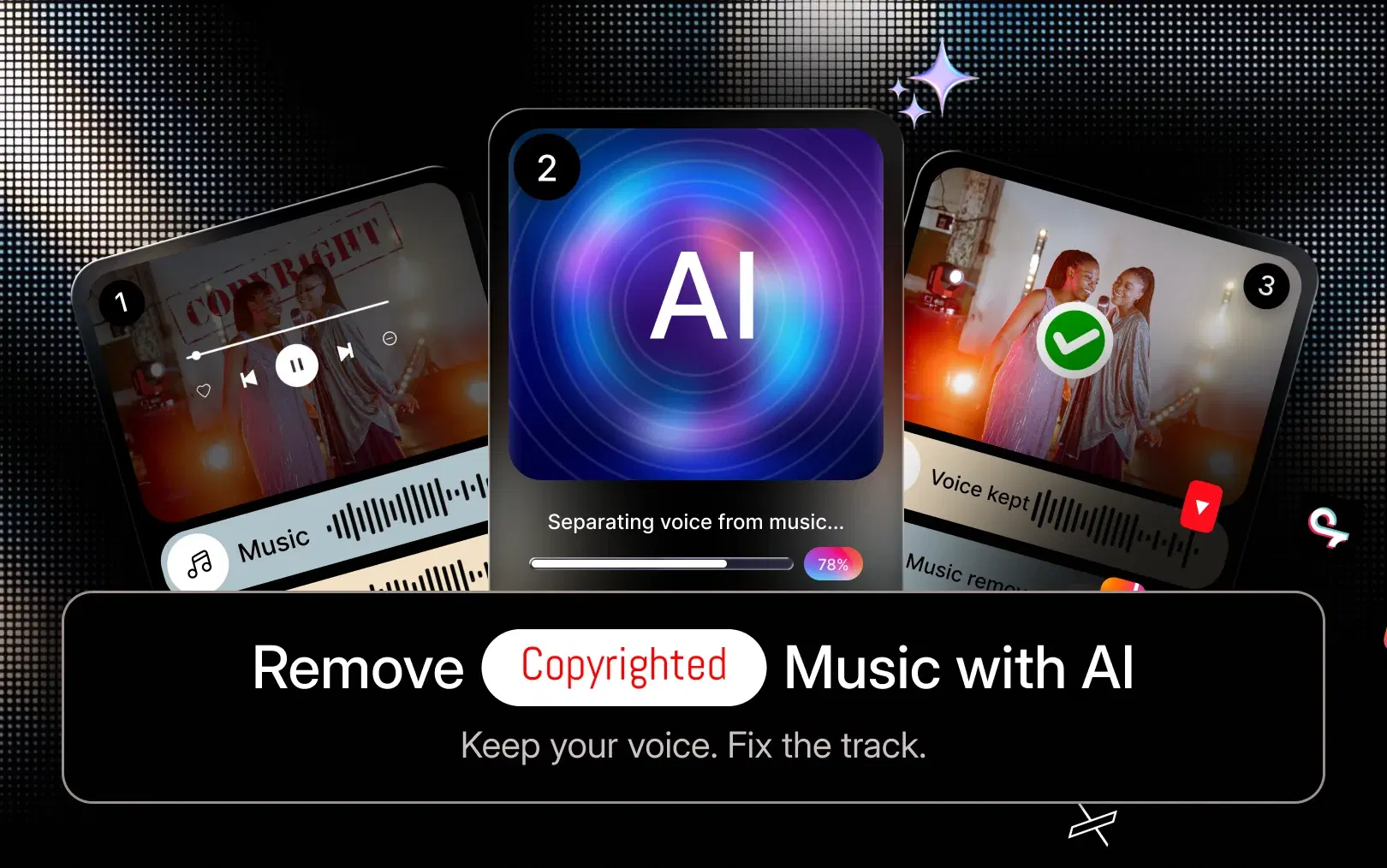
In many cases, you can remove the problematic music, separate music from dialogue or narration where the two are mixed together, drop in a replacement track, adjust timing so the new music still matches your cuts, and export an updated version without re-cutting the whole edit.
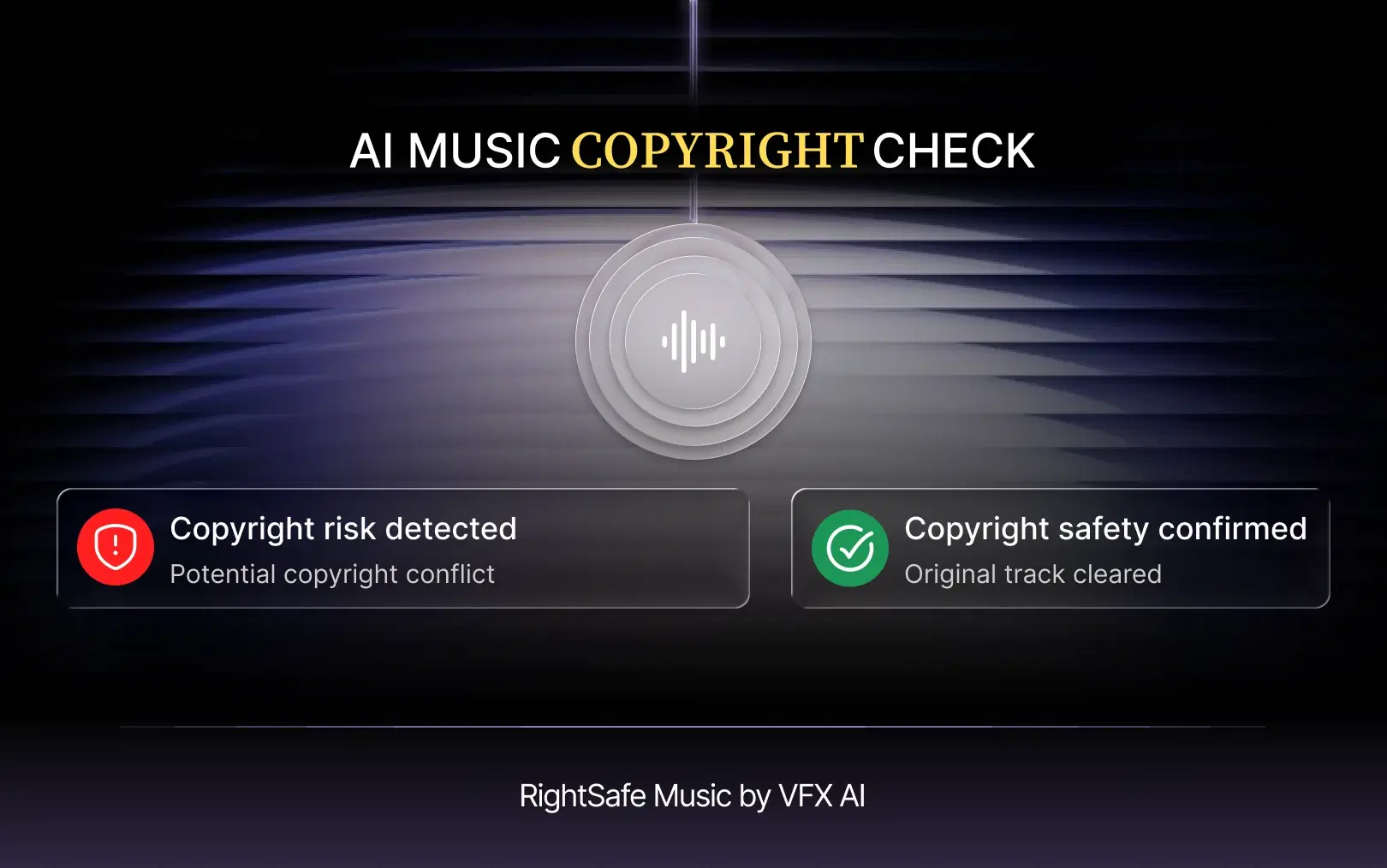
This is where AI video editor tools like VFX AI's RightSafe Music workflow come in. RightSafe Music is designed to help creators with copyright-safe alternatives while preserving the rest of the edit, so you're not starting over just because one track turned out to be a licensing problem. It's worth being precise about what this does and doesn't do: RightSafe Music is built to help reduce copyright risk by giving you a faster way to swap in safer music it doesn't guarantee that any specific video will never receive a claim, since that ultimately depends on the rights status of every element in the final upload.
Already have a video edited? You don't necessarily need to start over. You can use VFX AI to manage the existing audio, replace problematic background music, and continue refining the video in the editor.
7. Review the Video's Audio Before Uploading
Before you publish, run a quick audio audit on the finished video. Ask yourself where every music track in the video came from, whether you have permission to use it, whether that permission covers YouTube specifically, whether it covers monetization if your channel is monetized, whether attribution is required and included, whether the track is embedded inside a stock clip or template you licensed separately, and whether you've kept proof of the license somewhere you can find it later. A five-minute check here is far faster than dealing with a claim after the video is live.
Can You Use Royalty-Free Music on YouTube?
Yes, provided the specific license you have grants the rights your video actually needs. Royalty-free does not automatically mean copyright-free. It generally means you pay once (or nothing, under a free tier) rather than paying ongoing royalties per use, but the music is still copyrighted and still governed by license terms. Some royalty-free licenses cover monetized YouTube use; others don't. Some require attribution in your video description; others don't. Third-party music libraries vary widely in what they permit, so the label "royalty-free" tells you very little on its own, the license terms are what actually matter.
YouTube's own Audio Library is a genuinely useful starting point, since tracks there are specifically vetted for use on the platform, with clear indications of whether attribution is required.
Also Read: AI Video Automation Workflows
What Should You Do If Your Video Already Has Copyrighted Music?
If you're dealing with an existing claim or a video you suspect might have a licensing issue, work through it methodically rather than reacting immediately.
If you have the necessary rights: Review the claim details in YouTube Studio and consider disputing it if the claim appears to be inaccurate, using YouTube's official Dispute a copyright claim process.
If you don't have the necessary rights: Remove, mute, or replace the music rather than disputing the claim. A dispute filed without a legitimate basis can escalate the situation rather than resolve it.
If the music is mixed with dialogue or narration: Look into AI audio separation tools that can isolate voice from background music, so you can swap the music without losing your narration.
If you need new music: Add a track you know is properly licensed or copyright-safe, rather than reaching for whatever's fastest to find.
If you're genuinely unsure about your rights: Don't dispute a claim just because you disagree with it emotionally. Check the license terms first, and if the situation is unclear or high-stakes for a monetized channel or a client project, for example consider seeking qualified legal advice rather than guessing.
How to Remove or Replace Copyrighted Music Without Rebuilding Your Video
If you've identified a problem track after editing is otherwise complete, here's a practical workflow for fixing it without redoing the whole project:
- Upload the existing edited video into your editor.
- Identify which audio track or section is the source of the claim or risk.
- Separate or remove the music from the rest of the audio where possible.
- Preserve dialogue, narration, or sound effects you still need.
- Replace the flagged track with a properly licensed or copyright-safe alternative.
- Adjust timing and volume so the new music fits your existing cuts.
- Review the full video's audio end to end.
- Export the updated version.
This is exactly the problem VFX AI's RightSafe Music feature is built around an AI-assisted way to remove copyrighted music with AI and drop in a safer replacement without re-cutting your entire timeline. It's a practical middle ground between ignoring a risky track and rebuilding a finished video from zero.
How VFX AI Helps You Create Safer YouTube Videos
VFX AI is an AI video editing platform, and one part of that workflow is specifically built around managing music risk without slowing creators down. In practice, the process looks like this:
Upload → Manage Audio → Remove/Replace Music → Add RightSafe Music → Edit → Review → Export
You upload your video, review its audio tracks, remove or isolate any music that's a licensing concern, bring in a copyright-safe replacement through RightSafe Music, continue editing as needed, review the final cut, and export.
This workflow is useful across a wide range of creators and teams. YouTubers and Shorts creators can catch music issues before a video goes live instead of after it's already flagged. Musicians and artists working on lyric videos or promotional clips can manage the visual side of a release without introducing separate rights problems. Podcasters adding background music to interview clips can swap tracks quickly across many episodes. Agencies and marketers producing content for multiple clients can apply a consistent, repeatable music-review process instead of relying on whoever happened to edit a given video. Businesses and media teams can extend the same workflow across YouTube videos, YouTube Shorts, Instagram Reels, TikTok clips, and other repurposed formats from a single source video.
Also Read: How to Repurpose Podcasts Into Viral Clips Using AI
How AI Video Editing Changes the Music Workflow
Beyond copyright specifically, AI video editing has changed how much manual work goes into cleaning up and repurposing video. Capabilities like automated audio cleanup, background music management, voice/music separation, auto-generated captions, intelligent reframing for vertical formats, automatic clip generation, and one-click social media exports mean creators spend less time on repetitive editing tasks and more time on the creative decisions that actually matter.
As an AI video editor and AI video editor online, VFX AI applies this same logic to music management: instead of manually scrubbing through a timeline to find and replace a flagged track, the audio-handling and replacement steps are built directly into the editing workflow. For creators regularly turning long-form videos into Shorts or Reels with VFX AI's AI Reel Generator, that means each repurposed clip can go through the same music check rather than inheriting whatever track happened to be in the original file.
What About Lyric Videos and Music Creators?
Musicians and artists face a particular version of this problem. Lyric videos, YouTube music videos, Shorts, Instagram Reels, TikTok clips, and teaser videos are all built directly around a song, which means the music rights aren't incidental background audio, they're the entire point of the video.
Owning or properly controlling the rights to the underlying song is essential before creating any visual content around it. Uploading a lyric video for a song you don't hold rights to even one you've written lyrics for, if you don't own the master or publishing rights, can still trigger a copyright claim, because Content ID matches the audio itself, not your intentions.
Once you do have the appropriate rights to a track, VFX AI's AI lyric video maker can help turn that song into a finished lyric video without a manual, frame-by-frame animation process. For a closer look at how AI lyric video makers work, VFX AI's lyric video tooling is built to sync visuals to a track you provide it, does not grant, verify, or substitute for the underlying music rights, which remain the creator's responsibility to secure separately.
YouTube Music Copyright Checklist
Use this checklist before publishing any video that includes music:
- I know who owns the music
- I have permission or a license to use it
- My license covers YouTube specifically
- My license covers monetization, if my channel is monetized
- I checked whether attribution is required
- I saved proof of the license
- I reviewed background music separately from voice or dialogue
- I replaced any questionable tracks before publishing
- I reviewed the final audio of the exported video
- I understand that "free" does not automatically mean copyright-safe
Avoiding music copyright claims on YouTube isn't about finding a clever workaround, Content ID doesn't work that way, and treating it as a system to be beaten tends to cause more problems than it solves. The reliable approach is straightforward:
- Know where your music comes from.
- Verify the license before you publish.
- Keep proof of your rights.
- Use copyright-safe music where appropriate.
- Replace questionable tracks before publishing or as soon as you catch them.
- Review the final audio of every export.
- Use AI-assisted editing tools to make the replacement process faster when problems do come up.
For creators, musicians, podcasters, agencies, and businesses who need to move quickly without cutting corners on music rights, VFX AI brings editing, music replacement, lyric video creation, and short-form repurposing into one workflow. Create, edit, replace, and repurpose your videos with VFX AI.
Note: Copyright rules can vary by jurisdiction and licensing agreement. This article is for informational purposes and is not legal advice.