Introduction:
As creators publish across YouTube, Instagram, TikTok, LinkedIn, and podcast platforms simultaneously, the odds of a music mistake go up with every new destination. Each platform enforces copyright differently, and a track that's "fine" on one can get flagged, muted, or restricted on another.
This guide breaks down what copyright-safe music actually means, why copyright claims happen in the first place, how to check any track before you publish, and how AI-assisted workflows, including tools like VFX AI's RightSafe Music and its AI lyric video maker, can speed up the process of fixing music problems without redoing your whole edit.
What Is Copyright-Safe Music?
Copyright-safe music is music you have clear, verifiable permission to use for your specific purpose, whether that's a monetized YouTube video, a client ad, or a personal Instagram Reel. It isn't a single license type; it describes your relationship to a track's rights.
A few terms get used interchangeably, but they mean different things:
- Copyrighted music: Nearly all recorded music, whether or not it's labeled as such. Copyright exists automatically the moment a song is created.
- Royalty-free music: You typically pay once (or nothing) and don't owe ongoing royalties, but the license still comes with specific terms about where and how you can use it.
- Licensed music: Music you've been granted rights to use under a defined agreement, often with limits on platform, duration, or commercial use.
- Public-domain music: Music no longer under copyright protection at all, usually because the copyright term has expired.
Here's the part creators most often get wrong: "free" does not automatically mean "safe." A track can be free to download and still be flagged by a platform's rights-management system, because the person who uploaded it may not have had the authority to give it away, or the license may exclude commercial or monetized use. Whether you're allowed to monetize a video, use a track for a client's business, or publish across every platform you need depends on the license, not the label attached to a download link.
For an authoritative breakdown of what platforms consider safe, YouTube's official guidance on copyright-safe music is a good starting reference.
Also Read: How to Remove Copyrighted Music from a Video with AI
Why Copyright Claims Happen on YouTube and Social Media
Most copyright issues trace back to one system: Content ID, YouTube's automated tool that scans uploaded videos against a database of registered music and matches audio fingerprints, even short clips buried under dialogue or sound effects.
It's worth separating two terms that get confused constantly:
- A copyright claim is typically automated. It doesn't threaten your channel directly, but it can mute your audio, restrict monetization (ad revenue goes to the rights holder instead of you), or limit where viewers can watch the video.
- A copyright strike is more serious, usually the result of a formal takedown request from a rights holder, and repeated strikes can lead to video removal or channel termination.
Here's where most creators go wrong:
- Just because a song is available online doesn't mean you can use it for free. Someone uploading a track to a "no copyright music" channel doesn't transfer any rights to you.
- Buying a song doesn't automatically include commercial video rights. Purchasing a track for personal listening is a different right than synchronizing it with video for monetized or business use.
- Content ID doesn't read your video description. Writing "no copyright intended" or crediting the artist in your caption has no effect on whether the system flags the audio.
Understanding this distinction matters because it changes what you do next: dispute a claim, replace the track, or accept a monetization split, rather than panicking over what looks like a channel-ending strike.
How to Find Copyright-Safe Music for Your Videos
There's no single best source; the right approach depends on your budget, how often you publish, and whether the video is personal or commercial.
1. YouTube Audio Library
YouTube Studio includes a built-in Audio Library of royalty-free music and sound effects across a wide range of genres and moods, specifically cleared for use on the platform. It's a solid default for YouTube-first creators, though tracks pulled from it may still carry different terms if you reuse them on other platforms.
2. Licensed Music Libraries
Third-party libraries (paid or subscription-based) can offer more variety, but every license is different. Before you commit to a track, check:
- Commercial-use rights
- Platform restrictions (YouTube, Instagram, TikTok, broadcast, etc.)
- Attribution requirements
- Monetization rights
- Territory restrictions
- License duration
- Whether client or business use is permitted
- Whether the track is registered with Content ID
3. Original Music
Commissioning or producing original music sidesteps most licensing complications entirely, since you (or your collaborator) control the rights from the start. This is common practice for brands and agencies that publish frequently and want to avoid recurring licensing overhead.
4. AI-Assisted Music Workflows
AI tools are increasingly used to flag or replace music that's likely to cause problems before a video ever goes live. This is genuinely useful for speeding up a tedious manual process, but it's worth being precise about what it does and doesn't guarantee. AI-generated or AI-matched music isn't automatically copyright-free just because an algorithm produced or selected it; the replacement track still needs clear usage rights.
How to Check If Music Is Safe to Use
Before you publish, run every track through a quick checklist:
- Who owns the copyright?
- Do you have explicit permission to use it?
- Is commercial use allowed under the license?
- Is YouTube monetization permitted?
- Do the license terms cover Instagram, TikTok, and Facebook use?
- Is attribution required, and have you provided it correctly?
- Is the track registered with Content ID?
- Are client or business projects permitted under the license terms?
- Are there geographic restrictions on where the video can be viewed?
- Does the license expire, and is your content still live after that date?
- Can you produce proof of the license if a claim is disputed?
If you can't confidently answer most of these, treat the track as a risk rather than a safe default.
How AI Can Help Replace Copyrighted Music
Manually swapping out music is one of the more tedious parts of the editing process: open the timeline, strip the old track, search a library for something in a similar mood and tempo, re-sync it to your cuts, rebalance the levels, and export again. For a single video, that's annoying; across a back catalog of dozens of videos, it's genuinely time-consuming.
This is where AI-assisted editing has started to change the workflow. Instead of manually auditioning replacement tracks, an AI system can analyze the mood, tempo, and pacing of your existing edit and suggest a copyright-safe alternative that fits without you having to re-cut the video. (replace copyrighted music with AI)
Do check: AI Music Video Maker
VFX AI RightSafe Music
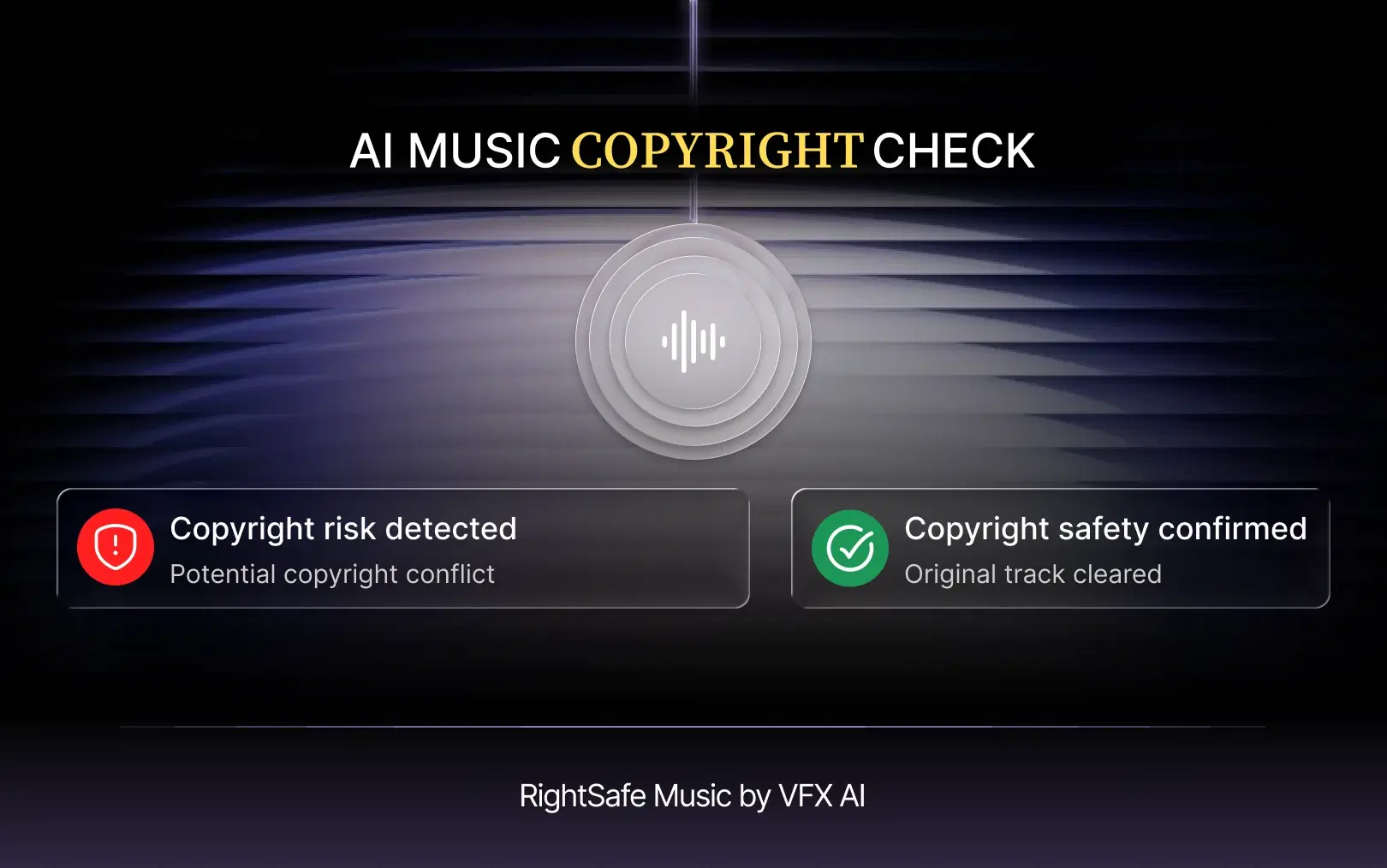
VFX AI RightSafe Music is built specifically for this problem. It analyzes the audio in an uploaded video, identifies music likely to trigger a Content ID claim or platform restriction, and suggests a copyright-safe replacement that preserves the original track's mood, tempo, and pacing so the edit doesn't lose its feel when the song changes. You can read more about how the feature works on the RightSafe Music page.
The general workflow looks like this:
- Upload the video
- The system analyzes the existing audio
- It identifies music likely to be flagged
- It suggests a copyright-safe replacement
- The replacement is matched to the original's mood and tempo
- You review and approve the swap
- Preview the final video
- Export
It's worth being direct here: no tool, including RightSafe Music, can guarantee immunity from every possible copyright claim. AI-assisted replacement helps reduce copyright risk and cut the manual work of finding and syncing a new track; you should still verify the rights and license terms of whatever music ends up in your final video before you publish it widely.
Using Copyright-Safe Music in Lyric Videos
Lyric videos create a music-rights puzzle of their own, because more than one layer of ownership is usually involved: the sound recording, the underlying composition, the published lyrics, and sometimes separate publishing rights held by a different party than the recording artist. Owning or licensing the recording doesn't automatically mean you have the right to reproduce and display the lyrics, or vice versa.
That distinction matters most for music labels and creators who build promotional content around a song's actual words.

VFX AI Lyric Video Maker
The VFX AI lyric video maker removes the manual labor of building a lyric video by automatically detecting vocals, syncing text to the beat, and styling captions for platforms like YouTube, Instagram Reels, TikTok, and Shorts. According to VFX AI's lyric video maker, the tool analyzes a pasted link or uploaded track, detects the vocal structure, and generates a fully synced, styled lyric video in a single flow, with auto or manual styling depending on how much creative control you want.
Capabilities include:
- AI vocal detection from lead or background vocals
- Automatic lyric synchronization to the beat
- Animated lyric styling
- Multiple aspect ratios for different platforms
- Auto mode for instant styling, or manual mode for full creative control
- Integration with VFX AI's broader editing tools
It's important to be clear about what this tool does and doesn't do: creating a lyric video with AI does not itself grant permission to use a copyrighted song or its lyrics. The tool handles production, syncing, styling, and formatting, but creators still need the appropriate rights or permissions to the underlying music and lyrics before publishing.
Also Read: What is an AI Lyric Video Maker? Everything You Need to Know
Copyright-Safe Music for Businesses and Brands
Individual creators generally have one channel and one audience in mind. Businesses and agencies have more moving parts: paid ad campaigns, client deliverables, multiple brand channels, and content that often gets repurposed across platforms months or years after it was first produced.
That complexity raises the stakes around a few things in particular:
- Paid advertising: A flagged or muted ad spend can hurt delivery.
- Client work: Agencies are accountable for the compliance of every deliverable they hand off.
- Multi-platform publishing: The same asset may need to satisfy YouTube, Instagram, TikTok, LinkedIn, and a company website simultaneously, each with its own enforcement quirks.
- Content longevity: Licensing terms and platform rules can change while a video stays live for years, so a track that was safe at launch isn't guaranteed to stay that way.
Because of this, businesses should document every music license used in a campaign, not just for legal protection, but so they can resolve a flagged claim quickly with proof of rights in hand.
For teams that need to edit, make clips, and publish video at scale, an AI-assisted video editor can absorb some of that repetitive workload, handling tasks like music replacement, captioning, and reframing for different platforms as part of one workflow rather than a series of manual, one-off fixes. VFX AI positions its editing tools this way, aimed at creators, marketing teams, and agencies producing high volumes of platform-ready video.
Copyright-Safe Music Checklist Before You Publish
| Check | What to Verify |
|---|---|
| Ownership | Who owns the track? |
| License | Do you have documented permission? |
| Commercial use | Is business or client use allowed? |
| Platforms | Can you publish everywhere you need to? |
| Monetization | Can the video be monetized? |
| Attribution | Is credit required, and is it correct? |
| Content ID | Could the track trigger a claim? |
| Documentation | Can you prove your rights if challenged? |
Best Practices for Avoiding Music Copyright Problems
- Never assume "free" means copyright-safe.
- Actually read the license, not just the track description.
- Keep proof of licensing for every track you use commercially.
- Confirm commercial-use permissions before client or ad work.
- Check platform-specific restrictions, not just YouTube's.
- Avoid pulling music from unverified "no copyright music" channels.
- Understand whether a track is registered with Content ID before you publish.
- Replace questionable music before it goes live, not after a claim arrives.
- Favor original or clearly licensed music when you're publishing at volume.
- Do a final audio review of the exported video before hitting publish.
Also Read: Remove background music while keeping the voice
A safer publishing workflow generally follows the same shape regardless of platform: create, edit, check the music rights, replace anything risky, caption, resize for each platform, and only then publish. Music is the step most creators rush past and the one most likely to cause problems after the fact.
AI-assisted tools can't replace understanding your license terms, but they can save real time on the fixing process. VFX AI's RightSafe Music helps detect and replace copyrighted tracks without a full re-edit, and the VFX AI lyric video maker handles the syncing and styling work for lyric-driven content, leaving you to focus on making sure the rights are actually in place.
Explore VFX AI and see how AI-driven editing can simplify the rest of your video workflow.
Copyright and music licensing rules vary by platform, country, license, and use case. This article is for general educational purposes and is not legal advice.