Introduction:
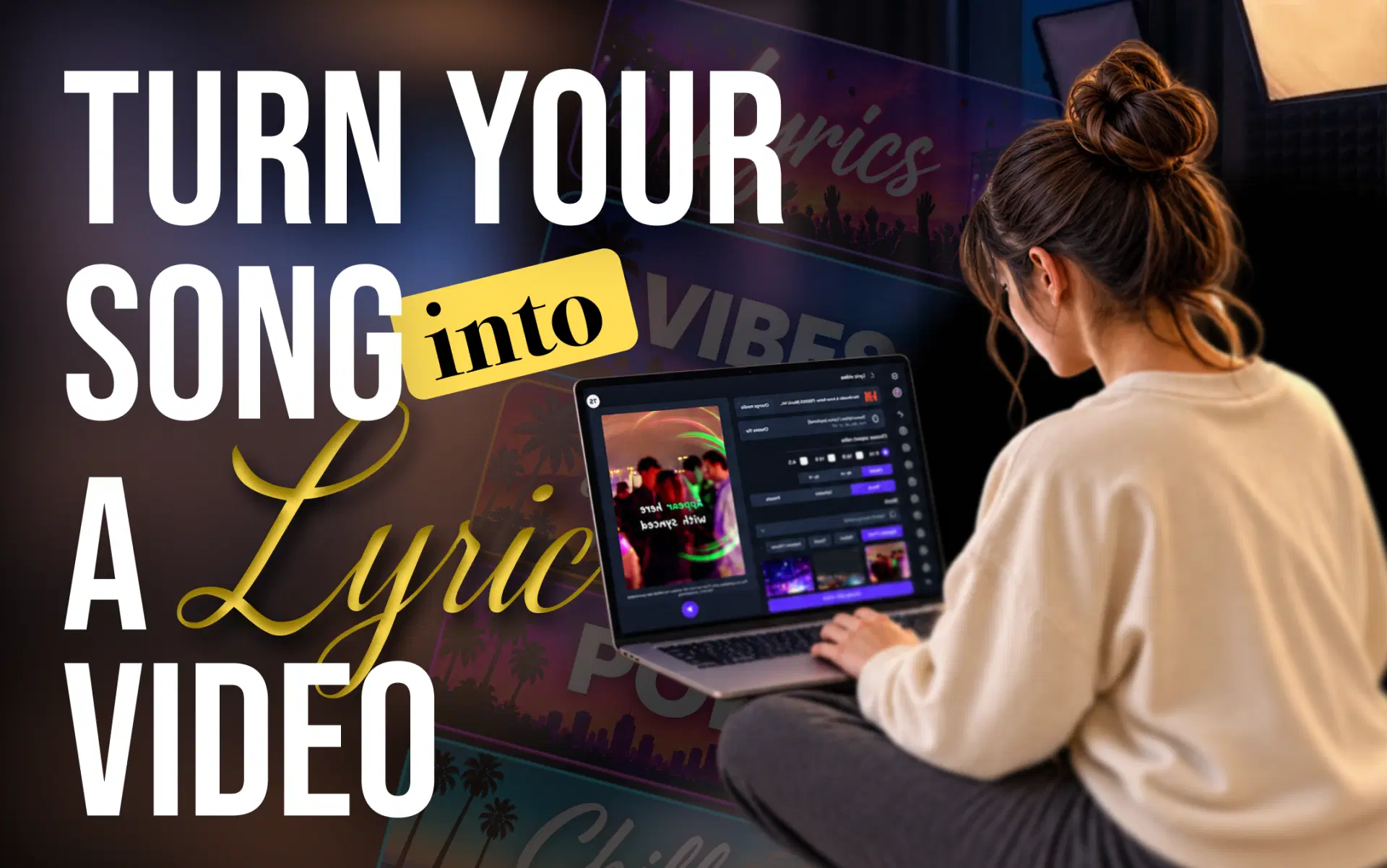
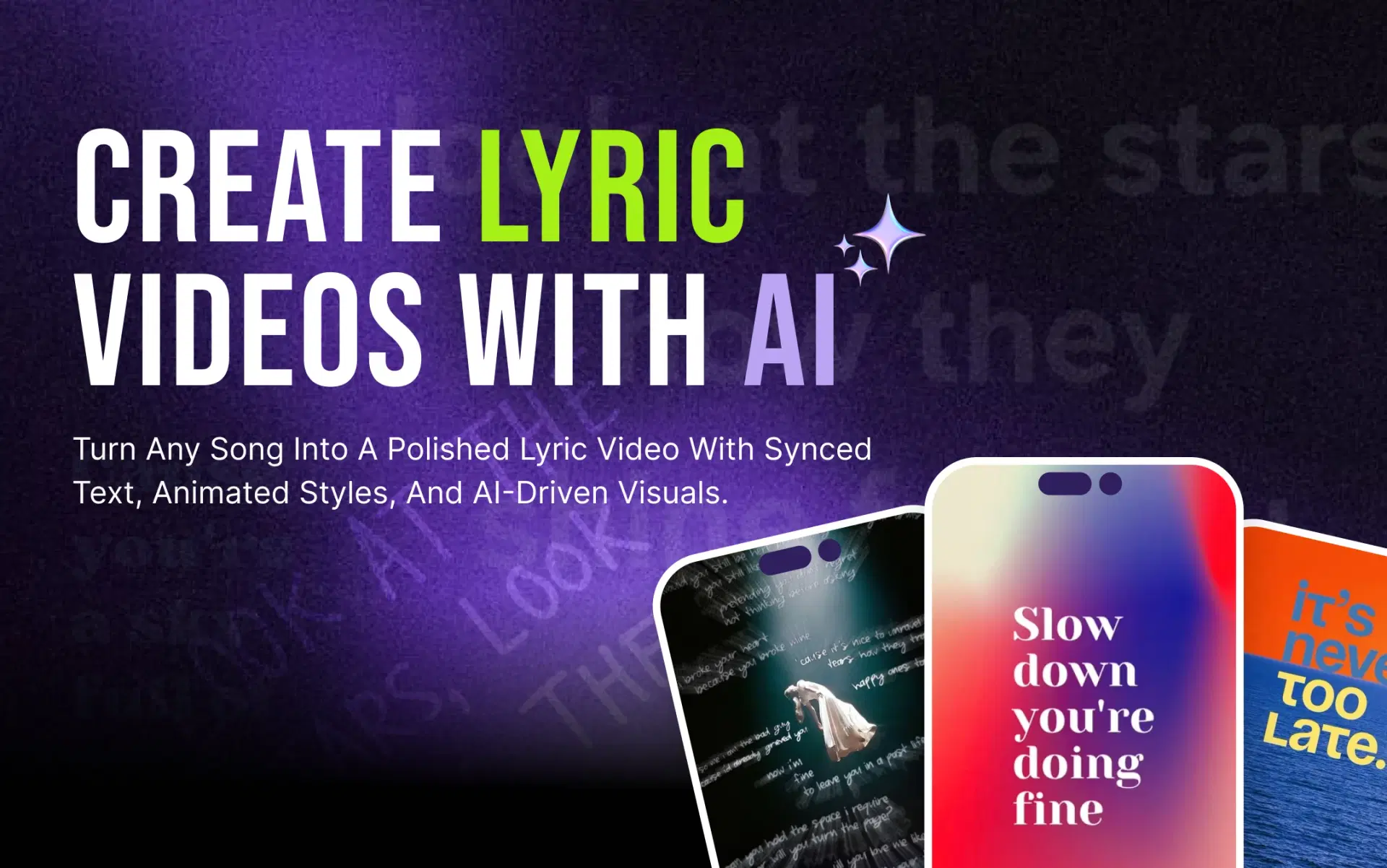
A lyric video won't guarantee streams or followers. This guide shows how to make one without editing experience, build a small-budget promotion plan around it, and choose the right tool.
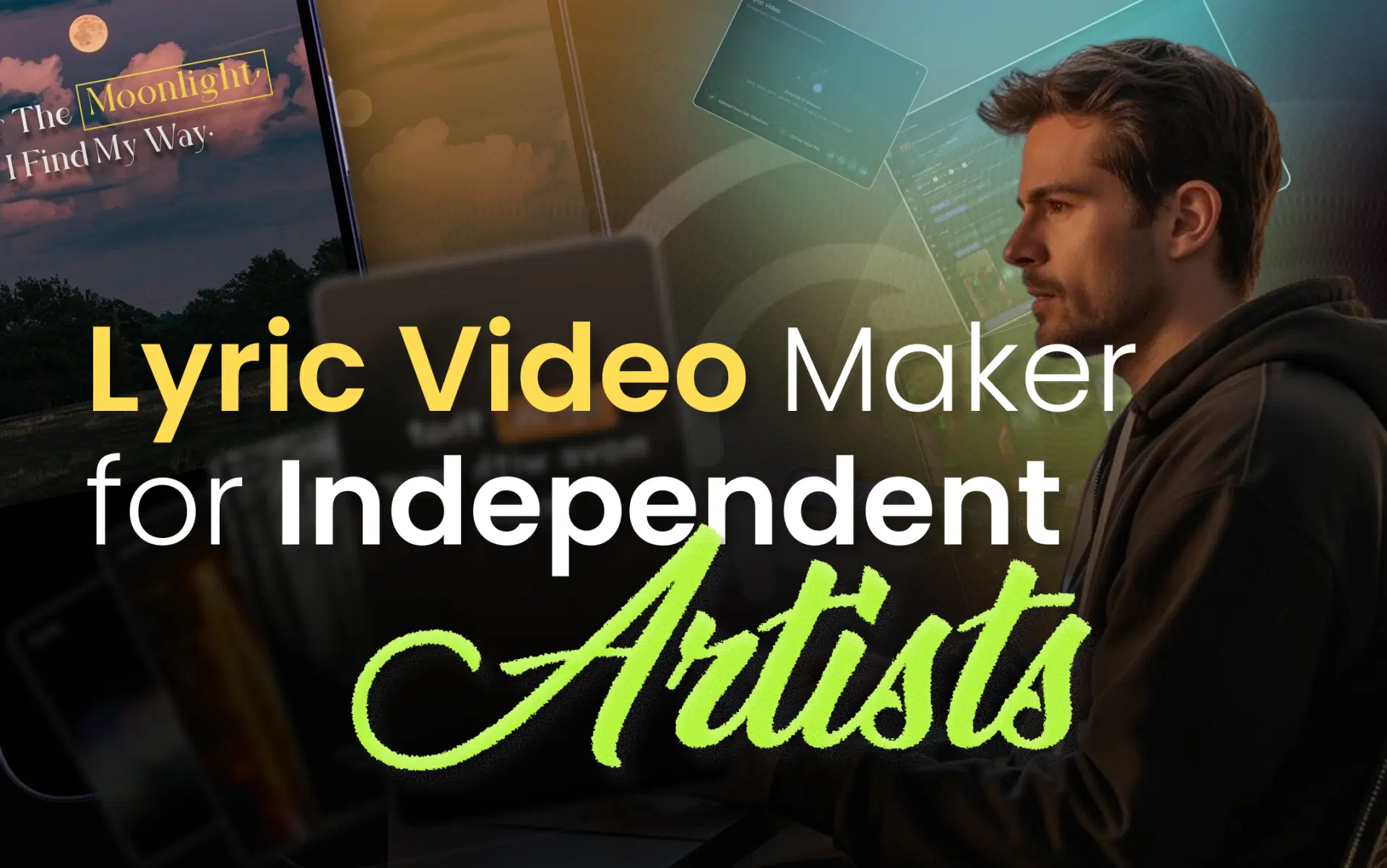
Why Independent Artists Need a Lyric Video Maker for Musicians
One lyric video does several jobs at once:
- It gives the song a visual home. A full lyric video on YouTube is something people can watch, share and comment on, not just stream.
- It puts your best lines on screen. Seeing a chorus while hearing it helps listeners learn it, and a line people can quote is a line they share.
- It produces raw material. One synced video can be cut into a chorus clip, a bridge clip and a teaser.
- It sets a visual identity. Fonts, colors and backgrounds can carry across the whole release.
- It skips filming. No location, crew or on-camera performance needed.
Picture a bedroom producer with a finished track and no video budget. With a lyric video maker for independent artists, they can have a full-length widescreen video and three vertical hooks ready before release week. Just keep it in proportion: a lyric video is one asset in a release plan, not the plan itself.
How to Create a Lyric Video Without Hiring an Editor
Here is how to create a lyric video from a finished track:
- Confirm your rights. If you wrote, recorded and own the song outright, you're likely clear. A co-writer, sample, producer agreement or label deal can change that.
- Choose your tool. An AI lyric video maker handles transcription and timing. Traditional lyric video software gives frame-level control but takes much longer.
- Add the track. Depending on the tool, upload the audio or paste a supported music or video link.
- Generate the lyrics, then proofread. AI often mishears ad-libs, slang, names and stacked harmonies, so check every line against your lyric sheet.
- Sync the lyrics to the vocals. AI lyric sync gives a timed first pass. Watch fast verses for lines that land early or late.
- Style the text. Choose typography, colors, background and animation. Readability beats decoration.
- Pick the aspect ratio before finalizing the layout. Use 16:9 for a full YouTube video and 9:16 for Shorts, Reels and TikTok.
- Review on a phone, then export. That's where most people will watch.
- Publish and repurpose. Post the full version first, then cut short clips from it.
AI removes the slowest work: typing, timestamping and a first animation pass. You still own accuracy, taste and rights. For a detailed walkthrough, see our step-by-step guide to making a lyric video with AI.
How VFX AI Helps Musicians Create Lyric Videos Faster
VFX AI's Lyric Video Maker follows that same flow with fewer manual steps:
- Start from a link. Paste a YouTube or other supported video link, and VFX AI detects the audio, lyrics and vocal structure.
- Choose a vocal mode. Caption the lead vocal only, or include background vocals and harmonies.
- Let AI style it, or take control. Auto Mode matches backgrounds, lyric animation and pacing to the song's tempo and tone. Manual Mode offers cinematic, gradient and abstract presets to match your colors or genre.
- Set lyric style, position and layout before you generate.
- Pick a format. Vertical, square, portrait or widescreen, for YouTube, Shorts, Instagram Reels and TikTok.
- Keep editing timing, text and branding in the VFX AI Video Editor.
For a singer releasing a first single, that means one Manual Mode look applied to a widescreen YouTube version and a vertical chorus cut, so every clip feels like the same release. Less time on keyframes means more time for writing, replying to fans and planning the next drop.
Try VFX AI's Lyric Video Maker to turn your track into a synchronized, platform-ready lyric video.
How to Promote Your Song With a Lyric Video on a Small Budget
If you're working out how to promote a song online with no ad budget, start by posting the same strong material in several shapes. Here's a sample seven-day plan built from one lyric video:
| Day | What to post | Where |
|---|---|---|
| 1 (pre-release) | 10–15 second teaser with one standout line | Reels, TikTok, Shorts |
| 2 (pre-release) | The story behind that line | Stories, TikTok |
| 3 (release) | Full 16:9 lyric video with streaming links | YouTube |
| 4 | Vertical chorus clip | Shorts, Reels, TikTok |
| 5 | Ask fans which line hit hardest; pin replies | All profiles |
| 6 | Second hook from the bridge or a verse | Reels, TikTok |
| 7 | Re-post the best-received clip with a new caption | Where it did best |
Three rules keep it working:
- Lead with the hook, not the instrumental intro, and keep the same font, colors and background family everywhere.
- Add your links every time: streaming link, YouTube link and profile handles.
- Mind the format. YouTube treats square or vertical uploads of up to three minutes as Shorts, so keep your full lyric video at 16:9 if you want it to stay long-form. Our guide to making a lyric video for YouTube Shorts covers the vertical cut.
A band promoting a new chorus can stretch this further by having each member post the chorus clip from their own account with a different caption. If you were hoping for a lyric video maker for Spotify Canvas, note that Spotify's Canvas guidelines describe a 3–8 second loop and advise against singing footage, since it won't sync with the lyrics. Use a lyric-free loop in the same visual style instead.
No schedule guarantees reach. Consistency simply gives a song more chances to find listeners.
How to Choose the Best Lyric Video Maker for Independent Artists
Test any lyric video maker for artists on a full song, not a 20-second clip, and check:
| What to check | Why it matters |
|---|---|
| Automatic lyric sync | Saves the most manual time |
| Transcription editing | You will need to fix misheard words |
| Typography and animation control | Text is the main visual |
| Vertical and widescreen formats | Each platform has its own frame |
| Export quality and watermark policy | Blurry or branded exports look unfinished |
| Pricing and usage limits | Affects how many clips you can make |
| Copyright and commercial-use terms | You're publishing music |
| Ease of use | You're a musician, not an editor |
AI tools win on speed and repeatability; manual editing still wins for frame-by-frame motion design. VFX AI suits artists who want link-based sync, auto or manual styling and multiple formats in one flow. New to the category? Start with what an AI lyric video maker actually does.
Common Lyric Video Mistakes Independent Musicians Should Avoid
- Misheard or mistimed lyrics. Proofread against your lyric sheet.
- Text too small for a phone. If you squint, fans will scroll past.
- Distracting animation. If every word spins, nobody reads it.
- Inconsistent branding. New fonts and colors per clip weaken the release.
- Publishing without permission. Covers, samples and co-written songs need clearance. On YouTube, rights holders can use Content ID to block, monetize or track matching videos.
- One aspect ratio everywhere. Cropping 16:9 for TikTok cuts off lyrics.
- Posting once and stopping. One upload is not a campaign.
Make Your Music Easier to Discover
You don't need a production budget to give a song a visual life. A lyric video maker for musicians turns one track into a full YouTube video, a set of vertical clips and a consistent look for the whole release, giving listeners more ways to find the song and more reasons to remember it.
Check your rights, proofread every line, and post consistently. Let the tool handle the timing. Turn your next single into a synced, platform-ready video with VFX AI's Lyric Video Maker.