Introduction:
AI doesn't remove the need for judgment. You still decide how the video should look, and you will check that every lyric is right. It removes the most repetitive part of the job. This guide covers how automatic lyric sync works and how to make a lyric video from a song, step by step. It also explains what "free" usually means in this category and how to judge a tool before you rely on it for a release.
What Is a Free AI Lyric Video Maker?
A free AI lyric video maker is an online tool that analyzes a song, detects the vocals, and automatically times the lyrics to the music as animated on-screen text. "Free" usually means a free plan, trial, or limited tier rather than unlimited use, so export quality, watermarks, and usage caps vary by tool.
In a traditional editor, every lyric line is a text layer that you type, place, time and animate by hand. A three-minute song can mean dozens of layers. An AI tool automates four separate jobs that people often lump together:
- Transcription: turning sung audio into text
- Lyric synchronization: attaching each line or word to the moment it's sung
- Caption styling: font, size, position, color, and animation
- Visual composition: background, pacing, aspect ratio, and export
A tool can excel at one of these and struggle at another, so test all four. Check out how AI lyric video creation works.
Can AI Automatically Sync Lyrics to Music?
Yes, AI lyric sync tools analyze the audio, detect the vocal performance, transcribe or align the lyrics, and assign timestamps so each line appears as it's sung. The output is usually a strong first draft, but you should still check the timing and spelling yourself.
A typical automatic lyric sync process:
- Analyze the full audio track
- Detect where the vocals occur and skip instrumental sections
- Transcribe the lyrics, or align lyrics you provide
- Match words or lines to timestamps
- Apply those timings to caption blocks
- Style and animate the text
- Render the video
Sung vocals are harder to transcribe than speech. Held vowels, stacked harmonies, heavy reverb, ad-libs, fast rap verses, and mixed-language lyrics can all cause errors. When you judge an AI lyric synchronizer, don't expect perfection. Focus on how quickly you can fix what goes wrong.
Make a Lyric Video With AI
To make a lyric video from a song with AI:
- Prepare a clean audio file.
- Add it to the tool.
- Let the AI detect and sync the lyrics.
- Choose a style and background.
- Set the aspect ratio.
- Review the timing.
- Export a version for each platform.
Here is each step in more detail:
- Prepare your song. Use the final master or a high-quality file, because poor audio leads to poor transcription. Keep your written lyrics nearby for checking.
- Add the music. Upload the file or, where the tool supports it, paste a link. The VFX AI lyric video workflow accepts either.
- Let AI detect and sync the lyrics. Decide whether you want the lead vocal only or backing vocals included.
- Choose the lyric style. Pick a font, position, and animation that suit the genre. A ballad and a drill track shouldn't move the same way.
- Customize the visuals. Choose a background that supports the mood without competing with the text.
- Select the aspect ratio. Use 16:9 for YouTube and 9:16 for Shorts, Reels, and TikTok.
- Review the timing. Watch the full video once with the lyric sheet beside you. Fix misheard words, awkward line breaks, and lines that appear too early or too late.
- Export and publish. Export a separate file for each format instead of cropping one master.
New to editing? Our beginner's guide to AI video editing covers the basics.
Read the full workflow here: How to Make a Lyric Video With AI
How VFX AI Helps You Create Lyric Videos Faster
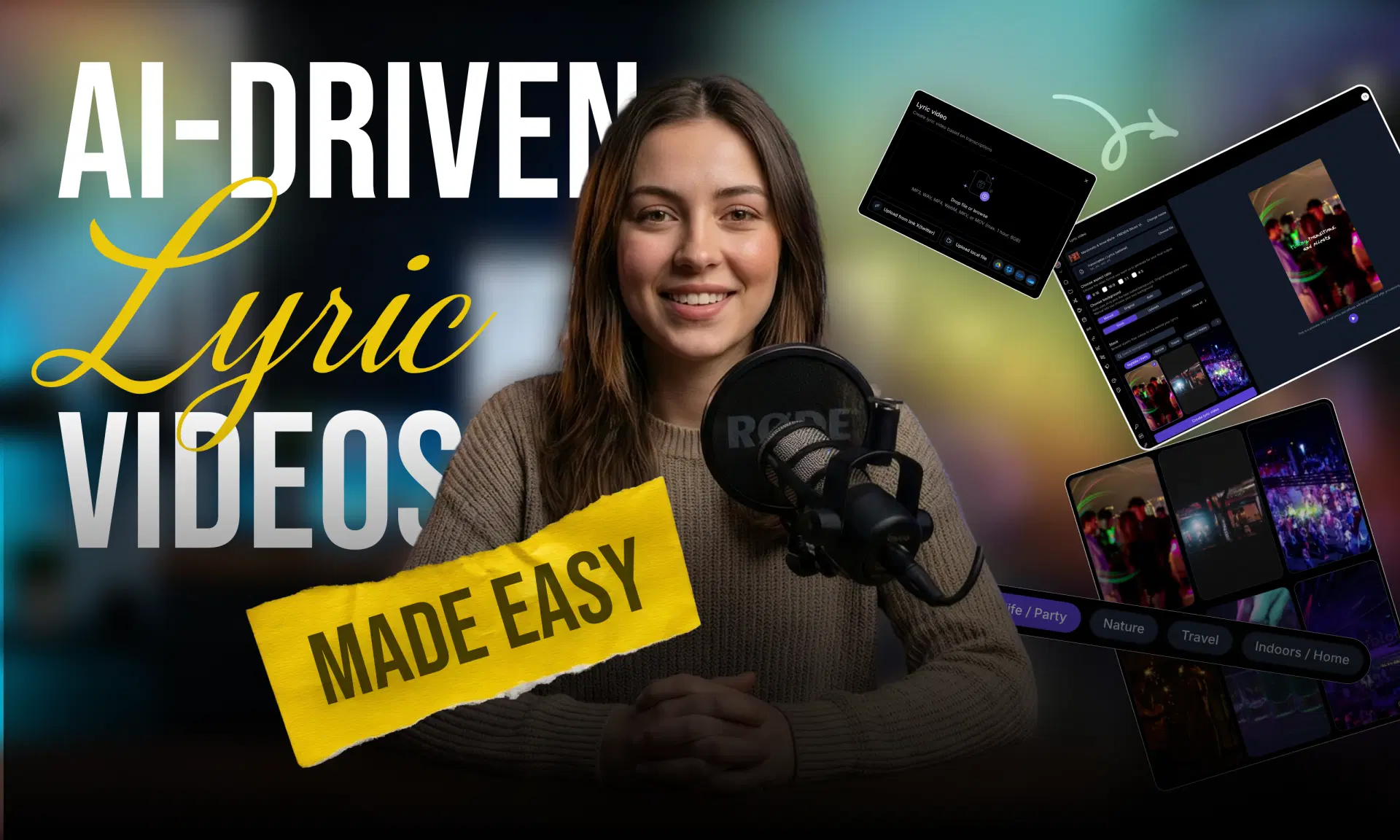
VFX AI is an AI video editing platform with a dedicated Lyric Video Maker. It replaces the typing, keyframing, and timeline work of a traditional editor with a few setup choices.
- Upload or link. Upload your song or paste a supported video link. VFX AI detects the audio, vocals, and lyrics.
- Vocal detection options. Generate lyrics from the lead vocal only, or include background vocals and harmonies for fuller captions.
- Automatic lyric synchronization. Lines are timed to the music, so your job is to review, not build.
- Auto mode. The AI chooses backgrounds, lyric animations, and caption pacing to match the song's tempo and tone.
- Manual mode. Pick from cinematic, gradient, and abstract background presets and match your brand colors, genre, or campaign look. You still skip the typing and timing.
- Multi-format output. Choose vertical, square, portrait, or widescreen for TikTok, Reels, Shorts, and YouTube, and set the lyric style, position, and layout before you generate.
Try VFX AI's AI Lyric Video Maker to turn your music into a synchronized lyric video with less manual editing.
What to Look for in a Free AI Lyric Video Maker
When looking for a Free AI Lyric Video Maker, one should check:
| Feature | Why it matters | How to test it |
|---|---|---|
| Automatic lyric sync | Saves hours of manual timing | Run a full song, not a 20-second clip |
| Vocal detection | Separates lyrics from instrumental sections | Try a track with a long intro or bridge |
| Lyric editing | AI will mishear some words | Correct a line and time how long it takes |
| Animated text | Keeps viewers reading | Check that it stays readable at speed |
| Background options | Matches the song's mood | Look for presets plus manual control |
| Multiple aspect ratios | Each platform has its own frame | Export both 16:9 and 9:16 |
| Export quality | Blurry text looks cheap on phones | Watch the export on a real phone |
| Watermark policy | Matters for release content | Export a test clip on the free tier |
| Usage limits | Affects frequent creators | Read the credit, project, and length caps |
| Rights clarity | You're publishing music | Read the terms on uploaded content |
Free vs Paid AI Lyric Video Makers
Free tiers are useful for testing, but many tools reserve some features for paid plans. Common limits include:
- Lower export resolution
- A maximum song or video length
- A cap on projects or AI credits
- A watermark on exports
- Fewer templates and less customization
Not every tool restricts all of these, and plans change often. If you specifically need a free AI lyric video maker with no watermark, confirm it on the current pricing page and by exporting a test clip. Don't rely on last year's comparison list.
Where Can You Use an AI Lyric Video?
| Platform | Format to choose |
|---|---|
| YouTube (full song) | 16:9 widescreen |
| YouTube Shorts | 9:16 vertical |
| Instagram Reels | 9:16 vertical |
| TikTok | 9:16 vertical |
YouTube currently classifies square or vertical uploads up to three minutes as Shorts, so a full-length vertical lyric video may be treated as a Short. If that's your plan, see YouTube's guide to uploading Shorts.
Common uses include:
- Pre-release teasers
- Full lyric videos for YouTube
- Karaoke-style clips
- Chorus hooks for Reels and TikTok
- Fan and cover content
If you're adapting one video for several platforms, AI video reframing helps keep lyrics in frame.
Copyright: What a Lyric Video Doesn't Change
Turning a song into a lyric video doesn't give you rights to that song.
- You need appropriate rights or licenses for any music you upload and publish. That includes the lyrics, which are usually protected separately from the recording.
- "Free to download" doesn't mean copyright-free.
- AI editing tools don't transfer music rights to you.
- On YouTube, rights holders use Content ID to block, monetize or track matching videos. YouTube also blocks Shorts longer than one minute that have an active Content ID claim.
If you're working with someone else's track, read how to avoid music copyright claims on YouTube. For content that just needs background music, copyright-safe music replacement is another option. This isn't legal advice, so check the license terms for your specific track.
Tips for Better AI Lyric Videos
- Keep text readable. Large, bold fonts work better than just scripts on a phone.
- Use high contrast. Add a subtle shadow or darken the background behind light text.
- Don't over-animate. If every word spins, nobody can read it.
- Match motion to tempo. Use quick movement for high-BPM tracks and gentle fades for slow songs.
- Break lines naturally. Split at breaths and phrases, not at a character count.
- Always proofread. AI often mishears names, slang, and invented words.
- Stay in the safe zone. Platform buttons cover the bottom and right edges of vertical video.
Are Free AI Lyric Video Makers Good Enough for Artists?
Yes, most of the time. They work well for demos, social clips, teasers, independent releases, and quick content experiments. The time you save on timing lets you publish more versions and see which ones land.
For a flagship official video, treat the AI output as a strong first pass. You'll probably still refine the timing on difficult sections, adjust line breaks, and art-direct the visuals.
The best reason to use a free AI lyric video maker isn't that it does everything for you. It's that it handles the slowest, most repetitive part of the job, lining up every lyric with the music, so you can put your time into the choices that shape how the song is seen.
Treat the AI output as a strong first draft. Check the lyrics against your sheet, fix any lines that land early or late, keep the text readable on a phone screen, and export a separate version for each platform. Before you commit to a tool, test it on a full song and export a clip on the free tier. That tells you more than any feature list. Most importantly, make sure you have the rights to the music you publish. A polished lyric video is only useful if it stays online.
Ready to turn your song into a synced lyric video? Try VFX AI's AI Lyric Video Maker and let AI handle the timing, styling, and formatting while you focus on the music.