Introduction
AI color grading exists to take on that repetitive work. Instead of manually adjusting exposure, white balance, and contrast on every clip, AI-driven tools can analyze footage automatically and apply corrections or a full creative look in a fraction of the time. Here's what AI color grading is, how it works step by step, and where it fits into a broader AI video editing workflow.
What Is AI Color Grading?
AI color grading is the use of machine-learning and computer-vision models to analyze a video's visual characteristics, exposure, white balance, contrast, saturation, color temperature, shadows, highlights, and skin tones and automatically recommend or apply color adjustments. Unlike a generic filter that changes every clip the same way, AI systems evaluate each scene individually, treating an underexposed indoor interview differently from a bright outdoor product shot, even within the same project.
Color Correction vs. Color Grading: What's the Difference?
These two terms get used interchangeably, but they describe different jobs.
Color correction fixes the footage so it looks technically accurate:
- Correcting overexposed or underexposed footage
- Fixing incorrect white balance
- Neutralizing unwanted color casts
- Balancing shots so they match a neutral baseline
Color grading creates a visual style once the footage is technically clean:
- A warm, cinematic look
- A cool, dramatic tone
- A high-contrast commercial style
- A muted, documentary-style aesthetic
In professional workflows, AI color correction and color grading typically happen in sequence, correction first, creative grading second because it's hard to apply a consistent style to footage that isn't technically balanced.
Also Check: Add Transitions to Video
How Does AI Color Grading Work?
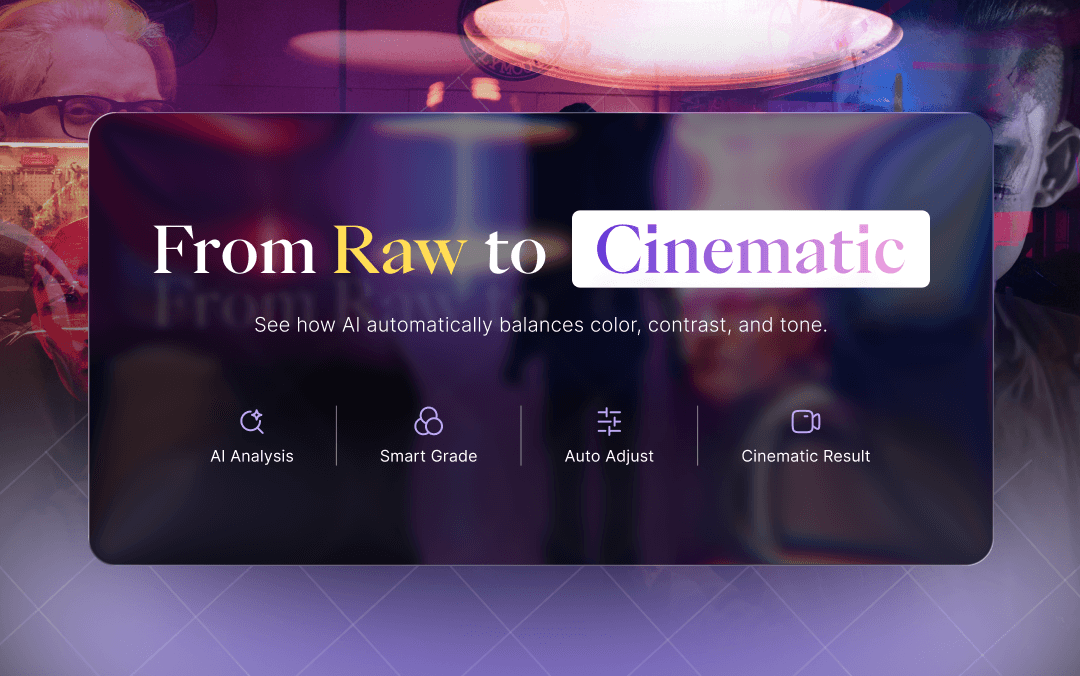
At a high level, AI color grading works by analyzing footage frame by frame, detecting scene and lighting differences, correcting exposure and white balance, protecting skin tones, matching color across shots, and applying a creative style with human refinement at any stage. Here's what that looks like in practice.
Step 1: AI analyzes the footage. The system examines brightness, color distribution, contrast, exposure, and white balance across frames, and often detects skin tones, objects, and lighting conditions to understand the scene: an interview, an outdoor shot, a product close-up.
Step 2: AI detects scenes and shot differences. A shot filmed outdoors in daylight and one filmed indoors under warm artificial light have very different color temperatures. Without recognizing that, a cut between them looks jarring. AI flags these transitions so corrections apply per shot, not uniformly.
Step 3: AI corrects exposure and white balance. This is the technical cleanup stage: fixing overexposed highlights, brightening underexposed shadows, neutralizing color casts, and adjusting temperature and tint toward a natural baseline, accuracy, not style.
Step 4: AI protects skin tones. Skin tones are especially sensitive, since small shifts can make people look unnatural. Many systems identify faces and skin regions so aggressive corrections elsewhere don't distort them, a useful safeguard, though not foolproof under unusual lighting.
Step 5: AI matches colors across shots. This is especially valuable for interviews, podcasts, multi-camera shoots, and corporate or product videos, where consistency matters more than any single dramatic look.
Step 6: AI applies a creative look. With technical work done, AI can add a cinematic tone, a warm or cool palette, high contrast, or a brand-specific style similar to what a colorist does with a Look-Up Table, automated as a starting point.
Step 7: Human review and refinement. AI-assisted grading works best as a starting point, not a final answer. Editors typically still adjust intensity, mood, or saturation on specific shots. The goal is removing repetitive technical labor, not creative judgment.
Also Read: How to Edit Out Curse Words in a Video
What Are the Benefits of AI Color Grading?
- Faster editing: repetitive shot-by-shot adjustment happens automatically
- Consistent visuals: useful across large libraries or multi-clip projects
- Easier for beginners: no need to master color wheels or scopes
- Scales for high-volume content: valuable for regular publishers
- Better social workflows: faster turnaround for Reels, Shorts, and TikTok
- More efficient post-production: color work runs alongside other automated tasks
How AI Color Grading Fits Into AI Video Editing
Color grading is one part of a much larger AI video editing workflow, not a standalone step. A typical modern pipeline includes uploading footage, transcribing it, removing filler words and dead air, finding key moments, creating clips, adding captions, enhancing quality, correcting and grading color, reframing for different platforms, and exporting platform-ready files.
This is where a platform like VFX AI fits in. It isn't a one-click filter, it's an AI-native AI video editor combining a professional timeline with AI-assisted automation, so creators automate repetitive work while keeping control over the result. Its Video Enhance tool improves clarity, sharpness, lighting, noise, color, and contrast, bridging correction and broader enhancement.
Can AI Color Grading Help Businesses Create Better Videos?
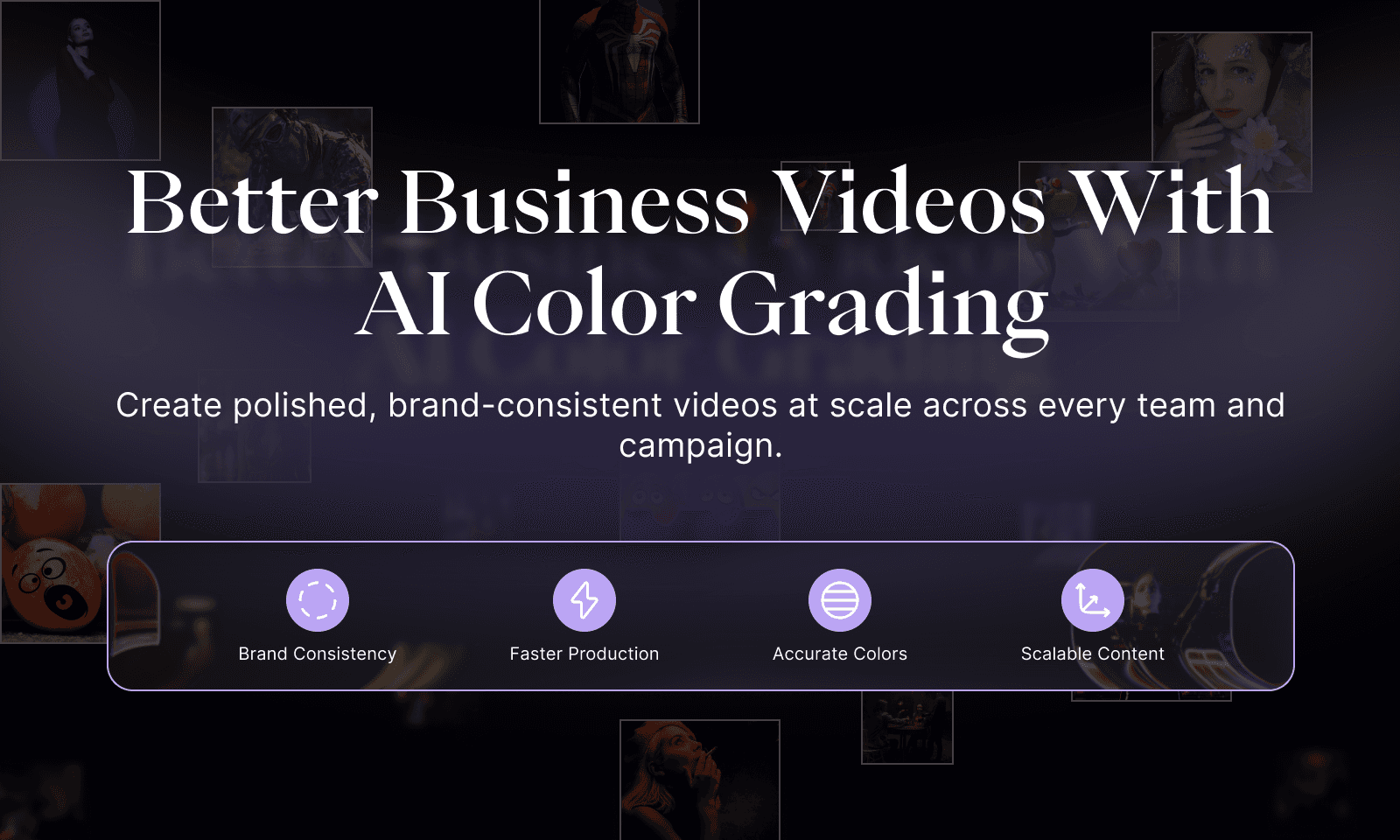
Color consistency isn't just an aesthetic preference for businesses, it's part of brand identity. Marketing teams need consistent visuals across demos and campaigns; SaaS companies rely on clean product walkthroughs and customer stories; agencies maintain brand consistency across multiple clients; e-commerce brands depend on accurate color in product videos; real estate teams need well-lit property tours; and media and education teams publish high volumes of content that need a uniform look. In each case, the value of AI video editing for businesses isn't a cinematic filter; it's producing consistent content at volume without a colorist reviewing every clip.
AI Color Grading for Reels and Short-Form Video
When long-form footage gets cut into short clips for Reels, Shorts, or TikTok, color consistency matters just as much arguably more, since viewers judge quality within seconds. An effective short-form workflow combines clip selection, enhancement, color consistency, captions, and smart reframing rather than treating each as a separate task. Color grading doesn't make a video go viral, but inconsistent footage can undercut strong content, which is why tools like VFX AI handle this as one workflow rather than isolated adjustments.
AI Color Grading vs. Manual Color Grading
| Factor | AI Color Grading | Manual Color Grading |
|---|---|---|
| Speed | Fast | Slower |
| Repetitive corrections | Highly automatable | Manual |
| Creative control | High with refinement | Very high |
| Beginner-friendly | Yes | Requires learning |
| Shot matching | Can be automated | Manual/assisted |
| Large content libraries | Highly scalable | Time intensive |
| Final creative decisions | Human-guided | Human-led |
Neither is universally better. The strongest workflow for most creators is AI-assisted and human-directed: AI handles the technical groundwork, and people make the final creative calls.
Also Read: AI Video Automation Workflows
Limitations of AI Color Grading
AI color grading isn't a complete replacement for a professional colorist. It can misread creative intent, a deliberately underexposed, moody shot might get “corrected” toward a neutral look it was never meant to have. Extreme lighting and mismatched camera profiles can produce imperfect results, and highly stylized or auteur-driven projects often still need manual grading.
AI is best understood as an assistant that accelerates technical workload, not a substitute for artistic judgment.
How to Use AI for Better Video Color Grading
- Upload your footage
- Review the original exposure and lighting
- Apply AI-driven correction and enhancement
- Match inconsistent shots against each other
- Apply a creative visual style
- Check skin tones for accuracy
- Review transitions between shots
- Make manual refinements where needed
- Reframe and export for the intended platform
This is roughly the workflow VFX AI is designed to support, automation for the repetitive stages, manual control where it matters most.
AI color grading isn't about slapping a filter over your footage. It's about analyzing inconsistent clips, correcting technical issues, matching shots, protecting skin tones, and applying a creative starting point, so editors spend less time on repetitive corrections and more time on the decisions that shape a video's look. That's also where it connects to the broader AI video editing ecosystem: correction and grading are one part of a pipeline that includes captions, enhancement, reframing, and publishing. VFX AI is built around that fuller workflow.
Ready to spend less time on repetitive editing and more time creating? Explore VFX AI and see how AI can streamline your video workflow.