Introduction:
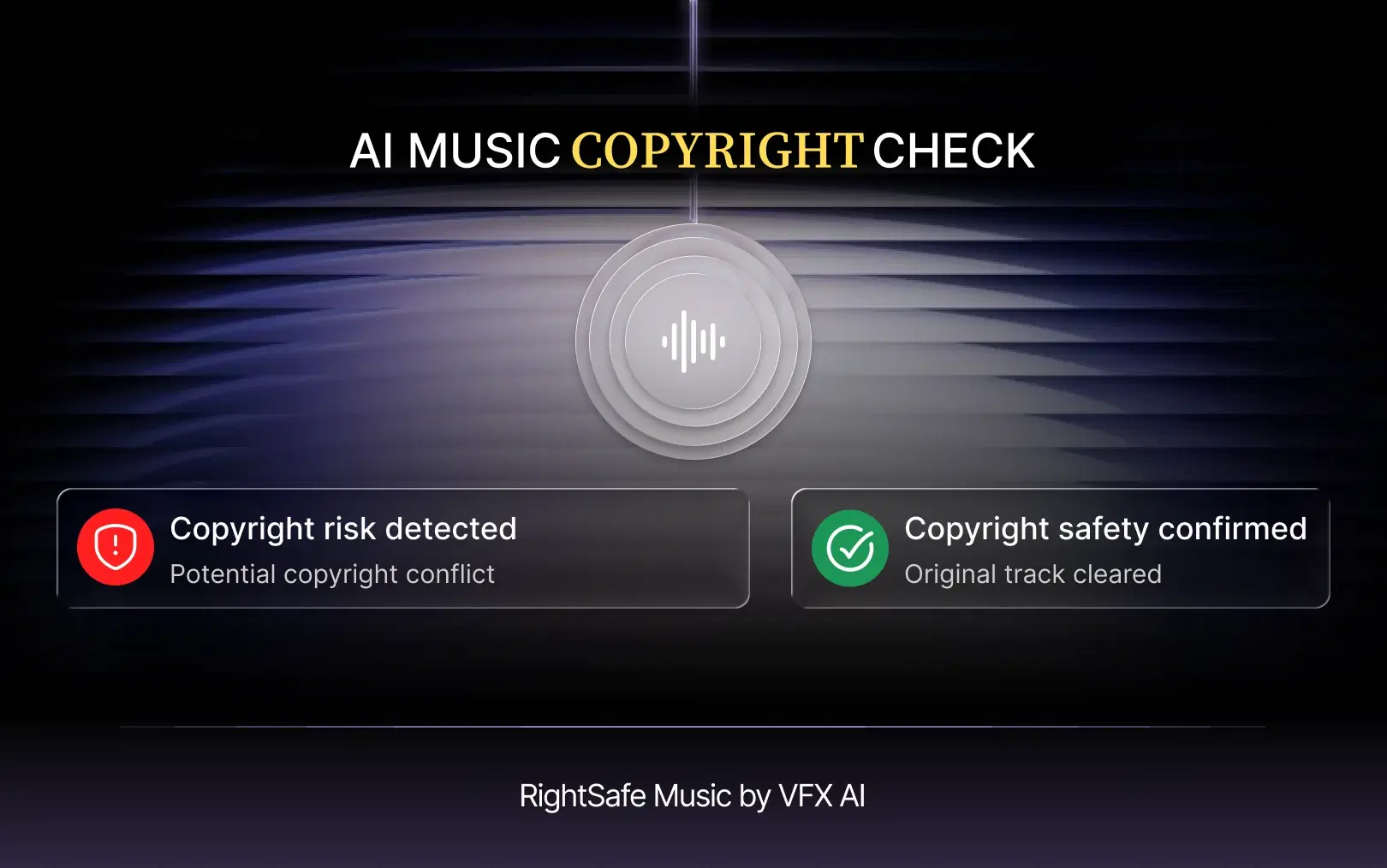
This is the problem AI copyright-safe music workflows solve. In VFX AI, RightSafe Music handles that job, replacing potentially problematic tracks with suitable alternatives so the rest of your edit stays intact.
What Is AI Copyright Safe Music?
AI copyright-safe music is background music swapped in or selected with AI help to reduce copyright-related risk in a video. In practice, an AI tool replaces a potentially problematic track with more suitable music, while the creator still confirms the license fits their platform and purpose. The term overlaps with others that aren't legally the same thing:
- Copyrighted music: Almost all music is copyrighted. That doesn't make it unusable; it means you need permission.
- Royalty-free music: You pay once (or nothing) instead of per-use royalties. Royalty-free is not copyright-free, and the license can still restrict commercial use, ads, or platforms.
- Licensed music: Music you have explicit permission to use under defined terms.
- Copyright-safe music: A creator term for music chosen to reduce the chance of claims. It describes intent, not legal status, so read the license.
- AI-assisted music replacement: Using software to swap a track without rebuilding the edit around it.
Also Read: How to Remove Copyrighted Music from a Video with AI
Why Does Music Get Flagged in Videos?
Most music flags come from a few predictable causes:
- Commercial songs used without a license. Chart hits are the most common source of claims.
- Automated matching. YouTube's Content ID scans uploads against reference files from rights holders, and claims matches automatically.
- Licenses that don't cover the use. A personal-use license may not cover a brand video, ad, or client work.
- Music used outside its terms. In-app libraries are usually licensed for that app only. A song added in Instagram isn't licensed for your YouTube upload.
- Platform restrictions. Business accounts on Instagram and TikTok get smaller, commercially cleared catalogs.
A copyright claim is not a copyright strike. Per YouTube's copyright claim guidance, a claim can block a video, let the rights holder monetize it, or track its views, but usually doesn't affect your channel. Strikes come from valid removal requests and carry account-level consequences.
Got a YouTube copyright claim on your video? Here's what to do:
- Check in YouTube Studio who claimed it and which segment.
- If the claim is valid, use YouTube's erase song, trim, or replace song options.
- If you hold the rights, dispute it with your license documentation.
- Fix the music in your source project so every future upload and cross-post starts clean.
Can AI Replace Copyrighted Music in a Video?
Yes, AI can't make a copyrighted song safe to use, but it can make swapping it out much faster. An AI-assisted workflow helps you pinpoint the music that needs to go, replace it with a more suitable track, keep your cuts and captions where they are, and get back to export without the usual timeline rework.
YouTube's built-in replace option works only after upload and only with its own audio library. Fixing the music in your editor fixes the master file, so the same video can go to YouTube, Reels, and TikTok without repeating the job.
That is the workflow RightSafe Music brings into the VFX AI video editor.
How RightSafe Music Replaces Flagged Tracks Automatically
Here's how the process works in practice:
- Start with your video. Bring your finished or in-progress video into VFX AI. No need to rebuild the project elsewhere.
- Identify the problematic music. Pinpoint the track that was flagged, or one likely to cause trouble, such as a commercial song or a track whose license doesn't cover your use.
- Replace the track with RightSafe Music. RightSafe Music swaps the problematic background music for a more suitable alternative inside the same project, so you skip the search, download, import, and re-sync loop.
- Review the new audio. Listen through. Check that it fits the tone and pacing, sits well under dialogue, and suits where the video will be published.
- Export the updated video. Keep editing in VFX AI if needed, then export.
Automation handles the mechanics. Your ears decide whether the new track serves the video.
How to Replace Copyrighted Music in a Video Without Re-Editing Everything
Done manually, you reopen the project (if you still have it), delete the track, browse a stock library, test candidates against the edit, trim and fade the winner, rebalance against the voice, and export again. An AI-assisted workflow removes most of the middle steps.
| Step | Manual workflow | AI-assisted workflow (RightSafe Music) |
|---|---|---|
| Finding replacement music | Browse libraries, audition tracks | Part of the replacement workflow |
| Importing the track | Download and import files | No separate import |
| Syncing audio | Trim, fade, align by hand | Happens inside the existing edit |
| Editing timeline | Often reopened and adjusted | Rest of the edit stays in place |
| Review | Required | Still required |
| Export | Re-export | Re-export |
Also Read: Copyright-Safe Music for Videos

AI Copyright-Safe Music for YouTube, Instagram Reels, and TikTok
YouTube
Content ID claims can block a video, send ad revenue to the rights holder, or track views, and the outcome can differ by country. YouTube also blocks claimed Shorts between one and three minutes long while the claim is active. For safe music for monetized videos, replace questionable tracks before upload and keep license records.
Instagram Reels
Meta's music guidelines restrict commercial or non-personal use of music without appropriate licenses, and business accounts see a narrower library. For brand Reels, copyright-safe music usually means Meta's Sound Collection or tracks licensed for commercial social use.
TikTok
TikTok separates its general sound library from its Commercial Music Library, the catalog intended for business use. Availability also varies by region and account type, so copyright-safe music for TikTok means matching your account type to the right library or license.
On every platform, RightSafe Music helps you start from a cleaner master file. It does not guarantee approval, monetization, or freedom from claims.
Who Can Benefit From AI Music Replacement?
- YouTubers fixing claimed uploads or cleaning up older videos.
- Short-form creators posting one clip to Reels, TikTok, and Shorts.
- Social media managers whose brand accounts can't use trending tracks.
- Marketing teams turning one campaign video into many cutdowns.
- Agencies delivering client videos where music rights must hold up.
- News publishers on tight turnarounds who can't afford a blocked video.
- Podcasters turning episodes into clips with intro or bed music.
- Businesses repurposing webinars and demos into social content.
- Independent musicians replacing temp tracks in promo videos.
- Video editors who used placeholder music in rough cuts.
- High-volume content teams where manual swaps don't scale.
AI Music Replacement vs Manually Replacing a Track
| Factor | Manual Replacement | AI-Assisted Replacement |
|---|---|---|
| Finding replacement music | Library search and auditioning | Part of the replacement workflow |
| Audio replacement | Delete, import, place new track | Swapped inside the editor |
| Editing effort | Moderate to high | Lower; mostly review |
| Workflow speed | Often the slowest part of a fix | Faster, fewer manual steps |
| Re-syncing | Trim, fade, align by hand | Fewer manual adjustments |
| Scalability | Hard across dozens of videos | Suits repeat, high-volume work |
| Best suited for | Hero videos needing one specific licensed song | Flagged tracks and ongoing production |
Does AI Copyright Safe Music Guarantee No Copyright Claims?
No, no tool can guarantee a video will never receive a copyright claim, including RightSafe Music. Whether music is safe depends on:
- who owns the recording and the composition
- what your license permits, and for which uses
- each platform's policies
- the territory where the video is viewed
- commercial vs non-commercial use
- licensing terms that change over time
AI-generated music adds another layer, since rules on AI-generated works are still developing; the U.S. Copyright Office's AI resources track that. Treat AI music replacement as a workflow for managing potentially problematic music, not a substitute for checking rights, and keep license records for anything you publish commercially.
Why Use RightSafe Music Inside an AI Video Editor?
Standalone music sites give you a track, but you still have to bring it back to your editor and rebuild around it. Keeping replacement inside VFX AI means:
- Centralized editing: music, captions, reframing, and export in one project.
- Fewer manual steps: no download, import, and re-sync loop.
- A streamlined workflow: pair RightSafe Music with the VFX AI caption generator and Smart Reframe to fix audio, captions, and aspect ratio in one pass.
- Repeatability for teams publishing video every week.
For more on handling claimed audio, see our guide to removing copyrighted music from a video with AI.
Get Started with VFX AI RightSafe Music For Free
AI copyright-safe music isn't a legal shield, but it changes what a flagged track costs you. Instead of a rebuild, it becomes a swap and a review.
If replacing flagged music has become another step in your editing checklist, VFX AI can help simplify the process.