Introduction:
How do you fix a YouTube copyright claim caused by music?
- Open the claim in YouTube Studio and note the claimant and the matched segment.
- Confirm whether you own or have licensed the music for this use.
- If you hold valid rights, dispute the claim and keep your license on file.
- If you don't, erase, trim, or replace the music with properly licensed audio.
- Recheck the video, and fix your master file, before publishing anywhere else.
Why Did YouTube Copyright-Claim My Video?
Almost every music claim comes from YouTube's Content ID system. Rights holders give YouTube reference files of their recordings; YouTube scans every upload against them, and a match automatically creates a claim.
- Background music still matches, even when playing quietly under your voiceover.
- Buying a song isn't a license. YouTube is explicit that owning a copy, crediting the artist, or not monetizing are not valid reasons to dispute.
- The source matters. "No copyright" playlists, re-uploads, and libraries whose license doesn't cover YouTube all cause claims. Music added to Instagram or TikTok is generally licensed only for that app.
- Sometimes the claim is wrong. Misidentification happens, even on licensed music.
Also read: How to remove background music while keeping the voice.
Copyright Claim vs. Copyright Strike: What's the Difference?
| Content ID claim | Copyright strike | |
|---|---|---|
| What triggers it | An automated match against a rights holder's reference file | A valid legal copyright removal request (takedown) |
| What happens to the video | Stays up and is monetized or tracked by the claimant, or is blocked, sometimes only in certain countries | Removed from YouTube |
| Monetization | Ad revenue can go to the claimant; Partner Program creators may share revenue on music claims | None; the video is gone |
| Channel impact | Usually none | Counts against your channel; three active strikes can lead to termination |
| What to do | Leave it, remove the claimed content, share revenue, or dispute with valid rights | Complete Copyright School and wait 90 days, get a retraction, or file a valid counter notification |
As per YouTube's copyright claims guidance, Shorts between one and three minutes long are blocked while any claim is active. A claim can escalate: if you dispute it without a valid reason, the claimant can file a removal request that leads to a copyright strike.
YouTube Copyright Claim Music Fix: What Should You Do?
- Open the claim. In YouTube Studio, filter your content for claims and open the details.
- Note every claimed segment. One video can carry several claims from different claimants.
- Check your rights honestly. Does your license cover YouTube, monetized use, and, for client work, commercial use? A purchase receipt is not a license.
- If you have valid rights, dispute it. Dispute the claim with your license documentation ready. The claimant has 30 days to respond. If you're unsure of your rights, get legal advice first.
- If you don't, remove the problem. YouTube Studio can erase the song, trim the segment, or swap in an Audio Library track, removing the claim without a re-upload.
- Fix the source file too. YouTube's tools only change the YouTube copy. Your master still contains the claimed track, so the problem follows it to Reels, TikTok, or a client's site.
- Recheck before republishing. Muting a song mixed with your voice can leave gaps or remove dialogue.
- Keep records. Store licenses with the project files.
Can You Replace Copyrighted Music Without Re-Editing the Whole Video?
By hand, swapping one track means reopening the project, deleting the music, auditioning replacements, trimming, rebalancing, exporting, and uploading again. If music and voice were exported into one mix, there's no track to delete, so you need audio separation first.
YouTube's built-in Replace song option is quicker, but it only offers Audio Library tracks and only changes the copy on YouTube.
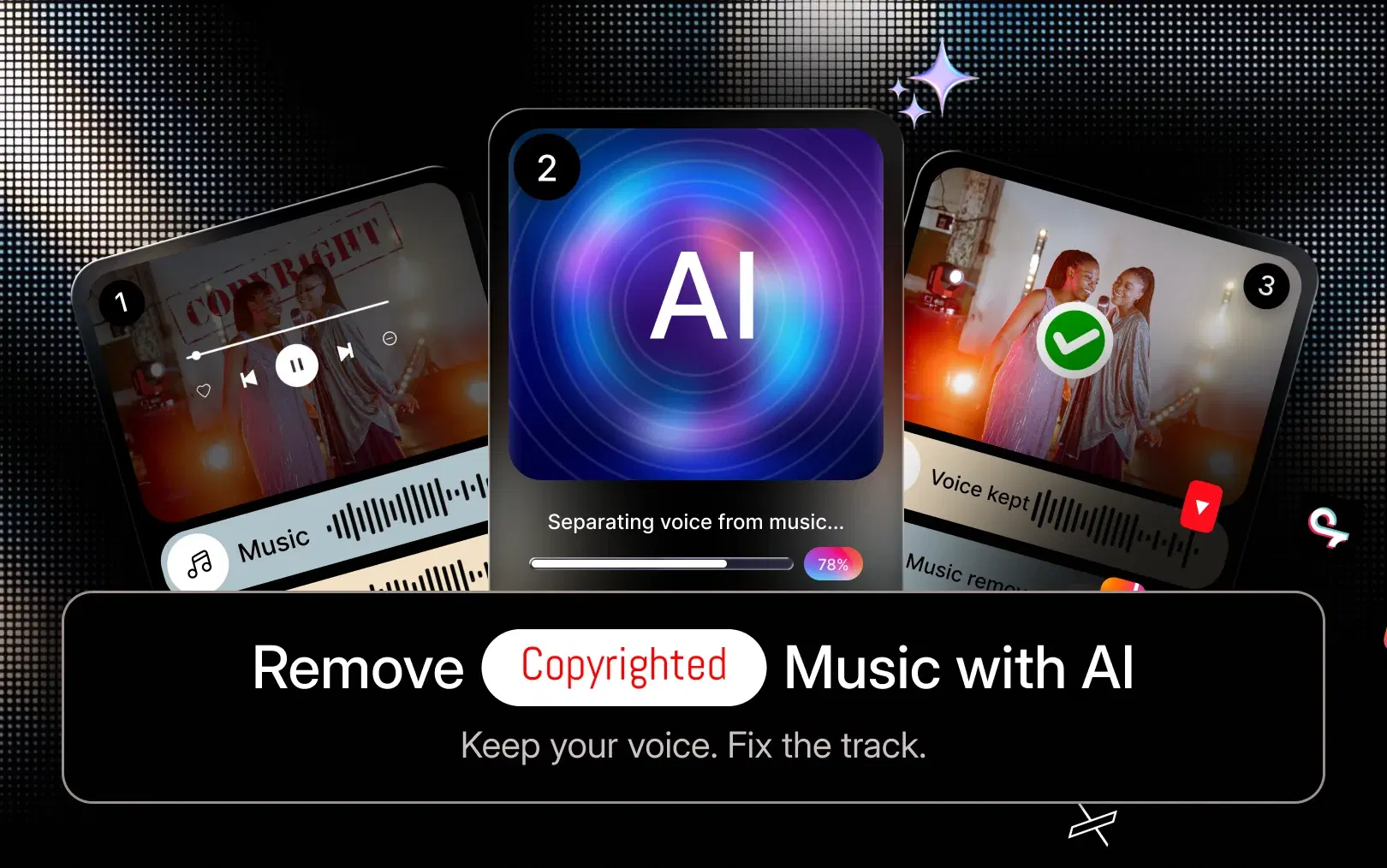
AI-assisted editing removes most of that loop. In VFX AI, RightSafe Music works inside the existing project: it identifies background music likely to cause problems, separates it from voice, and suggests a replacement matched to the original mood and tempo. Your cuts and captions stay in place. For more on the feature, see our guide to AI copyright-safe music.
Do check: AI Music Video Maker
How to Replace Copyrighted Music in a Video With AI
Step 1: Upload your video
Bring the finished video into the VFX AI video editor.
Step 2: Identify the music that needs to be replaced
Use your claim's timestamps, or flag any track whose license you can't verify.
Step 3: Replace the problematic music
Run RightSafe Music on the flagged audio. It separates music from dialogue and swaps in a suggested alternative, skipping the search, download, import, and re-sync loop.
Step 4: Adjust the replacement track
Set the level under your voice and check that transitions land on your cuts.
Step 5: Preview the complete video
Watch the whole video and listen for clipped dialogue, missing sound effects, and abrupt endings.
Step 6: Export and upload
Confirm the replacement music's license covers your platform and use, then export and upload.
If you only need the music gone, see how to remove copyrighted music from a video with AI.
What Is a Copyright-Safe Music Workflow for YouTube?
"Copyright-safe" means you have the right to use the music on this platform. For safe music for monetized videos:
- Use music you created or commissioned with a written agreement.
- Use tracks licensed for commercial and monetized use, and read the terms.
- Don't assume "royalty-free" means copyright-free; it describes a payment model.
- Don't assume "free" music can be used commercially.
- Check attribution requirements.
- Use the YouTube Audio Library for YouTube-only videos, checking each track's license note.
- Replace questionable tracks before publishing, not after a claim.
Our guide to copyright-safe music for videos explains how to verify a license.
Can AI Completely Prevent YouTube Copyright Claims?
No. AI makes music replacement faster, but no editing tool can guarantee a video will never be claimed.
Safety depends on ownership, your license, platform policies, and where the video is viewed. Licensed music can still be matched, so documentation matters, and AI can't overturn a legitimate claim.
VFX AI for Faster Music Replacement and Video Editing
A flagged track shouldn't cost you an evening of timeline work. VFX AI brings music replacement into the same AI video editor where you cut, caption, and reframe, so a claimed video becomes a swap and a review instead of a rebuild.
That matters most at volume, for YouTubers cleaning up old uploads and teams cross-posting to Shorts, Reels, and TikTok.
How to Avoid YouTube Music Copyright Problems in the Future
- Verify music rights before publishing
- Read commercial-use and platform terms
- Keep license records with each project
- Avoid music from unknown sources
- Check whether attribution is required
- Review claims in YouTube Studio promptly
- Replace questionable tracks before publishing
- Use the same copyright-safe workflow for every video
For a fuller prevention plan, read how to avoid music copyright claims on YouTube.
Get Started with VFX AI RightSafe Music For Free
A music claim is usually a fixable video problem, not a channel emergency. The right YouTube copyright claim music fix depends on your rights: dispute when you hold them, replace the track when you don't, and fix the master so the problem doesn't follow you to other platforms. If flagged music keeps landing on your checklist, VFX AI can turn it into a few minutes of review.