Introduction:
This guide covers what those words mean on a pricing page, what to check before you start, and how to build a lyric video with AI. VFX AI's AI lyric video maker handles the sync and styling automatically.
What an AI Lyric Video Maker Actually Does
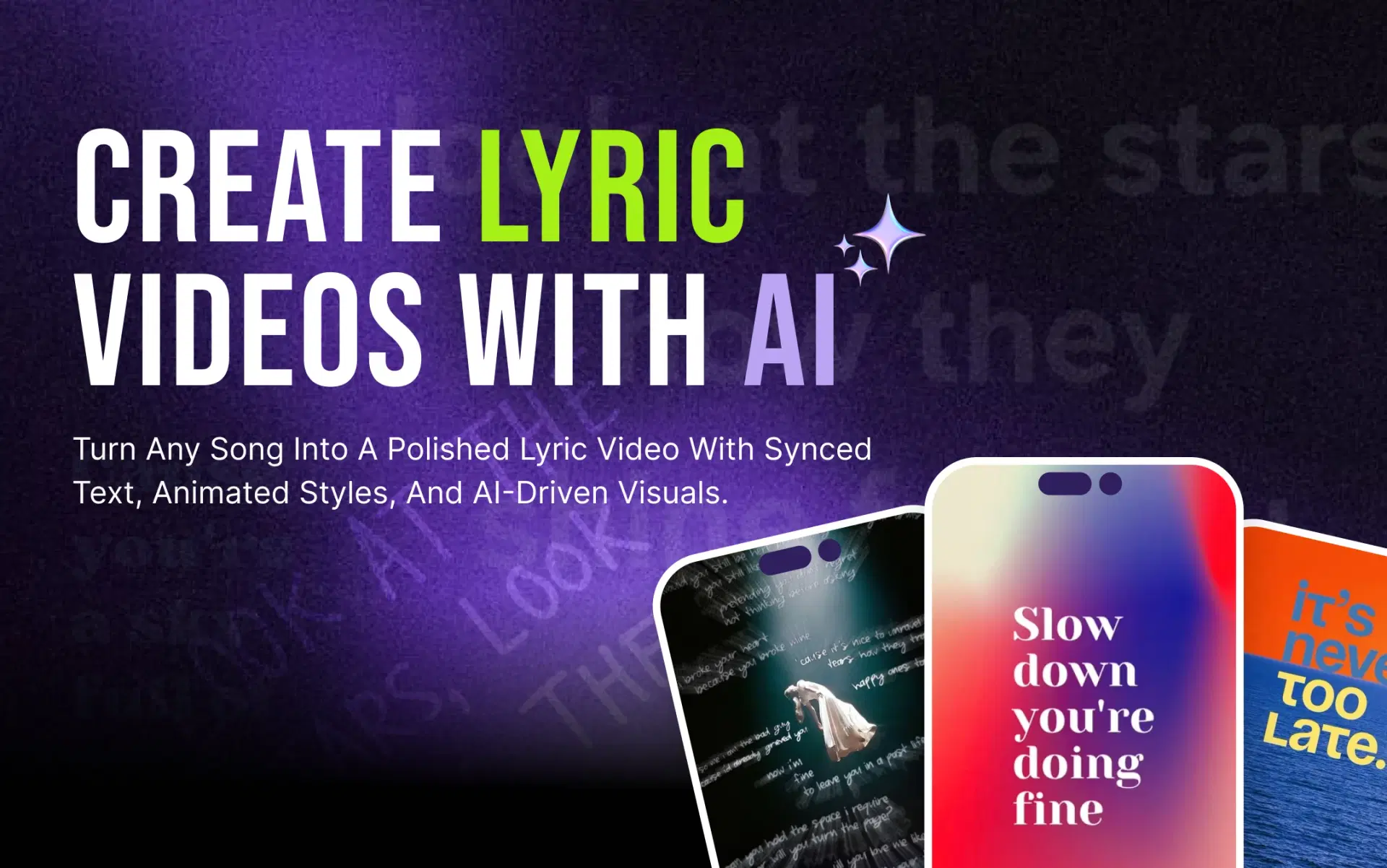
It turns a song into a video where words appear in time with the vocals, with no typing or timing from you. Four jobs happen automatically:
- Transcription: speech recognition turns the vocals into a word-level transcript.
- Synchronization: AI lyric sync matches each line to a timestamp so text lands when it's sung.
- Animation: lyrics get a consistent entrance and exit: fade, slide, or karaoke-style highlight.
- Visual treatment: a background is generated or chosen and composed at your aspect ratio.
The difference from a traditional editor is where your hour goes: in Premiere or DaVinci, most of it is set up, while here the first draft already exists and your time shifts to correcting it.
Read More: What an AI lyric video maker is and how it works.
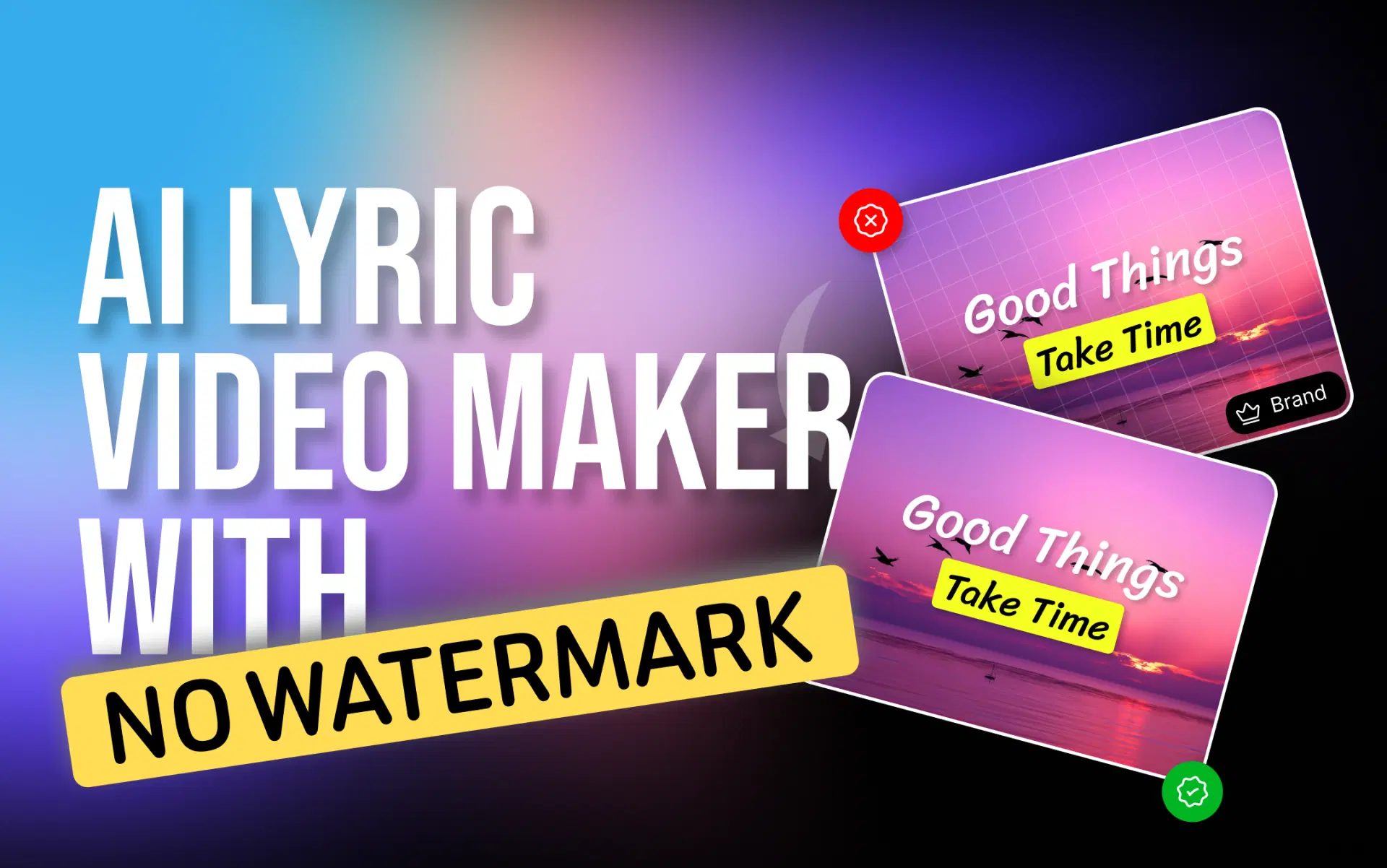
What "Free" and "No Watermark" Actually Mean
These two words hide at least six arrangements:
| What the page says | What you can actually do |
|---|---|
| Free editor | Build and preview; export may still be paid |
| Free preview | A low-resolution or shortened render, in-browser only |
| Free credits | A fixed number of AI generations, then payment |
| Free trial | Everything works, for a limited number of days |
| Free export with watermark | A file with platform branding on it |
| Free export without watermark | A clean file, often with a resolution or length cap |
A watermark isn't the only export restriction, or the worst. Resolution caps, length caps, and "personal use only" licenses all limit a file that is technically downloaded for free.
Three checks before you invest time:
- Read the pricing page, not the homepage. Homepages say "free." Pricing pages say what the free tier exports.
- Find the resolution and length limits, not just the watermark policy.
- Test with a short clip before building the full song.
Policies change; a tool that exported clean last year may not today, so verify current terms yourself.
What to Look for in a Free AI Lyric Video Maker
Twelve things worth confirming before starting using any free AI lyric video maker:
- Watermark-free export
- Automatic lyric synchronization
- Timing accuracy
- Editing after generation
- Full-song support, not a 60-second cap
- 1080p or higher export
- Both 16:9 and 9:16 from one project
- Animated text, not static slides
- Font and styling control
- Background and visual options
- Commercial-use clarity in the license
- A browser workflow, no install
Timing accuracy and editing decide most outcomes: automatic sync is close but rarely perfect, and a tool that won't let you nudge a line leaves you stuck with its mistakes.
How to Make a Lyric Video With AI
This follows the VFX AI workflow; most AI lyric video generators have similar steps.
- Add your song or supported link. Start from the finished track, a file or a music video link.
- Let the AI process it. It analyses the audio, detects vocals, and generates a timed lyric transcript.
- Choose your format. 16:9 for YouTube, 9:16 for Reels, TikTok and Shorts, 1:1 for square feeds. Decide before styling, placement depends on the frame.
- Choose your lyric styling. Font, size, color, position, animation. Legibility first, personality second.
- Choose the visual approach. Auto Mode matches backgrounds and pacing to the song; Manual Mode gives you presets to pick from.
- Generate the video. Lyrics sync to the track, and your styling applies across the song.
- Review accuracy and timing. Watch once with the volume up. Transcription misreads proper nouns, slang, and ad-libs most, fix spelling before timing.
- Refine. Adjust line timings, trim, add transitions and branding, build the second aspect ratio.
- Export and check the file. Confirm the resolution, then open the download and watch it through. Watermarks show up here.
Also Read: Step-by-step guide to making a lyric video with AI
How VFX AI Fits Into This
VFX AI is an AI video editing platform, and its lyric tool is built around the two steps that usually break: sync and revision.
Add a song or supported music video link and the AI detects vocals and syncs the lyrics. Choose Lead Vocals for the main performance or Full Lyrics to include background vocals and harmonies. Auto Mode matches backgrounds and pacing to the song; Manual Mode hands that control back. Formats for TikTok, Reels, Shorts and YouTube are picked up front, not rebuilt per platform. The project then opens in the full video editor, so a mistimed line is a fix, not a re-render.
That means a release-day lyric video without hiring a motion designer, a full-length YouTube video plus vertical cuts from one project, or lyric-style animated text across a brand campaign.
VFX AI is currently at the access-request stage, so check current export terms and resolution limits before planning a release around any tool, this one included. Try VFX AI for your next lyric video.
AI Lyric Video Maker vs Traditional Editing
| Factor | AI lyric video maker | Traditional editing |
|---|---|---|
| Lyric synchronization | Automated first pass | Manual, line by line |
| Manual timing | Corrections only | Every line |
| Animated text | Applied automatically | Keyframed by hand |
| Speed | Minutes to a draft | Hours per song |
| Customization | Anything that’s available in the tool | Unlimited |
| Learning curve | Low | Steep |
| Platform resizing | Selected up front | Rebuilt per format |
| Editing control | Depends on the attached editor | Full |
Traditional editing wins on ceiling; AI wins on floor and speed. For a format built on repetition, that usually pays.
Making Lyric Videos for YouTube, Reels, TikTok and Shorts
YouTube. 16:9 at 1080p or higher, and don't get black bars into the frame, the player adapts to your aspect ratio (YouTube's resolution and aspect ratio guidance). Full songs work here; audio quality matters most.
Instagram Reels. 9:16 with mobile-first type sizing. The caption and buttons cover the lower frame, so keep lyrics in the middle third and check Instagram's Reels upload requirements.
TikTok. Vertical, high contrast, strong opening lead with the chorus, not bar one, and match TikTok's official video specifications.
YouTube Shorts. Cut a 20-45 second section and make the first two seconds readable without sound. YouTube's Shorts resources cover the current rules.
Tips for Better AI Lyric Videos
- Proofread the transcript before touching timing; misspelled lyrics are the most common giveaway.
- Watch the sync at full speed with sound, making it easier to hear than to see.
- Match animation energy to tempo.
- Reuse fonts and colours across releases so the catalogue looks like one artist.
- Confirm you hold the rights to the song; Content ID matches audio regardless of intent. See how to avoid music copyright claims on YouTube.
- Watch the complete final export before uploading. Every time.
A free lyric video maker is only genuinely free if the file you end up with is usable. Judge the whole chain: export restrictions, watermark policy, sync accuracy, editing flexibility, resolution, platform support and licensing, not the word "free" just on a landing page.
Verify the terms, run a test render, then build. If you want sync handled automatically and a full editor waiting for the corrections, start your lyric video with VFX AI.
New to AI editing? Start with the beginner's guide to editing video with AI.