Introduction:
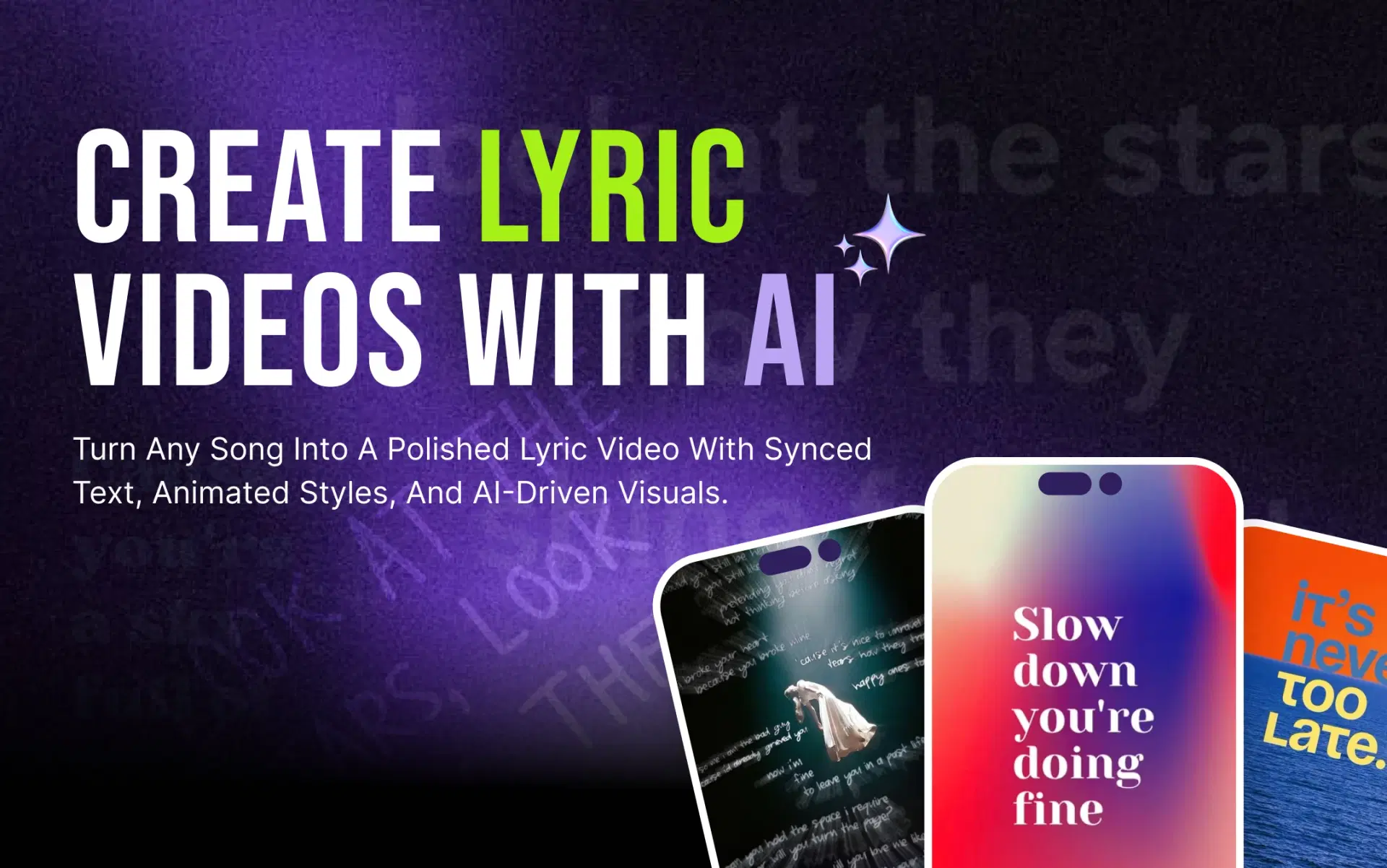
This guide compares five AI lyric video makers on the criteria that matter most for musicians and creators, walks you through making a lyric video with AI step by step, and covers the platform-specific and copyright details most comparison blogs skip.
What Is an AI Lyric Video Maker?
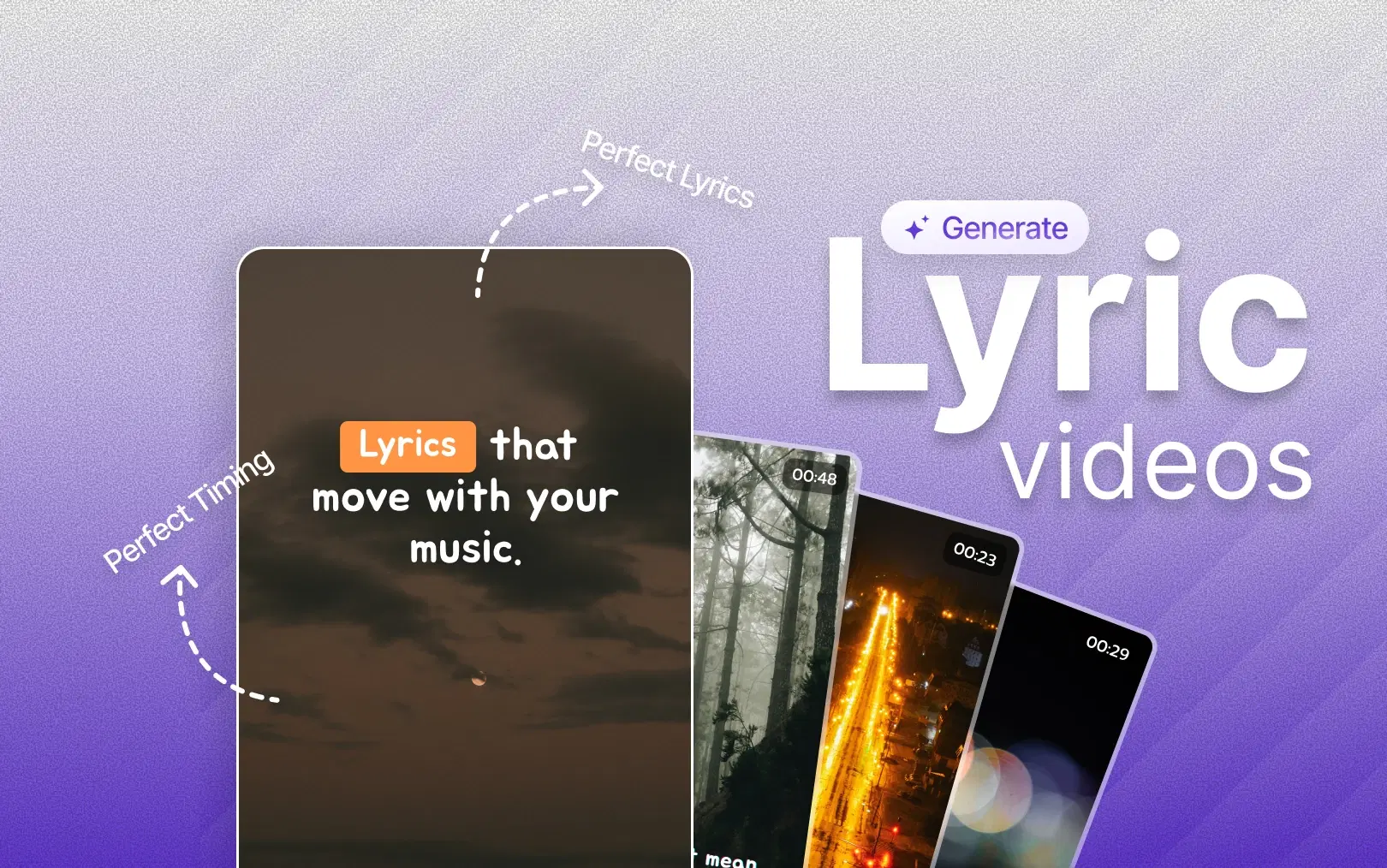
An AI lyric video maker is a tool that automates the parts of lyric video production that used to be manual: vocal detection (finding where singing happens in a track), lyric synchronization (timing each line to the music), animated typography (how the text moves and appears), and social-media formatting (exporting in the right aspect ratio for each platform).
That's different from a traditional video editor, where you'd manually place and time every caption on a timeline, and different from a general AI music video generator, which typically generates visuals from a prompt rather than syncing existing lyrics to an existing track.
What Makes the Best AI Lyric Video Maker in 2026?
"Best" depends on your workflow, but a useful evaluation covers:
- Lyric sync accuracy: does it catch vocal timing correctly, or does it need heavy manual correction?
- Vocal/lyrics detection method: upload only, or can you paste a link?
- Ease of use: how many steps from raw song to finished video?
- Visual quality and text animation: templates vs. AI-generated backgrounds
- Customization: fonts, colors, brand kits, layout control
- Editing capabilities beyond lyrics: can you trim, add branding, adjust pacing?
- Social-media export formats: vertical, square, widescreen, one click or several?
- Pricing, free plans, and watermarks
- Commercial-use rights on both the tool's output and any music/visual assets it supplies
No tool wins every category. A tool built for cinematic AI-generated backgrounds trades off pure lyric-sync speed; a tool built for fast automated sync trades off deep manual visual control.
Also Read: How to Make a Lyric Video With AI
5 Best AI Lyric Video Makers in 2026
| Tool | Details | Free Option & Best Use Case |
|---|---|---|
| VFX AI | Best For: Fast, social-ready lyric videos from a link Lyric Sync: AI vocal detection + auto-sync Editing: Built-in AI Video Editor Social Formats: One-click vertical/square/portrait/widescreen | Free Option: Free access during Alpha: check current plan Best Use Case: Artists/labels/agencies publishing across platforms fast |
| VEED | Best For: Subtitle-style lyric videos with deep styling control Lyric Sync: Auto-transcription/subtitle tool Editing: Full browser timeline editor Social Formats: Manual resize per format | Free Option: 720p, watermarked Best Use Case: Creators who want granular caption styling |
| Kapwing | Best For: Collaborative online editing Lyric Sync: AI auto-subtitles Editing: Timeline + stock library Social Formats: Multi-format | Free Option: 720p, watermarked, 4-min cap Best Use Case: Social teams editing together |
| CapCut | Best For: Free multi-language auto lyric detection Lyric Sync: AI lyric detection, multiple languages Editing: Templates + animation library Social Formats: Native TikTok/Reels/Shorts export | Free Option: Free, some features Pro-gated Best Use Case: TikTok/Reels-first creators |
| Canva | Best For: Design-first lyric templates Lyric Sync: Manual timing (no dedicated AI sync) Editing: Design-focused editor Social Formats: Multi-format templates | Free Option: Free tier, limited templates Best Use Case: Creators prioritizing brand/visual design |
Features and pricing change frequently: verify current details on each provider's official site before choosing.
1. VFX AI: Best AI Lyric Video Maker for Fast, Social-Ready Content
The VFX AI Lyric Video Maker is built around a single workflow: paste a YouTube or video link, let AI detect the vocals and lyrics, and get a styled, synced lyric video without manually typing or timing a single line.
Here's how it works:
- Paste a link to your song or music video (no separate upload or transcription needed)
- AI detects vocals and lyric structure automatically
- Lyrics are synced to the music
- Choose Auto mode (AI matches backgrounds and pacing to the song's mood) or Manual mode (pick from cinematic, gradient, and abstract presets yourself)
- Customize typography, lyric position, and layout
- Continue editing inside the complete AI video editing workflow for trims, branding, and transitions
- Export in vertical, square, portrait, or widescreen for TikTok, Reels, Shorts, or YouTube
What makes this combination useful isn't any single feature: it's that lyric generation, editing, and multi-platform export live in one flow. A label dropping a single across five platforms, or a creator turning a live performance into short-form clips, isn't switching tools between steps.
For a broader foundation on the concept itself, VFX AI's AI lyric video maker guide covers how vocal detection and synchronization work in more depth.
How to Make a Lyric Video with AI
- Prepare your song and lyrics. Have a clean audio file or link ready; know whether you want lead vocals only or full harmonies included.
- Upload or import your music. Some tools require a file upload; others, like VFX AI, accept a direct link.
- Let AI detect and sync lyrics. This is where most of the manual editing time disappears.
- Choose a visual and typography style. Decide between an automated match to your song's mood or manual control over backgrounds and fonts.
- Review lyric timing. Even strong AI sync benefits from a quick pass; check line breaks on fast verses.
- Edit and brand the video. Add your logo, trim intros, and adjust pacing in a full AI video editor if you're new to editing.
- Export for your platform. YouTube, TikTok, Reels, and Shorts each favor different aspect ratios and pacing; export accordingly rather than reusing one file everywhere.
Also Read: How to Remove Copyrighted Music from a Video with AI
How to Make Lyric Videos for TikTok, Instagram Reels and YouTube Shorts
Short-form platforms reward a different edit than a full-length YouTube lyric video:
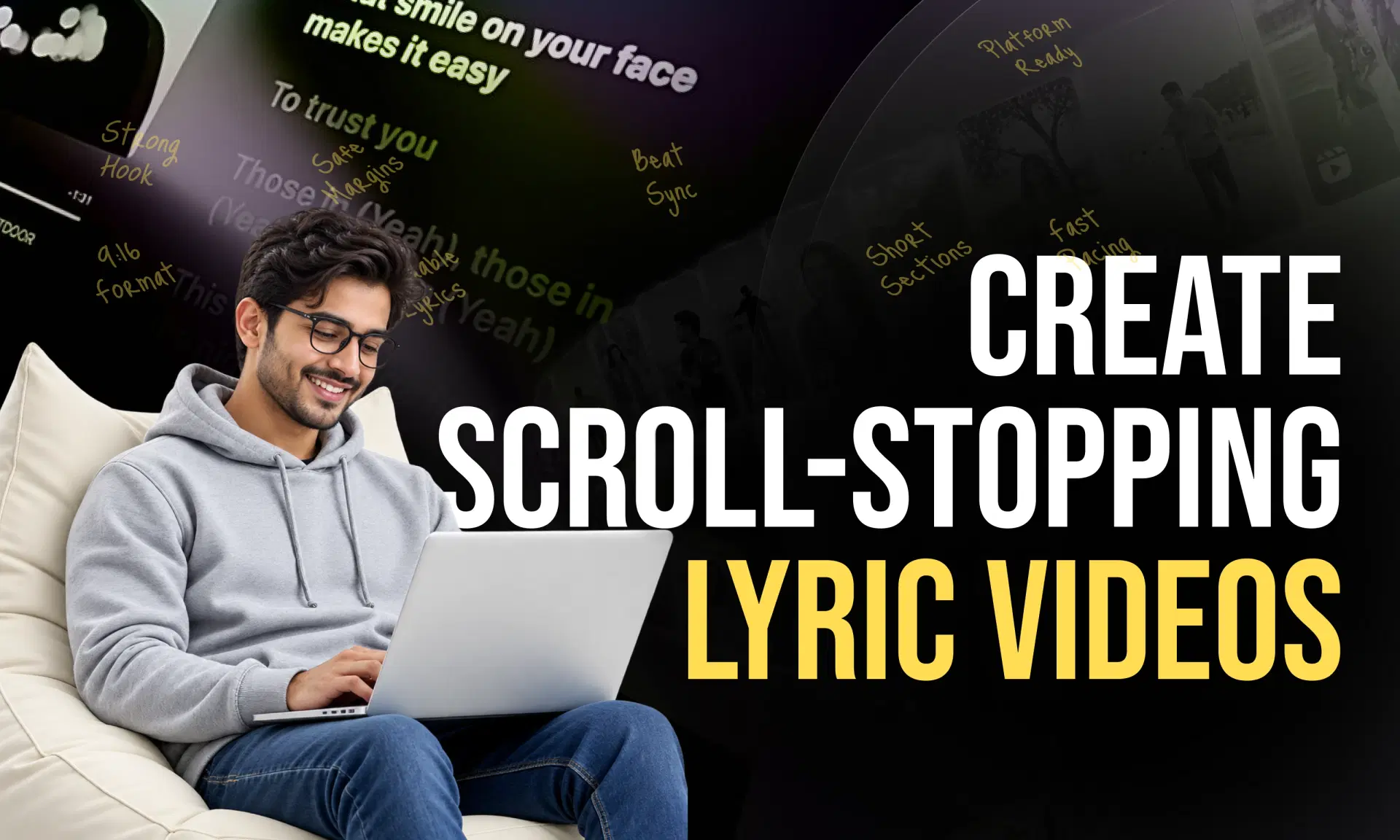
- Vertical 9:16 format is non-negotiable; cropped horizontal video looks unfinished
- Readable typography at small screen sizes, with lyric-safe margins so text doesn't sit under platform UI (like buttons or captions)
- A hook in the first 1–3 seconds: the most quotable or highest-energy line, not necessarily the first line of the song
- Short sections, not the whole track; a chorus or bridge, not four verses
- Beat-synced text that moves with the rhythm rather than sitting static
If you want to explore AI-assisted workflows for platform-specific edits further, VFX AI's guides on the AI video editor for TikTok and AI video editor for YouTube go deeper on formatting for each platform.
AI Lyric Video Maker vs Traditional Video Editing
| Manual Editing | AI Lyric Video Maker | |
|---|---|---|
| Synchronization | Frame-by-frame, by hand | Automatic vocal detection |
| Editing time | Hours per song | Minutes |
| Skill required | Motion graphics experience | Minimal |
| Customization | Unlimited, but slow | Good, with presets |
| Social exports | Separate project per platform | One-click resize |
| Scalability | Doesn't scale well | Built for repeat, high-volume output |
AI doesn't remove creative control; it removes the repetitive work of timing and resizing, freeing time for visual direction and brand decisions.
Are Free AI Lyric Video Makers Worth It?
Free plans are useful for testing a workflow before committing, but nearly every free tier comes with trade-offs: watermarks, capped resolution, short video-length limits, and sometimes no commercial-use rights for the output. If you're releasing music professionally, budget for a paid tier once you've confirmed a tool fits your workflow. VFX AI's paid tiers unlock after its current Alpha phase; check the pricing page for current plan details before assuming a specific feature is included for free.
Also Read: Workflow Automation for Video Editing
What About Music Copyright in Lyric Videos?
An editing tool does not give you rights to the music itself. Owning the master and publishing rights, or holding a valid license, is a separate requirement from having software that can sync lyrics.
A few practical points (not legal advice):
- YouTube uses Content ID to automatically detect copyrighted audio; a claim isn't a strike, but it can affect monetization. If you believe a claim is wrong, YouTube's Content ID claims help page explains the dispute process.
- TikTok requires business/commercial accounts to use its Commercial Music Library, not the general sound library, for monetized or promotional content.
- Instagram/Facebook business accounts are generally restricted from the full personal music library and should use Meta's Sound Collection for commercial content.
- If it's your own original song, you likely already hold the rights, but confirm ownership if you worked with a producer, co-writer, or sample.
Which AI Lyric Video Maker Should You Choose?
Choose VFX AI if you want a link-to-video workflow, automated lyric sync, one flow that also handles editing and branding, and multi-platform export without juggling separate tools.
Choose another tool if you specifically need deep manual caption styling with a mature browser timeline (VEED), team-based collaborative editing (Kapwing), free multi-language auto-detection built into a short-form-native app (CapCut), design-first templates (Canva), or fully generative cinematic backgrounds (Neural Frames, Kaiber).
For most independent artists, labels, and creators who want lyric videos produced quickly and published across YouTube, TikTok, Reels, and Shorts without hopping between apps, VFX AI's lyric video maker is a strong choice among the best AI lyric video makers available in 2026 precisely because lyric sync, editing, and export sit in one workflow.