Introduction
The problem isn't whether you need video. It's that traditional editing has always required time, skill, and software most small teams don't have. That's exactly the gap an AI video editor for small businesses is built to close, turning raw footage into polished, platform-ready content in minutes, not days.
This guide breaks down why video marketing matters more than ever, what an AI video editor actually does, and how a tool like VFX AI helps small businesses produce professional videos without a production team.
Why Small Businesses Need Video Marketing More Than Ever
Video isn't a "nice-to-have" add-on anymore; it's the format people expect.
Customer engagement. Short-form video consistently outperforms static content. Data shows videos under 60 seconds can generate roughly 2.5x more engagement per impression than other content formats.
Higher conversions. Video on a landing page isn't just decorative. Pages with embedded video can see conversion increases of up to 86% compared to text-only pages, and product pages with video average a 4.8% conversion rate versus 2.9% without it.
Better social reach. Platforms reward video. Instagram Reels alone now account for a large share of time spent on the app, and short-form is the format most marketers cite for organic reach.
Brand trust. Quality matters to viewers; most consumers say video quality directly shapes how much they trust a brand, which puts pressure on small businesses to look professional even on a tight budget.
Video-first platforms. Instagram, TikTok, YouTube Shorts, and even LinkedIn now prioritize video in their feeds. If your business isn't producing it, you're competing for attention with one hand tied behind your back.
The opportunity is real, but so is the barrier. Most small businesses don't have an in-house editor, and outsourcing every video isn't realistic on a local business budget.
Also Read: How to Repurpose Podcasts Into Viral Clips Using AI
What Is An AI Video Editor?
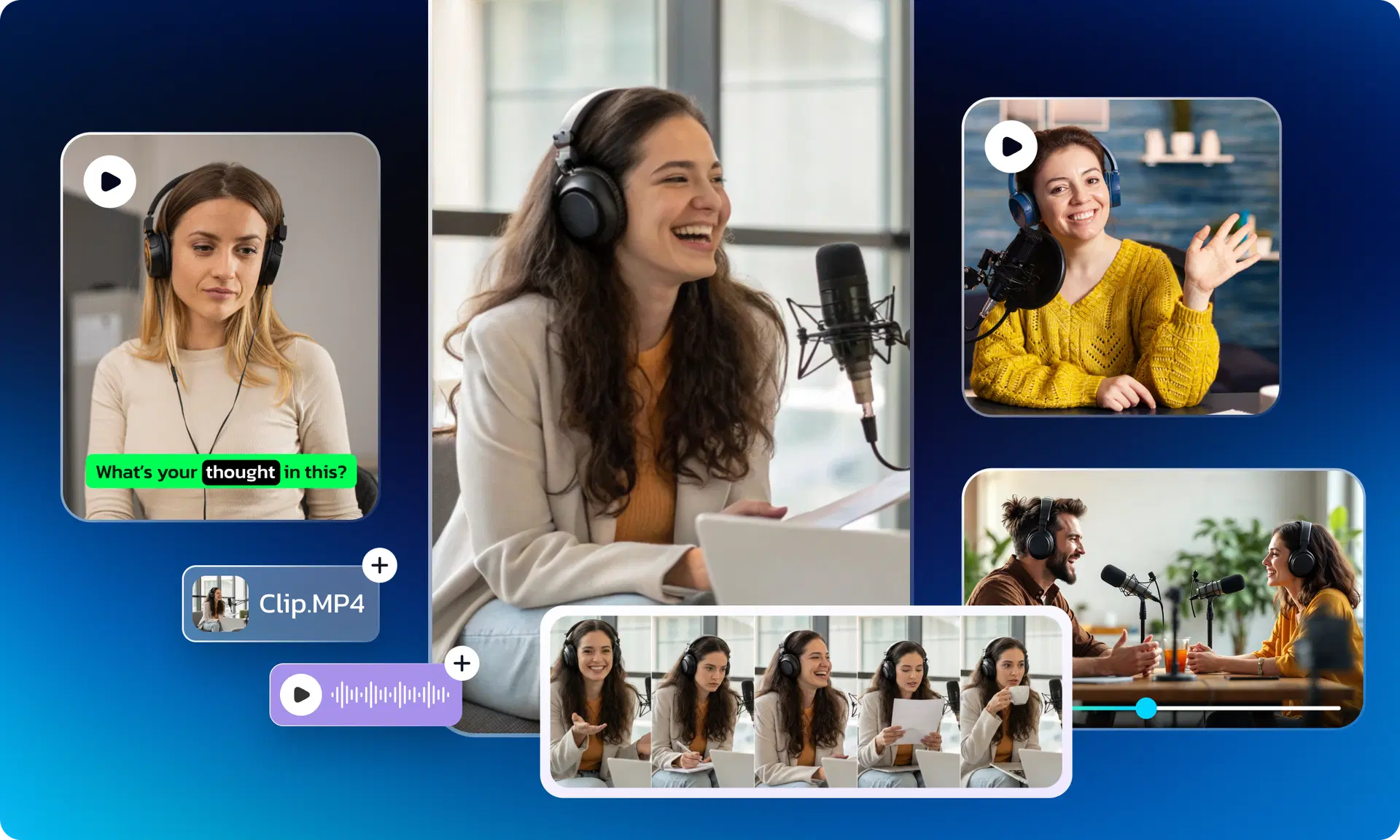
An AI video editor is software that uses artificial intelligence to handle the time-consuming parts of editing automatically, so you don't need years of training in Premiere Pro or Final Cut to produce something that looks professional.
Instead of manually cutting clips, syncing audio, and adding captions frame by frame, you describe what you want or upload your raw footage, and the AI does the heavy lifting. Core capabilities typically include:
- Automation: cutting, trimming, and arranging clips without manual timeline work
- Auto captions: generating accurate, styled subtitles automatically (useful since most social video is watched on mute)
- Background removal: isolating subjects from backgrounds without a green screen
- AI scene detection: automatically identifying where one shot ends and another begins
- AI clipping: pulling the best short clips out of longer footage using AI clip maker
- AI-generated B-roll: filling gaps with relevant supporting footage using instant broll generator
- AI transitions: applying smooth, consistent transitions between scenes
- AI voice enhancement: cleaning up background noise and balancing audio levels
Common Challenges Small Businesses Face With Video
Most small businesses don't lack the desire to create video; they lack the resources. The recurring pain points look something like this:
- Limited budget for agencies or freelance editors
- No in-house editing skills
- Not enough time to learn complex software
- No dedicated marketing team
- Inconsistent posting because content takes too long to produce
- Poor video quality that doesn't match competitors
- Difficulty creating ads that actually convert
- Trouble repurposing one video into multiple formats
These restrictions are precisely why traditional editing software built for professional editors often sits unused after a small business buys it.
How an AI Video Editor Solves These Problems
This is where automation changes the math. Instead of needing a specialist for every video, AI handles the technical work so you can focus on the message.
A capable AI video editor can help small businesses produce:
- Instagram Reels and TikTok videos for daily or weekly engagement
- YouTube Shorts to extend reach into a second discovery platform
- Facebook ads that need fast turnaround and multiple variations
- LinkedIn videos for B2B trust-building
- Product videos that show features without a studio shoot
- Testimonials stitched together from customer clips
- Promo videos for sales, launches, and seasonal offers
- Training videos for onboarding staff
- Customer success videos that double as social proof
- Educational content that builds authority in your niche
For example, a local salon might film raw clips of a haircut transformation on a phone, then use an AI editor to auto-cut highlights, add captions, and export a Reel, all within the same afternoon, with no separate editing software or freelancer involved.
Also Read: How to Create a Faceless YouTube Channel Using AI
Features to Look for in an AI Video Editor
Not every AI video editing tool is built the same way. When evaluating options, look for:
- AI reel generator: auto-creates short-form content from longer footage
- Automatic subtitles: accurate captions generated without manual typing
- AI clipping: surfaces the most engaging moments from raw video
- AI highlights: builds recap or highlight reels automatically
- AI prompt editing: lets you describe the edit you want in plain text
- Templates: pre-built structures for common video types (ads, testimonials, promos)
- Brand kit: consistent fonts, colors, and logo placement across videos
- AI voice cleanup: removes background noise and balances dialogue
- One-click exports: formats ready for each platform's specs
- Cloud editing: no need for powerful local hardware
- Collaboration: useful for agencies and teams working on client content
- Fast rendering: minimal wait time between edit and publish
Why VFX AI Is Built for Small Businesses
VFX AI was designed around the exact constraints small businesses deal with: limited time, limited budget, and no dedicated editing staff.
The core idea is prompt-based editing, you describe the video you want, upload your footage, and VFX AI assembles a first cut automatically. There's no steep learning curve, no timeline scrubbing, and no need to understand professional editing software to get a clean, social-ready result. A few things that make it a practical fit for small business workflows:
- Fast editing that turns raw clips into a usable video in minutes, not hours
- Professional-quality output without hiring an editor or agency
- Short-form video creation built for Reels, TikTok, and YouTube Shorts
- Marketing video generation for ads, promos, and product showcases
- Repurposing tools that turn one long video into multiple short clips
- Social-ready exports sized correctly for each platform
- AI-driven automation that handles captions, cuts, and transitions
- Affordable pricing that scales with a growing business instead of requiring an enterprise budget
The goal isn't to replace your judgment about what message to send; it's to remove the technical bottleneck between an idea and a finished video.
How Small Businesses Can Use VFX AI
Here's what this looks like across different industries:
- Restaurants: turning a phone video of a new dish into a Reel with captions and a CTA
- Gyms: converting class footage into motivational short-form clips
- Salons: before/after transformation videos for Instagram
- Product launches: fast-turnaround teaser and announcement videos
- Real estate: walkthrough footage edited into polished property tours
- Coaching businesses: testimonial and authority-building content
- Course creators: repurposing long lessons into short promotional clips
- Healthcare clinics: patient education and awareness videos
- Retail businesses: promoting limited-time offers quickly
- Festive campaigns: seasonal content without a production scramble
- Agencies: producing client work faster across multiple accounts
- Startups: product demo videos without a dedicated video team
Step-by-Step: How to Create Your First Business Video Using VFX AI
- Upload your footage: raw phone clips, screen recordings, or existing video work fine.
- Choose your prompt: describe the video you want (e.g., "30-second promo with captions and upbeat pacing").
- Let the AI generate the edit: cuts, transitions, and captions are applied automatically.
- Customize: adjust pacing, swap clips, or apply your brand kit for consistency.
- Export: choose the right format and aspect ratio for your target platform.
- Publish: post directly or schedule across Instagram, TikTok, YouTube Shorts, and Facebook.
The whole process is designed to take minutes per video once your footage is uploaded, which matters most when you're trying to post consistently rather than occasionally.
Best Practices for AI Video Marketing
A good editing tool helps, but a few fundamentals still make the difference between a video that performs and one that doesn't:
- Hook viewers in the first 3 seconds: attention drops off fast on social feeds
- Always add captions: most social video is watched without sound
- Keep brand consistency: same colors, fonts, and tone across every video
- Include a clear CTA: tell viewers exactly what to do next
- Design mobile-first: most viewers will watch on a phone, so vertical formats matter
- Repurpose content: one long video can become five or six short clips
- Stay consistent: regular posting outperforms occasional high-production videos
- Track analytics: watch time and engagement tell you what's actually working
Video marketing is no longer just an advantage for small businesses, it's a necessity. But creating consistent, high-quality videos doesn't have to mean investing in expensive software, hiring professional editors, or spending hours learning complex editing tools.
With the right AI video editor, you can turn everyday footage into engaging Reels, product demos, promotional videos, customer testimonials, and social media content in just minutes. By automating the editing process, AI allows small businesses to focus on what matters most, building their brand and connecting with customers.