Introduction
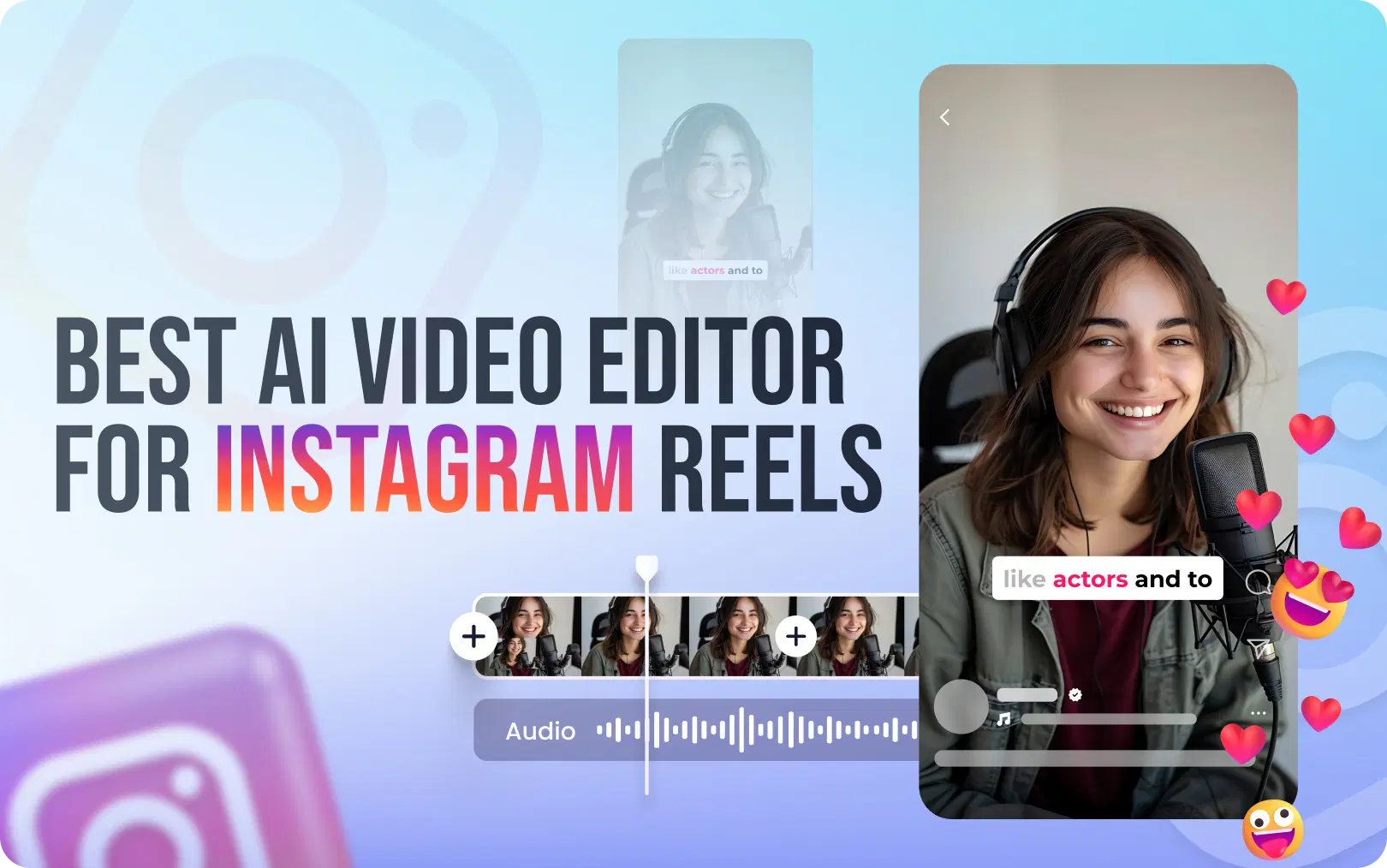
The good news is that the AI video editor for Instagram Reels is now incredibly powerful and user-friendly. It doesn't matter if you're a beginner or a pro; the right AI tool can seriously cut your editing time without compromising on quality. This guide will help you pick the top AI Reels editors for 2026, and we'll explain why VFX AI comes out on top for those dedicated to growing their presence.
Why Instagram Reels Demand a Smarter Video Editor in 2026
Before we get into the tools, let's first grasp what the 2026 Instagram Reels algorithm favors, as it really shapes how your videos perform.
The 2026 Reels algorithm prioritizes:
- Watch time and replays. Reels from 7 to 30 seconds have the highest viral potential.
- DM shares. "Sends per reach" is now Instagram's strongest engagement signal
- Originality. Watermarked, reposted, or near-duplicate content is actively demoted
- Keyword-rich captions. SEO in captions now outperforms hashtag-heavy strategies
- On-screen text & subtitles. Instagram scans spoken words and on-screen text for search indexing
So, when choosing an AI video editor, it's not just about trimming clips. You need help making quick-impact vertical videos, automatically adding captions, syncing beats with music, and exporting to the right Reels format, all without slowing down your content calendar.
What to Look for in the Best AI Video Editor for Instagram Reels
Not all AI video editors are built for Reels. Here are the must-have features to evaluate before committing to any tool:
| Feature | Why It Matters for Reels |
|---|---|
| Vertical (9:16) export | Reels are mobile-first; incorrect aspect ratios hurt reach |
| Auto-captions / subtitles | 85% of Reels are watched without sound; captions boost retention |
| Beat-sync editing | Transitions timed to music drops perform significantly better |
| AI background removal | Clean, professional visuals without a studio setup |
| VFX & motion effects | High-quality visuals increase saves and shares |
| One-click Reels templates | Faster workflow = more consistent posting = more algorithmic reward |
| No watermark export | Watermarked videos are flagged and demoted by Instagram's algorithm |
| AI script/hook generator | The first 1 to 3 seconds determine if viewers keep watching |
Also Read: AI Video Automation Workflows
The 8 Best AI Video Editors for Instagram Reels in 2026
1. VFX AI: Overall Best AI Video Editor for Instagram Reels
When it comes to the best AI video editing software for Instagram Reels in 2026, VFX AI is in a class of its own. While most editors offer surface-level AI features, auto-captions here, a basic trim there, VFX AI was engineered from the level 0 for creators who want cinematic, scroll-stopping Reels without needing a film school degree.
Why VFX AI is the top choice:
- Professional-grade VFX engine: Apply Hollywood-quality visual effects, motion graphics, and transitions that make your Reels look like they had a production team behind them
- Smart Beat-Sync: Automatically aligns your cuts and transitions to the beat drops of any audio track, a proven driver of higher watch time
- One-click 9:16 Vertical Export: Every output is optimized as per Instagram's display requirements, so your video looks sharp.
- AI Auto-Captions: Generate accurate, styled captions in seconds because the Instagram algorithm scans spoken words for search, and 85% of viewers watch on mute
- AI Hook Generator: Analyze top-performing Reels in your niche and craft a first-3-second hook designed to stop the scroll.
- Batch Content Creation: Produce a week's worth of Reels in a single session to keep your posting schedule consistent.
- Zero watermarks: Your brand, not VFX AI's logo, stays front and center.
VFX AI vs. the competition: While tools like CapCut are great for quick edits and Synthesia excels at AI avatars, VFX AI is the only platform that combines professional VFX power with AI automation specifically tuned for Instagram Reels performance. It's not just an editor; it's a Reels growth engine.
| Who should use VFX AI |
|
| Best for | All creators, beginners to professionals |
| Pricing | Free plan available |
2. CapCut: Best Free AI Video Editor for Instagram Reels
CapCut remains one of the most widely used free AI tools for creating Instagram Reels in 2026. It offers a conversational AI workflow in which you describe your idea, and the tool assembles a video script, visuals, voiceover, and captions from a single prompt.
| Strengths |
|
| Limitations |
|
| Best for | Beginners & solo creators |
| Pricing | Free (watermark on some exports); paid plans available |
3. InVideo: Best for Repurposing Content into Reels
InVideo excels at converting existing content, blog posts, product descriptions, and long-form videos into polished short Reels. Its integration with both Sora 2 and VEO 3.1 generative video models is a standout feature for 2026, enabling text-to-video generation at a level of quality previously unavailable in a subscription tool.
| Strengths |
|
| Limitations |
|
| Best for | Marketers & content repurposers |
| Pricing | Free plan; paid from ~$20/month |
4. Descript: Best for Voiceover-Heavy & Talking Head Reels
Descript's text-based video editing approach is uniquely powerful for creators who produce voiceover or talking-head Reels. You edit the transcript, and the video edits itself. Its AI Studio Sound feature removes background noise, and Overdub allows voice cloning for corrections.
| Strengths |
|
| Limitations |
|
| Best for | Podcasters, educators & talking-head creators |
| Pricing | Free (with watermark); Paid from ~$16/month |
5. Canva Video: Best for Brand-Consistent Reels
Canva's video suite has matured significantly in 2026, offering AI-powered background removal, a broad template library, and deep brand kit integration. For businesses that need every Reel to match their brand colors, fonts, and style, Canva is a reliable and accessible choice.
| Strengths |
|
| Limitations |
|
| Best for | Small businesses & brand managers |
| Pricing | Free; Canva Pro from ~$15/month |
6. VEED: Best Browser-Based AI Reels Editor
VEED is a clean, browser-based AI video editor that handles the fundamentals well: auto-subtitles, basic trimming, text overlays, and noise removal. It's a solid all-rounder for creators who need a quick and accessible tool without installing software.
| Strengths |
|
| Limitations |
|
| Best for | Creators who prefer no-install tools |
| Pricing | Free plan; paid from ~$18/month |
Comparison: Best AI Video Editors for Instagram Reels 2026
| Tool | Auto-Captions | Beat-Sync | Vertical Export | Free Plan | No Watermark | Best For |
|---|---|---|---|---|---|---|
| VFX AI | ✅ | ✅ | ✅ | ✅ | ✅ | All-round best |
| CapCut | ✅ | ✅ | ✅ | ✅ | ❌ | Beginners |
| InVideo AI | ✅ | ✅ | ✅ | ✅ | ❌ | Repurposing |
| Descript | ✅ | ✅ | ❌ | ✅ | ❌ | Talking-head |
| Canva Video | ✅ | ✅ | ❌ | ✅ | ✅ | Brand content |
| VEED.io | ✅ | ✅ | ❌ | ✅ | ❌ | Quick edits |
How to Choose the Right AI Video Editor for Your Reels Workflow
Choosing the best AI video editor for Instagram Reels isn't just about features; it's about matching the tool to your specific situation.
You're a beginner just starting on Instagram Reels → Start with VFX AI's free plan . The intuitive workflow and Reels-optimized templates mean you'll produce professional-looking content from day one, without the watermark.
You're a social media manager posting for multiple brands → VFX AI's batch creation and brand preset features let you maintain visual consistency across accounts at scale.
You're a small business owner with no editing experience → VFX AI's AI hook generator and one-click templates mean you can go from zero to publish-ready Reel in minutes, no editing background required.
You already have long-form video content and want to repurpose it → Use VFX AI's AI clip maker to repurpose your content and get multiple reels in a few clicks.
Also Read: Best AI Video Editor for YouTube in 2026
5 Pro Tips for Creating Viral Instagram Reels with AI in 2026
Even the best AI video editing software works best when you follow the platform's 2026 best practices:
1. Nail the first 1–3 seconds: Instagram's cold-start testing phase distributes your Reel to a small initial audience. If your hook doesn't grip them immediately, the algorithm stops pushing it.
2. Keep it between 7–30 seconds: Research consistently shows this range has the highest viral potential for Reels in 2026. Longer content (up to 3 minutes) is supported by the algorithm, but short, punchy Reels still dominate discovery.
3. Use keyword-rich captions, not just hashtags: The 2026 Instagram algorithm treats captions like search engine content. Write captions the way your target audience searches, descriptive, natural-language keywords outperform rows of hashtags.
4. Always add subtitles: 85% of Reels are watched on mute. On-screen captions aren't optional; they're algorithmic fuel, since Instagram scans your spoken and on-screen words for search indexing. VFX AI's auto-caption feature handles this in seconds.
5. Design for DM, shares, and saves: The strongest signal in the 2026 algorithm is "sends per reach", how often someone DMs your Reel. Create content that is genuinely useful, surprising, or entertaining enough that people want to share it privately. Saves carry 3x the algorithmic weight of likes.
VFX AI bridges that gap. It's the only AI video editing platform that combines:
- Professional VFX and motion effects
- Smart Beat-Sync for algorithm-friendly pacing
- AI-driven hooks and auto-captions
- Reels-optimized vertical export (no watermarks)
- Batch creation for consistent posting
- Accessible enough for beginners, powerful enough for pros
If you're serious about growing on Instagram Reels in 2026, your editor is one of the most important decisions you'll make. Don't settle for watermarks, generic templates, or tools that weren't built for short-form social video.