Introduction
Here's what top LinkedIn creators figured out: you don't need more content. You need smarter repurposing. If you want to learn how to grow on LinkedIn using AI video repurposing, this guide breaks down the exact workflow that founders, coaches, and B2B marketers use to turn a single long-form video into weeks of engaging content without burning out or hiring an editing team.
Why LinkedIn Video Content Is Exploding in 2026
LinkedIn has changed. The platform that once favored corporate announcements and job updates now prioritizes video-first content in its feed algorithm.
Here's what's driving this shift:
The LinkedIn video feed is here. LinkedIn rolled out dedicated video tabs and feeds, making short-form video more discoverable than ever. If you're not creating video, you're invisible to a growing segment of users.
Video crushes text in engagement. According to LinkedIn's own data, video content receives 3x more comments and shares than static posts. The algorithm rewards content that keeps people on the platform longer and nothing does that better than video.
Personal branding on LinkedIn demands visibility. For founders, consultants, and coaches, LinkedIn has become the primary channel for thought leadership. Video lets you build trust faster because people see your face, hear your voice, and connect with your personality.
Lead generation follows attention. B2B LinkedIn marketing works when you're top-of-mind. Video keeps you there. Recruiters, agencies, and SaaS companies using LinkedIn video strategy consistently report higher inbound inquiries and connection acceptance rates.
The opportunity is clear. The question is: how do you produce enough video content to capitalize on it?
What Is AI Video Repurposing?
AI video repurposing is the process of using artificial intelligence to automatically break down one long-form video (like a webinar, podcast, or interview) into dozens of smaller, shareable content assets.
Instead of manually scrubbing through hours of footage, an AI clip generator does the heavy lifting. Here’s how it works:
Highlight Detection: The AI analyzes the video’s transcript and audio to identify the most interesting, insightful, or shareable moments.
AI Clip Generation: It automatically cuts these highlights into short, vertical clips perfect for the LinkedIn feed, Reels, and Shorts.
Automatic Captions: The software transcribes the audio and adds timed captions to each clip, a critical feature since most social videos are watched with the sound off.
AI Editing Workflows: Advanced tools like VFX AI offer an AI-driven video editing suite to add branding, trim clips, and optimize them for social media in minutes.
Imagine turning a single one-hour webinar into:
- Ten 60-second thought leadership clips for your LinkedIn feed.
- Five text posts based on key quotes.
- Three carousel posts summarizing core topics.
This is the efficiency that an AI tool for content repurposing delivers.
Also Check: LinkedIn Video Maker
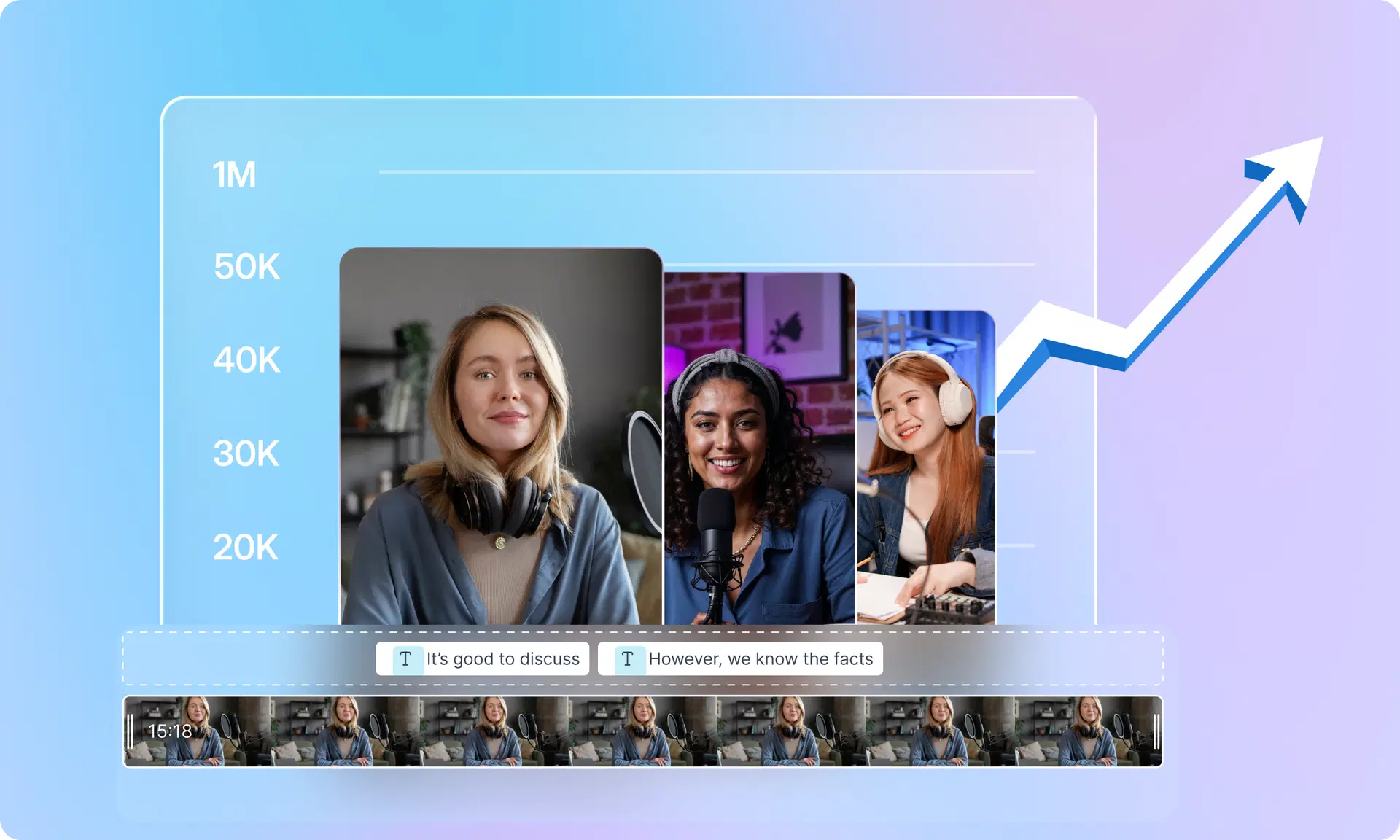
The 5-Step AI Video Repurposing Workflow for LinkedIn Growth
Ready to learn how to grow on LinkedIn in 2026 without burning out? This simple, five-step workflow is your key to consistent, high-impact content.
Step 1: Record One Long Video
Your content engine starts with a single piece of "pillar" content. Don't worry about creating something new every day. Focus on recording one high-value long-form video each week or month.
Examples include:
- A 30-minute webinar
- A podcast
- A client strategy call (with permission)
- A presentation or keynote speech
This single recording is the raw material for all your LinkedIn content.
Step 2: Use an AI Clip Generator
Upload your long-form video to an AI clip generator like VFX AI. The AI will quickly analyze your entire video and identify dozens of potential short-form clips based on your spoken words and key topics. This step alone saves hours of manual searching and logging. You can generate LinkedIn clips automatically without rewatching the entire file.
Step 3: Turn Highlights into LinkedIn Videos
Review the clips suggested by the AI. VFX AI’s short video editor for LinkedIn allows you to refine these suggestions, trim them to the perfect length, and add your branding.
With an intuitive AI video editor online, you can:
- Add your logo and brand colors.
- Choose from various animated caption styles.
- Add a compelling headline to the video.
- Resize the video for different platforms (e.g., square for LinkedIn feed, vertical for Reels).
Step 4: Convert Clips into Multiple Content Formats
The video clips are just the beginning. A true content repurposing strategy leverages every asset. Use the clips and their transcripts to create other content types.
- LinkedIn Posts: Use the AI-generated transcript from a clip to write a compelling text post. Paste the key insight, add your thoughts, and ask a question to drive engagement.
- Carousels: Take 3-5 key ideas from your video, create a simple slide for each, and publish it as a LinkedIn carousel.
- Quote Graphics: Pull powerful one-liners from your video and turn them into branded images for your feed.
- Blog Content: Combine the insights from several clips to outline and write an entire blog post.
This is how you turn one video into weeks of LinkedIn content automation.
Step 5: Schedule and Publish Consistently
The final step is to build a content calendar and schedule your posts. With a library of repurposed clips, text posts, and carousels, you can easily plan your LinkedIn content weeks in advance. Consistency signals to the LinkedIn algorithm that you are a serious creator, boosting your visibility and helping you get more views on LinkedIn.
Also Read: AI Video Automation Workflows
How VFX AI Makes LinkedIn Growth Easier
VFX AI is built specifically for creators who want to turn videos into LinkedIn posts and other social content without the editing headaches.
Here's what makes it the best AI tool for LinkedIn content:
AI clip generation: Upload any video and VFX AI automatically identifies the best moments worth sharing. No more guessing which parts will resonate.
Smart scene detection: The platform recognizes topic shifts, speaker changes, and natural breakpoints to create clips that make sense standalone.
Auto captions: Accurate, stylized captions are added automatically. Choose from multiple caption styles optimized for LinkedIn engagement.
AI-driven editing: Trim, crop, add transitions, and polish clips without learning complex editing software. The interface assumes you're busy, not a video professional.
Social media optimization: Export clips in the exact dimensions LinkedIn, Instagram, TikTok, and YouTube require. No resizing headaches.
Multi-format exports: Generate LinkedIn clips automatically alongside versions for every other platform in your content strategy.
Fast content repurposing: What used to take a full day now takes under an hour. Some creators report building two weeks of LinkedIn content in a single afternoon.
VFX AI works whether you're starting with a podcast, webinar, or simple webcam recording. The goal is simple: create LinkedIn videos with AI so you can focus on growing your business instead of fighting editing software.
Best Practices for LinkedIn Video Marketing
Having the right tools matters. Using them effectively matters more.
- Hook viewers in the first 3 seconds. LinkedIn's feed moves fast. Open with a bold statement, surprising fact, or direct question. Skip lengthy intros.
- Use captions. Most LinkedIn browsing happens during commutes, in meetings, or with sound off. Captions aren't optional; they're required for engagement.
- Keep videos concise. For LinkedIn, 30-90 seconds hits the sweet spot. Respect your audience's time. Deliver value fast.
- Share personal experiences. Generic advice gets scrolled past. Specific stories from your work, failures, and lessons learned stop thumbs.
- Use storytelling structure. Even in 60 seconds, you can set up a problem, share an insight, and land a takeaway. Structure creates retention.
- Publish consistently. The LinkedIn algorithm rewards creators who show up regularly. Three posts weekly beats sporadic bursts.
- Add strong CTAs. Tell viewers what to do next: comment, follow, visit your profile, or check your link.
Also Read: How We Converted a 90-Minute Video into 8-10 Shorts Instantly
Common Mistakes That Kill LinkedIn Growth
Knowing what not to do saves months of frustration.
- Posting randomly. Without a schedule, you'll never build momentum. Consistency compounds.
- Creating content from scratch every day. This is the fast track to burnout. Repurposing solves this.
- Ignoring video. Text posts still work. But refusing to use video means leaving engagement on the table especially as LinkedIn pushes its video feed.
- Poor editing. Rambling clips with no clear point get abandoned. AI video clipping fixes this by pulling only the tightest moments.
- Lack of repurposing strategy. If you're creating new content for every platform separately, you're working 5x harder than necessary.
Real Example: Turning One 30-Minute Podcast into 30 LinkedIn Content Assets
It sounds too good to be true, but here’s a practical breakdown of the ROI from repurposing a single 30-minute podcast episode using an the ROI from repurposing a single 30-minute podcast episode using an AI content workflow:
- Upload the 30-minute video to VFX AI. The AI suggests 20 potential clips. You select and refine the best 10.
Result: 10 short video clips (1-2 minutes each). - Use the transcripts from those clips.
Result: 5 text posts summarizing key insights. - Take the core themes from the podcast.
Result: 3 short articles or expanded LinkedIn posts. - Grab impactful quotes from the transcript.
Result: 5 quote graphics for visual posts. - Pull interesting stats or quick tips.
Result: 7 "social snippets" for quick updates on LinkedIn and X.
Total: 30 unique content assets from one 30-minute recording. This is how you create LinkedIn videos with AI at scale.
Why AI Video Repurposing Is the Future of LinkedIn Marketing
The creator economy has made it clear: content velocity is the new competitive advantage. The professionals and brands who can consistently publish high-quality content will win.
AI video repurposing is the engine for that velocity. It brings:
- Efficiency: Reduce content creation time by up to 90%.
- Scale: Turn one idea into dozens of assets, dominating your niche.
- Consistency: Easily maintain a daily publishing schedule without burnout.
- Better Personal Branding: Focus your energy on sharing your expertise, not on tedious editing tasks.
AI-driven video editing and content repurposing aren't just trends; they are foundational shifts in how successful B2B marketing and thought leadership are executed.
Learning how to grow on LinkedIn using AI video repurposing changes your content strategy from "hustle harder" to "work smarter."
Record once. Repurpose infinitely. Publish consistently. That's the formula top LinkedIn creators use to build audiences, generate leads, and establish thought leadership without sacrificing every evening to video editing. The tools exist. The workflow is proven. The only question is whether you'll implement it.