Introduction:
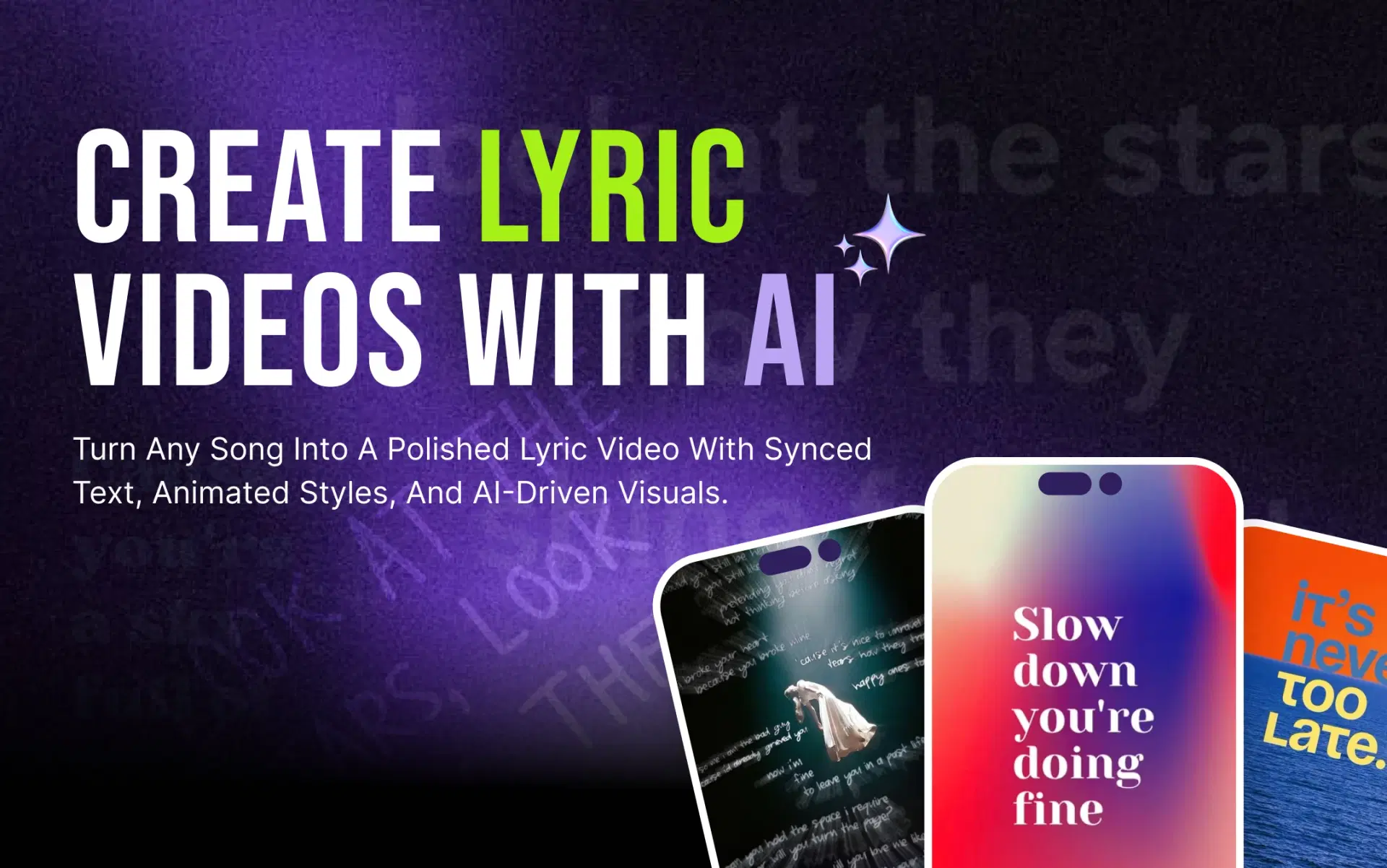
This guide shows how to make a lyric video for Instagram Reels using AI, from picking the right section of your song to exporting a file that's ready to post. We use VFX AI as the example, but the advice applies to any tool. For the platform-neutral process, see how to make a lyric video with AI.
Why Make a Lyric Video for Instagram Reels?
A lyric Reel shows your hook instead of just playing it. Someone who lands on it mid-scroll can read the line and get what the song is about within seconds.
It also works across a release cycle. Before launch, a chorus clip is a teaser. After launch, verses and the bridge become new posts that point back to the full track, so one song can become five or six Reels. And when a line hits, fans have something specific to send to a friend or repost to their Story.
What You Need Before Creating a Lyric Reel
- The final audio, ideally the master rather than a rough bounce
- A verified lyric sheet to check the AI's output against
- A visual direction: cover art, performance footage, or a clear mood
- Brand basics: your font, colors, and artist name treatment
- An AI video editor that handles lyric sync and vertical export
One thing AI can't give you is permission. Making a lyric video doesn't grant rights to the song or its lyrics. For your own track, check whether a label, publisher, or co-writer controls any rights; for someone else's, you need a license. Songs added inside the app come from Instagram's licensed music library, but audio inside a video you upload is a different case. Our guide to copyright-safe music for videos covers what to check.
Also Read: Step-by-step guide to making a lyric video with AI
How to Make a Lyric Video for Instagram Reels Using AI
First, decide: Instagram's built-in lyrics or a custom lyric video?
If you only want to know how to add lyrics to Instagram Reels for a popular song, Instagram can add a song and its lyrics while you edit a Reel. It only works with tracks in Instagram's library, styling is limited, and the music feature isn't available on every account. If you're promoting your own release, or want the lyrics to be the design, build the video outside the app and upload the finished file. That's the workflow below.
Step 1: Choose the Song Section
Instagram accepts Reels up to three minutes long, so length isn't the constraint. Focus is. Build the Reel around one idea, such as the chorus, the hook, or your most quotable verse, usually in a 15 to 30 second window.
Start just before the first sung word, not on a long intro. Reels replay automatically, so check the end too: a clip that ends on a phrase leading back into its opening line loops smoothly.
Step 2: Choose a Vertical Video Format
Reels use a 9:16 vertical frame, most commonly at 1080 × 1920 pixels. Set it before styling, because text size and placement depend on it.
Keep lines to roughly three to six words in large type. Instagram puts your username, caption, and audio label along the bottom and its buttons down the right, so place lyrics in the center or upper-middle. Your cover is also cropped in the profile grid, another reason to keep key text central. VFX AI's Instagram video editor shows safe zones for each Instagram format and resizes between Reels, Stories, and Feed in one click.
Step 3: Import Your Song Into VFX AI
In VFX AI's AI lyric video maker, upload your song or paste a supported link. Choose 9:16, then set the lyric style, position, and layout.
Next, pick a vocal mode. Lead Vocals captions only the main performance and keeps a hook clean. Full Lyrics adds background vocals and harmonies, which suits duets but can crowd a narrow frame.
Step 4: Let AI Sync the Lyrics
AI lyric sync handles the slowest part of the job. The tool detects the vocals, works out what's sung, and timestamps each line as it's performed, so you can sync lyrics to music automatically instead of dragging caption blocks across a timeline. Word-level lyric sync goes further, timing individual words, which is what makes highlight and karaoke-style effects possible.
Treat the result as a first draft. Held notes, ad-libs, fast rap, slang, and names are common trouble spots, so keep your lyric sheet open while you watch.
Step 5: Add Animated or Moving Lyrics
A lyric video with moving text holds attention, but the style should fit the song:
- Line-by-line: calm and readable, ideal for ballads
- Word-by-word or karaoke-style highlighting: built for sing-along choruses
- Kinetic typography: energetic for pop and hip-hop, but harder to read in a small frame
- Beat-synced pops: words land on the drums, great for electronic tracks
In VFX AI, Auto Mode paces animated lyrics to land on the beat, and you can adjust fonts and animations in the editor. A simple test: if you have to pause the Reel to read a line, the animation is doing too much.
Step 6: Choose a Background That Matches the Song
Album artwork with a slow zoom keeps a release consistent. Performance footage suits singer-songwriters, as long as lyrics stay clear of the face. Abstract motion and gradients fit electronic and lo-fi tracks, B-roll suits story-driven lyrics, and a dark, minimal background lets a ballad's words do the work.
VFX AI's Auto Mode matches backgrounds to the song's tempo and tone. Manual Mode offers cinematic, gradient, and abstract presets you can align with your brand colors.
Step 7: Review Timing, Spelling, and Readability
Watch the full clip on your phone, full screen, once with sound and once muted. Check for:
- Misheard or misspelled lyrics
- Lines that appear early or late
- Awkward line breaks that split a phrase
- Text that moves too fast to read
- Lyrics hidden behind Instagram's interface
- Weak contrast between text and background
AI speeds up production, but you own what gets published. One wrong word in a chorus will show up in the comments.
Step 8: Export and Prepare the Reel
Confirm the export is vertical and sharp, and that the audio starts cleanly. VFX AI exports in Instagram-ready resolutions and aspect ratios and can publish or schedule straight to Reels.
Choose a cover frame with a complete lyric line near the center. In the caption, name the song and artist, say where to stream it, and credit collaborators. A few relevant hashtags beat a wall of them.
Also Read: How to Remove Copyrighted Music from a Video with AI
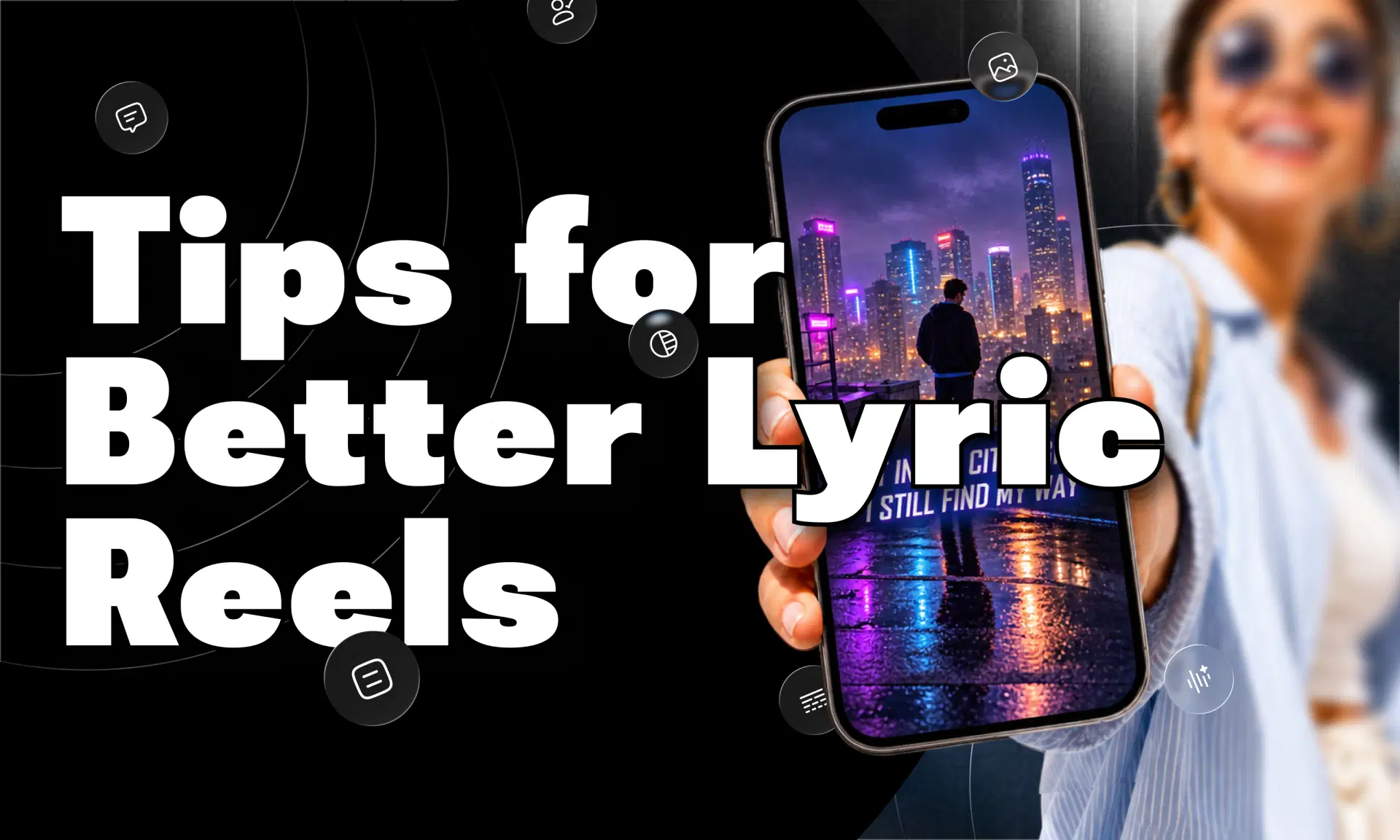
Tips for Making Better Lyric Reels
- Open on your strongest lyric, not the intro.
- Show one idea per screen. Two short lines beat four crowded ones.
- Choose contrast over decoration. A soft shadow does more than a fancy font.
- Match motion to tempo: quick pops for upbeat tracks, slow fades for ballads.
- Keep typography consistent across a release.
- Make the first frames visual, even before the first word lands.
- Proofread every line yourself.
- Build a set. Cut the chorus, bridge, and best verse into separate Reels.
AI vs Manual Lyric Video Creation
| Factor | Manual Editing | AI-Assisted Editing |
|---|---|---|
| Lyric timing | Set line by line by hand | Automatic first pass, then reviewed |
| Text animation | Keyframed manually | Applied automatically, customizable |
| Vertical formatting | Rebuilt per format | Chosen up front, resized quickly |
| Revisions | Time-consuming | Faster to adjust |
| Beginner friendly | Low | High |
| Creative control | High | High, through the editor |
AI handles repetitive work. You still make the creative decisions and own the final quality.
Why Use VFX AI to Create Lyric Videos for Instagram?
VFX AI pairs a dedicated lyric video maker with a full AI video editor, so the first draft and the finishing work happen in one place. The lyric tool detects vocals, syncs lyrics, and styles text. The editor lets you fine-tune timing and animation, add B-roll or overlays, and apply your brand kit. If you release music regularly, one song can become several Instagram-ready Reels, resized for Stories, Feed, or other platforms without rebuilding each version.
The workflow is simple once you've done it a few times: song → lyrics → AI sync → animated text → visuals → review → vertical export → Instagram Reel. That's how to make a lyric video for Instagram Reels without losing an afternoon to manual timing.
If you'd rather skip timing every lyric by hand, VFX AI can turn your song into a polished lyric Reel with AI-assisted syncing and a full editor for the finishing touches.