Introduction:
To make a lyric video for TikTok, pick a short, recognizable section of a song you have rights to, use an AI lyric sync tool to time the words to the vocals, and export in vertical 9:16. Keep text large and clear of TikTok's on-screen buttons, then proofread the timing on your phone before posting.
Why Lyric Videos Work for TikTok Music Content
A lyric clip gives viewers two reasons to stay: the sound and the words. On-screen text tells people what a song is saying before they decide to listen closely, which matters most for a new release, and it puts your most quotable line front and center.
What makes a clip work:
- A recognizable opening. Start on the hook, not bar one of the intro.
- Readable lyrics. If viewers have to pause to read, the clip is fighting itself.
- Pacing that matches the song. Text should land with the vocal.
- Visuals that support the mood instead of competing with the words.
None of this guarantees reach, but a well-made clip gives a good song a fair chance.
How to Make a Lyric Video for TikTok in 5 Steps
Step 1: Choose the Song or Music Clip
Build the clip around one section, not the whole track: a chorus, a hook, or a bridge with a standout line. Then check three things:
- Audio quality. Use the final master; muddy mixes and heavy reverb are harder for any AI to read.
- The correct lyrics. Keep the official lyric sheet open for proofreading.
- Your rights. Know whether you own the song, hold a license, or rely on TikTok's in-app library (more below).
Step 2: Use an AI Lyric Video Maker to Sync the Lyrics
Instead of nudging every line on a timeline, AI lyric synchronization does the first pass: it detects the vocals, works out what's sung, and timestamps each line.
In the VFX AI Lyric Video Maker, the documented workflow has three steps:
- Add your song. Paste a YouTube or supported video link, or upload your track.
- Choose your preferences. Choose your aspect ratio, lyric style, position, mode, and layout.
- Select "Create lyric video." The AI syncs the lyrics and applies the animation.
Pick Lead Vocals to caption the main performance, which keeps most hooks clean, or Full Lyrics to include background vocals for call-and-response choruses and duets. Not every link or source is supported, so test your track before planning a release around it. For the full platform-neutral workflow, see our step-by-step guide to making a lyric video with AI.
Step 3: Customize the Lyrics and Visual Style
- Fonts: bold, simple typefaces beat thin scripts at phone size.
- Contrast: add a shadow or darken the backdrop behind light text.
- Line breaks: split at breaths and phrases. Two short lines beat one long one.
- Animation: beat-synced pops suit a high-energy hook; slow fades suit a ballad.
- Position: keep the active line near the center.
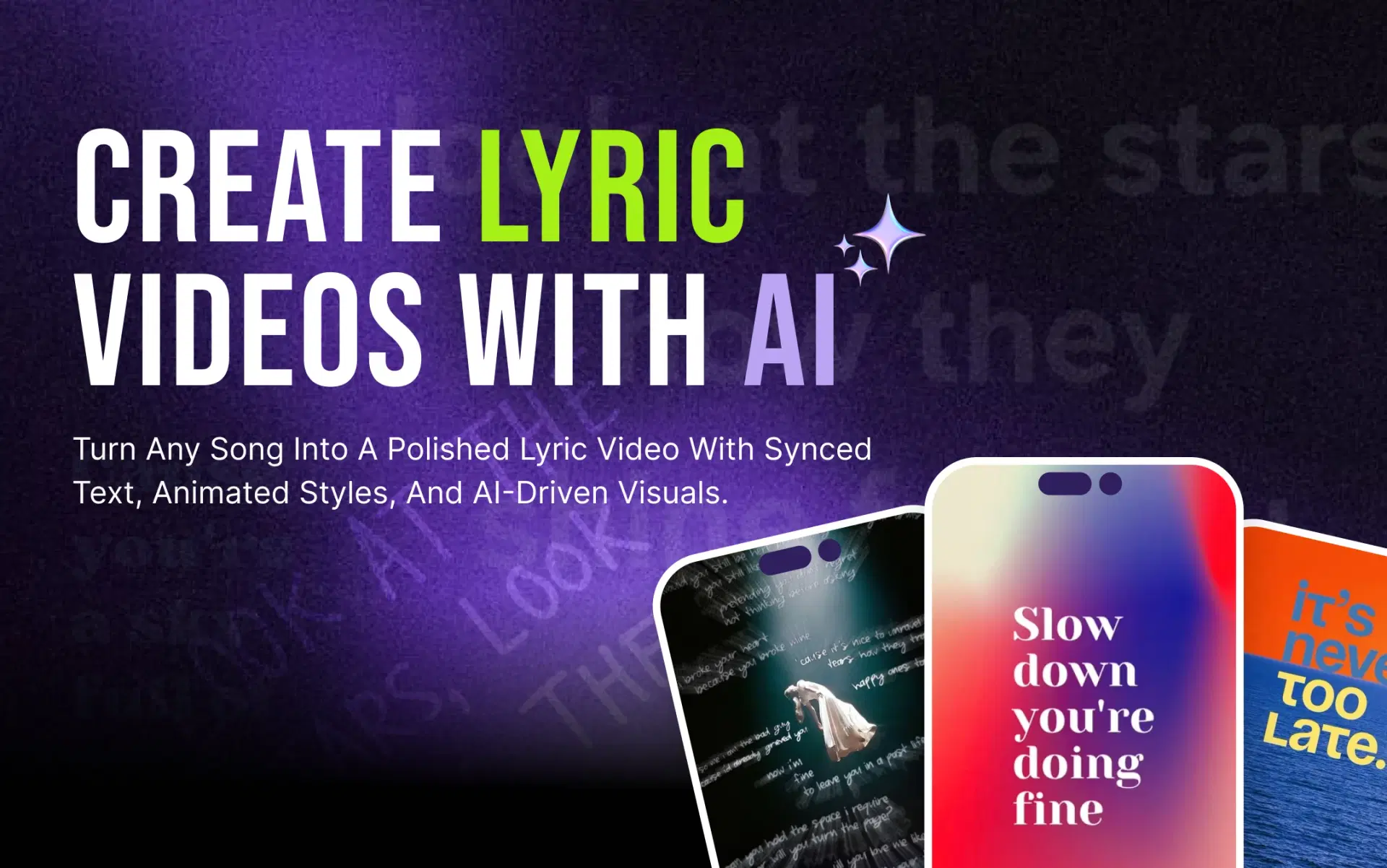
VFX AI handles backgrounds two ways. Auto mode matches backgrounds and transitions to the song's tempo and tone, which helps when you're testing several hooks quickly. Manual mode offers cinematic, gradient, and abstract presets, the better choice when a release already has a visual identity. For how vocal detection works, read our AI lyric video maker explainer.
Step 4: Format the Video for TikTok
TikTok is built for full-screen vertical viewing, so 9:16 is the sensible default. Choose it before styling, because text size and placement depend on the frame. Then:
- Respect the overlays. The caption and account name sit along the bottom; like, comment, and share buttons run down the right edge. Keep lyrics out of both.
- Leave margins at the top and sides so nothing gets cropped.
- Build a hierarchy. The sung line dominates; the song title sits smaller.
- Preview on a phone, not just a laptop.
These are creative recommendations, not official TikTok requirements; check current upload guidance in the app.
Step 5: Preview, Refine, and Publish
AI sync gives you a first draft. Watch the clip with the lyric sheet beside you and check spelling, sync on fast vocals, line breaks, audio levels, and whether each line stays up long enough to read.
To fix anything, open the project in the VFX AI Video Editor to adjust timing, trim, refine text or add branding without starting over. Confirm music permissions separately; no editing tool can grant them.
Tips for Making Better TikTok Lyric Videos
- Open on the line. If the hook starts at 0:42, start the clip at 0:42.
- Size text for arm's length. If you squint, it's too small.
- Match the reveal to the flow. Word-by-word lyric sync suits rhythmic sections; line-by-line suits melodic ones.
- Pick one effect. Glows, shakes, and particles compete with the words.
- Check fast verses twice. That's where auto sync most often slips.
- Give each release one look so every clip reads as one campaign.
Why Use VFX AI as Your TikTok Lyric Video Maker?
Compared with timing every line in a traditional editor, VFX AI gives you:
- Automatic lyric syncing from AI vocal detection, so you correct a draft instead of building one
- Lead Vocals or Full Lyrics, depending on how layered the hook is
- Auto or Manual backgrounds, for speed or brand control
- Format choice up front (vertical, square, portrait or widescreen)
- A full editor afterward for timing fixes, trims, and branding
A traditional editor still offers more frame-level control for a flagship video, but for a steady stream of TikTok clips, an AI first pass saves the typing and keyframing. Comparing tools? See our roundup of the best AI lyric video makers, or our guide to free AI lyric video makers for what to check on free plans.
Ready to try it on your next hook? Create a TikTok lyric clip with VFX AI.
Can You Use Copyrighted Music in a TikTok Lyric Video?
A song appearing in TikTok's sound library doesn't automatically mean you can build a lyric video around it in another app, upload the result, or reuse it elsewhere. Rights can depend on:
- The recording and the composition, often owned separately. The lyrics belong to the composition.
- Your account type. TikTok's Commercial Music Library guide explains that business accounts adding sound see only pre-cleared commercial tracks.
- Territory, purpose, and any license you hold.
For your own song, confirm you control the rights, especially with a producer, co-writer, or sample involved. Otherwise, review TikTok's Intellectual Property Policy and get permission. This isn't legal advice.
Choose the right section, let AI handle the sync, style text for a phone, format in 9:16, and review before posting. Good clips pair accurate timing and readable type with fitting visuals and a human check.
When you'd rather spend time on the music than on keyframes, try the VFX AI Lyric Video Maker on your next hook.