Product

AI Tools

Solutions

Resources

Enterprise

Pricing

Cookies

About cookies on this site

We use cookies to improve your experience and analyze site performance. Some are essential, while others help enhance your experience. You can manage your preferences anytime.

Learn more about how we use cookies

AI Filler Remover

Automatically remove filler words from your audio and video so you sound clear, confident, and concise. Use AI to cut “um,” “uh,” “like,” and more without manual timeline editing. Create smoother, more professional content that keeps viewers engaged from start to finish.

AI Filler Remover — clean speech by removing filler words from video

Built with world-class AI and cloud technology

Sound Confident In Every Recording

Filler words make even great ideas sound uncertain and unpolished. Filler Remover helps you clean up your speech so your message lands the way you intended.
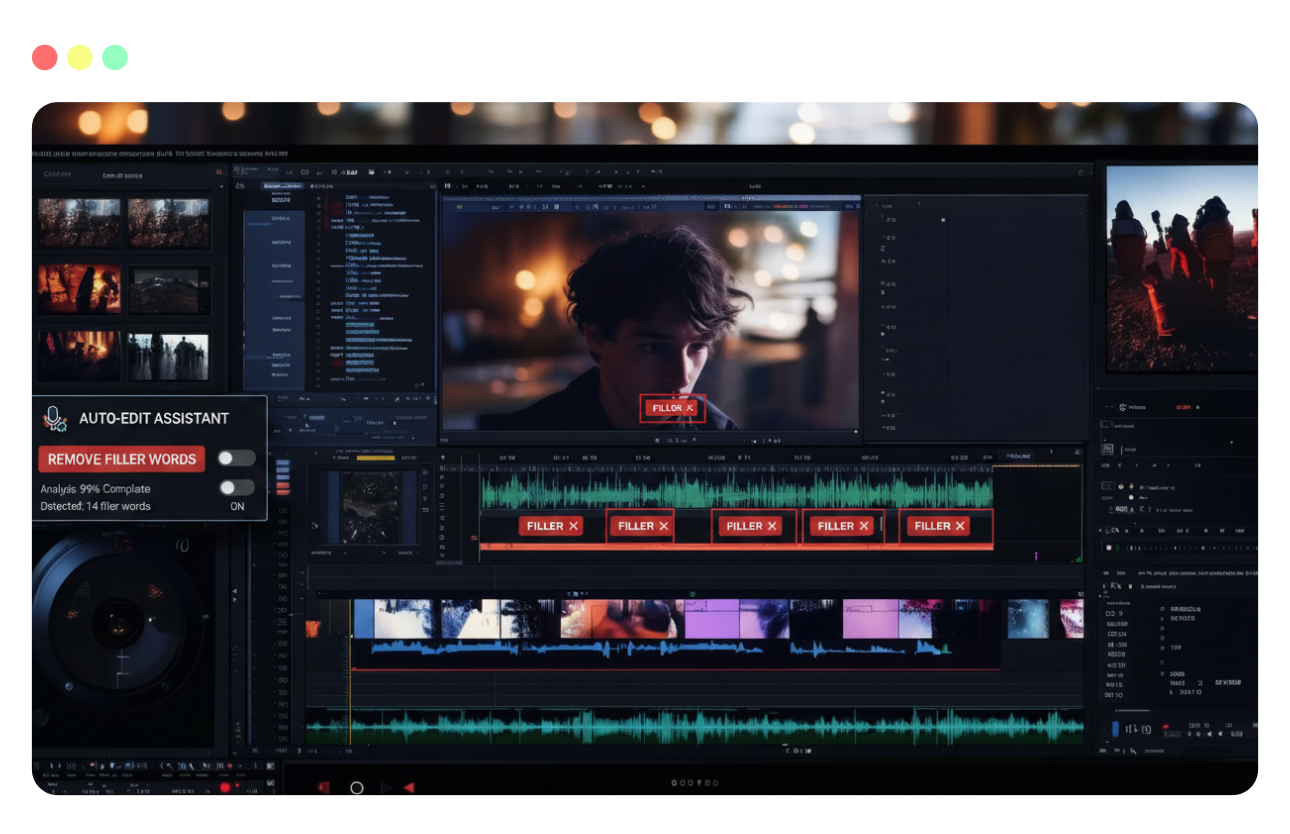
Remove filler words automatically with AI

Remove Filler Words Automatically

AI scans your audio and transcript to detect common fillers like "um," "uh," "erm," "like," and "you know," then removes them from both audio and video.

Keep speech flow natural after removing filler words

Keep Speech Flow Natural

Edits are made at word boundaries so pacing still feels human. Cuts are smoothed so viewers don't notice where "ums" and "ahs" used to be.

Clean long recordings in minutes with AI filler detection

Clean Up Long Recordings In Minutes

Skip scrubbing through hours of footage. Let AI find filler words across your entire recording, ideal for webinars, podcasts, and talking‑head content.

Pair filler removal with silence trimming and mistake cuts

Pair With Silence & Mistake Removal

Combine filler removal with silence trimming and mistake cuts so you can tighten delivery and ship more polished videos faster to your audience.

Remove Filler Words In 3 Simple Steps

Clean up speech using transcript-guided edits—then export without rebuilding your whole timeline.
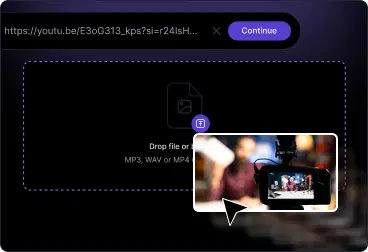
Upload audio or video for transcript and filler removal
1

Upload Your Recording

Upload audio or video from your device or content library. VFX AI generates a transcript and syncs it to your timeline.
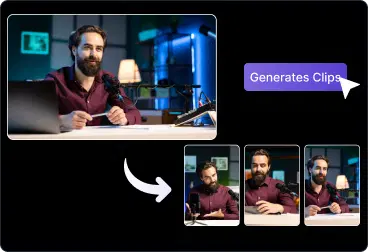
Remove filler words from transcript and timeline
2

Remove Filler Words

Open the transcript and enable Filler Remover. AI detects filler words, highlights them, and removes them from audio and video.

Review cleaned recording and export
3

Review And Export

Skim through the cleaned recording, restore any removed words if needed, then export a polished version ready to share.

What You Can Do With Filler Remover

Make spoken content clearer and more professional without multiple takes.

Podcasts & Video Podcasts

Remove fillers and rambling so episodes sound tight, confident, and easier to binge.

YouTube & Thought‑Leadership Videos

Clean up A‑roll, expert talks, and any content so that creators and leaders sound prepared.

Webinars, Trainings & Sales Calls

Polish recordings you share with prospects and teams by cutting fillers, pauses, and mistakes.

Short‑Form Clips & Reels

Before turning long videos into shorts, remove filler words so every clips feels intentional.
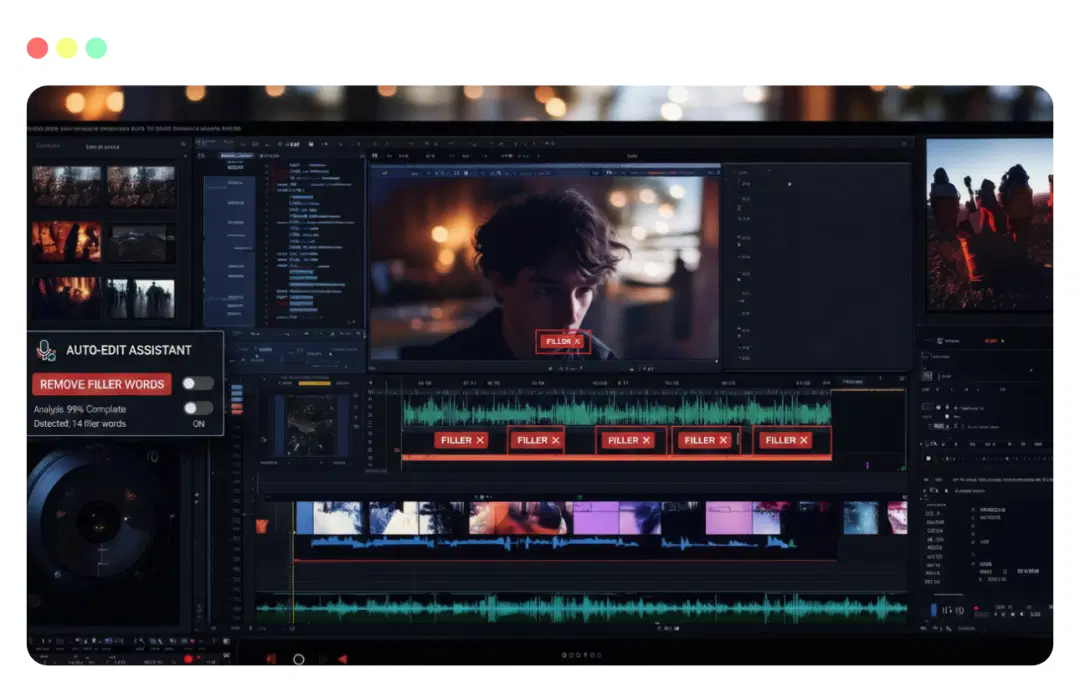
Core capabilities for AI filler word removal and speech cleanup

Core Capabilities Built For Speech Cleanup

Everything you need to tighten delivery without over‑editing.

Filler words detection like "um," "uh," "erm," "like," "you know,"

Automatic edits applied to both audio and video tracks

Browser-based, no plugins or installs required

Works alongside silence removal and noise reduction tools

Smooth transitions and pacing to keep speech sounding natural

AI Video Editor for Every Platform

Create once and let AI Video Editor tailor your video ads to every major channel, so you stay on‑brand while matching the rules, formats, and attention span of each platform.

Add Text to Video

Add Image to Video

Video Editor Effects

Filler Remover

Resize Video

Instagram Video Editor

LinkedIn Video Editor

TikTok Video Editor

Facebook Video Editor

YouTube Video Editor

Frequently Asked Questions

Everything you need to know about removing filler words from video with AI.

How do I remove filler words from a video or audio recording?

Upload your file to VFX AI, open the Filler Remover, enable filler word removal, and let AI scan and cut "ums," "uhs," and similar words from your recording.
Collapse

What filler words can VFX AI detect?

Expand

Will removing filler words make my speech sound choppy?

Expand

Does this work with video as well as audio?

Expand

Can I choose which filler words to remove?

Expand

Create, reframe, and publish 5× faster with AI.

Let VideoGPT handle the edits, AI Reframe optimize your shots, and the editor bring your vision to life-all in one seamless workflow.

PRODUCTS

VideoGPTClip MakerSocial PublisherBrand KitAnalytics DashboardTeam WorkspaceAI Video Editor

AI TOOLS

Smart ReframeBG RemoverInstant B-RollAudio EnhanceAudio EditorRetake RemoverMusic FusionCaption GeneratorEye CorrectionClean SpeechOut NowCrop VideosVideo EnhanceVideo TrimmerGenerate SubtitlesAuto Transcribe

SOLUTIONS

CreatorsAgenciesMarketing TeamsStartups & SMBsMedia & EntertainmentSaaS CompaniesCoaches & Consultants

RESOURCES

BlogNewsroomCommunity / Discord

COMPANY

PrivacyTerms
Divider line
LinkedIn
Facebook
X
Instagram
YouTube
Medium
Discord

© 2026 VFX AI, Inc. All rights reserved.

All product names, logos, and brands are the property of their respective owners. VFX AI is not affiliated with, endorsed by, or sponsored by any third-party brands mentioned. Any references to such brands are used solely for descriptive purposes to indicate compatibility, integration, or destination of content and marketing traffic.