Introduction
That's not one task, it's an entire production system hiding behind what looked like a single video. This is why teams with strong footage still struggle to publish consistently: the bottleneck was never the recording, it was everything that happens after.
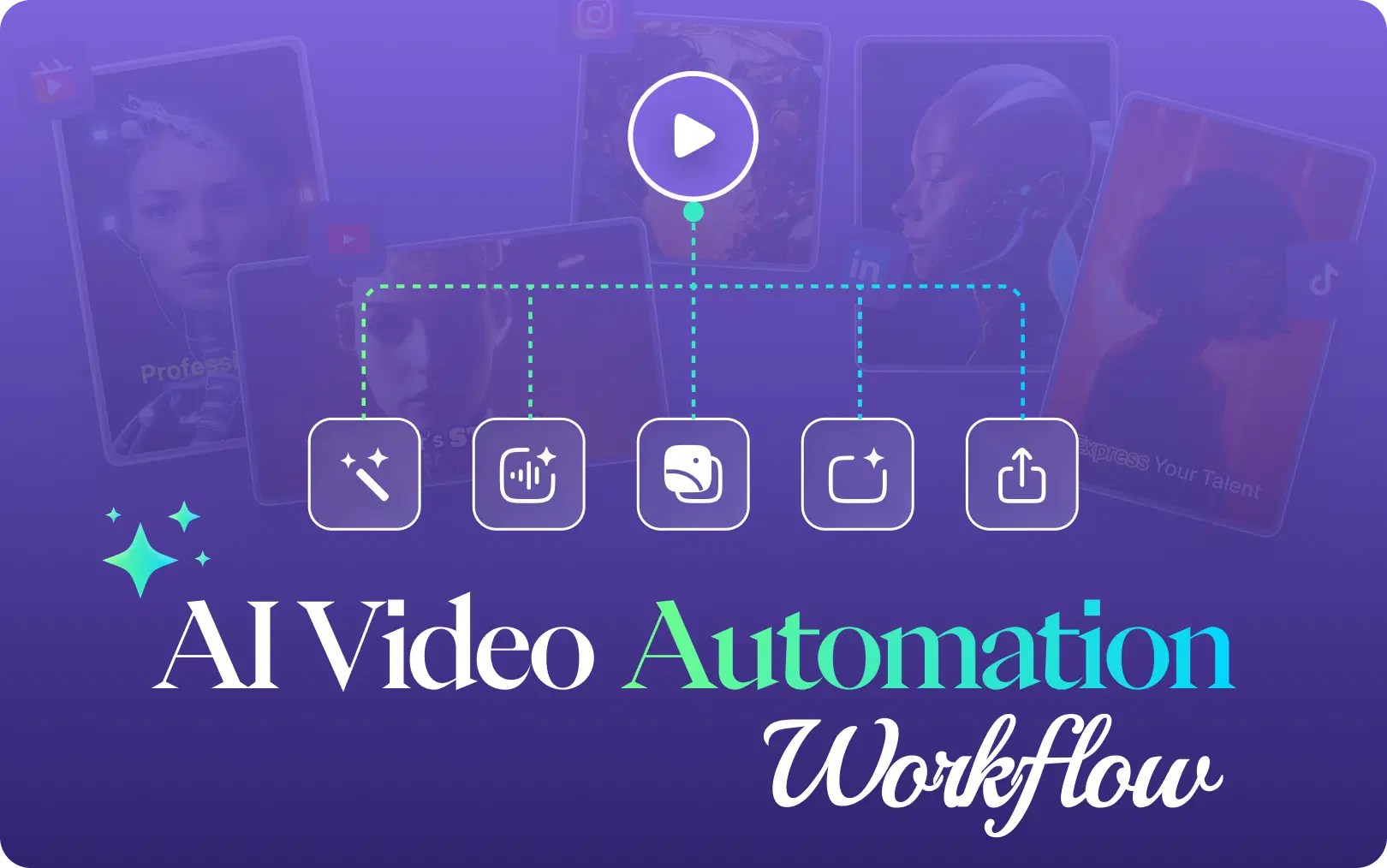
An AI video editing workflow exists to close that gap. Rather than treating editing, clipping, reframing and captioning as separate manual jobs, a connected workflow lets AI handle the repetitive processing while people stay focused on judgment calls: story, tone, accuracy, and what actually gets published. Platforms like VFX AI are built around this idea: give creators and teams one place to move from raw footage to multiple finished assets, instead of rebuilding each output from scratch.
What Is an AI Video Editing Workflow?
An AI video editing workflow is the sequence of AI-assisted and human steps that turn raw footage into finished, platform-ready video content importing the source file, using AI to assist with analysis and editing, having a person review the result, then repurposing, reframing, captioning and publishing multiple versions from that one source.
It's useful to separate a few terms that often get blended together:
- AI video editing using AI to assist with cutting, trimming, and assembling footage.
- AI video generation creating video content from text, images, or prompts, rather than editing existing footage.
- AI video repurposing turning one finished video into multiple shorter or platform-specific pieces.
- AI clip generation identifying and extracting standout moments from longer footage automatically.
- AI reel/Shorts generation the specific task of producing vertical, short-form content from that footage.
A full workflow touches all five. A workflow, not a single feature, is what actually solves the "one video becomes ten deliverables" problem.
Also Read: AI Video Workflow for YouTubers
Step 1: Import Your Footage
Every workflow starts with getting your source material into one place. That source might be a YouTube upload, a recorded podcast, a customer interview, a webinar, a product demo, a course lesson, a livestream replay, or a founder Q&A. Whatever the format, the common problem is the same: raw footage that's technically "done" but not yet usable.
Centralizing that footage matters because everything downstream depends on working from one accurate original instead of scattered versions across a laptop, a drive folder, and someone's phone.
With VFX AI, you upload your source footage and start working directly from that original file, rather than manually rebuilding every output from a copy of a copy.
Step 2: Let AI Analyze and Assist With Editing
This is where AI video editing tools tend to earn their keep. Instead of scrubbing through 45 minutes of footage by hand, AI can help identify likely highlight moments, flag sections that drag, assist with pacing, and produce an initial cut to react to rather than build from nothing.
Working from a transcript or spoken context, rather than only the raw waveform, is part of what makes this faster, the tool has some sense of what was said, not just where the silences are. VFX AI supports this kind of AI-assisted editing, including prompt-based, conversational editing, where you describe the change you want instead of manually hunting through a timeline for it.
It's worth being clear about what this replaces. AI is strongest at repetitive processing, scanning hours of footage, generating a rough cut, producing clip candidates. It's not making creative or editorial calls about what your brand should say.
Step 3: Human Review and Creative Control
This step is easy to skip in a rush, and it's the one that matters most. AI-assisted output should be treated as a strong first draft, not a final answer. A person still needs to check:
- Whether the story and context actually hold together
- Accuracy of what's being claimed or shown
- Brand tone and voice
- Pacing and visual quality
- Caption accuracy
- Whether any cut removes necessary context
- Whether there's a clear CTA and final message
This is a deliberate stage, not an afterthought. AI removes the repetitive labor of editing; it doesn't replace the judgment of someone who understands the brand, the audience, and the goal of the video. A good short clip needs context, not just a "viral" moment pulled out of sequence and that usually requires a human eye.
Step 4: Repurpose One Video Into Multiple Assets
This is where the workflow pays off. The idea is simple: create once, repurpose many times.
That single 45-minute webinar can realistically become the full-length YouTube upload, a handful of Shorts, a few Instagram Reels, TikTok clips, a LinkedIn-native cut, a quote clip, and maybe an FAQ-style short not because you edited each one separately, but because AI video repurposing identifies useful, self-contained sections in the source and turns them into short-form candidates.
This is different from simply chopping a video into equal pieces. Good repurposing looks for moments that stand on their own, a complete thought, a strong quote, a useful answer because a clip without that context rarely performs, no matter how "viral" the moment looked in isolation.
VFX AI's clip generation is built around this step specifically: turning longer footage into short-form pieces prepared for platforms like Instagram Reels, YouTube Shorts, and TikTok, without requiring each clip to be built manually from the timeline.
Step 5: Reframe for Different Platforms
A 16:9 landscape recording doesn't work as-is on a 9:16 vertical feed, simply cropping the edges often cuts off the speaker or breaks the composition entirely.
Reframing needs to account for keeping the subject visible and centered, preserving what's actually happening on screen, and avoiding crops that clip a face or key visual element. That's different for a talking-head interview than for a screen-recorded demo, which is part of why reframing isn't a single universal setting.
VFX AI includes AI reframing as part of the same workflow used for clip generation, so a landscape source can move into vertical formats without a separate manual resize pass for every clip.
Step 6: Add Captions, Hooks and Brand Elements
Most short-form video gets watched with the sound off, at least initially, which makes captions less of a nice-to-have and more of a baseline requirement. Beyond captions, many clips benefit from a text hook in the first few seconds and a recognizable visual identity, logo placement, font, color treatment, especially for a business publishing many videos across accounts.
This is another area where AI reduces the repetitive part of the job: generating captions and subtitles automatically, so a person is reviewing and adjusting rather than typing them from scratch for every clip. VFX AI supports captioning as part of the same workflow, which matters for teams trying to keep a consistent look across a high volume of short-form content.
Step 7: Export and Publish
The final stage is where editing turns into distribution: choosing the right format per platform, doing a last review pass, exporting platform-ready versions, organizing the resulting files, and publishing on a schedule.
To be clear about scope: VFX AI is not a claim that every platform gets published automatically from within the tool. What a connected workflow does is shrink the distance between "the edit is done" and "the content is live", fewer manual export steps, fewer separately rebuilt versions, less time between finishing a video and getting it in front of an audience.
Also Read: AI Video Automation Workflows
How Businesses Use an AI Video Editing Workflow
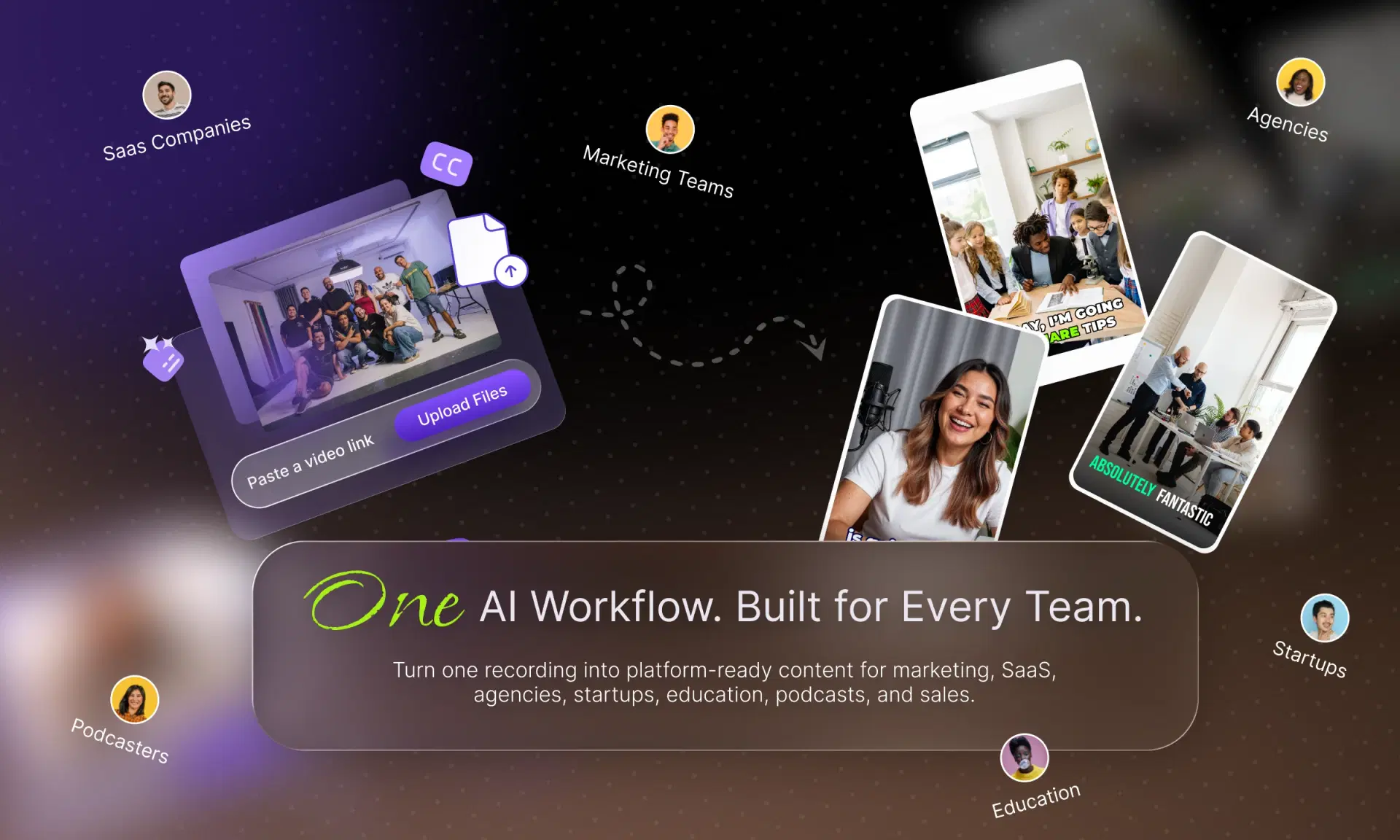
The same workflow adapts across different teams:
- Marketing teams turn webinars and product videos into a batch of social assets instead of one hero video.
- SaaS companies turn product demos into tutorials, Shorts, and feature explainers.
- Agencies produce multiple client deliverables from a single source recording.
- Startups turn founder interviews and customer stories into ongoing social content.
- Education companies turn lectures and webinars into short, discoverable lessons.
- Podcasters turn long episodes into clips built for discovery and audience growth.
- Sales teams turn demos and testimonials into short, sendable assets.
The benefit across all of these is the same: faster production, higher content output from existing footage, and more consistent publishing without recording more raw material to get there.
A Practical AI Video Editing Workflow You Can Follow
| Step | What Happens |
|---|---|
| 1. Record | Capture your source footage: webinar, interview, demo, or episode |
| 2. Import | Upload the source into one central workspace |
| 3. Analyze | AI reviews the footage and content for structure and highlights |
| 4. Edit | AI assists with an initial cut; prompt-based edits speed up changes |
| 5. Review | A person checks accuracy, tone, pacing, and context |
| 6. Generate Clips | AI identifies short-form-worthy sections automatically |
| 7. Reframe | Clips are adapted to vertical or platform-specific formats |
| 8. Caption & Brand | Captions, hooks, and brand elements are applied consistently |
| 9. Export | Platform-ready versions are finalized and organized |
| 10. Publish & Measure | Content goes live and performance informs the next cycle |
Why VFX AI Fits Into the Modern Video Workflow
VFX AI is built around the idea that editing, clip generation, reframing, and repurposing shouldn't be separate, disconnected tasks handled with different tools. Inside one workflow, VFX AI supports AI-assisted editing (including conversational, prompt-based editing), automatic clip generation, AI reframing for different aspect ratios, and captioning the pieces that, done manually, are what actually slow a team down between finishing a recording and publishing from it.
The goal isn't to replace editorial judgment. It's to remove the repetitive parts of the process so the people doing that judgment spend their time reviewing and directing, not scrubbing timelines and rebuilding the same clip nine different ways.
Ready to turn your existing footage into more content? Try VFX AI and build a faster AI-driven video editing workflow.