Introduction
Whether you're a solo YouTuber, a social media manager, or a marketer trying to squeeze more ROI out of every recording, this guide will walk you through exactly what generative AI video is, how it works, and why it's the biggest shift in video production since the smartphone.
What Is Generative AI Video?
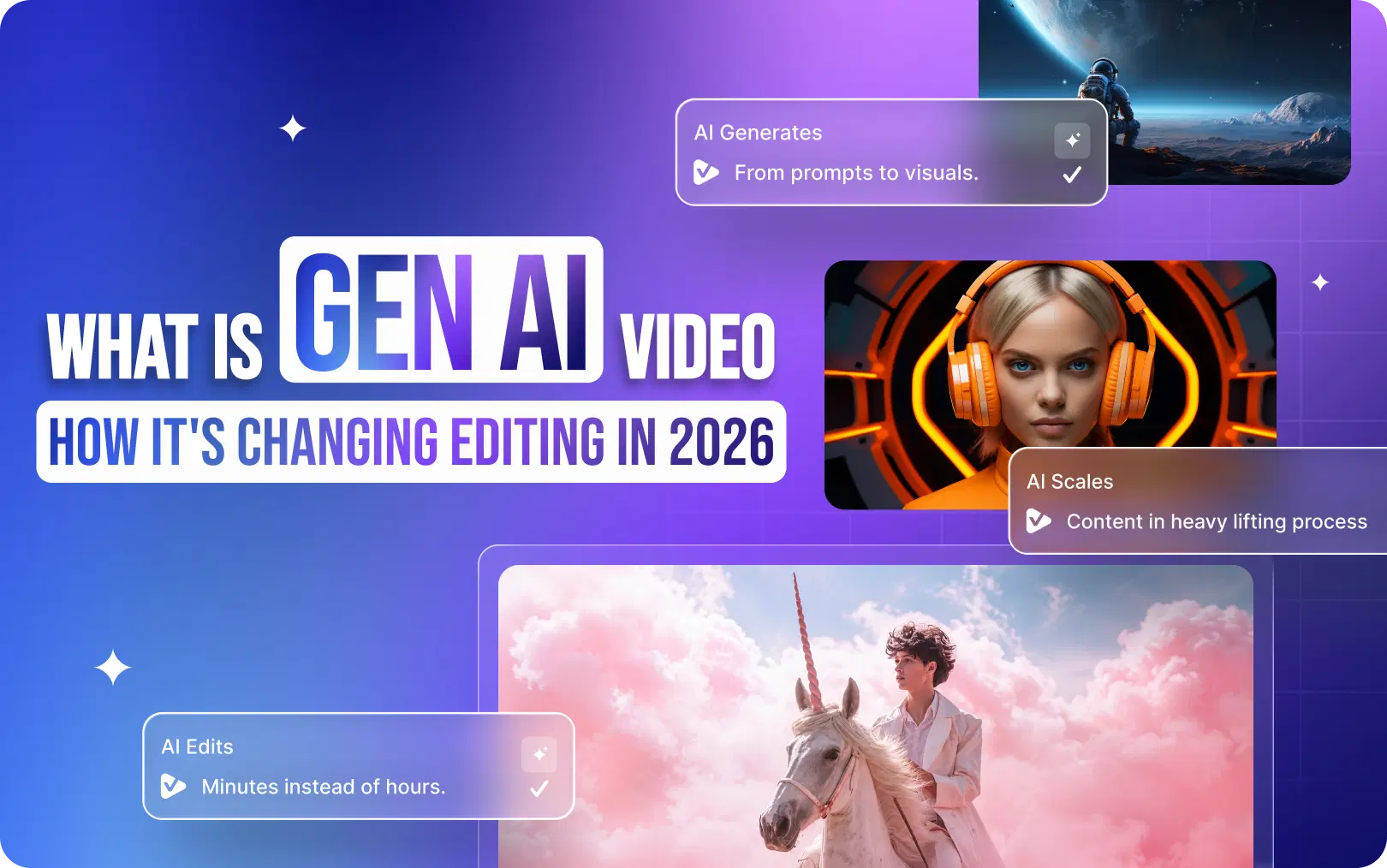
Generative AI video refers to artificial intelligence systems that can create, edit, enhance, and repurpose video content, often with minimal human input. Unlike older AI that could only identify objects in a frame or apply a single filter, generative AI can understand context, generate new content, and make creative decisions that previously required a skilled editor.
Think of it this way: traditional software tools are like a very precise set of scissors. Generative AI is more like a collaborator who watches your raw footage, understands the story you're trying to tell, and hands you a polished cut.
Generative AI vs. Traditional AI: What's the Difference?
Traditional AI in video was mostly about classification, face recognition, scene detection, and content tagging. It reacted to what existed.
Generative AI goes a step further. It synthesizes. It creates new outputs from learned patterns. That's why it can write captions it's never seen, generate a B-roll suggestion based on your topic, or turn a 45-minute podcast into five platform-ready clips; automatically.
The Technologies Behind It
- Large Language Models (LLMs): Understand the spoken or written content in your video, transcribe it, summarize it, and extract highlights.
- Computer Vision: Analyze what's happening visually, detect faces, movement, scene cuts, and emotional beats.
- Diffusion Models: Generate new visual content from descriptions or modify existing footage at the pixel level.
- Multimodal AI: Combine audio, text, and video signals to make holistic editing decisions like Google DeepMind's Gemini models or OpenAI's Sora.
Together, these technologies form the backbone of modern AI-driven video editing tools like VFX AI.
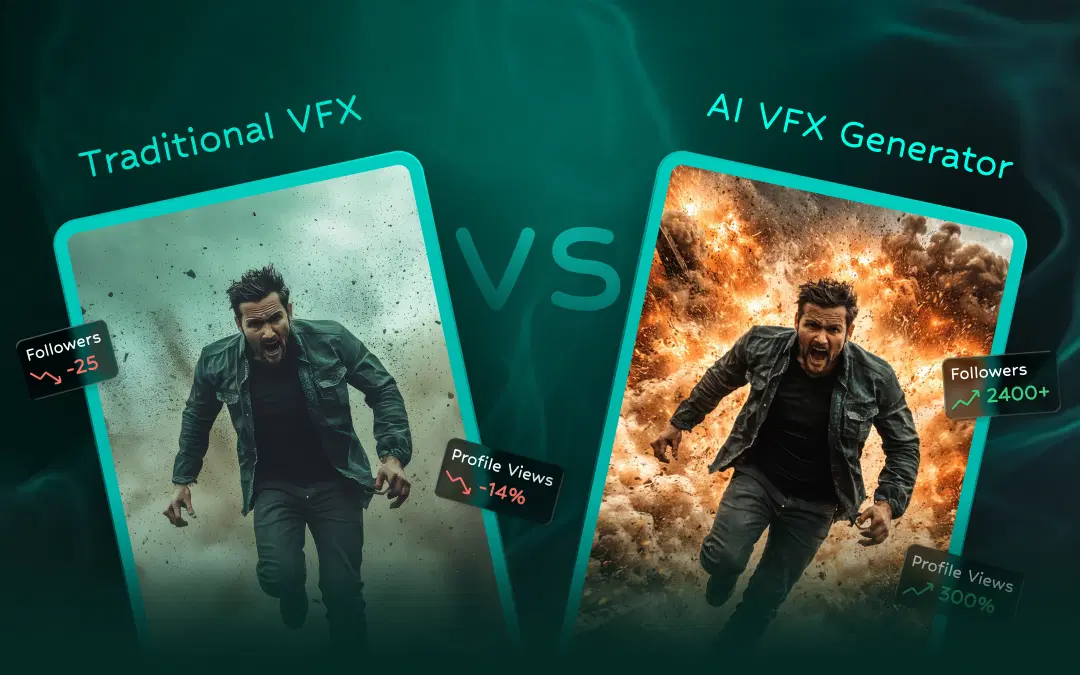
Also Read: Traditional VFX vs AI VFX Generator
How Does Generative AI Create (and Edit) Videos?
When you upload a video to an AI video editing platform, here's roughly what happens behind the scenes:
- Transcription & analysis: The AI transcribes the audio, identifies speakers, and detects sentiment.
- Scene & moment detection: Computer vision scans every frame for high-energy moments, speaker emphasis, visual hooks, and scene changes.
- Highlight scoring: Each segment gets a relevance score based on engagement signals, emotion, pacing, and keyword density.
- Clip generation: The AI assembles the highest-scoring moments into short clips, auto-cropped for each platform.
- Caption & subtitle overlay: Captions get synced frame-accurately and styled automatically.
- Export & optimization: Output files are resized, compressed, and formatted for YouTube Shorts, Instagram Reels, TikTok, and LinkedIn simultaneously.
The whole process that would take a human editor 3–5 hours can happen in minutes. That's not exaggeration, it's the reality for creators using tools like VFX AI today.
How Generative AI Video Is Changing Editing
Let's break down the specific capabilities that are transforming workflows for creators at every level.
Faster Editing: AI compresses hours of manual timeline work into a single click from rough cut to export-ready in minutes.
AI Auto-Cropping & Smart Reframing: Smart reframing detects the active speaker and dynamically crops landscape footage to a 9:16 vertical frame-perfectly. No more manually guessing where to crop for Reels or Shorts.
AI Highlight Detection: AI identifies the most engaging 30- to 60-second moments from long recordings, optimized for short-form platform performance.
Automatic Subtitle Generation: Word-level caption generation with custom fonts, animations, and speaker labels, no manual syncing needed. Studies consistently show that captions increase watch time and accessibility across all platforms.
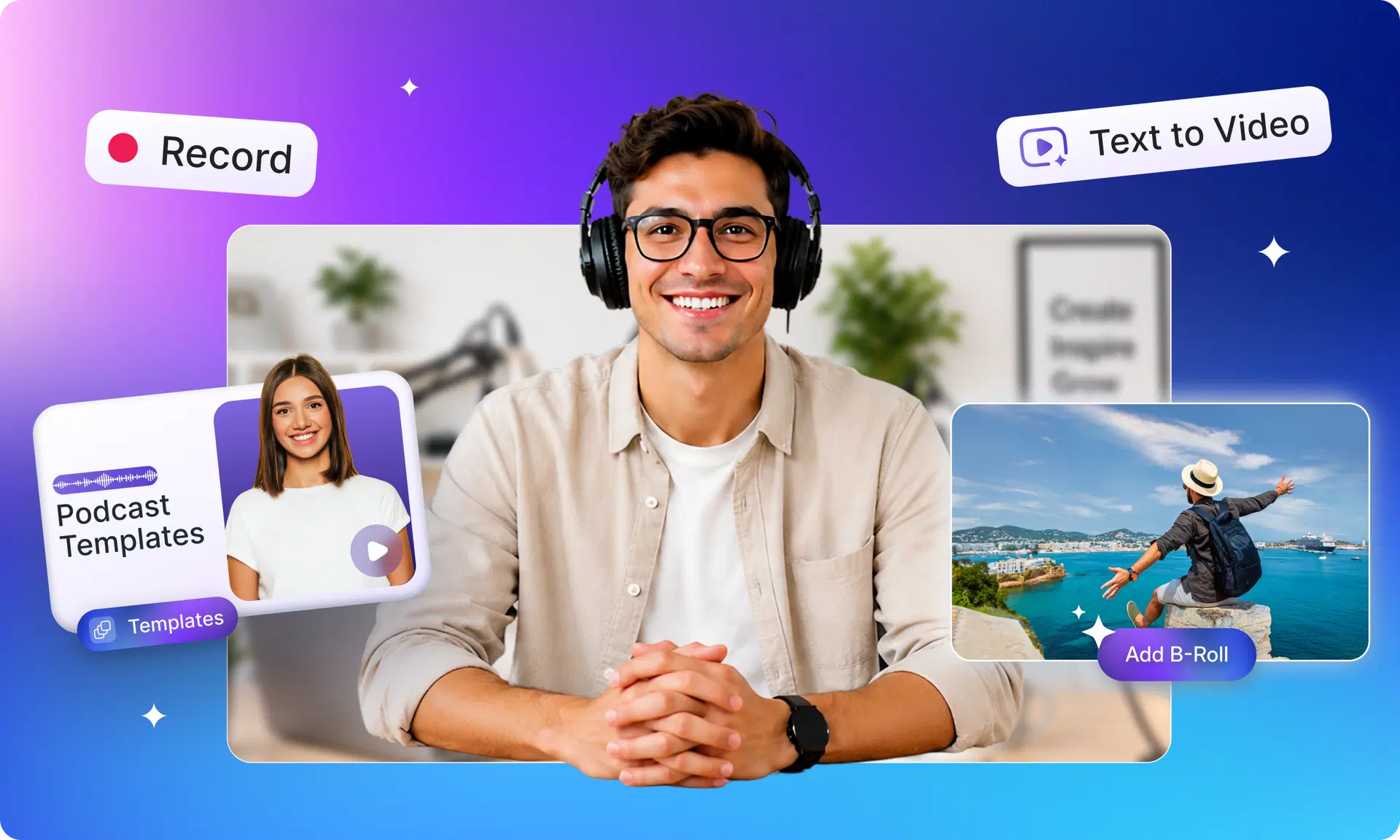
AI B-Roll Suggestions: AI recommends and inserts contextually relevant B-roll footage based on what's being discussed on screen, no stock footage hunting required.
AI Content Repurposing: One long video becomes a full week of platform-native content: Shorts, Reels, TikToks, and LinkedIn clips, automatically formatted and exported.
AI Voiceovers & Background Removal: Modern AI video tools can generate realistic voiceovers in multiple languages video tools can generate realistic voiceovers in multiple languages and remove or replace video backgrounds without a green screen.
One-Click Social Media Optimization: AI video editors like VFX AI can take a single export and simultaneously prepare versions optimized for YouTube, Instagram Reels, TikTok, and LinkedIn, with correct aspect ratios and safe zones, all handled automatically.
Also Read: Best AI Video Editor for YouTube in 2026
Creator Workflow: One Recording, a Full Week of Content
The creators winning right now aren't working harder; they're using AI to multiply everything they already record.
Here's a perfect example. A YouTuber records a 25-minute interview about productivity habits.
Without AI, the raw footage sits in a folder for three days while they find time to edit. With AI, in about 20 minutes of setup, that single recording becomes:
- 1 full-length YouTube video (edited, captioned, chapters added)
- 6 to 8 YouTube Shorts pulled from the most quotable moments
- 5 Instagram Reels with animated captions and vertical reframing
- 2 to 3 LinkedIn video clips with professional framing
The same interview. The same 25 minutes of footage. Turned into multiple pieces of platform-native content, all without hiring an editor or agency.
By the numbers:
- 85% reduction in editing time reported by AI video tool users
- 10× more content produced from the same raw footage
- 3 minutes average time to generate a short clip with AI
- $0 to start with a free AI video editor like VFX AI
Traditional Editing vs. Generative AI vs. VFX AI
| Feature | Traditional Editing | Generic AI Tools | VFX AI |
|---|---|---|---|
| Editing Speed | 3-8 hours/video | 30-60 min | 5-20 min |
| Learning Curve | High (months) | Medium | Very low |
| AI Highlight Detection | ✕ | Partial | ✓ |
| AI Clip Generation | ✕ | Basic | ✓ Advanced |
| Auto Captions | ✕ (manual) | ✓ | ✓ Styled |
| Smart Reframing | ✕ | Partial | ✓ Speaker-tracked |
| Multi-platform Export | Manual | Some | ✓ All platforms |
| Content Repurposing | ✕ | Basic | ✓ Full workflow |
Why Creators Are Switching to AI Video Editing
1. It Dramatically Cuts Costs
Hiring a freelance video editor runs anywhere from $30–$150+ per hour. AI video tools like VFX AI provide comparable outputs at a fraction of the cost, making professional-quality content accessible to solo creators and small businesses for the first time.
2. It Makes Consistency Effortless
AI applies your brand fonts, caption styles, and formatting preferences automatically every time. No more wondering whether today's reel matches last week's branding.
3. It's Genuinely Beginner-Friendly
You don't need to understand timelines, keyframes, or color theory. Upload your footage, let the AI process it, review the output, and publish.
4. It Scales With You
Whether you're publishing one video a month or twenty, AI-powered video editing doesn't require proportionally more time. The workflow stays the same; only the volume changes. That's a meaningful competitive advantage for growing channels and marketing teams alike.
5. It Improves Content Performance
AI-generated clips aren't random cuts; they're selected based on engagement signals. Highlight detection trained on platform data tends to surface moments that actually perform, which is why many creators report higher watch time and completion rates on AI-generated clips vs. manually edited ones.
Six Practical Tips for Getting Started with AI Video Editing
- Start with quality footage. AI can do a lot, but it can't fix severe audio issues or badly lit video. Give it something solid to work with.
- Let AI handle the repetitive. Captioning, cropping, and resizing are time-consuming. Offload them immediately and save hours every week.
- Always review AI edits. Treat AI output as a first draft. A quick 10-minute review catches any context errors before they go live.
- Keep your brand voice consistent. Set your caption fonts, colors, and preferred clip length once; AI tools like VFX AI will apply them to every export automatically.
- Repurpose everything. Never publish just one piece from a recording. Every long video has at least 5–8 strong short-form moments waiting to be found.
- Combine creativity with automation. Use AI for the mechanical, your judgment for the strategic. The best results come from the two working together, not AI alone.
Generative AI video isn't replacing creativity; it's giving creators more time to be creative. If you want to edit smarter, repurpose content faster, and publish more consistently, try VFX AI. Experience AI-driven editing, automatic clipping, subtitles, smart reframing, and social-ready exports: all in one platform.