Introduction
Selecting the perfect AI video editor will help you to automate the process of doing what you don't love and allow you to continue with what you love the most: teaching. The best example of AI software for this case is VFX AI, which turns your long-form videos into social media assets in seconds.
AI Video Editors For Course Creators
Let's be real: being an educator, you are a walking textbook. However, a walking textbook should not spend 80% of its time doing manual tasks. Having an AI video editor is no longer a nice-to-have; rather, it's an absolute must-have for any creator.
Here's why:
Insanely Faster Workflow: Imagine editing a full course lesson in minutes, not hours. AI tools automatically detect and remove silences, filler words, and awkward pauses, giving you a clean first draft instantly.
Effortless Repurposing: That one-hour Zoom class? An AI clip generator can automatically find the 10-15 most engaging, viral-worthy moments and turn them into ready-to-post Instagram Reels, YouTube Shorts, and TikToks.
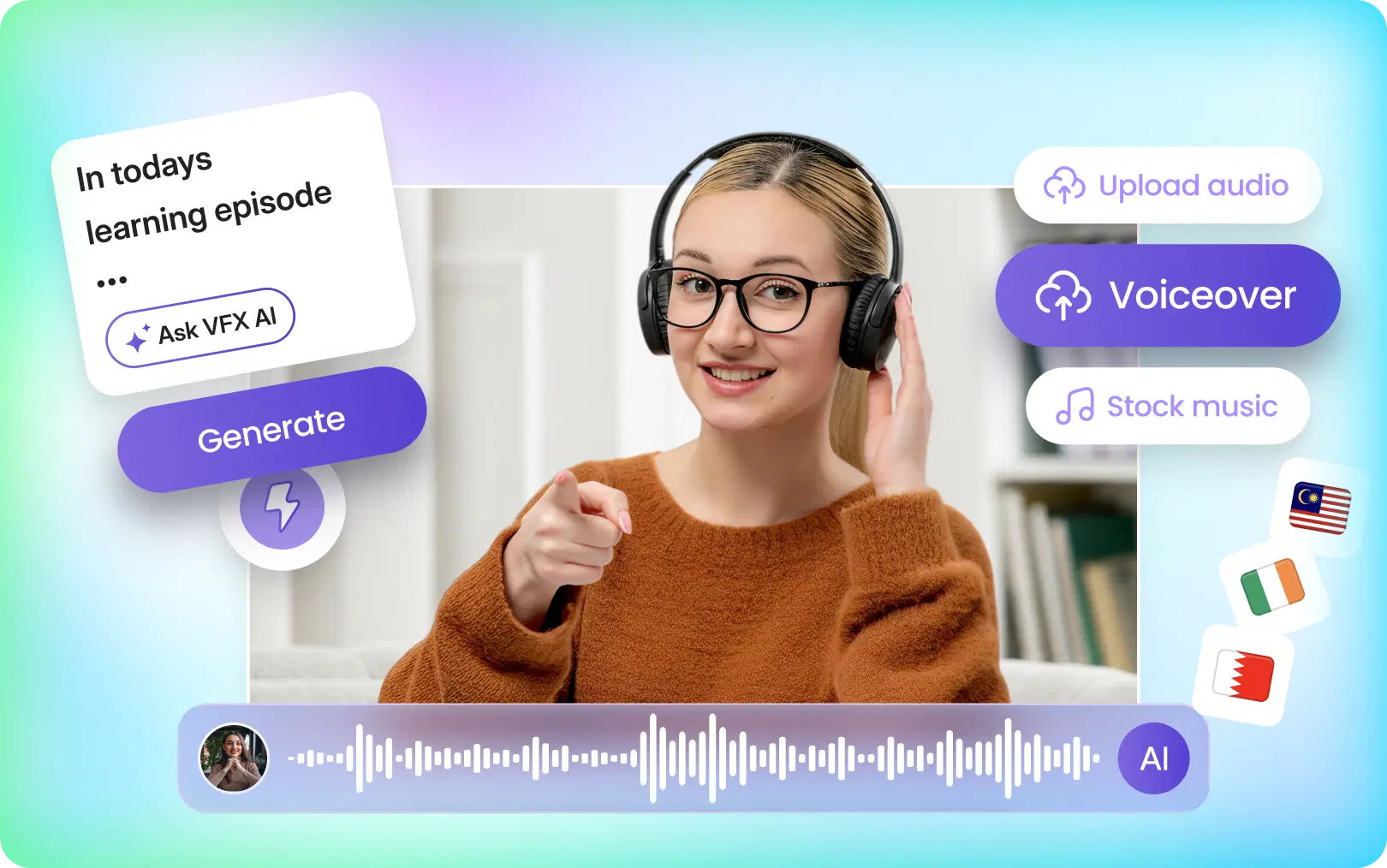
Automatic Captions: With most social videos viewed on mute, captions are non-negotiable. An AI can transcribe and add accurate, stylized subtitles in seconds, boosting accessibility and engagement.
Scaling Your Content (and Growth): More content means more touchpoints with your audience on Instagram, YouTube, and LinkedIn. AI helps you post consistently without burning out, which is the key to building an audience and selling more courses.
Better Engagement: AI tools can identify the “hook” moments in your videos that are most likely to grab attention, helping you create more engaging short-form content that stops the scroll.
For online instructors, this means turning every lesson into a marketing opportunity. For coaches and consultants, it means making your free webinars work harder for you.
Also Read: Beyond Viral Clips
What Makes the Best AI Video Editor?
Not every tool marketed as AI editing software is actually useful for educators. The best tools save time and improve output.
What should you look for in an AI video editor?
If you want the best AI video editor for online courses, look for these core features:
- Auto-clipping from long videos
- Automatic subtitle generation
- Social-ready aspect ratios
- Fast rendering
- Clean, beginner-friendly workflow
- Templates for reels and shorts
- AI cuts that remove filler
- Voice cleanup or speech enhancement
- Multi-platform export options
For course creators, the real test will be: can it help you edit educational videos faster using AI and turn a single recording into multiple assets?
Can AI edit videos automatically?
Yes, modern AI editing software can perform “AI cuts” by removing silences, analyzing your transcript to find key moments, and framing shots to look good on vertical platforms like Instagram Reels. This automates the most time-consuming parts of the editing process.
Is there a free AI video editor without a watermark?
Many tools offer free trials or basic tiers. While a completely free AI video editor with no watermark for unlimited use is rare, platforms like VFX AI offer free options to test the features and see the value before committing. Always check the export policies on free plans.
Which AI editor is best for reels?
The best AI reel maker is one that understands educational content. It should be able to take a long lecture and find short, valuable tips, not just random clips. Look for a video reel maker that offers templates, automatic captions, and fast rendering specifically for social media.
Top features to demand:
- Auto Clipping: The AI finds the best parts for you.
- Accurate Subtitle Generation: Creates captions automatically.
- Multi-Platform Exports: Easily formats for Reels, Shorts, and TikTok.
- Voice Cleanup: Removes background noise for crisp audio.
- Fast Rendering: Your videos are ready in minutes.
Why VFX AI is the Best AI Video Editor for Course Creators
While many tools claim to use AI, VFX AI is built from the ground up with educators' and coaches' needs in mind. It's more than just an editor; it's a content repurposing engine designed to make you a more efficient creator.
Here's what makes VFX AI the top choice:
It Turns Long Videos into Viral Shorts, Automatically. Upload a course lesson, a coaching call, or a webinar. VFX AI's AI reel generation analyzes the entire video and presents you with a dozen or more high-potential clips. For a language teacher, it might pull out a 30-second grammar tip. For a finance creator, it could tell a key investing mistake to avoid.
The Workflow is Genuinely Beginner-Friendly. You don't need a background in video production. The interface is intuitive. You upload the AI clips, you review and make minor tweaks, and you export. That's it. This makes it one of the best AI tools for educators who are experts in their field, not in Adobe Premiere Pro.
It Optimizes for Social Media Engagement. VFX AI doesn't just cut your video; it reframes it for vertical viewing, adds engaging captions, and helps you create content that algorithms love. It's an Instagram reel maker and YouTube Shorts generator in one. Fitness trainers can turn a 45-minute workout into ten different exercise tutorials for social media.
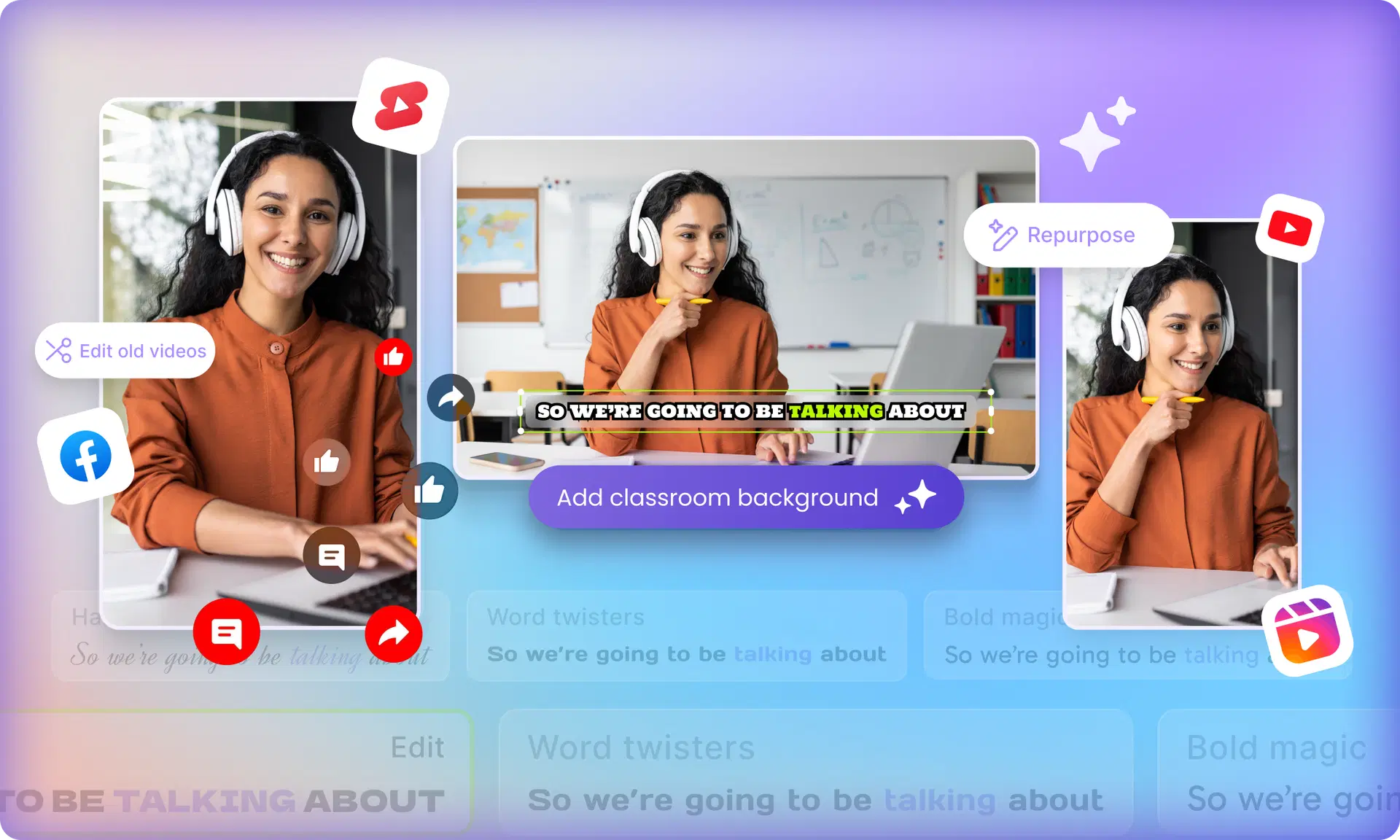
Content Repurposing is its Superpower. The core mission is to help you “create once, post everywhere.” That hour-long podcast interview can become:
- 10-15 Instagram Reels
- 5-7 YouTube Shorts
- Several engaging LinkedIn video posts
- A handful of TikTok clips
VFX AI is the best AI video editor for online courses because it understands that your existing content library is a goldmine waiting to be tapped.
Best Use Cases for AI Video Editing in Education
Wondering how to put this into practice? Here are some simple, high-impact ways creators are using AI video editing.
Turn webinars into Instagram reels
Got a 90-minute marketing webinar? Use an AI clip maker for webinars to extract every question, tip, and key takeaway as a separate, sub-60-second reel. Add captions, a headline, and you have a week's worth of content.
Create course trailers using AI
Upload a few of your best lesson modules and let the AI find the most compelling “hook” moments. Stitch them together to create a powerful trailer that shows off the value of your course without manual editing.
Generate YouTube Shorts automatically
YouTube is heavily promoting Shorts. As a YouTube educator, you can repurpose your existing long-form guides and tutorials into vertical Shorts to attract a new audience and drive them to your main channel.
Make educational reels faster
Instead of planning, shooting, and editing reels from scratch, just talk about your topic for 10 minutes. Then use an AI short-video maker for classes to pull out the best parts. Problem solved.
Also Check: AI Clip Generation: How AI Identifies Viral Moments in Your Videos
Tips to Create Better Course Videos Using AI
Using an AI video editor is step one. Here's how to maximize your results:
- Keep Hooks Short: Even with AI, your first 3 seconds matter most. Start with a question or a bold statement.
- Add Captions Every Time: Use the automatic subtitle generator for courses to make your content accessible to everyone.
- Embrace Vertical Content: Optimize your repurposed clips for the mobile-first experience on Instagram, TikTok, and YouTube Shorts.
- Repurpose Every Lesson: Don't let your course videos sit on your server. Every module contains dozens of potential social media posts.
- Use AI Clipping Tools Strategically: Review the clips the AI suggests and consider which would make great standalone tips for social media.
For course creators in 2026, video editing is no longer just about polishing lessons. It's about building a repeatable content engine. The right AI video editor , online free or paid tool, can help you save time, scale faster, and turn every webinar, lesson, or class into multiple growth assets.
VFX AI makes the process easier by combining AI clipping, captions, repurposing, and social-ready editing into a single beginner-friendly workflow. If you want to edit educational videos faster with AI and publish more consistently, it's a smart choice.
Try VFX AI and turn your course content into engaging videos and reels faster than ever.