Make every video easy to follow
Add titles, labels, and lower thirds that guide viewers, highlight key ideas, and keep your story clear even when they're on mute. Help viewers quickly understand key points and context.
Overlay titles, captions, and animated text on any video in seconds. Use AI to automatically add text to video, apply branded text styles, and keep everything readable across platforms. Create clear, engaging videos that communicate your message effectively on every screen.
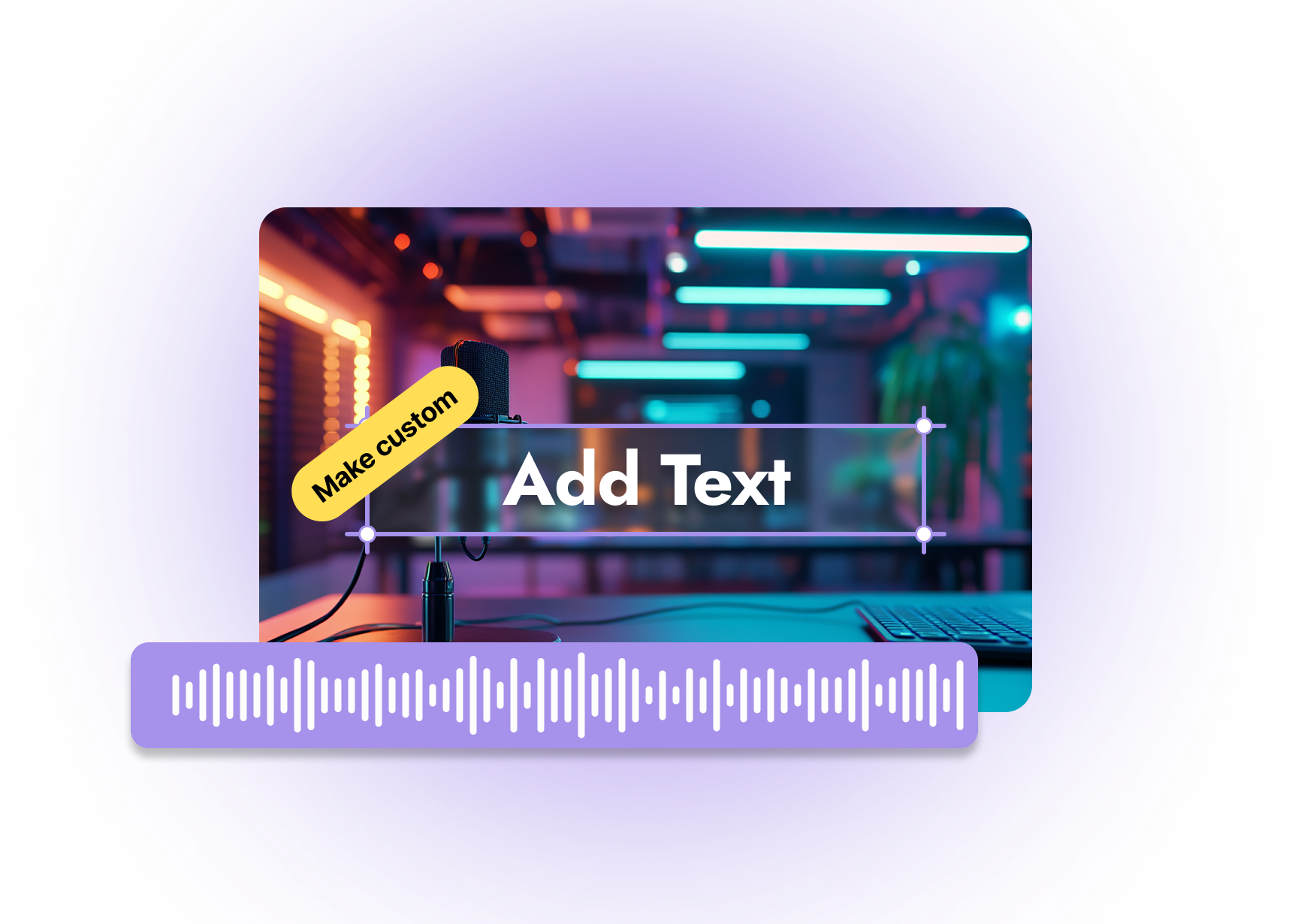
Built with world-class AI and cloud technology
Text is how you add context, calls to action, and accessibility to your videos, but doing it manually is slow and inconsistent. AI text to video makes it easy to add on-brand, readable text overlays that upgrade every frame.
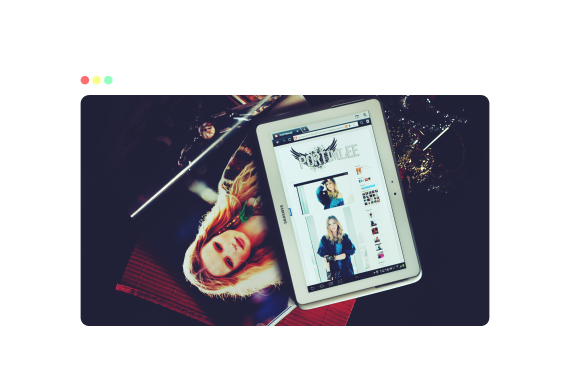
Add titles, labels, and lower thirds that guide viewers, highlight key ideas, and keep your story clear even when they're on mute. Help viewers quickly understand key points and context.
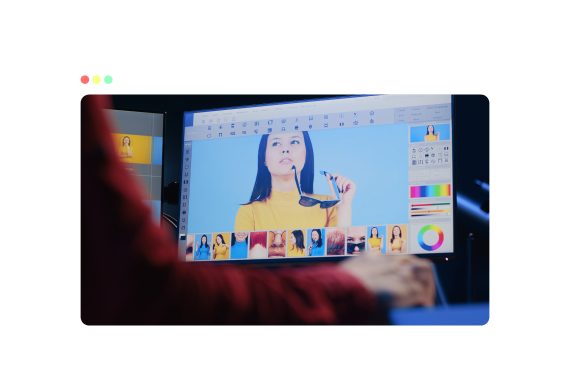
Save fonts, colors, and different text styles so every video matches your brand without having to rebuild designs from scratch. Ensure consistent branding across all videos and campaigns.
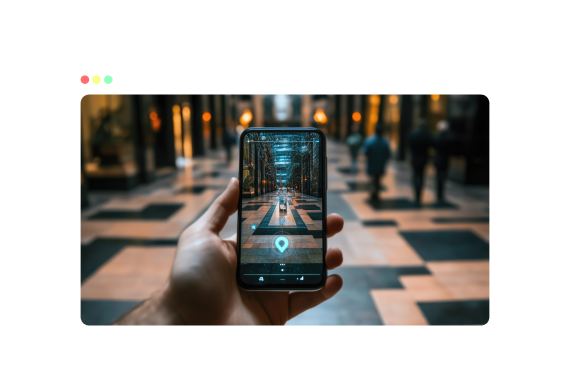
Use safe-zone-aware layouts so your text stays visible behind UI elements on TikTok, Reels, Shorts, stories, and any platform. Keep text readable across different screen sizes and layouts.
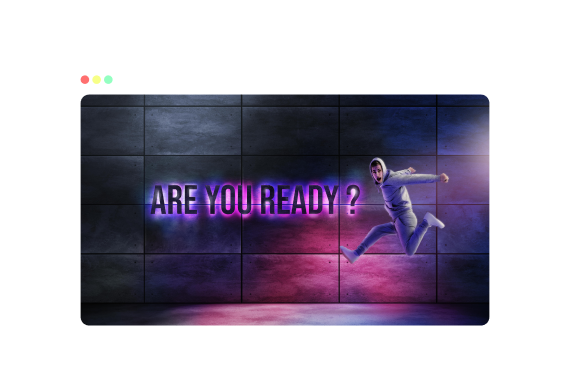
Generate captions with AI, then layer headlines and CTAs on top to keep your videos accessible and conversion-focused throughout. Boost accessibility while improving engagement and viewer retention.
Learn how to add and style text overlays using an AI workflow built for speed and consistency.
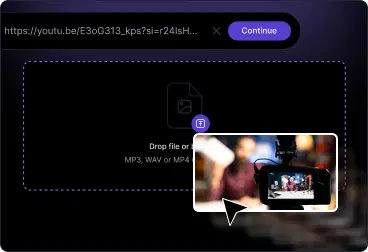
Upload from your device, paste a link, or import from your library. AI analyzes the audio and visuals, so your text and captions snap into place automatically.
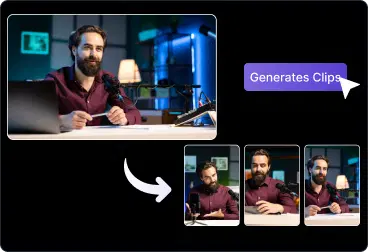
Click to add headings, subheadings, and labels. Choose fonts, colors, animations, and positions, or apply a saved brand preset in one click using VFX AI Editor.
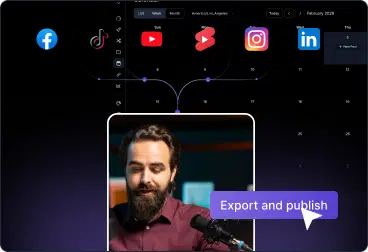
Export platform-ready videos with proper animated text or layered captions, then publish directly to YouTube, TikTok, Instagram, LinkedIn, or your website.
Turn any video into a clear, branded story viewers can follow instantly, on mute, on mobile, and in-feed.
Add bold hooks, overlays, and CTA text to grab attention in the first seconds.
Use step labels, feature callouts, and annotations to make complex topics simple.
Add deadlines and brand messages so viewers know exactly what to do next.
Add takeaways so teams and customers can revisit the parts they need.

Everything you need to add professional text without complex motion design.
AI auto-captions with editable text layers
Headings, lower-thirds, labels, and CTAs
Brand fonts, colors, and styles you can reuse
Safe-zone guides for TikTok, Reels, Shorts
Text animations and transitions for emphasis
Timeline controls for text timing and overlays
Answers about titles, captions, overlays, branding, and auto-captions in VFX AI.

