Introduction:
So can AI edit videos while preserving manual control? Yes, as long as your editor treats AI output as a draft you can change, not a finished file you have to accept. Read the full blog to learn in detail how AI can edit videos while preserving manual control.
Can AI Edit Videos While Preserving Manual Control?
Yes, many AI-assisted video editors combine automation with manual editing. AI handles repetitive work like transcription, pause removal, and captions, while you keep control of the timeline and can review, undo, or adjust every change. How much control you get depends on the tool, so check before you commit.
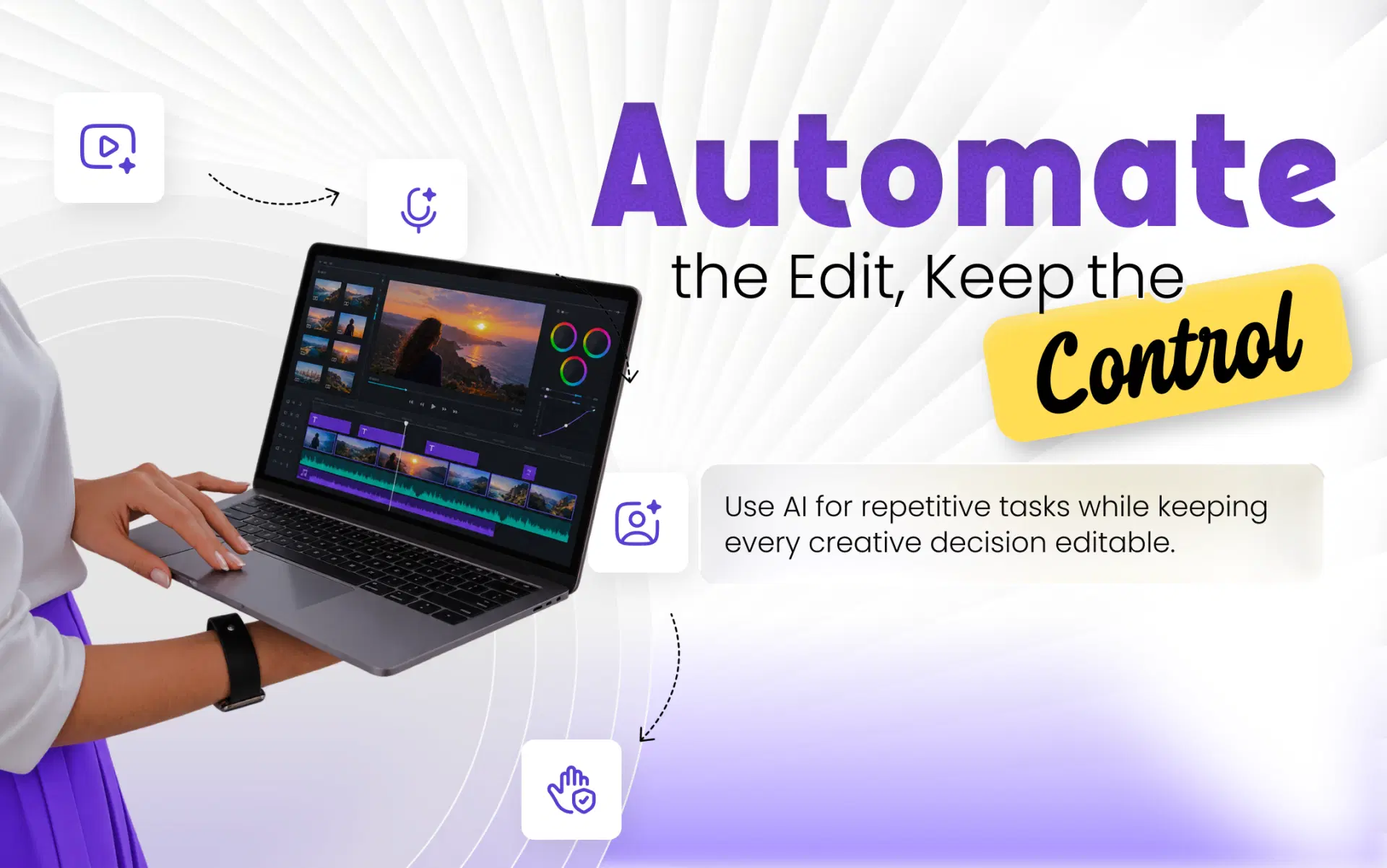
The key difference is between tools that hand you a finished video and tools that give you a starting point inside an editor. The second approach, often called human-in-the-loop editing, lets AI do the groundwork and leaves the decisions with you.
Also Read: How We Converted a 90-Minute Video into 8-10 Shorts Instantly
How Does AI Video Editing Work?
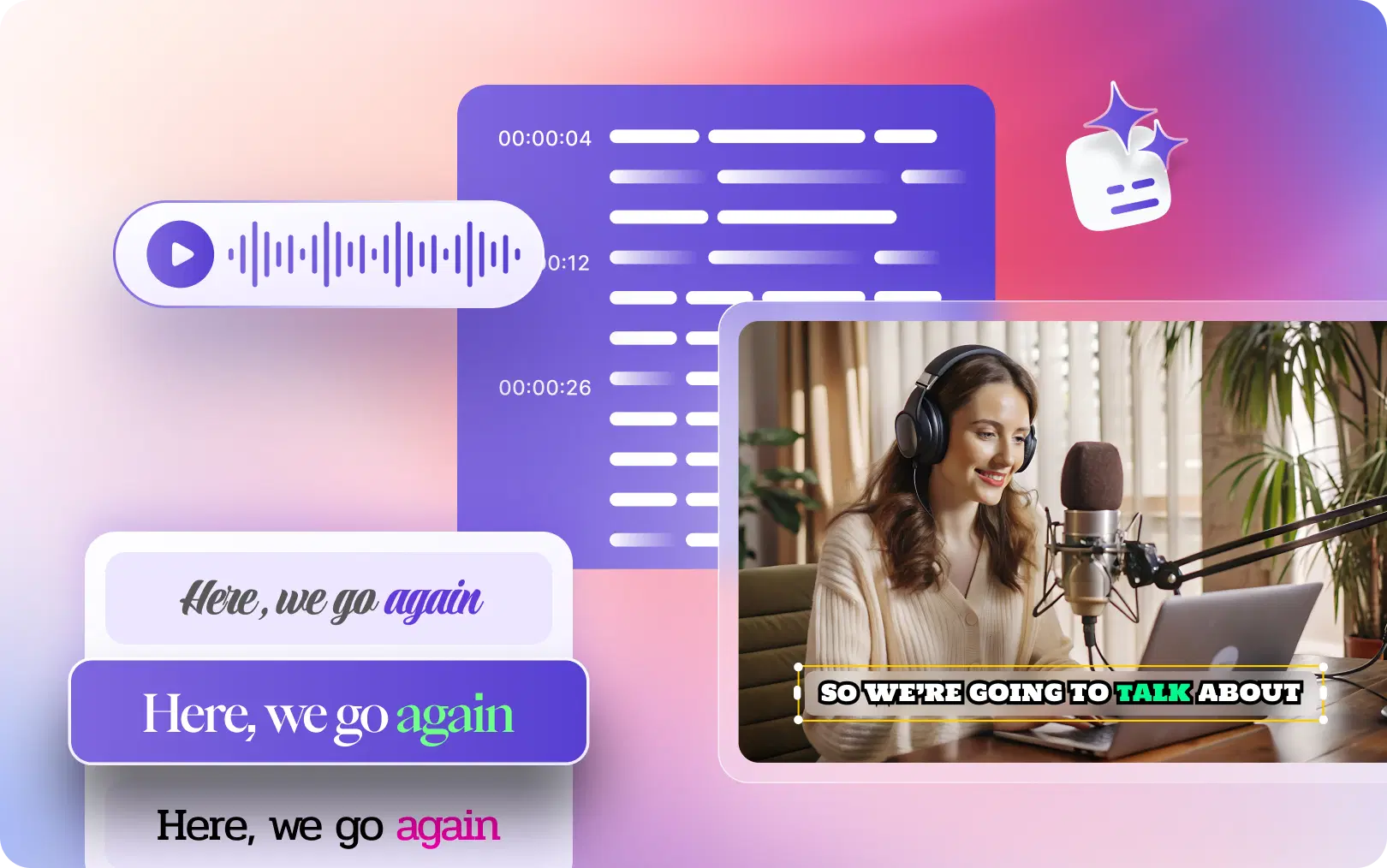
Most AI video editing starts with the audio. The software transcribes what was said and matches each word to its position on the timeline.
With that, it can find silences and filler words like "um" and suggest cutting them, or turn the transcript into captions. Some tools let you edit the video by editing the text, so deleting a sentence removes that part of the clip. Others use visual analysis to keep a speaker in frame when converting a 16:9 recording into a 9:16 vertical clip.
None of this means the AI understands your intent. It recognizes patterns: a gap in speech, a repeated word, a face in the frame. That's why it handles mechanical tasks well, and judgment calls poorly.
Which Video Editing Tasks Can AI Automate?
AI is good at finding things. You're better at deciding what they mean. A pause might be dead air, or the beat that lets a point land. Only you know which.
| Editing task | How AI can help | Where manual control matters |
|---|---|---|
| Removing pauses and filler words | Detects silences and filler words across the whole recording | Keeping natural pauses, emphasis, and comic timing |
| Transcription | Produces a time-coded transcript quickly | Correcting names, jargon, and misheard words |
| Captions | Generates synced captions from the transcript | Fixing errors, line breaks, styling, and placement |
| Rough cuts | Suggests sections to trim or remove | Protecting context, setups, and the story arc |
| Resizing and reframing | Converts between aspect ratios and keeps the subject in view | Checking that faces, on-screen text, and products stay in frame |
| B-roll and overlays | Suggests or places supporting visuals (varies by tool) | Making sure visuals match what's being said |
| Audio | Helps balance voice and music (varies by tool) | Final mix, music choice, and sound effect timing |
| Pacing and story | Limited help | Almost entirely a human decision |
The rule of thumb: automate what's repetitive and rule-based, then review anything that affects meaning.
Also Read: The Secret to Scroll-Stopping Social Media Videos
How to Use AI for Video Editing Without Losing Creative Control
The exact steps depend on your software, but the principle holds: let AI draft, then make the final decisions yourself.
- Import your footage. Use an editor that has both AI tools and a timeline, and keep the original file.
- Let AI assist with repetitive tasks. Run transcription, filler-word and pause detection, and auto-captions. Treat the results as a first draft.
- Review suggested edits. Look for removed sentences that a later point depends on, or cuts that make the speaker sound clipped.
- Refine cuts, timing, captions, and framing. Restore what matters, tighten what still drags, fix caption errors, and check framing in every aspect ratio you'll publish.
- Check the audio and visual quality. Listen for abrupt jumps where pauses were removed, and check music levels against the voice.
- Export and review the final video. Watch the full export on the kind of device your audience uses. Errors that hide in the editor often show up on a phone.
For a wider view of how these steps fit into a full production pipeline, see our complete AI video editing workflow.
AI Video Editing vs. Traditional Manual Editing
Neither approach wins everywhere. They're good at different things, and many creators end up using both.
| Factor | AI-assisted editing | Traditional manual editing |
|---|---|---|
| Speed | Fast for repetitive cleanup and first drafts | Slower, since every cut is made by hand |
| Precision | Good at finding patterns, but can misjudge context | As precise as the editor's skill and time allow |
| Creative flexibility | High when the tool includes a manual timeline, low in fully automatic tools | Full flexibility |
| Repetitive tasks | Handles them well, even across many videos | Time-consuming and tedious |
| Learning curve | Usually gentler, especially with transcript-based editing | Steeper, depending on the software |
| Human involvement | Review and refinement | Every decision |
A hybrid editor gives you the speed of the first column and the control of the second. That's the combination worth looking for.
How VFX AI Combines AI Assistance With Manual Editing
VFX AI's AI video editor with manual controls is built around this hybrid model: a full editing timeline paired with AI tools for repetitive work.
- Timeline editing. Cut, trim, split, and arrange clips, add transitions, and manage layers and timing. VFX AI describes this as frame-level control.
- AI-assisted cleanup. AI can remove filler words and pauses and add captions.
- Transcript-based editing. Remove filler words, pauses, or whole sentences by editing the transcript, and the changes appear on the timeline, so you can see exactly where each cut landed.
- Caption and text editing. Adjust captions and on-screen text, including style, font, animation, and layout.
- Aspect ratio and layout control. Switch between 9:16, 16:9, 1:1, and 4:5, and choose fill or fit layouts.
- Audio, B-roll, and branding. Add music and voiceovers, adjust audio levels, and use B-roll, overlays, and a Brand Kit.
A podcaster, for example, could let AI strip filler words from a 30-minute episode, then restore a pause before a key point, correct a guest's name in the captions, and check that both speakers stay in frame in the vertical version. AI handles the tedious part. The creator makes the calls that shape the episode's feel.
If this is your first time using a tool like this, our beginner's guide to AI video editing walks through a first edit step by step. You can also learn more about VFX AI and the rest of the platform.
What Are the Limitations of AI Video Editing?
AI editing is useful, but not reliable enough to publish unchecked.
Transcripts get things wrong. Names, brand terms, accents, and jargon are common trouble spots. Since captions and transcript-based cuts both rely on the transcript, one error can spread into both.
Captions can change the meaning. The W3C's accessibility guidance on captions and subtitles says automatic captions usually need significant editing, and shows how a dropped "not" can reverse an instruction.
Cuts can remove context. AI sees a pause or a tangent, not the reason it's there. A trimmed setup can break a punchline.
Framing isn't always right. Automatic reframing usually follows the main face and can miss a second speaker, a product demo, or text on a whiteboard.
Taste is still yours. Pacing, tone, music, and what to leave out are creative decisions AI can't make for your audience.
The fix is the same for all of these: review before you publish. Speed only helps if what goes out is accurate, the same people-first standard Google describes in its guidance on creating helpful, reliable content.
Must read: 10 Best AI Video Editing Software for Beginners in 2026
Who Should Use an AI Video Editor With Manual Controls?
- YouTubers and podcasters who record long, talk-heavy content and spend hours on cleanup.
- Social media managers who turn one video into several platform formats every week.
- Marketing teams and businesses that produce webinars, demos, and explainers regularly and need consistent branding.
- Freelance editors who want to hand off rough cleanup and spend their time on the creative work clients actually pay for.
Detailed manual editing still makes sense for heavily stylized work, music-driven edits, complex multi-camera projects, and anything where every frame is deliberate. There, AI is a helper at best. If you're deciding which parts of your process to hand off, our guide to video editing workflow automation breaks it down stage by stage.
AI can take repetitive work off your plate, from transcripts and captions to pause removal and resizing. Manual controls keep the result yours. Let the software handle the groundwork, then make the decisions that shape how your video feels.
If you want to work that way, explore the VFX AI video editor and see how AI assistance and a full editing timeline work together.