Introduction
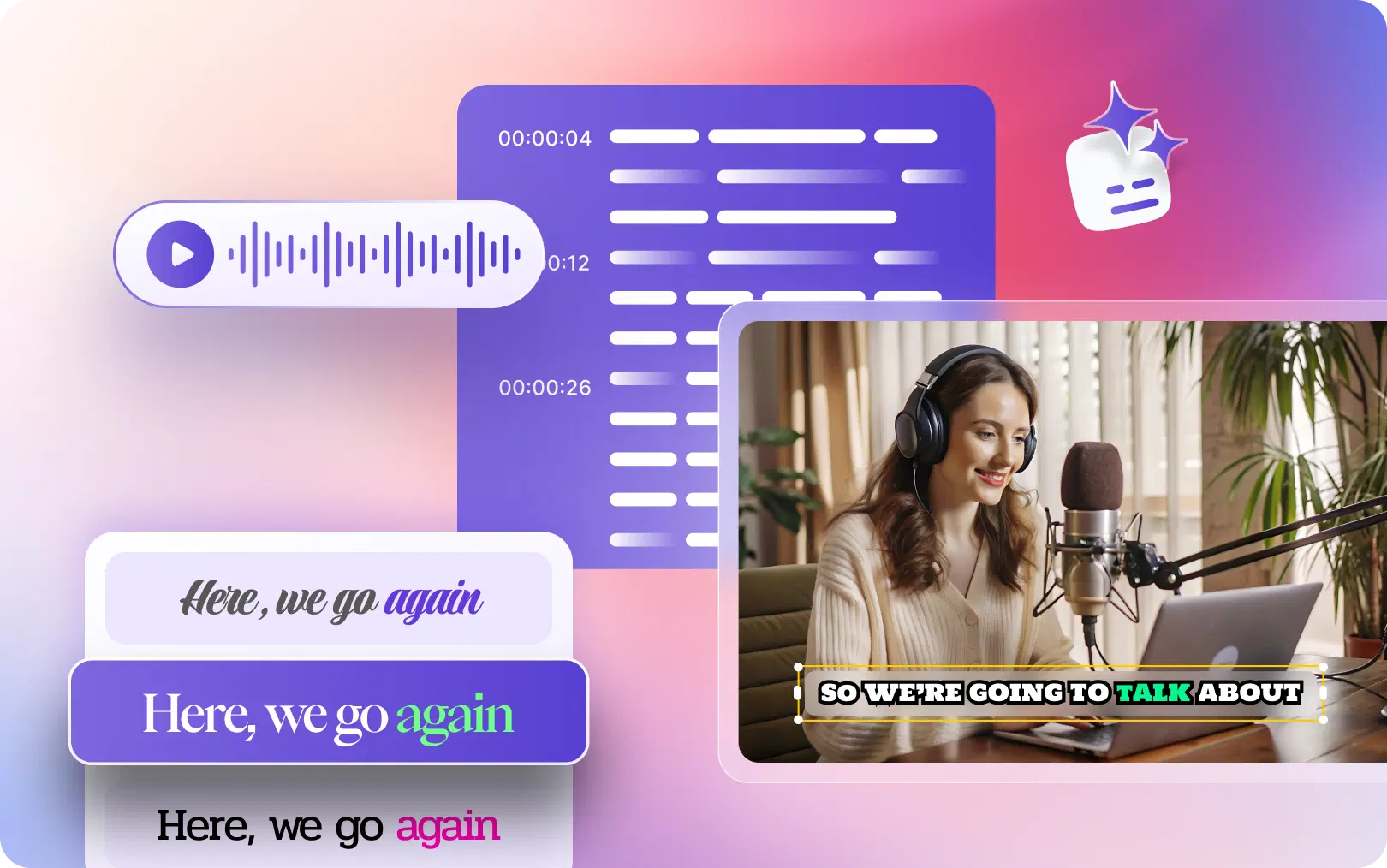
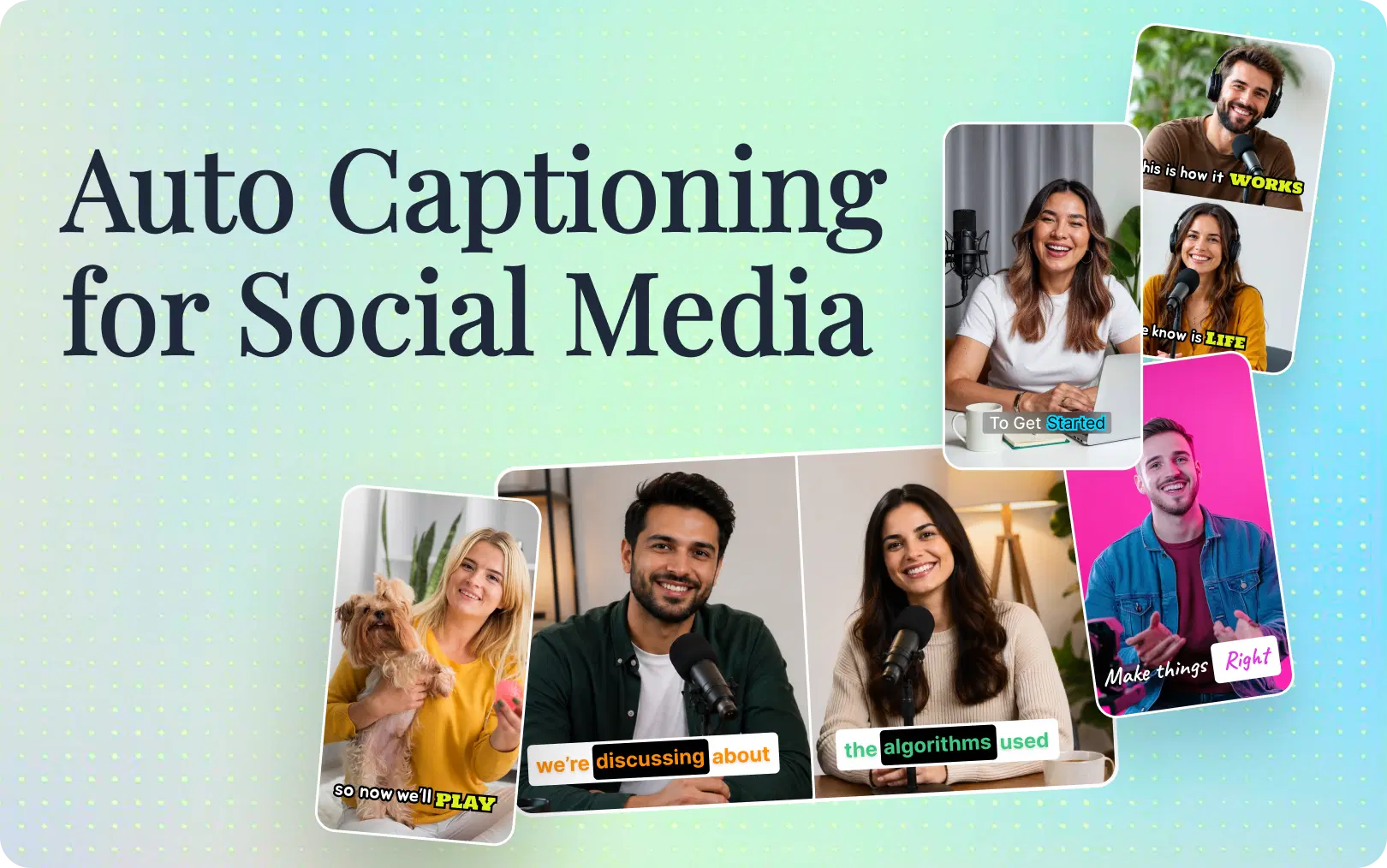
Auto-captioning isn't just an accessibility feature anymore;it's an engagement multiplier. With auto-captioning, you canboost views, increase viewer engagement, and improve your video's performance across all major social networks.
In this blog, we will discuss why silent viewing dominates, how auto-captioning works using artificial intelligence, which features make the biggest difference, and how VFX AI handles everything automatically. This guide is your ultimate auto-captioning strategy, whether you're managing an agency, creating a personal brand, or marketing your software solution.
Why Silent Viewing Is Dominating Social Media
Silent viewing isn't a trend; it's the new baseline. Let's check out the places where videos get watched without sound .
Office environments: People scroll during work hours, which would be disruptive or unprofessional. A LinkedIn video playing in a shared workspace needs captions to land.
Public transport: Trains, buses, and airport lounges are prime consumption zones. Nobody puts their volume on in these spaces.
Mobile-first consumption: Over 80% of social media viewing happens on mobile, often with sound off by default. Habit, battery preservation, and social awareness all drive silent viewing.
Accessibility: Deaf and hard-of-hearing audiences depend on captions. Closed captioning isn't optional for inclusive content; it's essential.
Global audiences: Captions help international viewers understand content in their non-native language. Even subtitles labeled as your native language improve comprehension for non-native speakers.
Faster information processing: Our brains process captions and visuals simultaneously faster than audio alone. Captions actually speed up comprehension.
The data is consistent: platforms like Facebook report that 80% of videos are consumed without sound. TikTok's algorithm favors captioned content. Instagram's engagement metrics reward videos that hold attention in the first 3 seconds; captions are critical for that.
Also Read: Trending Caption Styles for 2026
How Auto Captioning Increases Engagement
Videos with captions don't just reach more people; they perform dramatically better.
Measurable Engagement Improvements
Higher completion rates: Videos with captions see completion rates 40%+ higher. Viewers stay longer when they can read and watch simultaneously.
Better average view duration: YouTube, Instagram, and TikTok all prioritize videos that hold attention. Captions directly impact this metric, signaling to algorithms that your content is worth promoting.
Improved accessibility: Beyond compliance, captions unlock views from deaf audiences, ESL learners, and people in sound-restricted environments. That's not niche; it's a meaningful portion of your potential audience.
Higher engagement (likes, comments, shares): Viewers who understand your message from the start are more likely to engage. They complete the video, absorb your message, and take action.
Better SEO and indexing: Search engines can crawl captions. Video content with transcripts and captions is more discoverable on Google, YouTube, and even traditional search.
Stronger performance in feeds: Instagram's algorithm explicitly favors videos watched to completion. TikTok's "For You Page" rewards watch time and engagement signals. LinkedIn's feed algorithm prioritizes content people stop to watch. Captions make all of this possible.
Real-World Impact
A B2B SaaS company ran a test: same product demo video, one with captions, one without. The captioned version saw 2x more shares and a 35% higher completion rate. A real estate agent added captions to property tours and immediately saw an increase in inquiries. A podcaster clipped episodes with auto captions, and watch time increased by 50% on TikTok and Instagram.
How AI Auto Captioning Actually Works
Modern AI caption generators are very advanced. Understanding the process helps you choose the right tool and know what to expect.
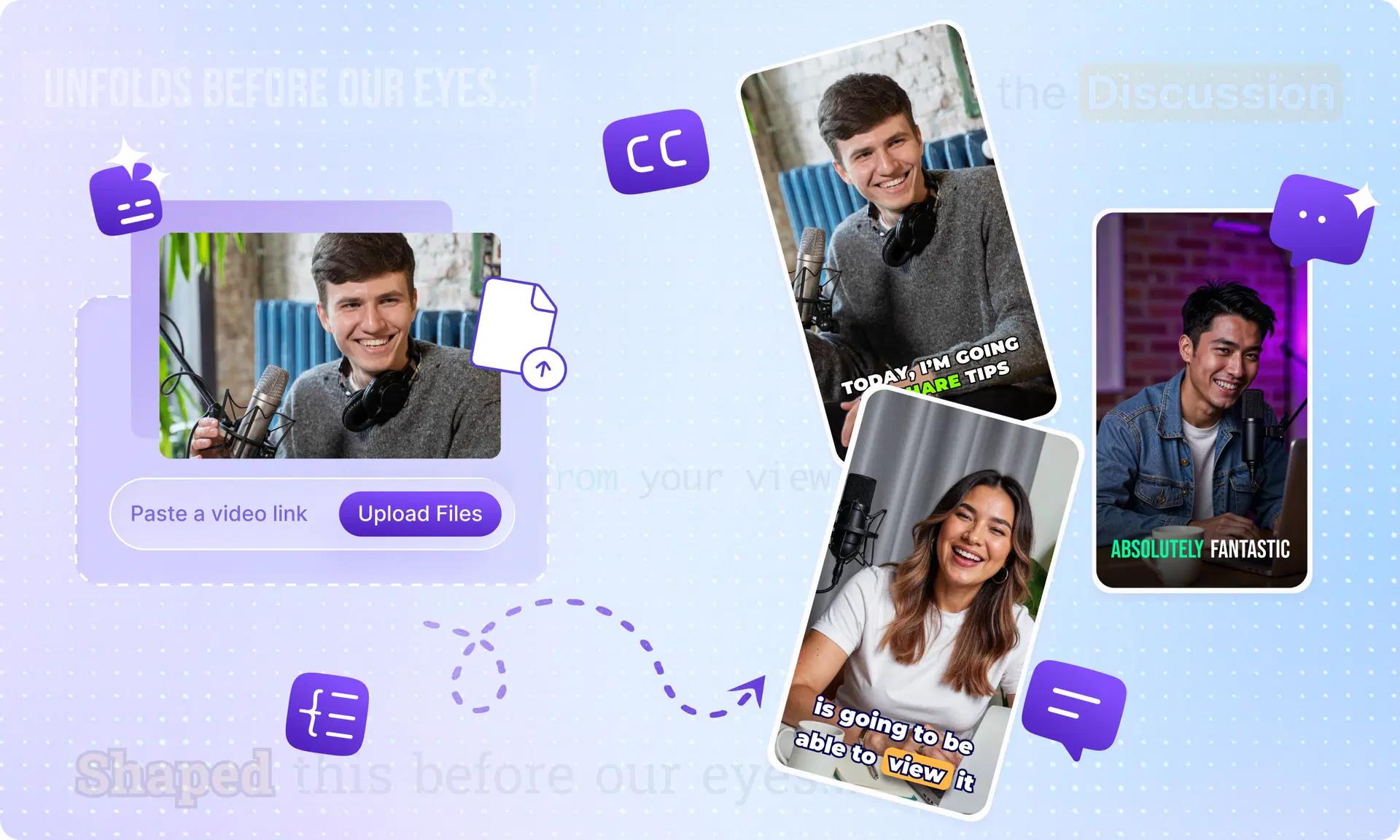
Speech recognition: AI listens to the audio and converts it to text. Modern speech recognition models (trained on millions of hours of audio) achieve 95%+ accuracy on clear speech.
peaker detection : Advanced systems detect speaker changes, enabling formatted captions that show who's speaking. This matters for interviews, podcasts, and multi-speaker content.
Punctuation and grammar: Raw transcription creates run-on text. AI adds punctuation, capitalization, and formatting to make captions readable.
Timing synchronization: Captions must sync perfectly with the audio. A 100-millisecond delay feels off. AI systems align each caption to the exact moment speech occurs.
Caption styling: The best tools let you customize fonts, colors, positioning, and animation to match your brand.
Multilingual translation: Some systems transcribe in one language, then translate to 50+ others automatically. This unlocks global audiences without manual work.
The end result: a video that took around 60 minutes to caption manually can now be auto-captioned in seconds with 95%+ accuracy.
Features Businesses Should Look For in an Auto Caption Generator
Not all auto subtitle generators are equal. Here's what actually matters when choosing a tool.
| Feature | Why It Matters | How VFX AI Helps |
|---|---|---|
| AI Transcription | Accuracy determines whether captions help or confuse viewers. Poor transcription undermines engagement. | VFX AI uses enterprise-grade speech recognition, achieving 95%+ accuracy across accents, technical terminology, and background noise. |
| Speaker Detection | Multi-speaker content (interviews, podcasts, meetings) needs clear speaker identification for clarity. | Automatic speaker detection formats captions so viewers know who's talking at all times. |
| Brand Fonts & Colors | Captions should match your visual identity, not clash with it. Consistent branding builds recognition. | Customizable caption styling ensures captions feel like part of your content, not an afterthought. |
| Animated Captions | Static captions work, but animated captions draw attention and increase engagement. | VFX AI offers preset animation styles that make captions feel dynamic without requiring manual keyframing. |
| AI Reel Generation | Long-form content (podcasts, webinars, tutorials) needs to be automatically clipped into short-form reels. | Extract highlights, auto-clip scenes, and generate platform-ready shorts, all with captions intact. |
| Podcast Clipping | Podcasters need to turn 60-minute episodes into 15-30 second clips for social. Manual clipping is time-consuming. | One-click podcast clipping with auto captions, turning hour-long episodes into dozens of captioned reels. |
| Subtitle Exports | Some creators need captions as separate files (SRT, VTT formats) for archiving or distribution. | Export captions in any standard format for maximum flexibility. |
| Multilingual Captions | Global creators and businesses need captions in 10, 20, or 30+ languages. Manual translation is prohibitively expensive. | Auto-translate captions into any language, instantly expanding your reach to international audiences. |
| Cloud Editing | Local editing software ties you to one device and creates collaboration bottlenecks. | Edit from anywhere, on any device. Cloud-based workflows let teams collaborate in real-time. |
| Team Collaboration | Agencies and larger teams need to review, approve, and iterate on captions together. | Shared projects, commenting, and approval workflows built into the platform. |
Auto Captioning Across Different Platforms
Every platform is different. Captions must be optimized for where they're viewed.
Instagram Reels
Instagram Reels dominate the platform's recommendation algorithm. Captions aren't just recommended; they're expected.
Best practices: Keep captions to a maximum of 2 lines. Use contrasting colors that work on light and dark video backgrounds. Position captions in the middle-lower third to avoid covering faces or critical visual information. Instagram's algorithm tracks completion rate obsessively; captions directly impact this metric.
Why it matters: Reels watched without sound perform dramatically better with captions. The format is fast-moving and visually dense; captions anchor viewers and pull them into your message.
Also Read: Best AI Video Editor for Instagram Reels
TikTok
TikTok's creator ecosystem runs on engagement velocity. Videos that get watched to completion get promoted to the "For You Page" instantly.
Best practices: TikTok's algorithm heavily weights completion rate. Captions that sync with on-screen action, text overlays, and transitions keep viewers watching. Use bold, readable fonts. Animate captions to match the rhythm of your content.
Why it matters: TikTok creators who add captions see measurably higher engagement rates. The platform's recommendation system favors captioned content because it performs better.
LinkedIn's algorithm values professional, substantive content. LinkedIn videos watched to completion signal quality and relevance.
Best practices: LinkedIn audiences are typically watching in professional environments (offices, conference calls, quick breaks). Captions must be professional and clear. Use sentence case and proper punctuation. Position captions below the action so they don't obscure faces or hand gestures during presentations.
Why it matters: LinkedIn's feed algorithm prioritizes watch-through rate. A captioned video is 5x more likely to be watched to completion than an uncaptioned one, directly impacting how many people see your content.
YouTube Shorts
YouTube Shorts compete with TikTok for short-form video dominance. The dynamics are similar: captions drive completion rates, which in turn drive algorithmic promotion.
Best practices: YouTube Shorts are watched silently by default. Captions aren't optional; they're required for competitive performance. Use YouTube's automatic captioning as a starting point, then edit for accuracy.
Also Read: The Best Way to Grow a YouTube Channel
VFX AI vs. Descript for Video Editing and Captions: A Balanced Comparison
Both VFX AI and Descript are powerhouses in the AI video editing space. Here's how they stack up.
| Feature | VFX AI | Descript |
|---|---|---|
| Ease of Use | Streamlined interface built for speed, social-first workflows, quick caption generation, clipping, and exporting. Optimized for creators who need fast turnaround. | Polished, cloud-based interface with a document-style editing experience. Familiar to video editors and ideal for more detailed editing projects. |
| AI Editing & Auto Captions | Excels in AI-driven auto captions, auto clipping, multilingual captions, and extensive caption styling/customization. | Strong transcription accuracy with excellent filler-word removal, speaker detection, and reliable auto-captioning. |
| Reels & Shorts Generation | Automatically detects highlights, creates clips, adds captions, and exports platform-ready Shorts, Reels, and TikToks with minimal manual work. | Can repurpose long-form videos into short clips but often requires manual review and clipping adjustments. |
When Each Tool Makes Sense
Use Descript if you're doing complex video editing, creating long-form content (YouTube videos, podcasts, documentaries), and need maximum control over every frame.
Use VFX AI if you're a content creator, agency, or marketer focused on fast social-first workflows. You need speed, automated captions, and reel generation more than precision editing.
Most creators benefit from using both Descript for primary editing and VFX AI for rapid caption generation and clip extraction.
How VFX AI Makes Auto Captioning Easier
VFX AI is purpose-built for the workflows that matter most: fast, high-quality caption generation and social-first content production.
Core Capabilities
AI Video Editor: Fast, cloud-based editing without the steep learning curve of traditional software. Whether you're trimming clips or restructuring scenes, VFX AI moves at creator speed.
Auto Captioning: One-click caption generation with 95%+ accuracy. Captions sync perfectly with audio, format automatically, and export to any platform instantly.
AI Reel Generator: Extract highlights from long-form content and generate platform-ready reels automatically. A 60-minute podcast becomes 20 captioned, shareable clips.
Long-form to Shorts: Provide VFX AI with a YouTube video or webinar, and it auto-clips the most engaging segments into TikTok, Instagram Reels, and YouTube Shorts-ready formats.
Podcast Clipping: Podcasters describe it as transformative. Upload an episode, and VFX AI clips it into dozens of ready-to-post segments with captions.
AI Trimming & Scene Detection: Automatically detects natural scene breaks, removes pauses and dead air, and tightens content. Saves hours on boring editing work.
Multi-Language Captions: One video, 30+ language options. Translate captions automatically to reach global audiences without outsourcing translation.
Cloud Workflow: Edit from anywhere. No software installation, no local file management, no compatibility headaches. Collaborate with team members in real-time.
Brand Templates: Save caption styles, colors, and animations as templates. Every video maintains consistent branding.
Fast Exports: Download captions as standalone files, export full videos to any platform, or batch-export dozens of clips simultaneously.
Best Practices for Creating Captioned Videos That Convert
Auto captioning is powerful, but improperly formatted captions undermine their impact. Here's how to get captions right.
Keep captions readable: 2 lines maximum per caption, 40–50 characters per line. Smaller text might look clean, but it's hard to read at arm's length on mobile.
Don't cover faces: Position captions below mouths and eyes. Critical visual information shouldn't be obscured.
Use high contrast: Text must pop against the background. If your video has light backgrounds, use dark text with a subtle outline. Dark backgrounds need light text.
Limit words per line: Shorter lines are easier to scan. Your eyes should take in a full caption in under 1 second.
Match brand colors: Captions are part of your visual identity. Use brand colors and fonts to reinforce recognition.
Animate cautiously: Animated captions increase engagement, but excessive animation feels cheap. Use animation to emphasize key points, not every caption.
Use sentence case: ALL CAPS is harder to read and feels aggressive. Sentence case is professional and accessible.
Review before publishing: AI caption accuracy is excellent but not perfect. Always do a final review, especially for technical terminology, proper nouns, or industry-specific jargon.
Silent viewing isn't going away. If anything, it's accelerating. More environments restrict sound. More audiences consume content while multitasking. More creators compete for attention in feeds that prioritize engagement above all else. Auto captions are no longer a nice-to-have. They're essential.
They directly impact engagement metrics that platforms reward. They unlock global and accessibility audiences. They improve SEO and content discoverability. They make video production faster and more sustainable at scale.
For creators, marketers, and businesses, the question isn't whether to caption; it's how to caption efficiently without hiring a transcriptionist or losing hours to manual work.
Try VFX AI today and see how fast, high-quality auto captions can transform your video performance. Start captioning, clipping, and exporting in minutes, not hours. Your engagement metrics will show the difference immediately.