Introduction:
The right choice depends on what you make, which tasks eat your time, your budget, and how much control you want. A podcaster cutting twenty clips a week needs something different from a YouTuber polishing one long video. Below, we compare five video editing tools for content creators, including VFX AI, and show how to choose based on your workflow.
What Is an AI Video Editor?
An AI video editor is editing software that uses machine learning to handle repetitive tasks: transcribing speech, generating captions, cutting filler words and silences, finding highlights in long recordings, and reframing footage for different aspect ratios (the frame's shape, such as 16:9 for YouTube or 9:16 for Reels).
Don't confuse AI-powered video editing with AI video generation. Editing works on footage you've already shot; generation creates new footage from text or images. This guide covers editing.
What Should Content Creators Look for in an AI Video Editor?
No editor does everything well, so decide what matters before comparing tools.
- Ease of use: Can you get a usable cut on day one?
- AI-assisted editing: Transcript editing, filler-word removal, and auto-clipping save the most time.
- Captions and subtitles: Check language support and how easy corrections are. The W3C notes that automatic captions usually need editing before they're accurate.
- Resizing: If you post everywhere, AI video reframing that keeps the speaker in frame saves manual cropping.
- Platform fit: Formats change; YouTube now treats square or vertical uploads up to three minutes as Shorts.
- Control and quality: Can you override the AI on a timeline? What resolution can you export?
- Price and limits: Free plans often add watermarks or cap resolution and minutes.
- Rights and privacy: Check how uploads are used and whether bundled music or templates are cleared for commercial use.
Also Read: What Is AI Video Editing?
Which Is the Best AI Video Editor for Different Types of Creators?
This shortlist covers different editing styles, not five versions of one tool.
Note: Pricing was checked on each official site in October 2026 and may change.
VFX AI: best for repurposing long videos across platforms
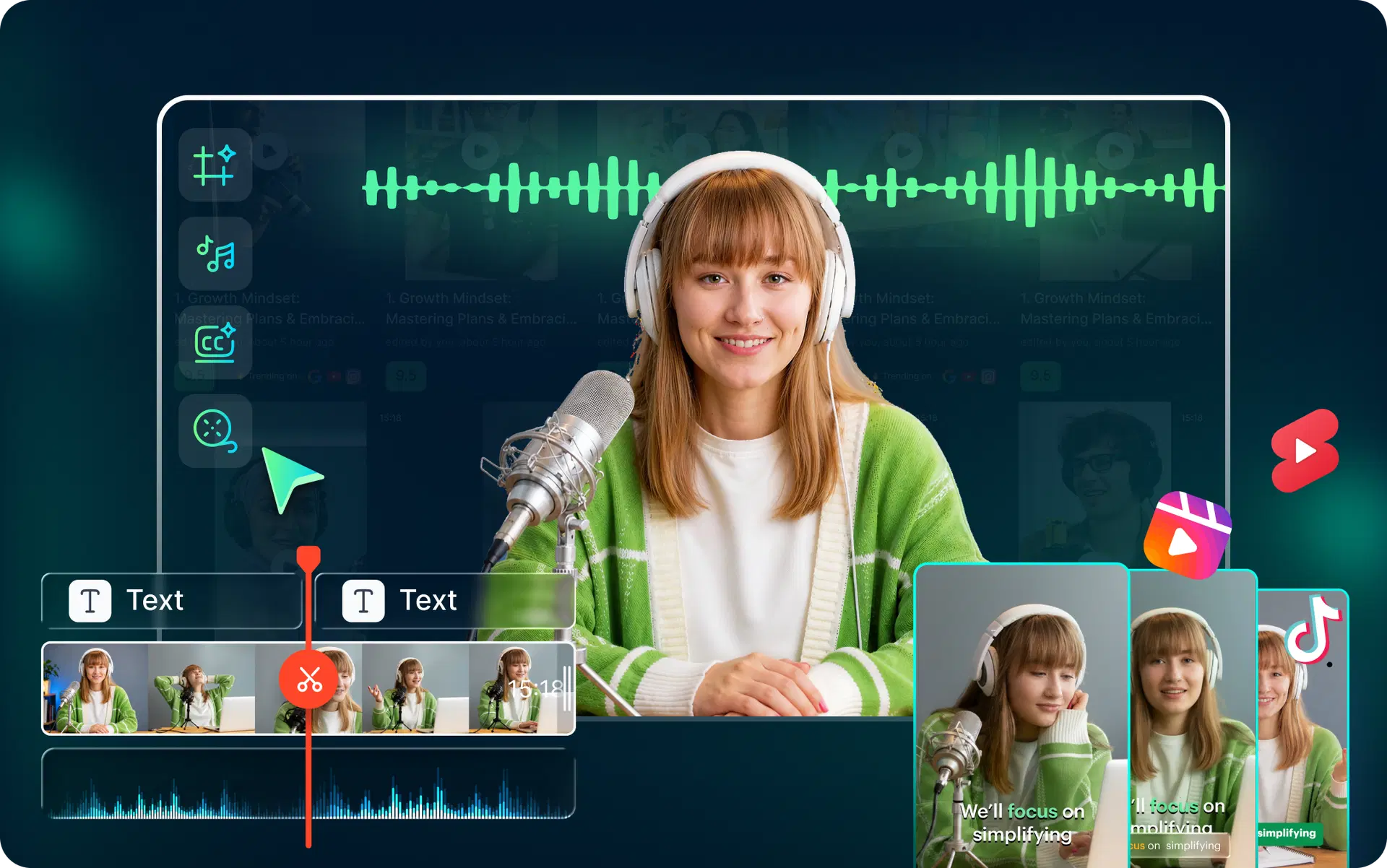
VFX AI's AI video editor pairs a timeline with AI tools, including transcript-based editing, filler-word removal, auto-subtitles in 30+ languages, resizing to 9:16, 16:9, 1:1, and 4:5, brand kits, and a Clip Maker that pulls highlights from long recordings. It suits podcasters, coaches, and small teams turning one recording into many posts.
Descript: best for talking-head and podcast editing
Descript lets you edit video by editing its transcript. The free plan includes 60 media minutes a month with 720p, watermarked exports; Hobbyist starts at $16 a month billed annually. It fits interviews, tutorials, and podcasts; effects-heavy edits may feel more natural in a timeline-first editor.
CapCut: best free starting point for short-form creators
CapCut runs on desktop, web, and mobile, with auto captions, templates, background removal, and voice enhancement. Beginners and Reels or TikTok creators can start free. The catch: some features and templates are paid, so read the terms before using assets commercially.
OpusClip: best for automated short clips at volume
OpusClip turns long videos into shorts with AI clipping, a virality score, animated captions, and reframing. The free plan gives 60 credits a month with watermarked clips, no editing, and a three-day export window; Starter is $15 a month. Treat its picks and scores as suggestions.
DaVinci Resolve: best free option for full creative control
DaVinci Resolve is a professional desktop editor for Mac, Windows, and Linux with a capable free version. The paid Studio version ($295, one-time) adds the DaVinci AI Neural Engine, text-based editing, and Magic Mask. It suits creators growing into serious editing and color work, but the learning curve is steeper and many AI features are Studio-only.
Also Read: Best AI Video Editing Software for Beginners in 2026
Quick Comparison of AI Video Editors
| Tool | Best for | Relevant capabilities | Main consideration |
|---|---|---|---|
| VFX AI | Repurposing long videos | Timeline and transcript editing, Clip Maker, 30+ subtitle languages, four aspect ratios | Alpha; access by request |
| Descript | Podcasts and tutorials | Text-based editing, filler removal, captions | Free plan: 60 minutes, 720p, watermark |
| CapCut | Beginners, Reels, TikTok | Auto captions, templates, background removal | Some features paid; check commercial terms |
| OpusClip | High-volume clipping | AI clipping, virality score, animated captions | Free clips watermarked, three-day export |
| DaVinci Resolve | Pro-level control | Timeline, color, subtitles; AI tools in Studio | Learning curve; Studio costs $295 |
How Can You Choose the Right AI Video Editor for Your Content?
Start with your biggest bottleneck, then match it to your format.
- YouTube creators: Prioritize a real timeline, transcript editing, and audio cleanup (Descript, DaVinci Resolve, VFX AI). Our guide to the best AI video editor for YouTube goes deeper.
- Instagram Reels and Shorts creators: Look for fast captions, vertical templates, and reframing. CapCut is an easy start; see our Instagram Reels editor picks.
- Podcasters and interview creators: You need clipping and speaker-aware layouts. OpusClip and VFX AI suit clipping; Descript handles the full episode. See our podcast editing guide.
- Beginners and budget-conscious creators: Start free with CapCut or DaVinci Resolve, and pay only when a limit slows you down. Compare more AI video editing software for beginners.
- Businesses and social media teams: Prioritize brand kits, shared workspaces, and publishing. Teams on Adobe can use Premiere's Speech to Text captions and Auto Reframe.
Then test your shortlist on the same 10-minute clip. One real project tells you more than any comparison.
Also Read: How We Converted a 90-Minute Video into 8-10 Shorts Instantly
How Does VFX AI Fit Into a Content Creator's Workflow?
VFX AI is built for the "one recording, many posts" workflow. Based on its product pages, a typical flow looks like this:
- Upload a file or paste a YouTube link.
- Use Clip Maker to pull highlights at your chosen length, from 30-second clips to several minutes.
- Add captions and pick a layout: 9:16, 16:9, 1:1, or 4:5, including split layouts for multi-speaker videos.
- Refine in the timeline: trim, edit the transcript, remove filler words, add B-roll or music, apply your brand kit.
- Export, or publish to connected social accounts (options vary by plan).
AI handles the repetitive parts. You still choose which moments deserve a post, check caption accuracy, and make sure each clip stands on its own. If that matches how you work, request alpha access and test it on a recent recording.
Is an AI Video Editor Better Than Manual Video Editing?
For repetitive work, usually yes. Transcription, captions, silence removal, and resizing are slow by hand and quick with AI. Storytelling is different. AI doesn't know your audience or why a pause lands, and it can mishear names, cut mid-thought, or crop out something important.
The practical answer is hybrid: let AI build the rough cut and first-pass captions, then edit by hand for pacing, accuracy, and story. Beginners get a faster start; experienced editors get time back for creative decisions.
Get Started with VFX AI For Free
The best AI video editor for content creators is the one that removes your biggest bottleneck without taking away the control you need. Match the tool to your format and budget, test it on a real project, and check free-plan limits before committing. If you turn long recordings into clips for several platforms, VFX AI is worth exploring. Request access and try it on your next video.