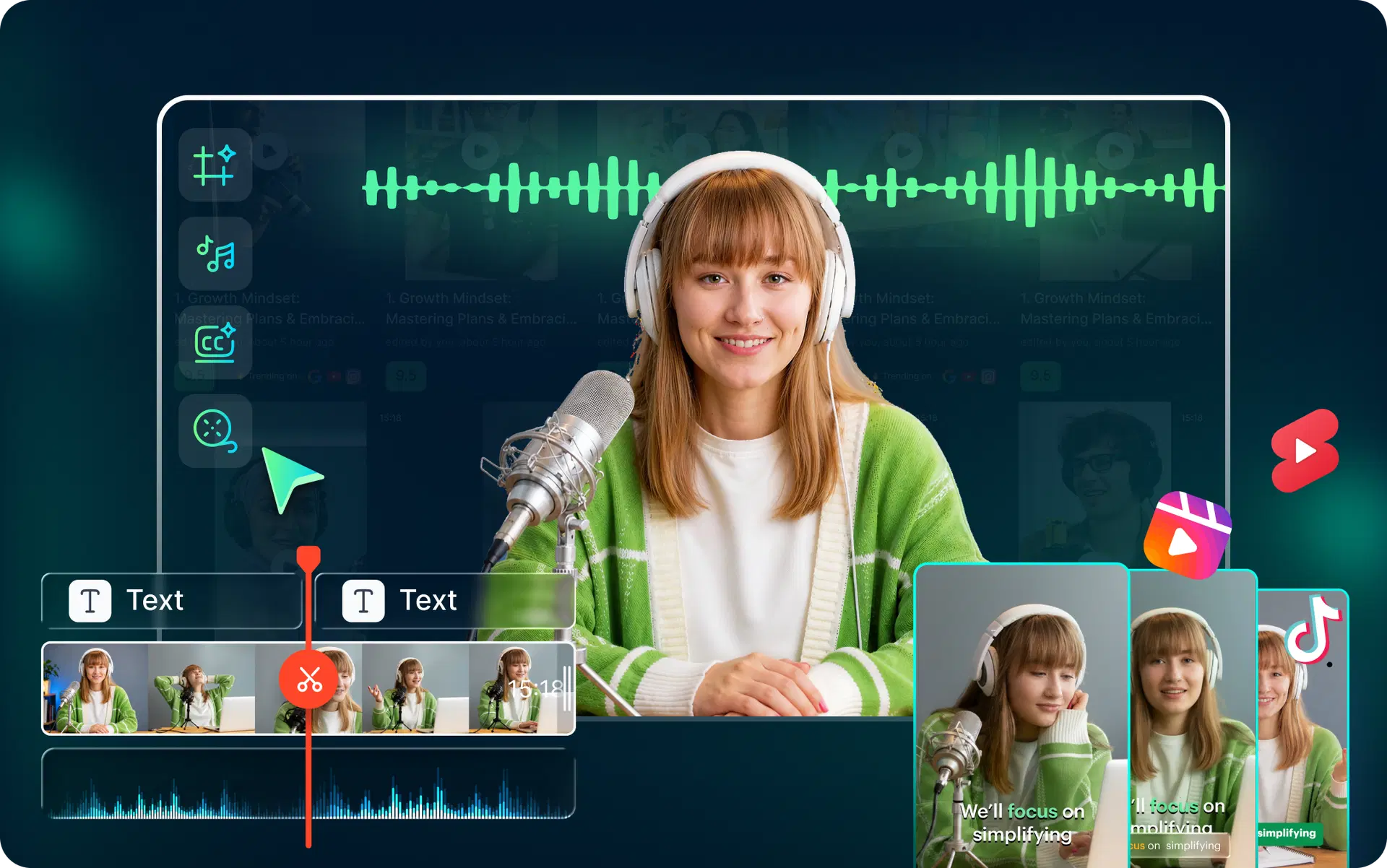
Introduction
That's exactly why AI video editors are so much in trend. Instead of spending hours scrubbing timelines and manually cutting highlights, creators are using AI podcast editing software to do in minutes what used to take an entire afternoon or an expensive freelancer. But with so many tools on the market, how do you find the best AI video editor for podcasters that actually fits your workflow?
This guide breaks it all down. We'll compare the top AI video editing tools, explain what features actually matter, and help you pick the right AI editor for podcasters based on your content style, budget, and goals. We'll also look at how platforms like VFX AI are purpose-built for the modern podcast-to-reels workflow. Let's get into it.
Why Podcasters Need AI Video Editors in 2026?
Here's the reality: algorithms reward volume.TikTok, Instagram, and YouTube Shorts all favor creators who publish consistently. For podcasters, that means a single long episode needs to be split into 20 to 30 short clips to stay competitive.
Doing that manually? Not sustainable. AI content repurposing has become the backbone of smart podcast marketing. Here's what a modern AI video workflow looks like:
- Record one 60-minute podcast episode
- Upload it to an AI clip generator
- Get 15 to 30 short clips auto-detected and cut
- AI adds captions, reframes vertically and highlights key moments
- Export and schedule across every platform
What used to require a dedicated editor and days of turnaround now happens in minutes with automatic podcast editing software. Creator burnout is real. The speed of publishing demands in 2026 means you either automate or fall behind. AI video workflow automation isn't a luxury anymore; it's how serious podcasters scale their short-form content without losing their minds.
The best part? AI tools are generating captions automatically, detecting the most engaging hooks, and even suggesting which clips are most likely to go viral. That's a game-changer for anyone trying to repurpose podcasts with AI and grow their audience across platforms.
What Makes a Great AI Video Editor for Podcasters?
Not all AI video editing tools are created equal. When looking for the best AI podcast editing software, you need a specific set of features designed for repurposing long-form content.
Here are the must-have features to look for:
Automatic Clip Detection: The AI should analyze your transcript and video to identify interesting hooks, questions, or viral moments. This is the key function of a good podcast clip generator.
AI Captions & Subtitles: The tool must auto-generate captions that are highly accurate and customizable. Bonus points for animated or word-by-word “karaoke” style subtitles that boost viewer retention.
Vertical Reframing: It needs to take your 16:9 video and intelligently reframe it for vertical 9:16 formats, automatically keeping the active speaker in the shot.
Speaker Tracking: For interview podcasts, the AI should be able to switch between speakers, creating a more dynamic multi-cam look even if you only shot with one camera.
Silence Removal: A simple but powerful feature (silence remover) that automatically cuts out awkward pauses and dead air, making your clips feel punchier.
Branding & Templates: The ability to save your brand's fonts, colors, and logo as a template for one-click application to all your clips.
One-Click Reels/Shorts: The best tools offer a true podcast-to-reels AI workflow, letting you go from long-form video to ready-to-post short clips with minimal intervention.
A solid AI clipping tool should handle most of these out of the box. The best AI clip maker and AI shorts generator tools go further by scoring clips for virality potential and letting you batch-export everything in one go.
If you're looking for a podcast repurposing tool, prioritize speed and automation over fancy timeline editing features you'll never use.
Also Read: How to Repurpose Podcasts Into Viral Clips Using AI
Best AI Video Editors for Podcasters in 2026
The market for AI creator tools is crowded. We've tested the top platforms to help you find the best AI video editor for podcasters based on your specific needs. Creators are increasingly choosing these AI video editor workflows for their speed and efficiency.
Here is our breakdown of the best tools available today.
1. VFX AI
Best Use Case: Fast, automated clip generation for social media growth.
Pros: VFX AI is built from the ground up as an AI clip generator. Its AI is exceptional at finding viral moments and turning them into ready-to-post Reels, Shorts, and TikToks in minutes. The workflow is incredibly fast, and its vertical reframing and AI-captioning are best-in-class for creators who value speed and social performance.
Limitations: It's not a full-suite traditional video editor. It's purpose-built for creating short-form promotional clips from longer content.
Ideal Creator: Solo podcasters, marketers, and agencies who need to create a high volume of social clips quickly.
2. Descript
Best Use Case: Text-based editing of full-length podcasts.
Pros: Descript pioneered text-based video editing. You can edit your video by simply editing the auto-generated transcript. Its filler word removal (“um,” “uh”) and Studio Sound features are also good for cleaning up raw recordings.
Limitations: While it has clipping features, its primary function is long-form editing. The clip generation process isn't as fast or as automated as that of dedicated AI clipping tools.
Ideal Creator: Podcasters who want granular control over their full-length episode edit and prefer a text-first workflow.
3. OpusClip
Best Use Case: Fully automatic clip generation.
Pros: OpusClip is a powerful viral clip generator. You upload your video, and it delivers a set of scored clips it believes will perform well. It's incredibly hands-off and great for users who don't want to do any manual clip selection.
Limitations: You have very little creative control over the final selection. It's more of an automatic system than a collaborative AI editor.
Ideal Creator: Creators who want a completely automated “set it and forget it” tool to convert podcasts into short videos.
4. VEED
Best Use Case: All-in-one online video editor with AI features.
Pros: VEED is a feature-rich online AI video editor. It offers a wide range of tools, from AI captioning and templates to stock footage and screen recording, all in the browser.
Limitations: Because it does so much, the interface can feel cluttered. Its AI clipping features are not as specialized as dedicated tools like VFX AI or OpusClip.
Ideal Creator: Marketers and teams who need a single platform for all their video creation needs, not just podcast repurposing.
5. CapCut
Best Use Case: Free, mobile-first editing for trending content.
Pros: As a TikTok editor, CapCut is a fantastic free AI video editor with powerful auto-captioning and trendy templates. It's perfect for quick edits on your phone.
Limitations: It's not designed to handle long-form podcast files efficiently. The workflow is mobile-centric and clunky for repurposing hour-long videos.
Ideal Creator: Creators who are very active on TikTok and want to add trending audio and effects to their clips manually.
Also Check: VFX AI Podcast Clip Generator
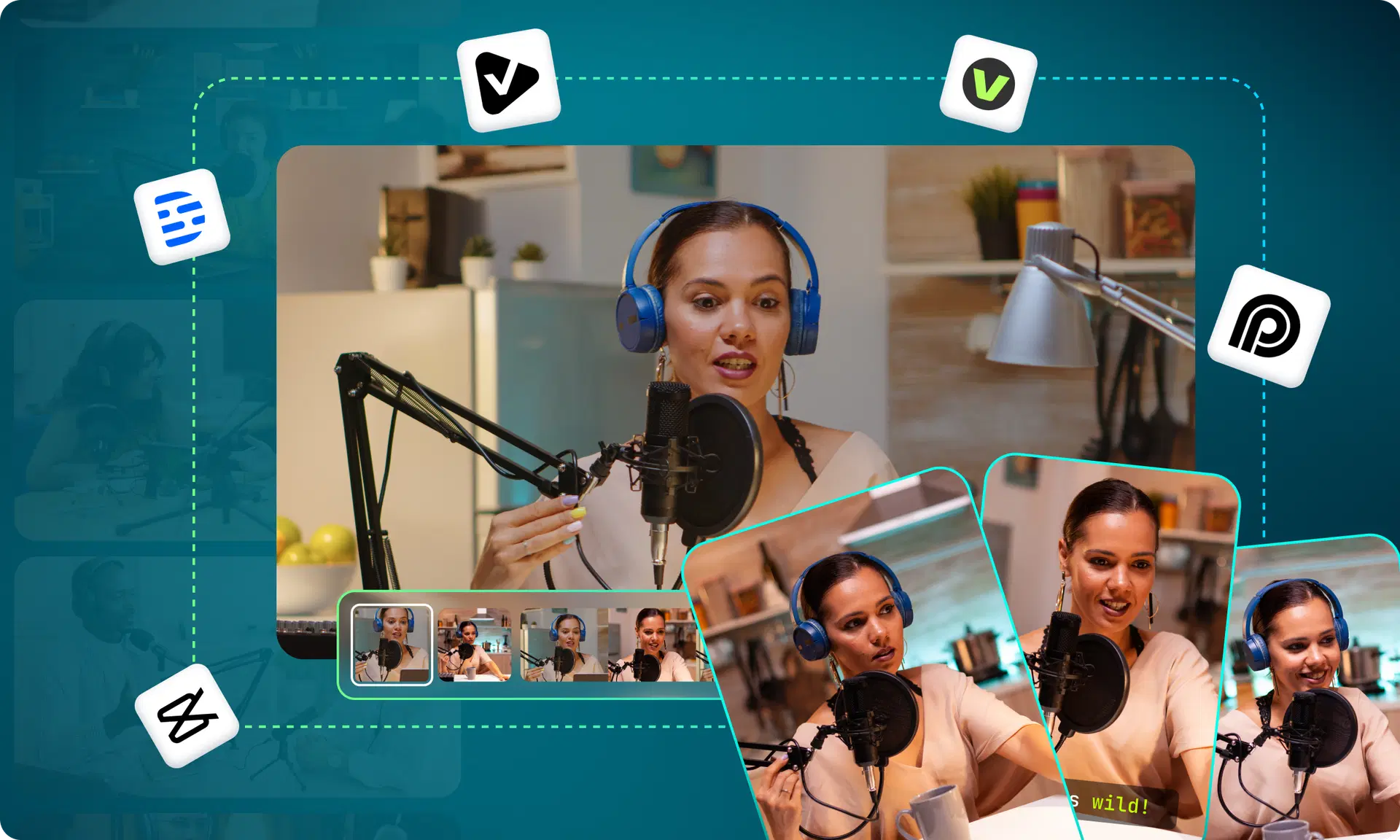
How AI Clip Generators Are Changing Podcast Marketing
The shift in podcast marketing over the last two years has been dramatic. Discoverability no longer happens through podcast directories alone. It happens on social media through short-form video.
Every viral 30-second clip is a gateway to a full episode. That's why AI content repurposing has become the most important marketing strategy for podcast growth.
Here's what's driving the change:
- TikTok clip generators help podcasters reach younger audiences who discover shows through short clips
- Instagram reel makers turn key quotes and moments into shareable, visual content
- YouTube Shorts makers boost channel visibility and feed the algorithm with consistent uploads
- Viral clip generators use AI to predict which moments will perform best, removing the guesswork
The podcasters growing fastest in 2026 aren't necessarily making better content; they're distributing it smarter. AI tools for podcast marketing make that possible at scale.
If you're wondering how to turn podcasts into reels without hiring a video team, the answer is an AI clip generator that automatically handles detection, captioning, reframing, and export.
How to Choose the Best AI Video Editor for Your Workflow
Different creators need different tools. Here's a quick breakdown by creator type to help you find the best AI video editor for your situation:
Solo podcasters: Look for all-in-one simplicity. VFX AI or OpusClip handles the clip generation pipeline without requiring technical skills.
Beginners: Start with a free AI video editor like VFX AI, CapCut, or VEED's free tier. Get comfortable, then scale up.
Agencies: Prioritize batch processing, team collaboration, and branding templates. Tools with AI video editor online free trials let you test before committing.
YouTubers: You need a strong AI video editor for YouTube that handles both long-form optimization and Shorts generation. Descript + VFX AI is a powerful combo.
Interview podcasters: Speaker tracking and multi-cam support matter most. Riverside for recording, VFX AI or Vizard for clipping.
Educators and coaches: Focus on caption accuracy and clean branding. An AI video editor without a watermark on exports is non-negotiable for professional use.
Enterprise teams: Look for API access, bulk processing, and white-label options.
The best advice? Start with the workflow that solves your biggest bottleneck. For most podcasters, that's turning long episodes into clips. Find the best AI software for podcast clips that fits your budget, and just start publishing more.
Also Read: How We Converted a 90-Minute Video into 8-10 Shorts Instantly
Why VFX AI Is Built for Modern Podcast Creators
There are plenty of general-purpose video editors adding AI features. VFX AI takes a different approach; it's built from the ground up for the podcast-to-reels workflow that creators actually need in 2026.
Here's what makes it worth exploring:
- Automatic clipping that identifies the strongest moments from your episodes
- AI captions with modern, customizable styling that feels native to each platform
- Vertical exports optimized for Instagram Reels, YouTube Shorts, and TikTok
- Viral clip workflows designed to help you create viral podcast clips consistently
Creator productivity focuses on fewer clicks, faster output, and less decision fatigue. VFX AI isn't trying to be a full-blown video production suite. Its focus is on helping podcasters , coaches, educators, and agencies turn long-form content into high-performing short-form clips. If that's your main pain point, this is one of the most streamlined AI content-creation tools available.
AI video editing isn't the future of podcast production; it's the present. The creators who win in 2026 are the ones who've embraced AI video-editing tools to work faster, publish more, and show up consistently across every platform.
Whether you're a solo creator recording in your spare bedroom or an agency managing 20 shows, the right AI podcast editing software can transform your output without transforming your workload.
The tools are here. The workflows are proven. The only question is whether you'll keep editing manually or let AI handle the heavy lifting. If you're ready to streamline your podcast-to-clips pipeline, give VFX AI a try and see how fast you can go from one episode to dozens of ready-to-post clips.