Introduction:
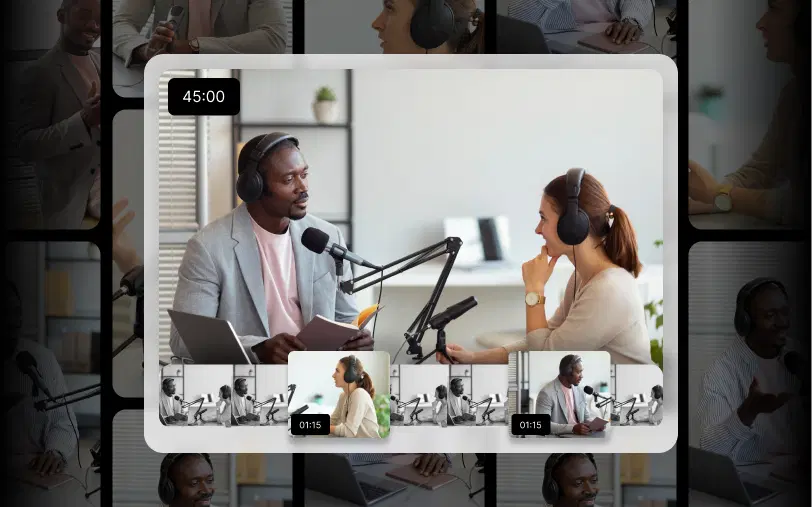
The hard part is everything in between. Your best moments are buried in the middle of a 40-minute podcast or a 20-minute tutorial. Pulling them out by hand means rewatching the whole thing, then trimming, reframing, and captioning each clip one at a time. This guide covers the full process, what YouTube actually requires, and how tools like VFX AI's Clip Maker handle the repetitive parts.
Why Should You Turn Long Videos into YouTube Shorts?
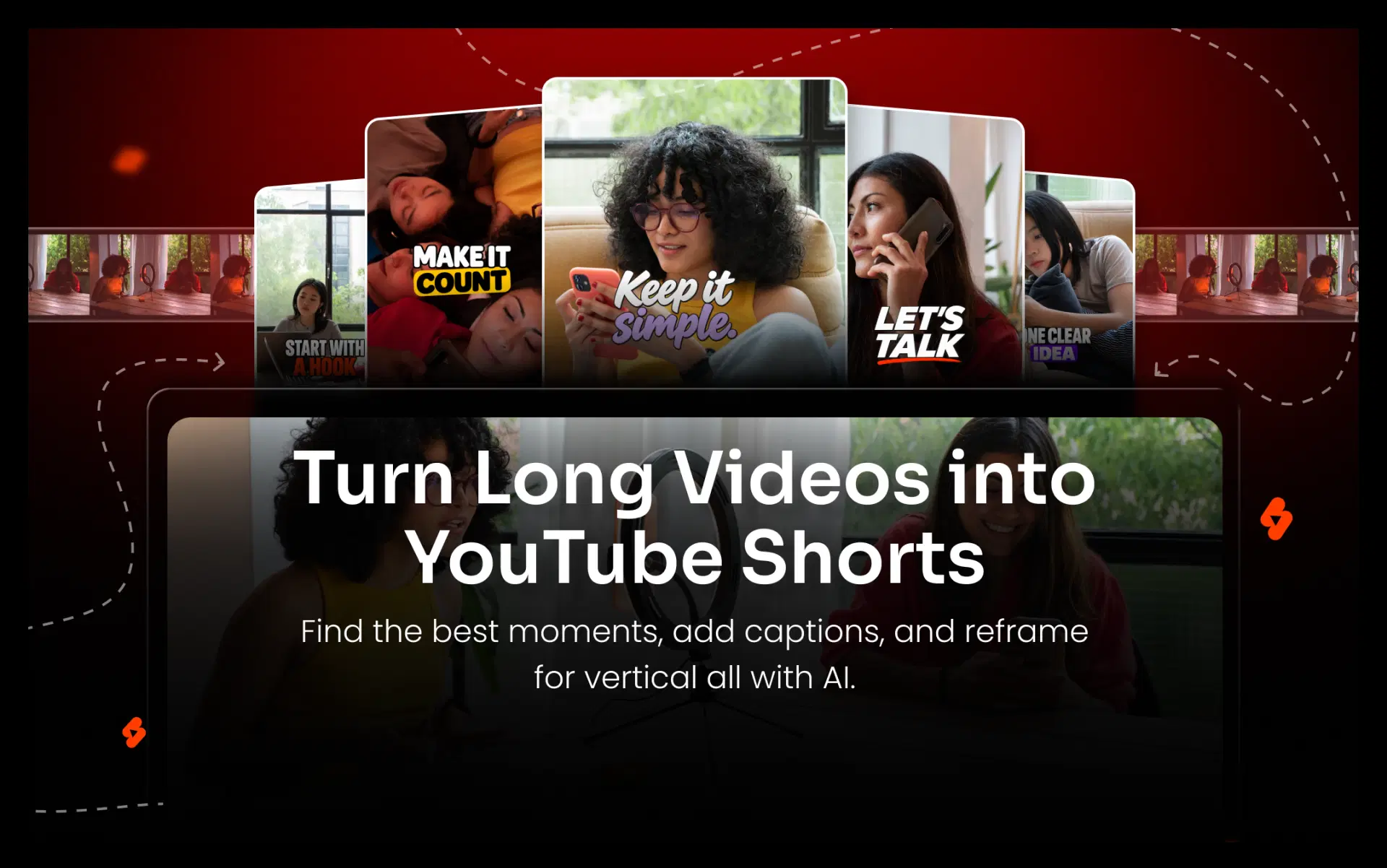
Shorts put your content in front of people who swipe through the Shorts feed instead of searching. They also get more value out of footage you've already recorded and send new viewers back to your full videos. Because one recording can produce several Shorts, you can post more often without filming more.
- Reach a different audience: someone who would never click a 30-minute episode might watch a 45-second clip of it.
- Reuse finished work: the research, recording, and guest time are already spent.
- Promote the full video: Shorts made with YouTube's tools link back to the source, and you can add a related video to any Short you upload.
- Save editing time, especially when software makes the first cut.
Also Read: How We Converted a 90-Minute Video into 8-10 Shorts Instantly
How to Turn a Long Video into YouTube Shorts (Step by Step)
Whatever tool you use, the workflow has seven steps:
- Choose the right video. Talk-heavy content clips best: podcasts, interviews, tutorials, and webinars. Evergreen topics give your Shorts a longer shelf life.
- Find hooks and highlights. Look for a strong opinion, a surprising number, a clear tip, or a story with a payoff. Skimming the transcript is faster than scrubbing the timeline.
- Pick a length that fits the idea. Start where the thought starts and stop where it lands.
- Convert to vertical. A 9:16 frame fills the phone screen. Keep the speaker's face in view. With two speakers, follow whoever is talking or use a split screen.
- Add captions. Many people scroll with the sound off. Use large, high-contrast text, and keep it away from the bottom and right edges, where Shorts buttons sit.
- Review pacing, framing, and audio. Cut dead air and false starts, and check the volume.
- Export and upload. Export vertical at up to 1080p, YouTube's maximum for Shorts. Then upload through the YouTube app or YouTube Studio and link the full video.
Using YouTube's Built-In Shorts Tools
YouTube offers two native options for videos you've already published:
- Edit into a Short (mobile app): Open the video's watch page and tap Remix, then Edit into a Short. Per YouTube's help page, this only works on long-form public videos you uploaded. Private, unlisted, and third-party-claimed videos aren't eligible, and you can select up to 60 seconds.
- Clips and Shorts (YouTube Studio): Open the video in Studio and choose Clips and Shorts, then Create clip or Short. You pick the segment from the transcript or the timeline. According to YouTube, AI-suggested segments are available only in some countries and languages, and autocaptions are added where available.
Both tools are free and good for a quick Short. But they create one clip at a time, only work on videos already live on your channel, and don't scan the whole recording for every usable moment.
How to Convert Long Videos into YouTube Shorts Automatically Using AI
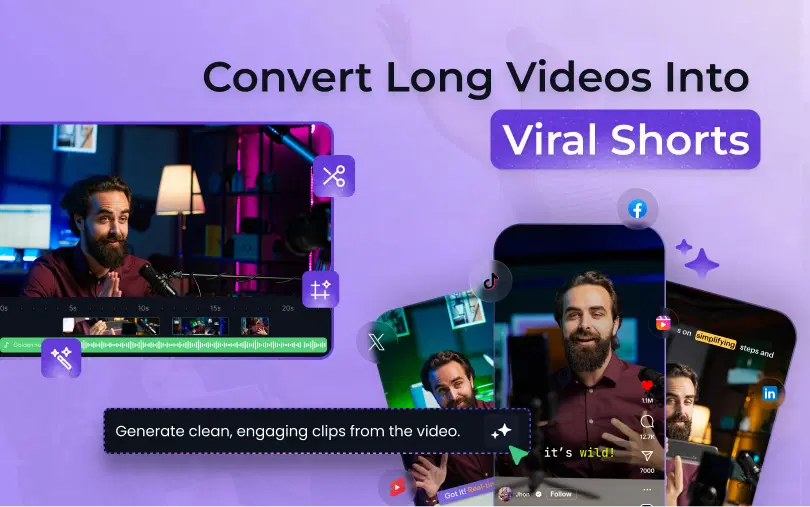
An AI video editor automates the repetitive steps. It transcribes your video, flags moments likely to work as Shorts, cuts several clips at once, adds captions, and reframes each one to vertical. You review drafts instead of building each clip from scratch.
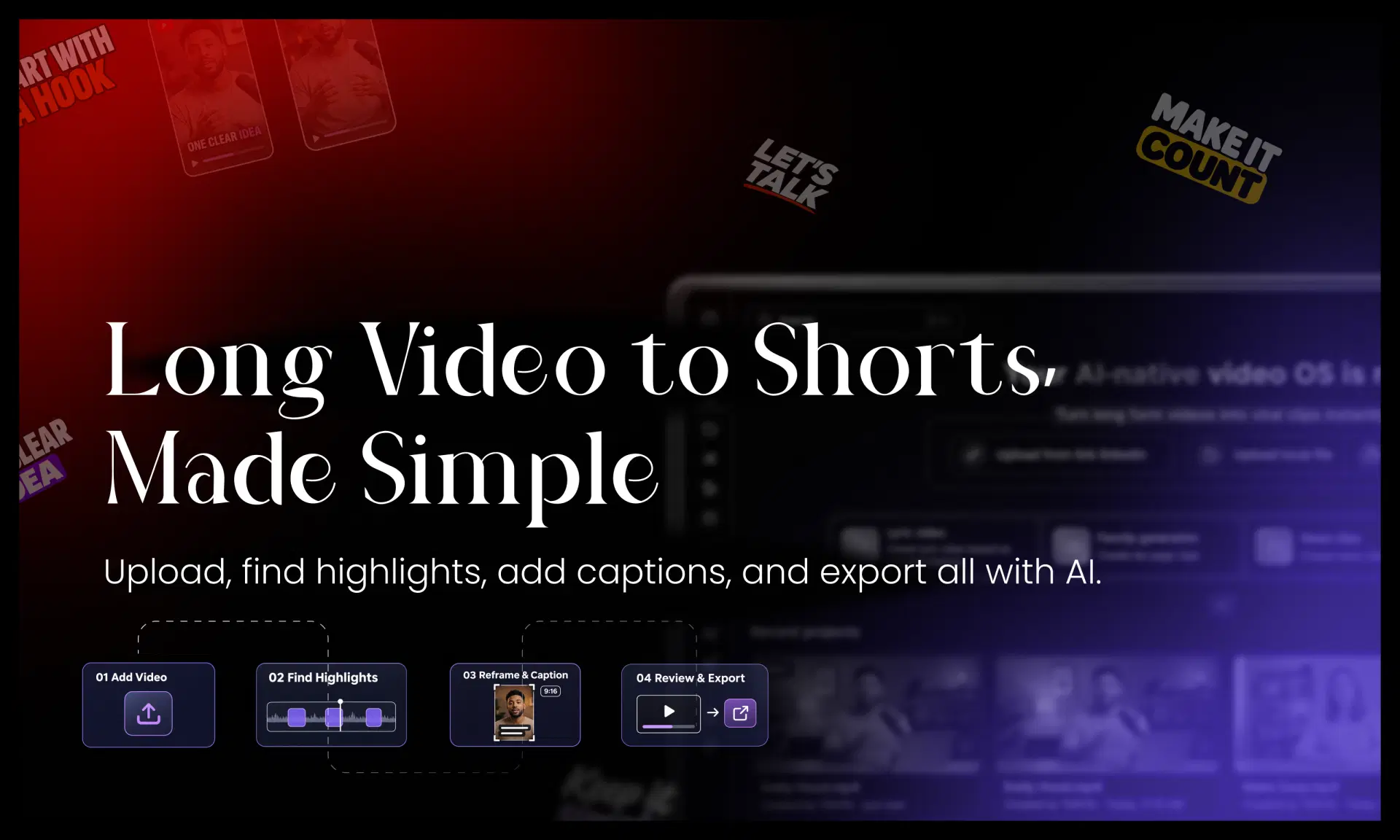
Here's how VFX AI's Long Form to Shorts workflow works:
- Upload or paste a link. Clip Maker accepts a YouTube or public link, or a file from your device. You can clip a raw recording before it's published.
- Choose duration and style. Options are 30–59 seconds, 60–89 seconds, 90 seconds to 3 minutes, or longer. For Shorts, stay at 3 minutes or under.
- Let AI find the moments. It looks for hooks, key insights, emotional moments, and funny lines.
- Get multiple captioned clips. Captions are generated automatically with word-level timing and a choice of styles.
- Format for vertical. Clips export in 9:16, with 1:1, 4:5, and 16:9 also available. Split layouts handle two to four speakers.
- Review and export. Check each clip, then download or publish. You can export several formats at once.
This works best for content built around conversation. In podcasts and interviews, multi-speaker framing keeps the active voice on screen. Webinars and tutorials usually split cleanly into separate tips or answers. If you're new to editing, start with our beginner's guide to AI video editing, or follow the screen-by-screen VFX AI Shorts tutorial.
How Long Should YouTube Shorts Be?
A YouTube Short can be up to three minutes long. On standard channels, any square or vertical video of three minutes or less uploaded on or after October 15, 2024 counts as a Short. That's the technical limit. The right length for a given clip is however long its idea takes, and that's often much less.
Two platform rules from YouTube's three-minute Shorts guidelines matter when you clip long videos:
- Claims block longer Shorts. A Short over one minute with an active Content ID claim is blocked globally. If the source contains licensed music or footage, keep that clip under a minute or remove the claimed material.
- Wide videos aren't Shorts. A 16:9 video stays long-form, no matter how short it is.
Beyond those rules, length is an editorial choice. A quick tip might land in 30 seconds. A story might need 90 or more. Whatever the length, skip the warm-up and open on the point.
Tips for Creating Engaging YouTube Shorts from Long Videos
- Lead with the hook: the claim, question, or result.
- Cut complete thoughts, never mid-sentence.
- Keep captions big and a few words per line.
- Center faces for vertical framing.
- Remove pauses. Dead air feels longer on a phone.
- Protect the audio. Viewers tolerate soft visuals more than muffled sound.
- Add context with a one-line text overlay when an answer needs its question.
- Don't mislead. Your title should match what the clip delivers.
- Use a relevant CTA that points to the full episode.
Can You Create Multiple YouTube Shorts from One Long Video?
Yes, most long videos contain several moments that stand on their own, so one recording can become a series of Shorts. Cut each clip around a single complete idea that makes sense to someone who never saw the original.
- A 30-minute podcast with three strong guest answers yields three candidate Shorts.
- A 20-minute tutorial covering five tips becomes five Shorts.
- A webinar might give you a key-slide explanation, a sharp Q&A answer, and a demo.
- A long interview often holds standalone stories that work as thought-leadership clips.
AI highlight detection saves the most time here, because you start from suggestions instead of a blank timeline. Not every clip will be worth posting, though, and none is guaranteed to perform. Publish your strongest candidates, check retention in YouTube Analytics, and use what you learn to choose next time.
Also Read: How to Remove Background From Video Without a Green Screen Using AI
Manual Editing vs AI Video Editing: Which Is Better?
AI is faster at repetitive work like finding moments, captioning, and reframing. Manual editing gives you full control over every cut. Most creators get the best results by combining them: AI makes the first drafts, and a human reviews them.
| Task | Manual editing | YouTube native tools | AI video editor (e.g., VFX AI) |
|---|---|---|---|
| Finding highlights | Watch or read everything | You choose; AI suggestions in some regions | AI suggests multiple moments |
| Trimming clips | Frame-accurate, manual | Transcript or timeline | Automatic, then reviewed |
| Captions | Manual or separate tool | Autocaptions where available | Automatic, styled |
| Reframing | Manual keyframing | Basic layouts | Automatic, incl. split layouts |
| Multiple clips | One at a time | One at a time | Several per upload |
| Editing control | Complete | Limited | Moderate |
| Time and effort | Highest | Low per clip | Lowest for batches |
AI won't always pick the moment you would, and captions can mishear names or jargon. Treat AI output as a strong first draft. For how this fits a wider process, see the complete AI video editing workflow.
Explore VFX AI and discover a smarter approach to AI-driven video editing
Your long videos already contain your next batch of Shorts. YouTube's native tools cover the occasional clip. An AI video editor makes more sense when you want several clips from every recording. In both cases, the software handles the cutting and formatting, while your judgment decides which moments are worth sharing.
To turn your podcasts, interviews, and webinars into multiple ready-to-review Shorts, explore VFX AI's Clip Maker, or read more about what VFX AI is and how it fits into your editing workflow.