Add logos and brand marks
Drop your logo into the corner of your video as a persistent watermark so your brand travels with every share and repost. Keep your visuals on-brand and recognizable across all videos and platforms.
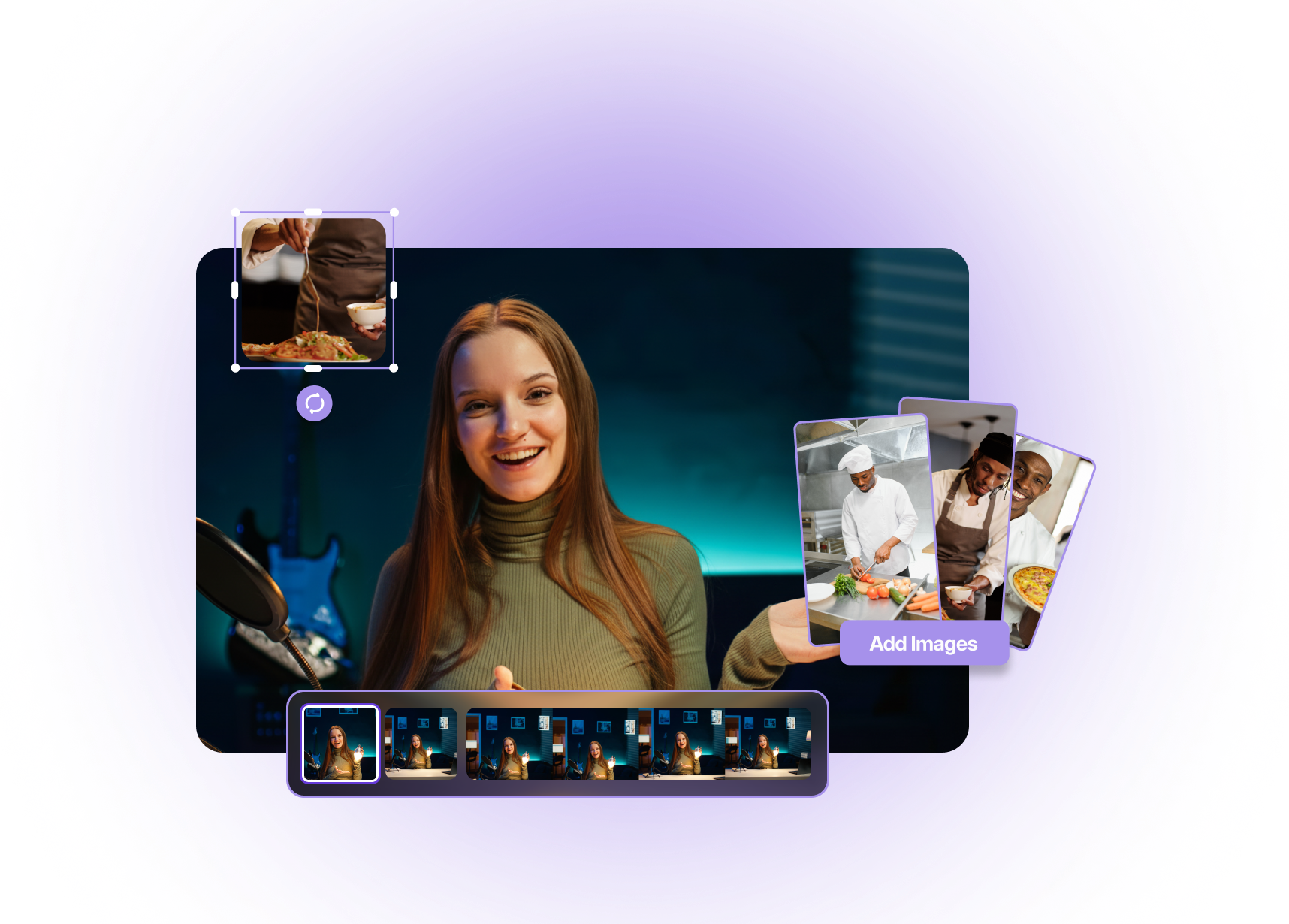
Overlay photos, screenshots, logos, and graphics on any video in a few clicks. Use AI to add images to videos, keep images sharp, on-brand, and perfectly timed for every scene. Create visually rich videos that enhance storytelling and keep viewers engaged throughout.
Built with world-class AI and cloud technology
Images, logos, and graphics help you explain more with less, highlight key points, and build brand recognition in every frame.
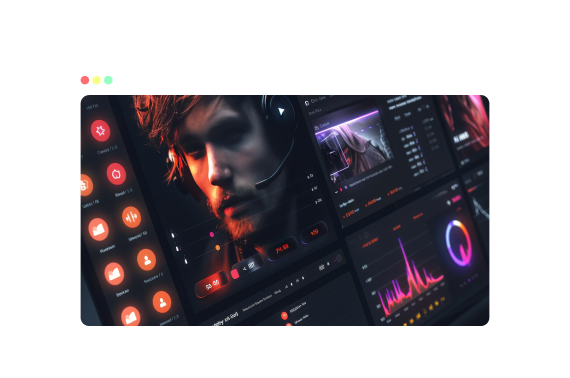
Drop your logo into the corner of your video as a persistent watermark so your brand travels with every share and repost. Keep your visuals on-brand and recognizable across all videos and platforms.
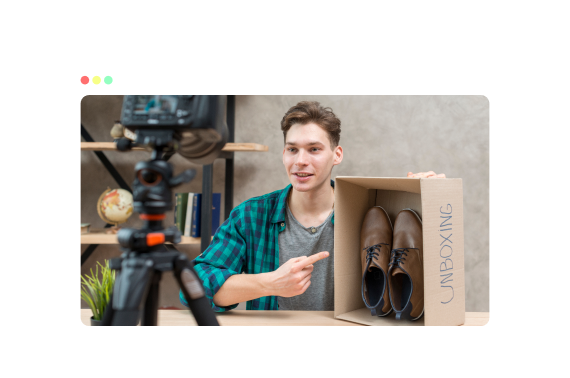
Layer product photos, UI screenshots, and diagrams over your footage to zoom in on what matters without re-recording. Make complex details clearer and easier to understand visually.
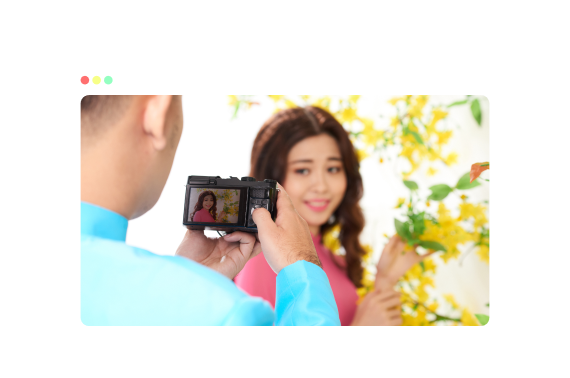
Mix photos and generate instant b-roll with talking-head footage to create more dynamic edits, intros, and cutaways, all from a browser. Create engaging edits with different visuals and storytelling depth.
Save presets for logo size, placement, and opacity, plus consistent styles for graphic overlays, so your content looks unified. Maintain a cohesive visual identity across all your videos and campaigns.
Use an AI workflow to place, position, and time images without complex editing software.
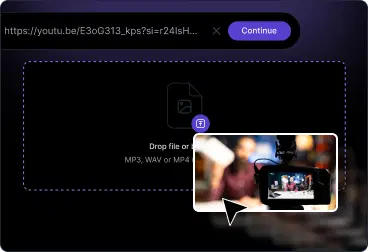
Upload your clip from a device, link, or library. VFX AI prepares the timeline so you can start dropping in images right away.
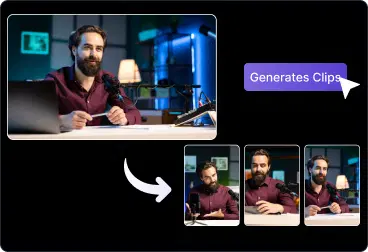
Upload JPG, PNG, or SVG files, then drag and drop them onto the Editor. Resize, crop, and position it on the timeline.
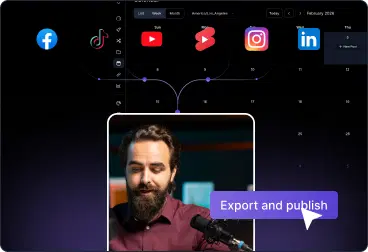
Export your final video with images inserted, ready for YouTube, TikTok, Reels, Shorts, webinars, or ad campaigns.
Turn simple videos into branded, information-rich experiences using photos, logos, and graphics.
Add your logo and graphics to your brand kit to shorts and feed videos so viewers always know who you are.
Overlay product photos, UI close-ups, and feature callouts onto screen recordings & demos.
Drop in promo graphics, offer cards, and trust badges to test different creative angles.
Use diagrams, slides, and reference images alongside your talking head or screen share.
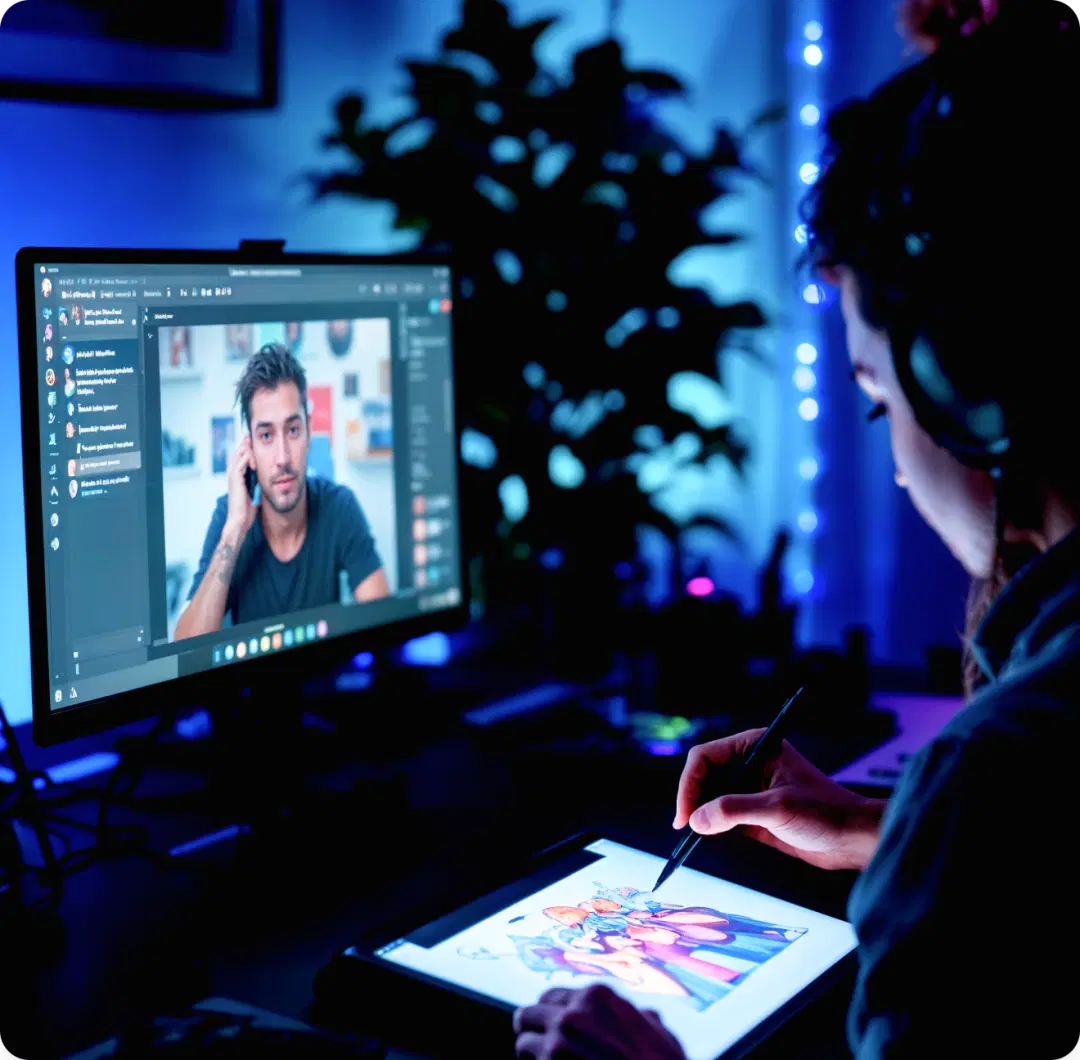
Everything you need to layer images onto your videos without heavyweight editing tools.
Drag-and-drop photos, logos, and graphics
Works with any aspect ratio
Support for common formats like JPG, PNG and SVG
Resize, crop, reposition, and rotate images directly
Presets for logo placement, size, and opacity
Everything you need to know about adding images to videos.

