Edit for vertical, fast-paced watching
Work directly in 9:16 with TikTok safe zones so subjects, captions, and overlays always stay visible behind UI and comments. Ensure every frame stays optimized for mobile viewing.
Edit, caption, and brand TikTok videos in minutes with an AI TikTok video editor. Turn long recordings into vertical, trend-ready clips, sync them to audio, and keep everything on-brand with AI. Create scroll-stopping content optimized for trends, engagement, and rapid growth.
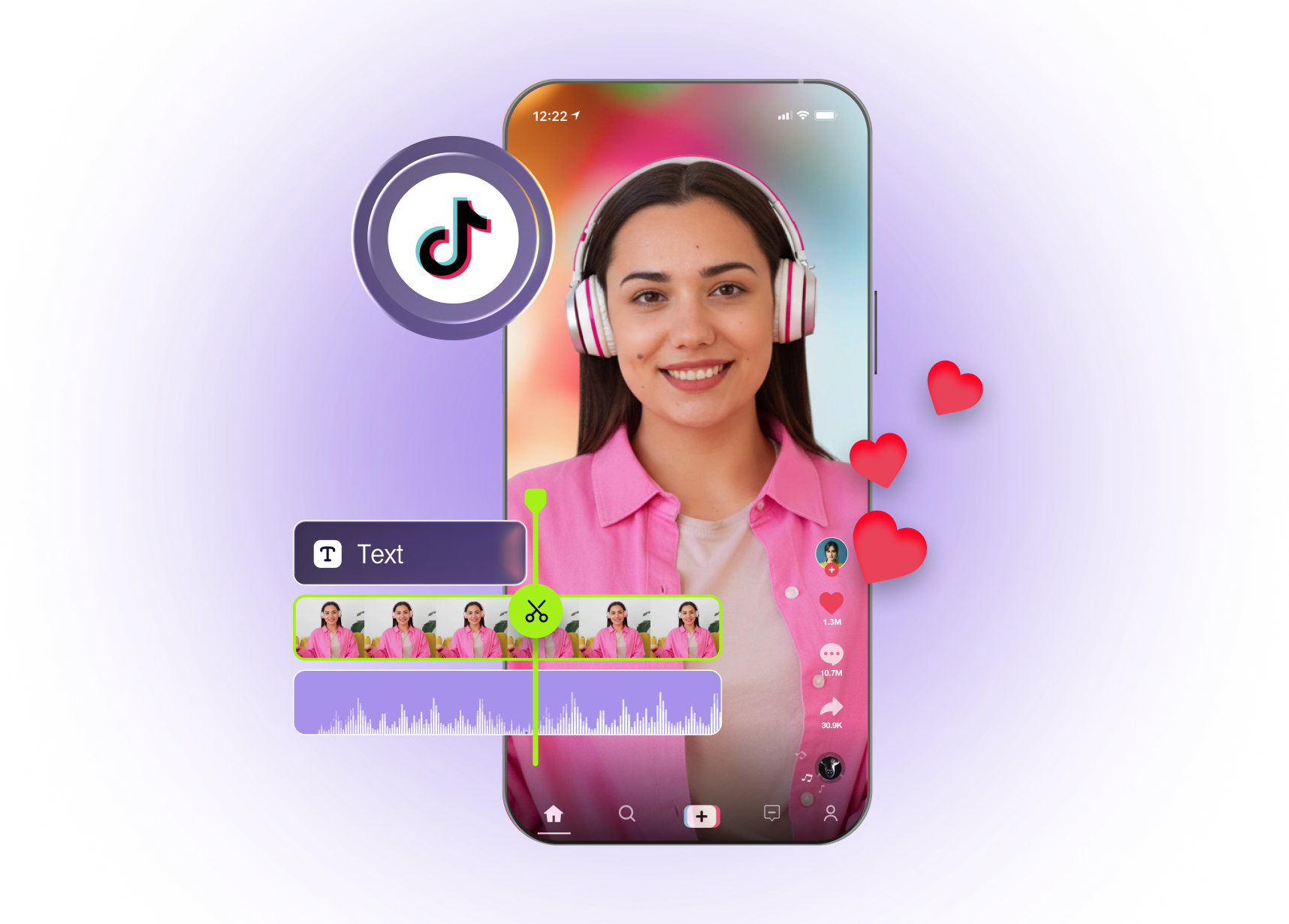
Built with world-class AI and cloud technology
TikTok rewards fast, vertical, highly engaging clips with clear hooks and subtitles. VFX AI helps you go from idea to scroll‑stopping TikToks without bouncing between mobile apps.
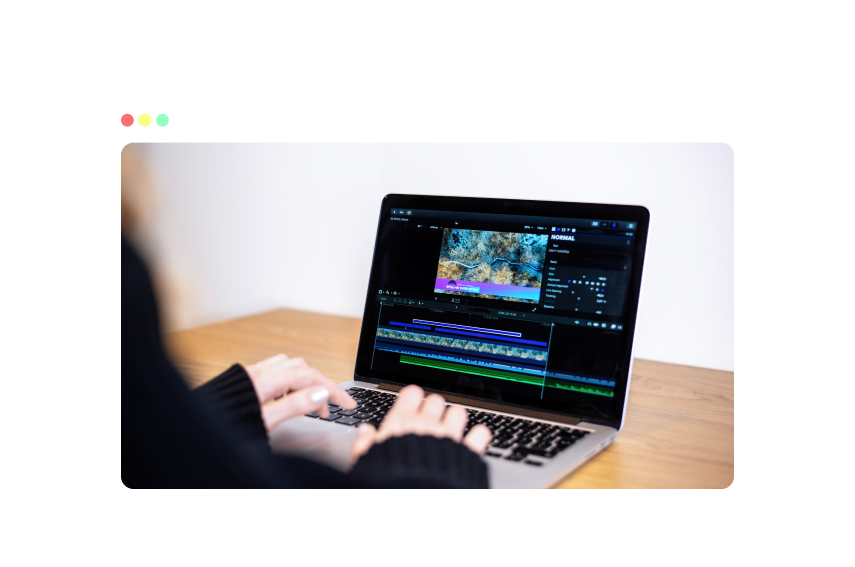
Work directly in 9:16 with TikTok safe zones so subjects, captions, and overlays always stay visible behind UI and comments. Ensure every frame stays optimized for mobile viewing.
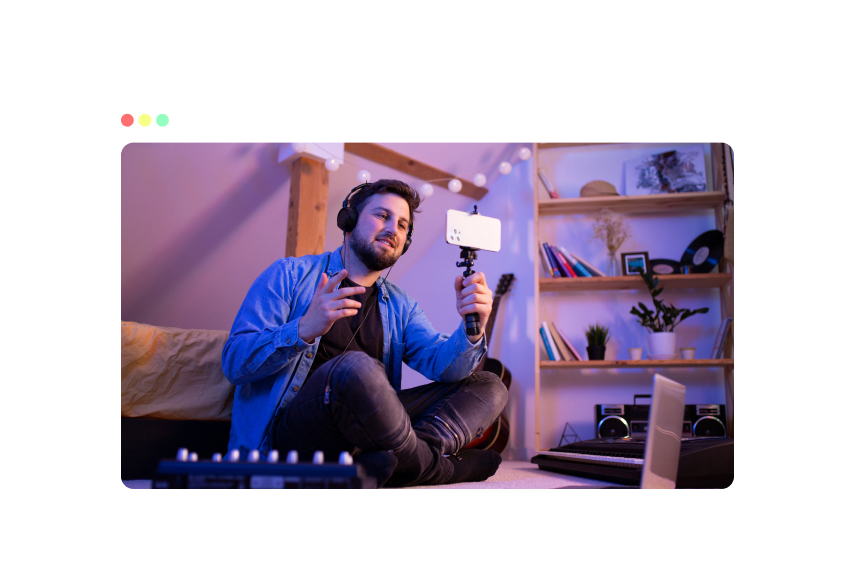
Use text hooks, jump cuts, and overlays tailored to TikTok so people instantly understand why they should keep watching. Capture attention quickly and reduce early drop-offs.
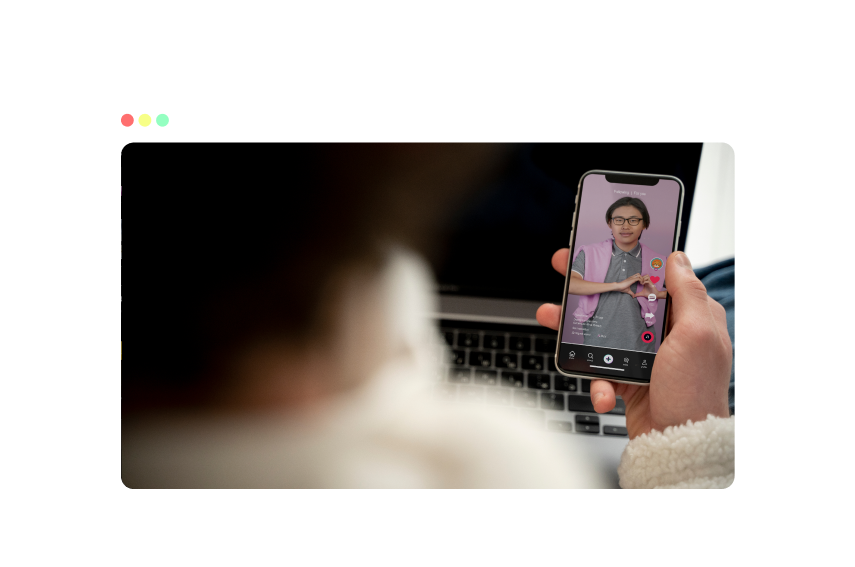
Upload a long video and let AI find highlights, auto-caption, and reframe into multiple TikTok-length clips you can refine. Generate multiple clips ready for testing and posting.
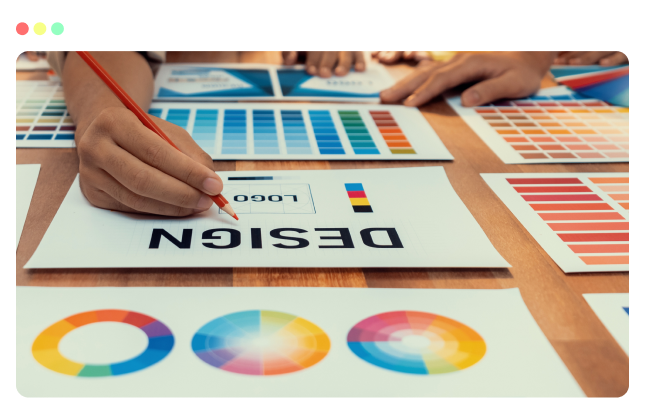
Apply brand fonts, colors, logos, and layouts across every clip while still tapping into trending formats, hooks, and pacing. Maintain consistency while adapting to evolving content trends.
Use an AI workflow built for creators, UGC partners, and social teams.
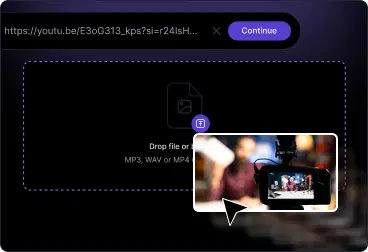
Upload your footage to VFX AI, switch to the TikTok 9:16 preset, then trim, add captions, overlays, and audio on the timeline.
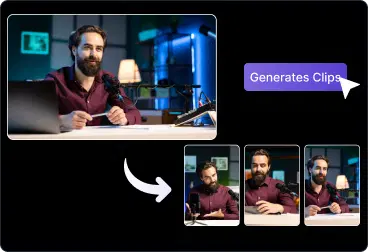
Use AI to tighten pacing, add hooks and on-screen text, balance audio, and keep faces and captions inside TikTok safe zones as you edit.
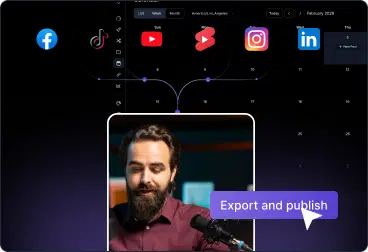
Export a TikTok-ready file with loudness-balanced audio and your captions, overlays, and brand styling, ready to post from desktop or phone.
Plan, produce, and publish every type of TikTok video from one editor.
Cut clips from podcasts, webinars or YouTube videos optimized for TikTok’s vertical feed.
Create authentic-feeling UGC, reviews, and product demos with captions and CTAs.
Edit talking-head explainers and videos with jump cuts, chapters, and on-screen text.
Quickly adapt trends and sound-based memes without starting from zero each time.
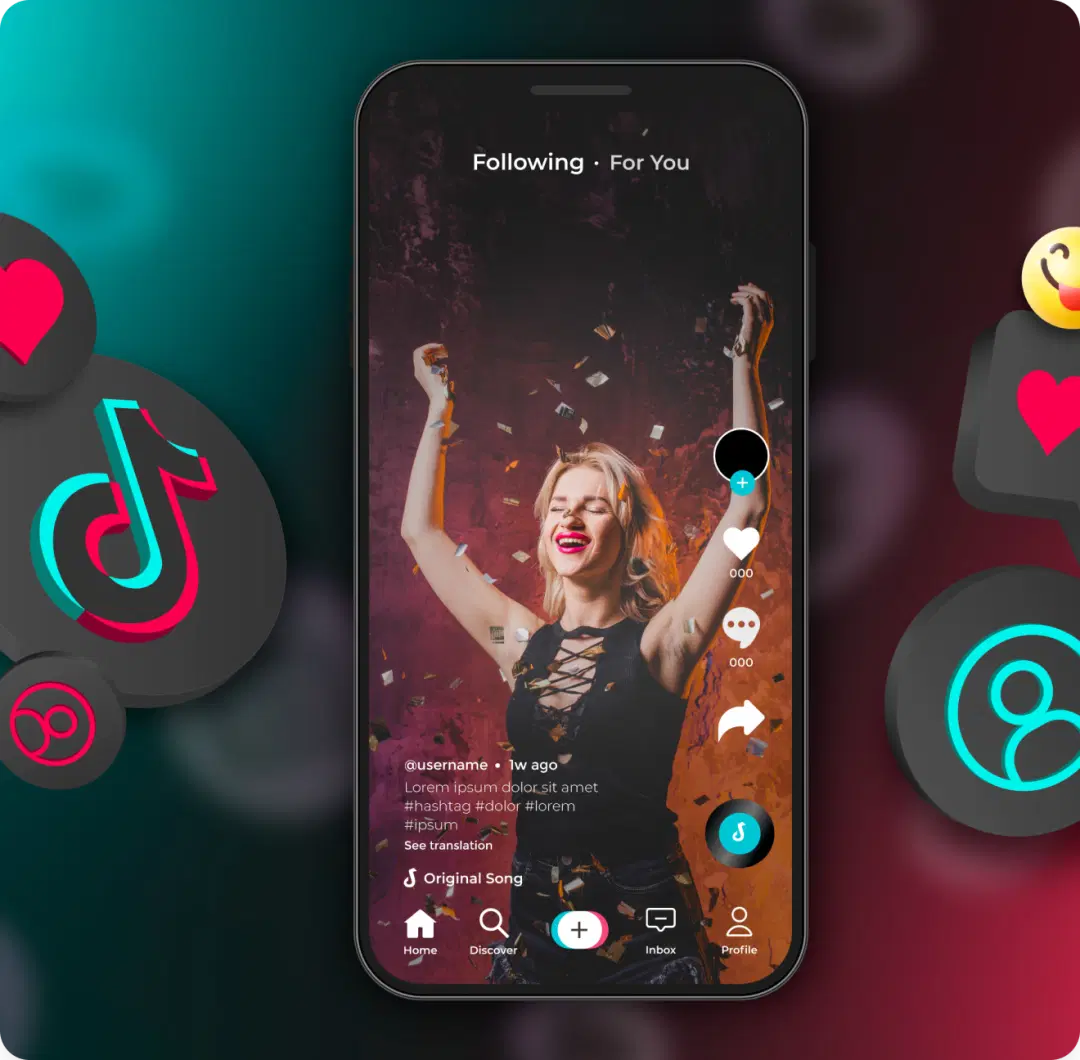
Everything you need to produce more and better TikTok without a complex timeline tool.
Vertical 9:16 presets with TikTok safe-zone overlays
Auto-captions and subtitles designed for sound-off viewing
Silence removal, jump-cut style editing, and highlight detection
Audio tools for music, trending sounds, and voiceovers
AI clip maker to turn long videos into multiple TikTok-length clips
Frequently asked questions about editing TikTok videos with VFX AI.

