Set the mood in one click
Apply filmic, warm, cool, vintage, high-contrast, or stylized looks that instantly change the feel of your footage to match tone, emotion, and overall creative direction for every channel.
Transform any clip with cinematic looks, transitions, filters, overlays, and motion effects in your browser. Use VFX AI to stylize your videos and keep your brand consistent, no complex grading skills needed.
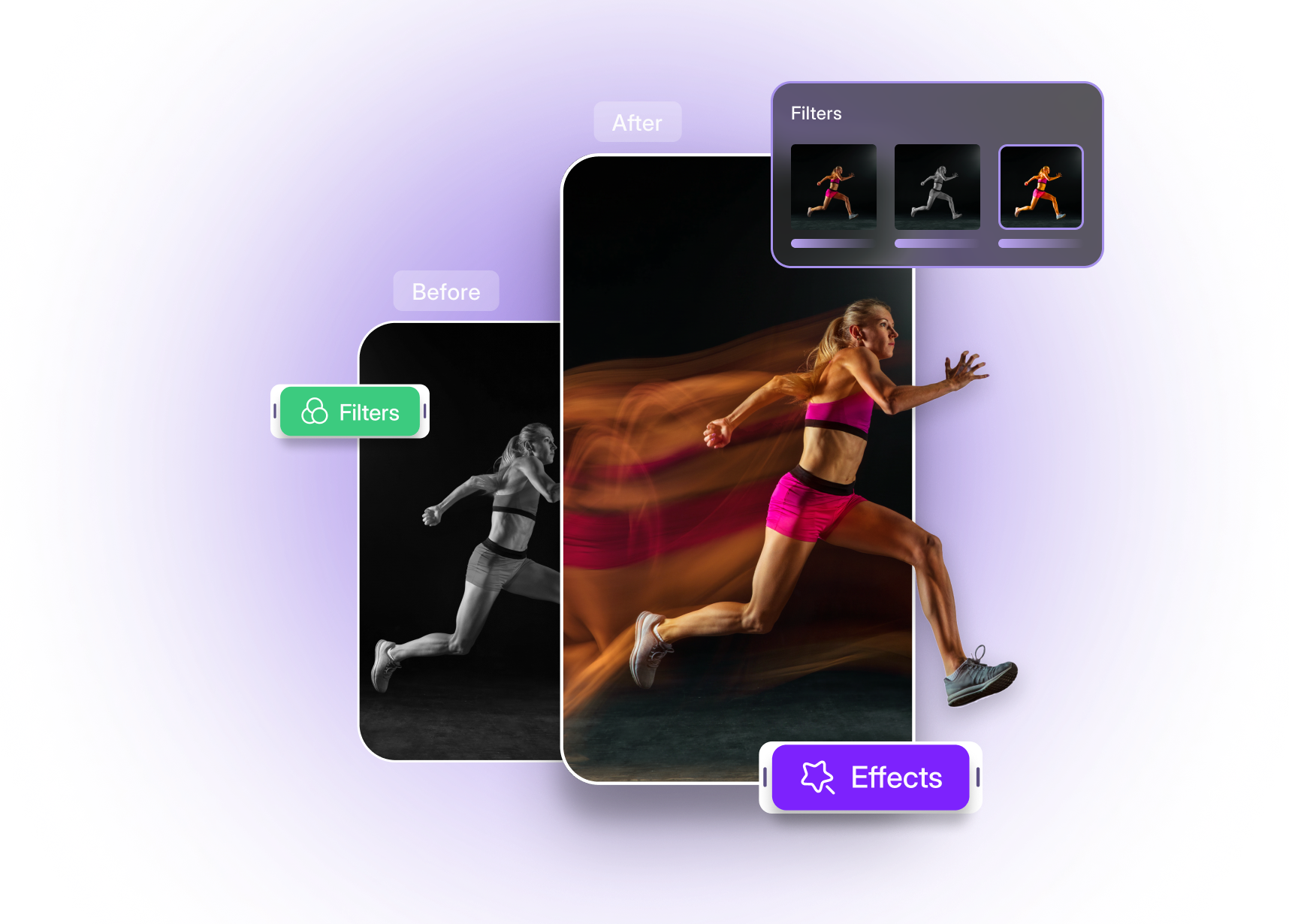
Built with world-class AI and cloud technology
The right effects make your videos feel intentional, on‑brand, and ready to share without distracting from the story.
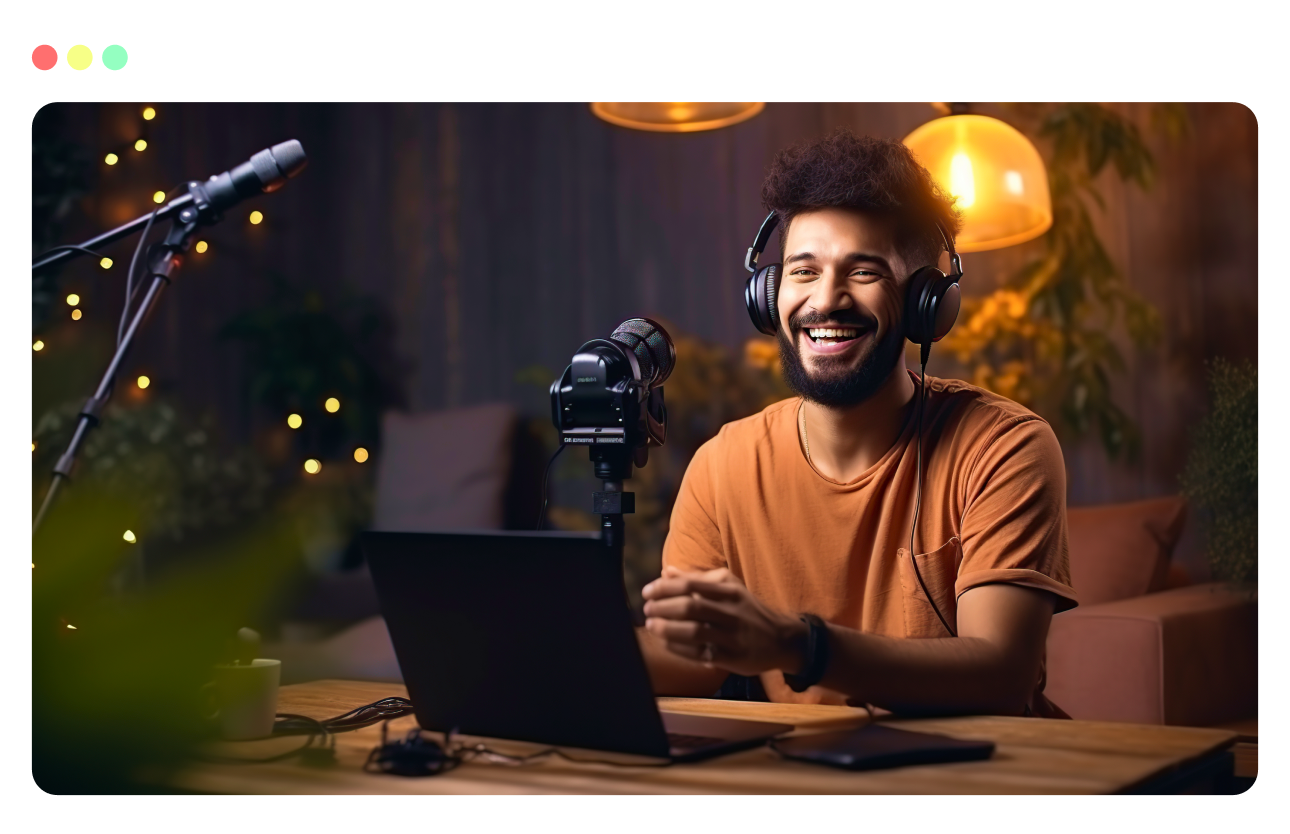
Apply filmic, warm, cool, vintage, high-contrast, or stylized looks that instantly change the feel of your footage to match tone, emotion, and overall creative direction for every channel.
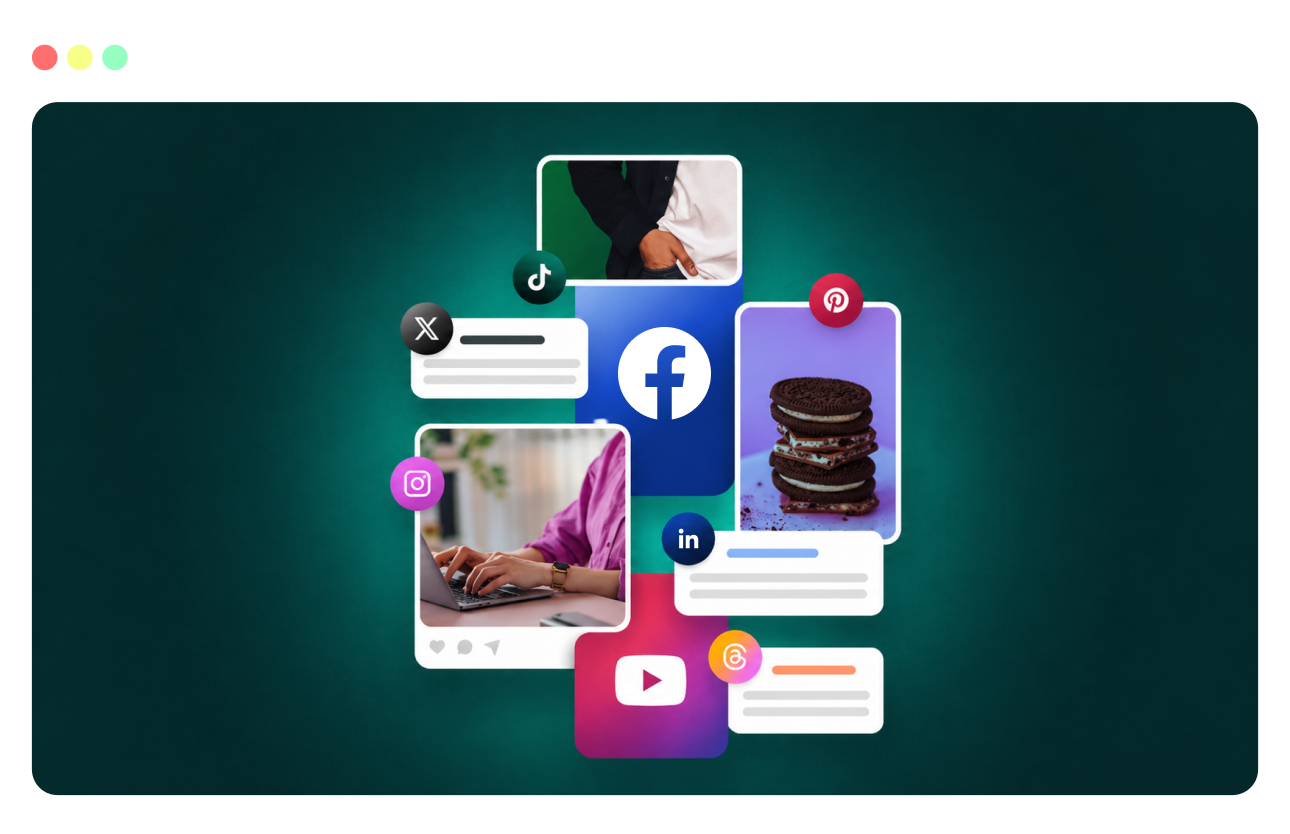
Use subtle glitches, VHS, blur, transitions, and overlay effects to help your short-form content pop in crowded feeds and capture attention quickly across platforms and formats.
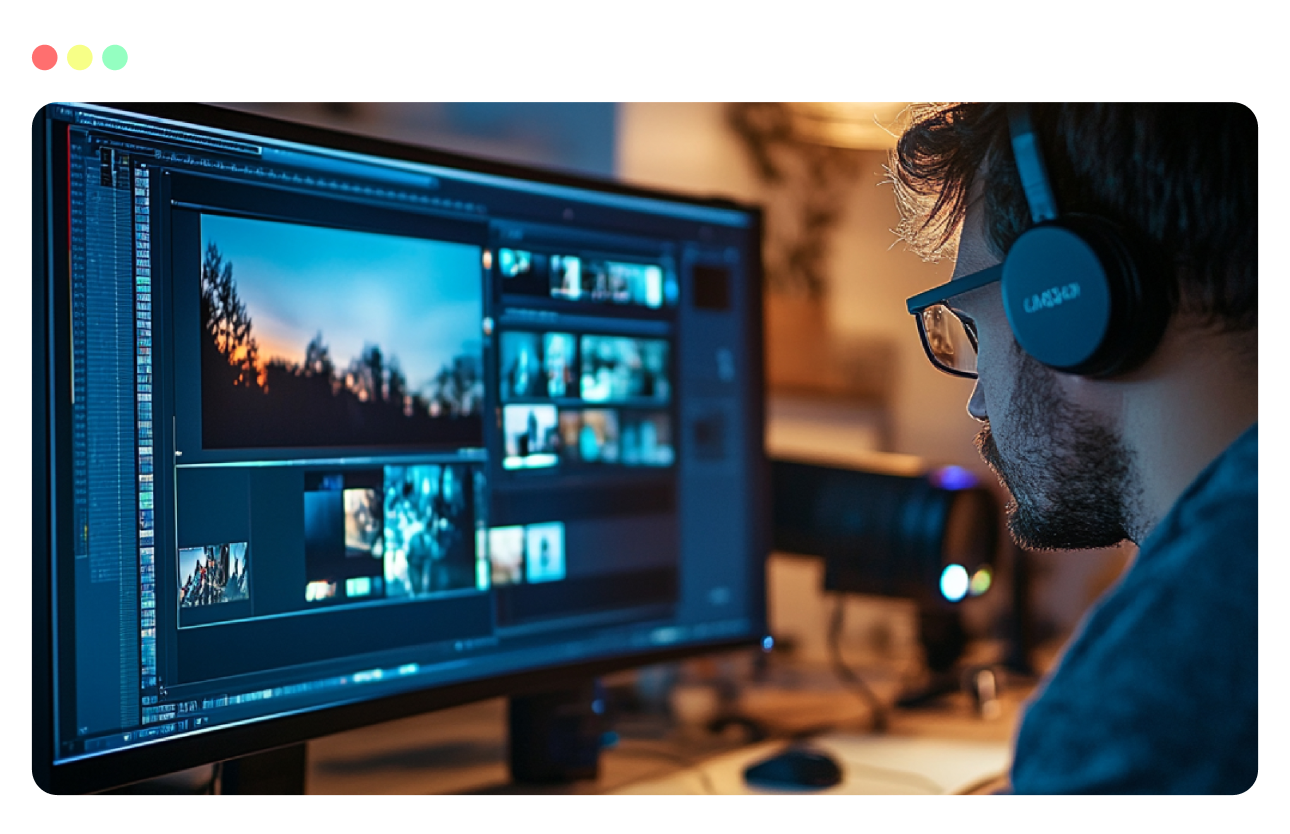
Save effect presets that combine grading, overlays, and text styles so every video feels like part of the same system and maintains a cohesive, recognizable brand identity.
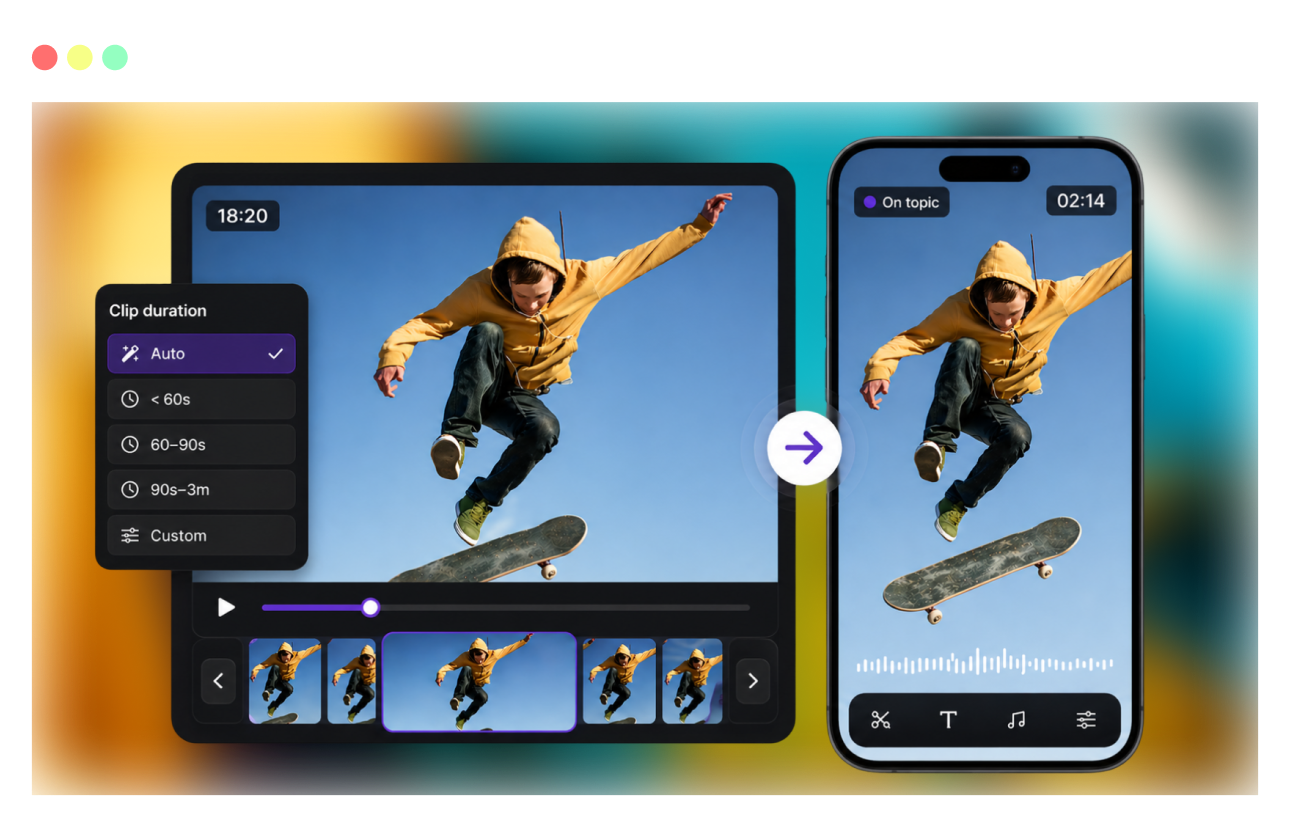
Use smart effects such as color correction, exposure adjustments, sharpening, and vignetting to rescue flat or inconsistent footage and improve overall visual quality.
Use an AI workflow to style your content without heavy desktop software.
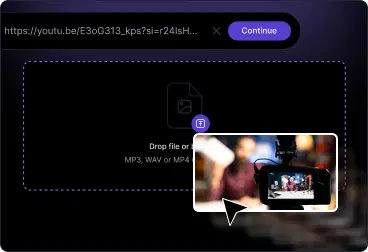
Upload from your device, paste a link, or pull from your VFX AI library. Works with common formats like MP4, MOV, and more.
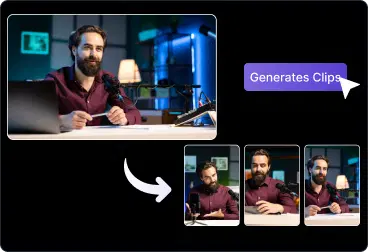
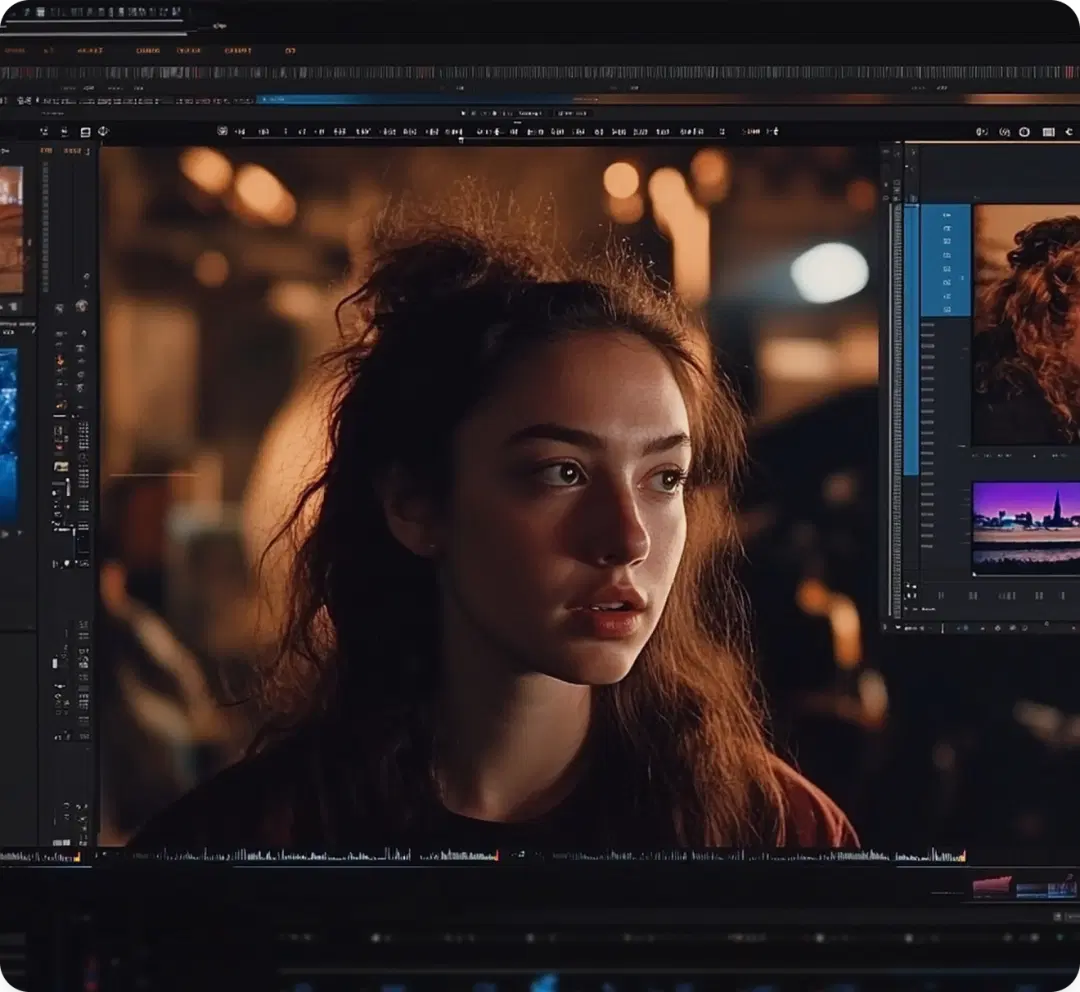
Open the VFX AI Editor to apply filters, overlays, color presets, and motion effects. Fine‑tune intensity, contrast, saturation, and more.
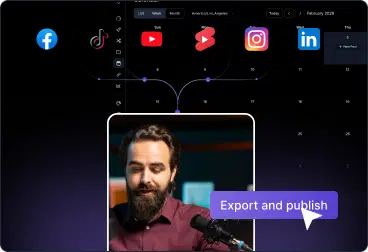
Export in platform‑ready formats for YouTube, TikTok, Instagram, LinkedIn, or your website, effects inserted and ready to publish.
Give every type of video a clear, intentional style.
Add bold filters, glitch effects, VHS effects, and overlays that grab attention on Reels, TikTok, Shorts, and Stories.
Use cinematic looks, blur, vignettes, and branded overlays to make campaigns feel premium and cohesive.
Apply subtle grading and background effects that improve quality without overpowering your message.
Stylize travel, event, and product b-roll with consistent looks and transitions so edits feel smooth and polished.
Everything you need to know about adding style to your videos.
Overlays like film burn, light leaks, bokeh, vignettes, and more
Color grading controls for contrast, temperature, and tint
Motion and animation effects for zoom, pan, and subtle moves
Speed, blur, and transition effects for more dynamic edits
AI‑assisted style suggestions and reusable presets
Frequently asked questions about video editor effects in VFX AI.

