Create videos for your personal brand
Add your logo, name, role, and company using on-brand fonts and colors so every video looks like it belongs on your profile and company page, avoiding confusion and maintaining a strong identity.
Edit talking-head clips, explainers, and thought-leadership videos for LinkedIn in one place with an AI LinkedIn video editor. Trim, caption, brand, and repurpose content right from your browser. Create polished, professional videos that build credibility and drive engagement on LinkedIn.
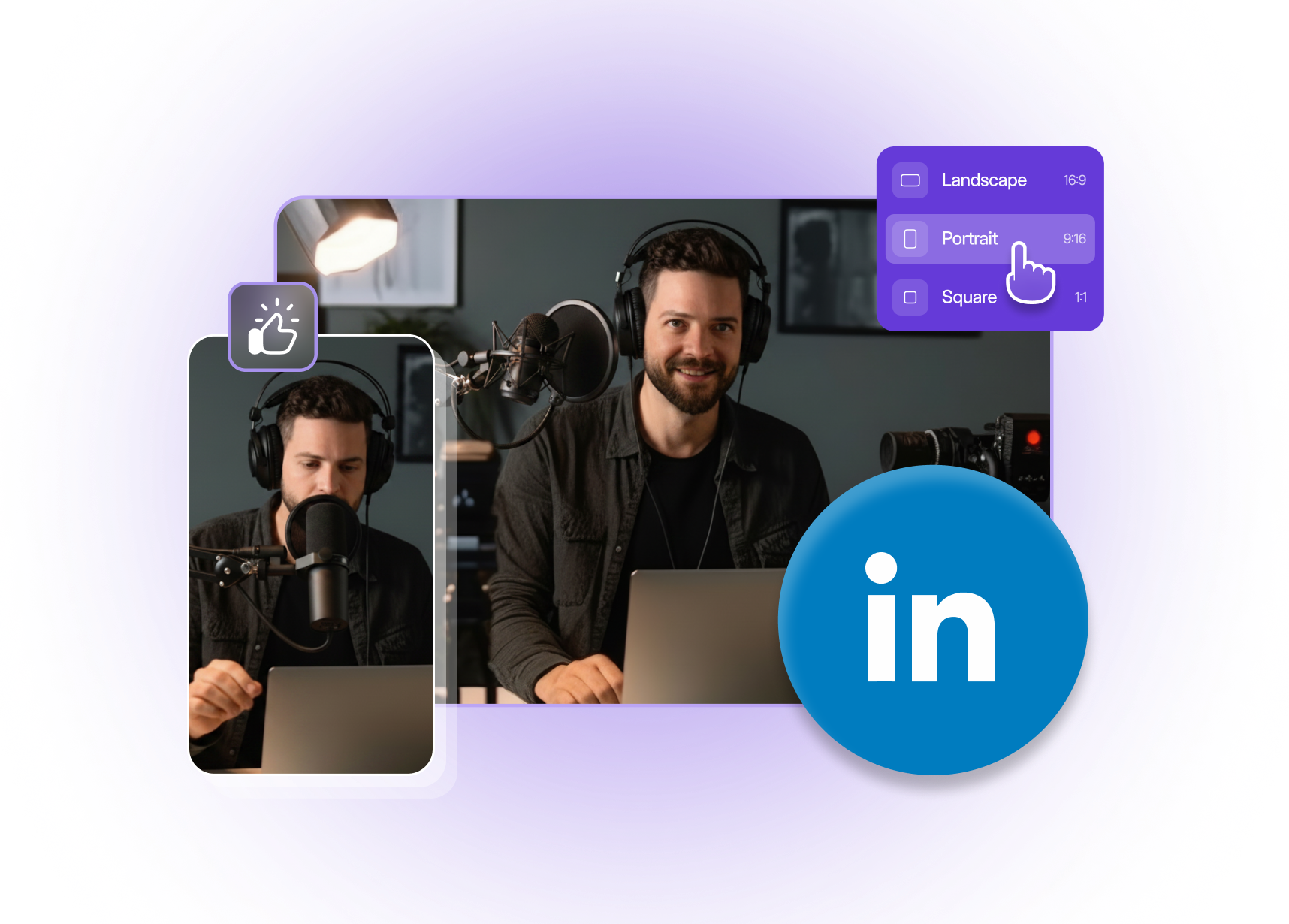
Built with world-class AI and cloud technology
LinkedIn content has to look professional, sound clear, and get to the point fast. VFX AI helps you turn raw recordings into polished LinkedIn videos that grow your brand and pipeline.
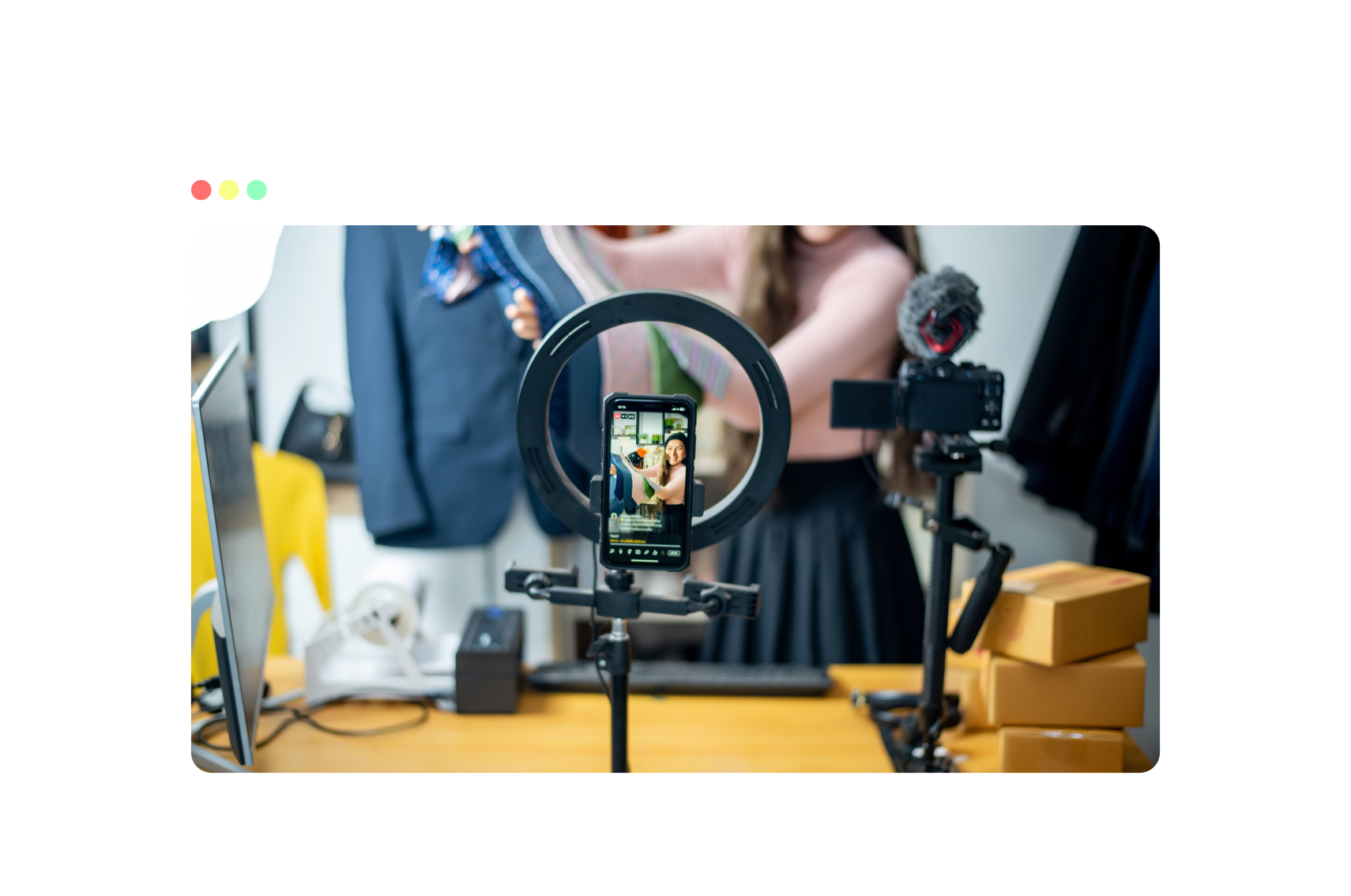
Add your logo, name, role, and company using on-brand fonts and colors so every video looks like it belongs on your profile and company page, avoiding confusion and maintaining a strong identity.
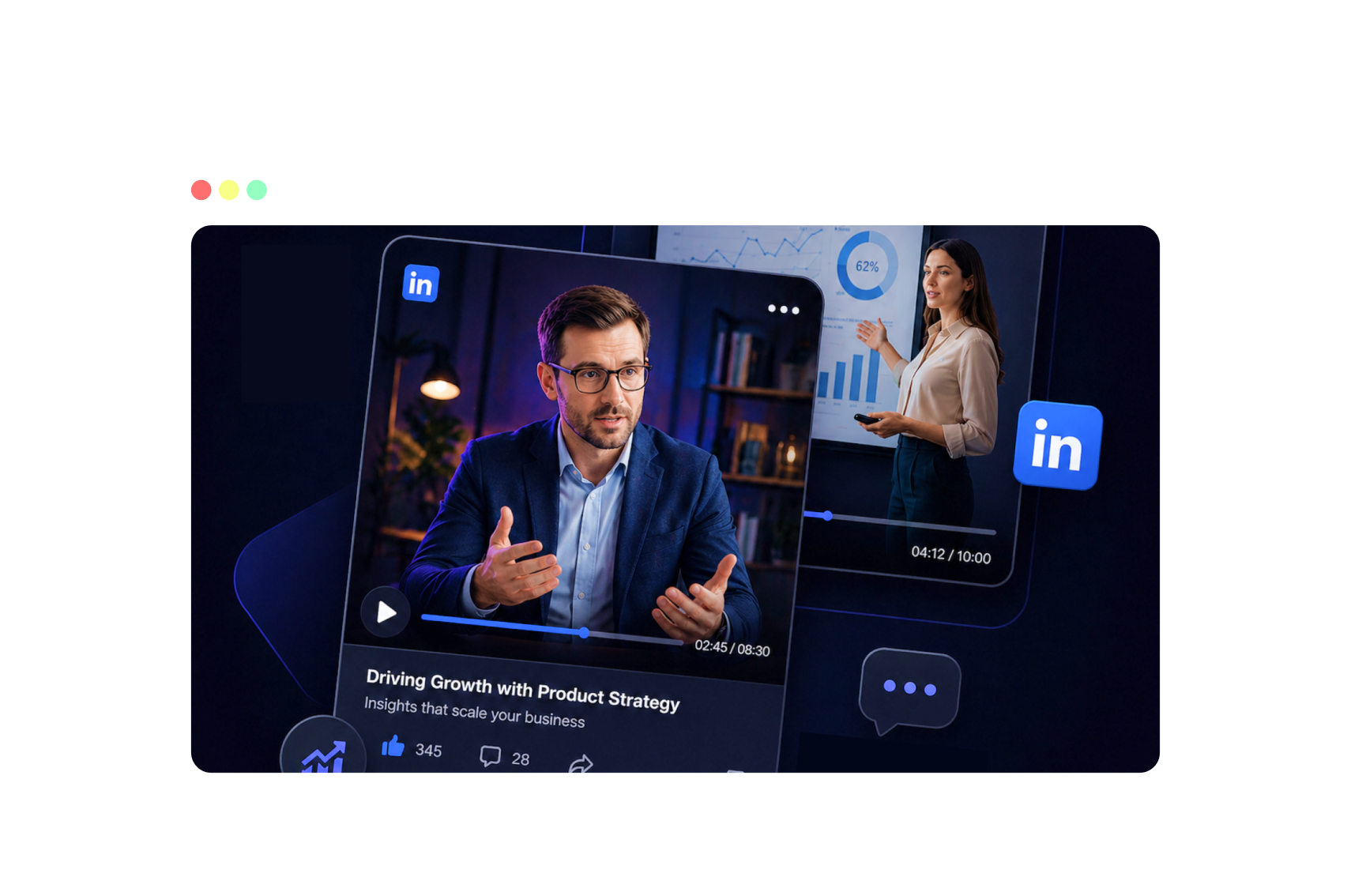
Use captions, overlays, and simple edits to structure your message, problem, insight, and takeaway so busy professionals can skim and still get value from the video even in fast-scrolling LinkedIn feeds.
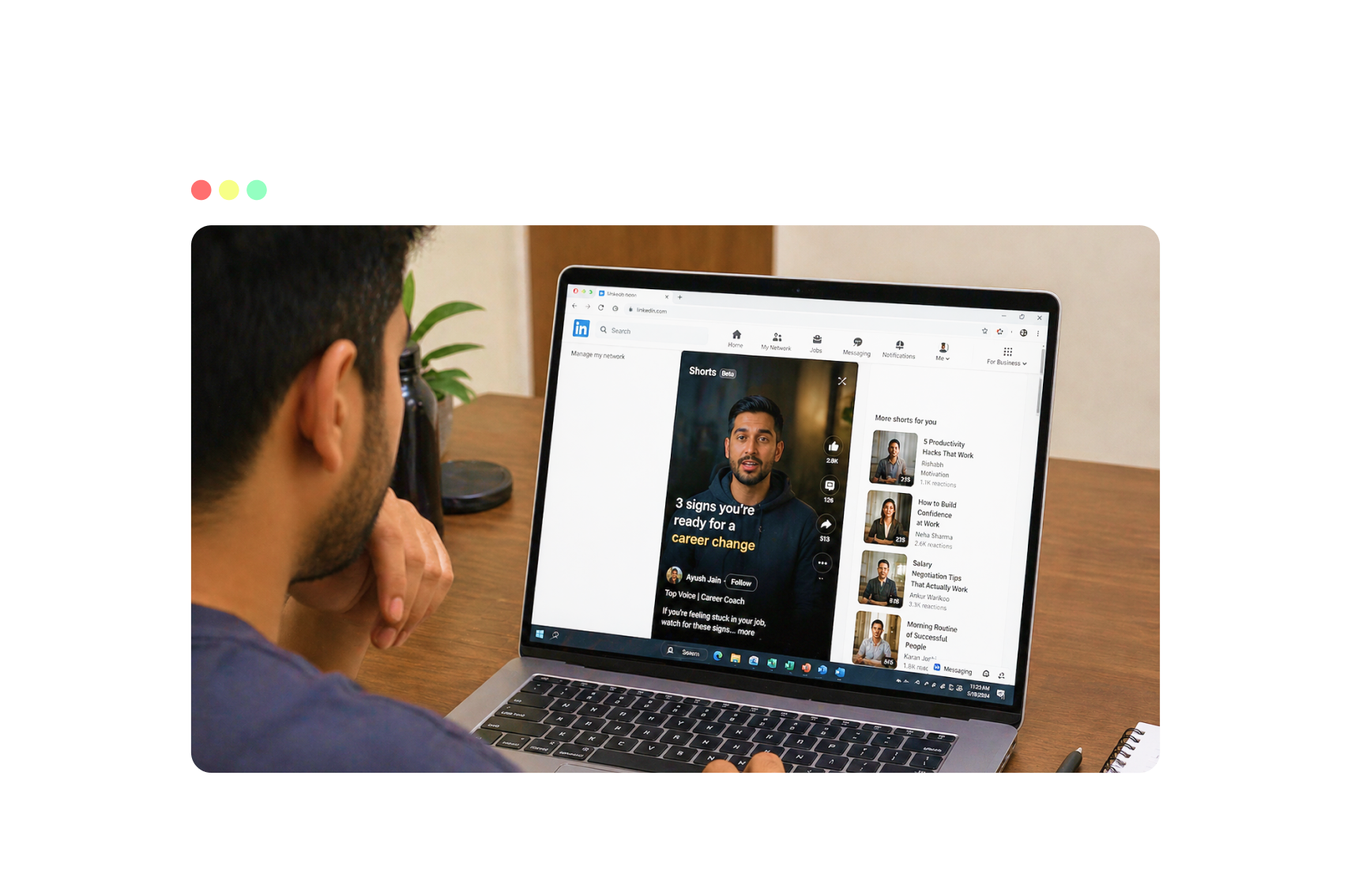
Repurpose webinars, podcasts, live streams, and YouTube videos into short LinkedIn-ready clips that highlight your strongest moments to connect with the audience and drive meaningful conversations.
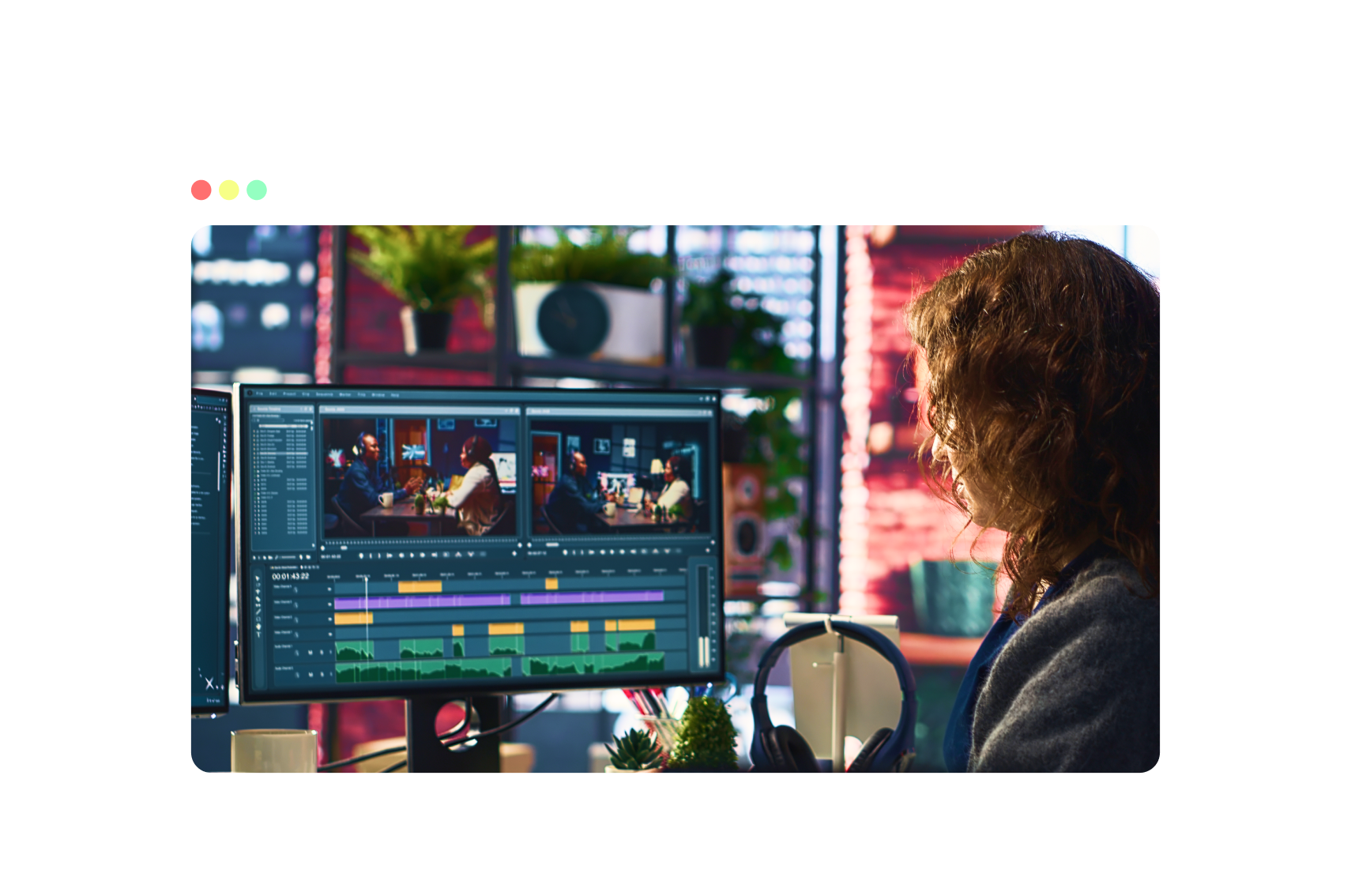
Clean up audio, remove silences, and stabilize framing so your videos feel like intentional, well-produced, studio-quality professional content, and not just another raw unedited meeting recording.
Use an AI workflow built for founders, experts, and B2B teams.
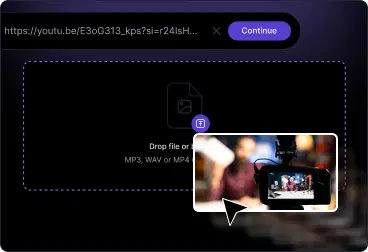
Upload screen recordings, paste YouTube link, or any content. VFX AI prepares your timeline and suggests ideal formats for the LinkedIn feed.
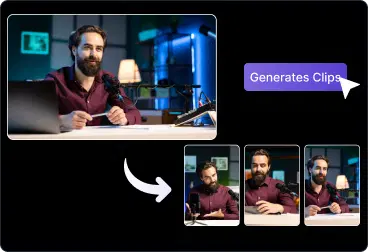
Trim and cut your video, then add titles and company logos. Use AI to generate captions, remove dead air, and extract short clips.
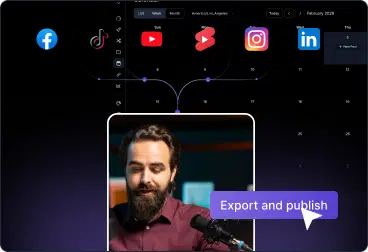
Export in LinkedIn-ready formats for feed posts or vertical clips with embedded video, then post to your profile or page.
Ship consistent, professional LinkedIn videos without a full production team.
Share short clips with your perspective on industry trends, frameworks, and stories that build trust and authority.
Turn long-form webinars, interviews, and podcasts into LinkedIn clips that tease key insights and drive traffic.
Create clear demos, feature explainers, and launch videos with captions that make your value proposition obvious.
Show behind-the-scenes, team stories, and hiring updates in a polished format that still feels authentic.

Everything you need to look and sound professional in the feed.
AI highlight detection for multiple LinkedIn-ready clips
Auto-captions and subtitles optimized for silent autoplay
Logo and brand overlay support with reusable presets
Silence removal and audio cleanup for clearer speech
Aspect ratio for horizontal, and vertical LinkedIn videos
Everything you need to know about editing LinkedIn video online with AI.

